
Color
Size
Descripción
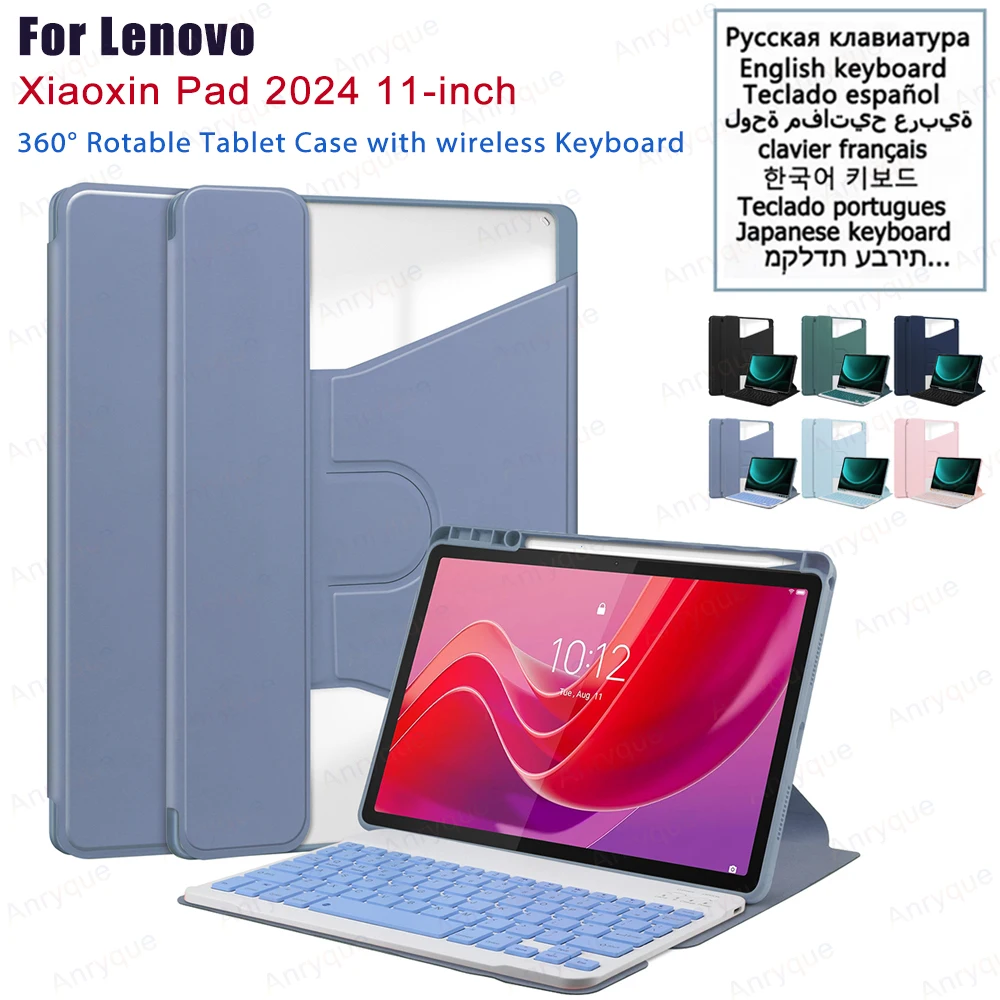
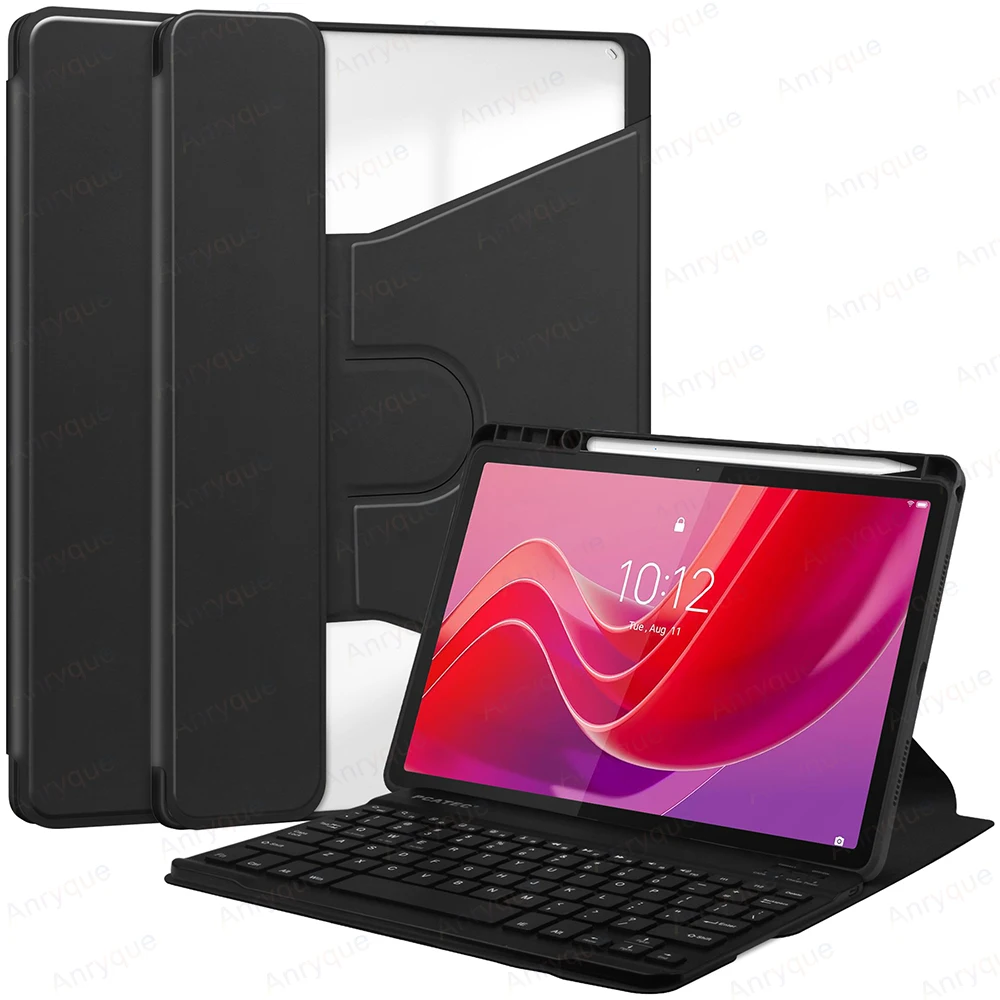
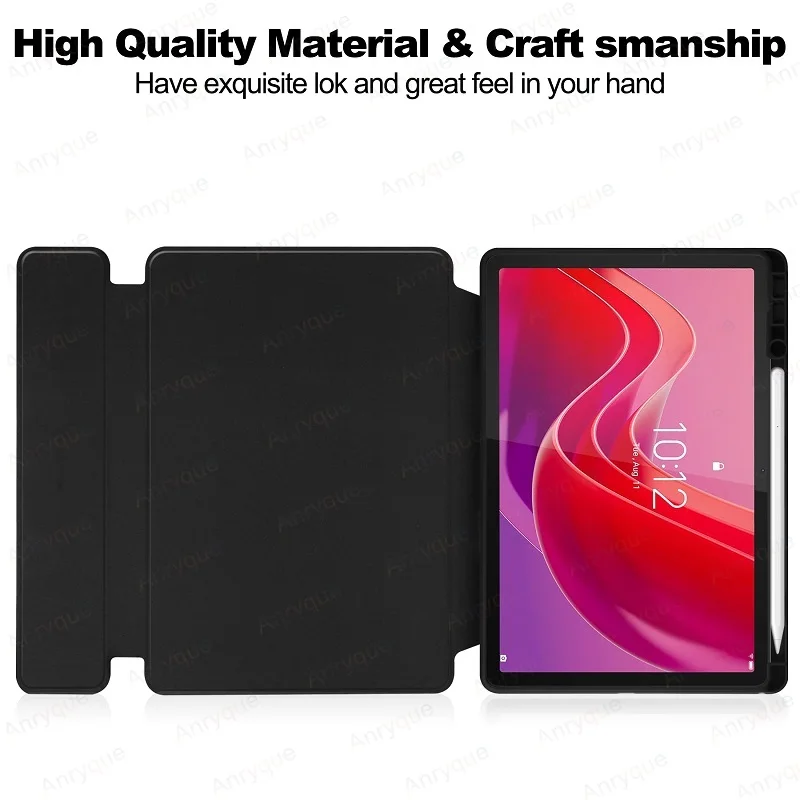
For Lenovo Xiaoxin Pad 2024 11 inch Case with Keyboard Tablet Magnetic Wireless Keyboard Cover Teclado Spanish Russian Arabic
1. English keyboard:There are only English letters on the keyboard.
2. Multilingual version keyboard:English letters and engraved language letters together.
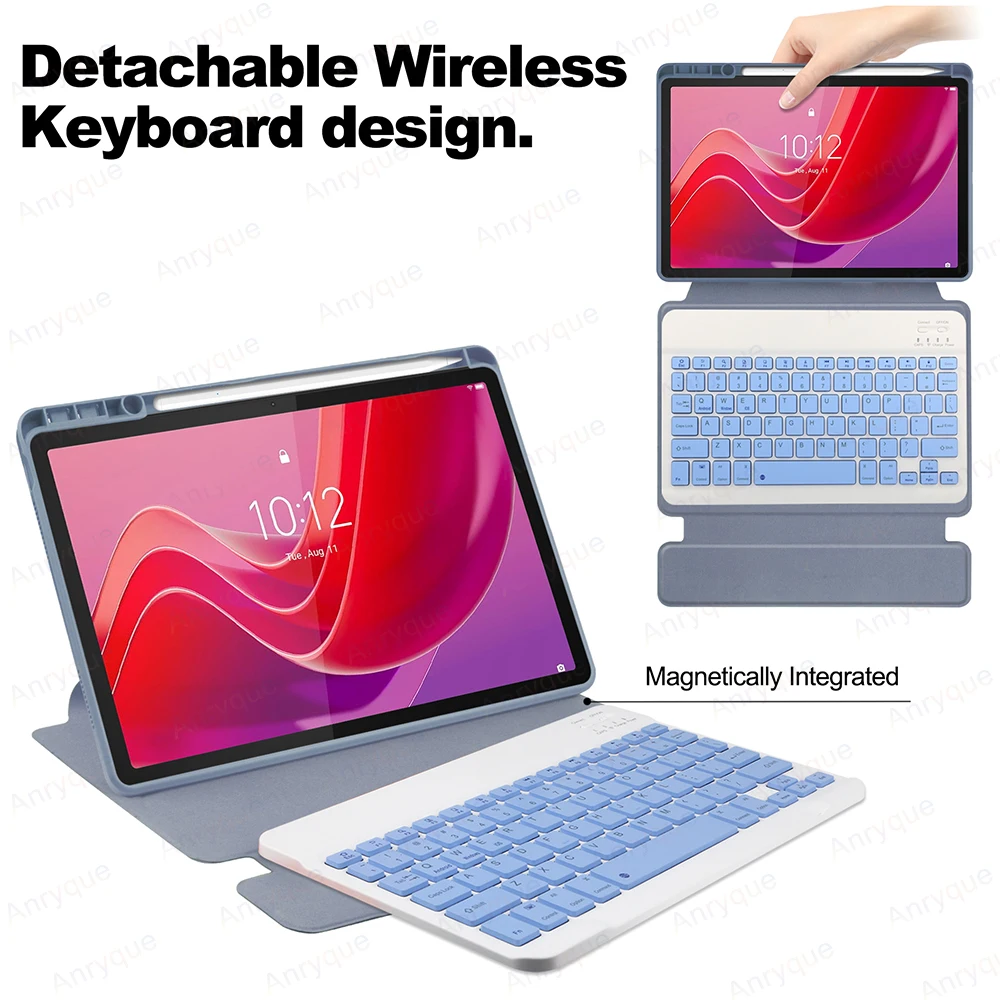
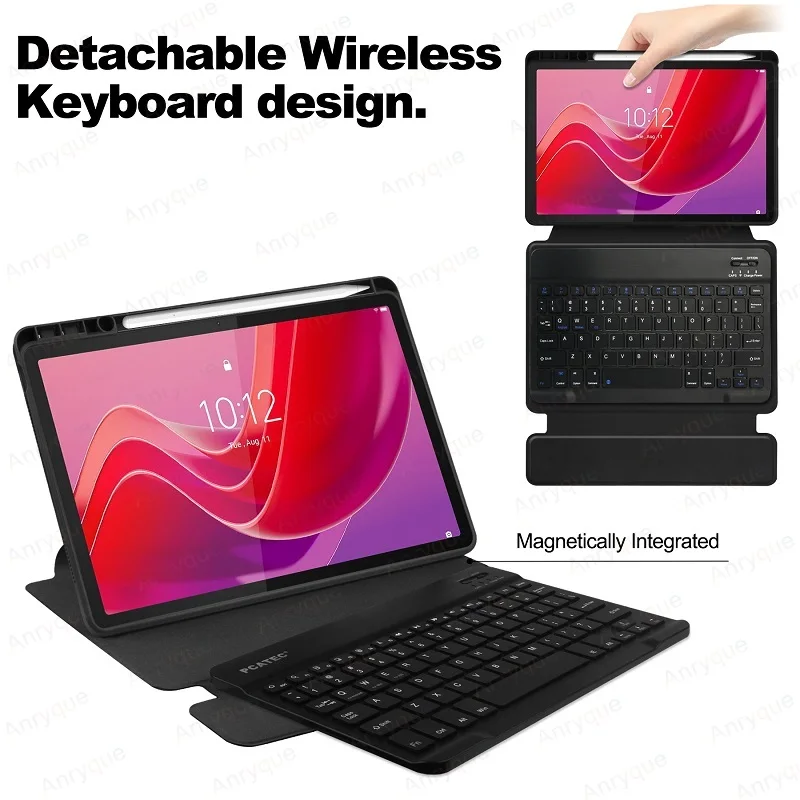
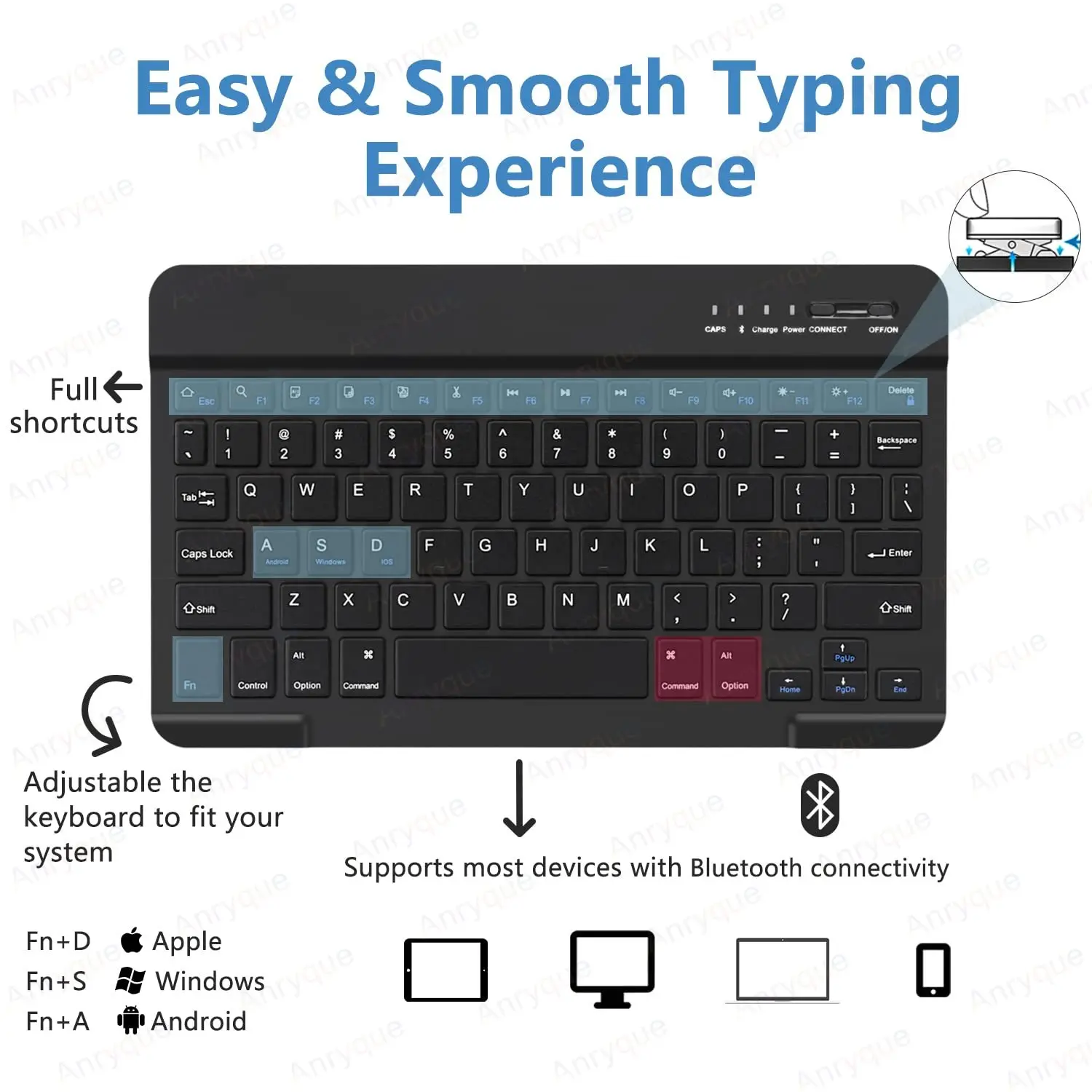
1.Square key cap + Magnetically detachable color keyboard :The latest design in 2025, Stylish and cute color keyboard with round keys, The magnetic separate keyboard is suitable for 3 systems of Windows・Android・iOS, Not only can be used with Galaxy Tablet , It can also be used with other tablet computers and mobile phones.
2.Convenient Shortcut Keys : The keyboard is equipped with multi-function shortcut keys,You can take a screenshot, lock your screen, or adjust volume in one click. By combining FN with other keys, your Tablet will be as convenient as a laptop .
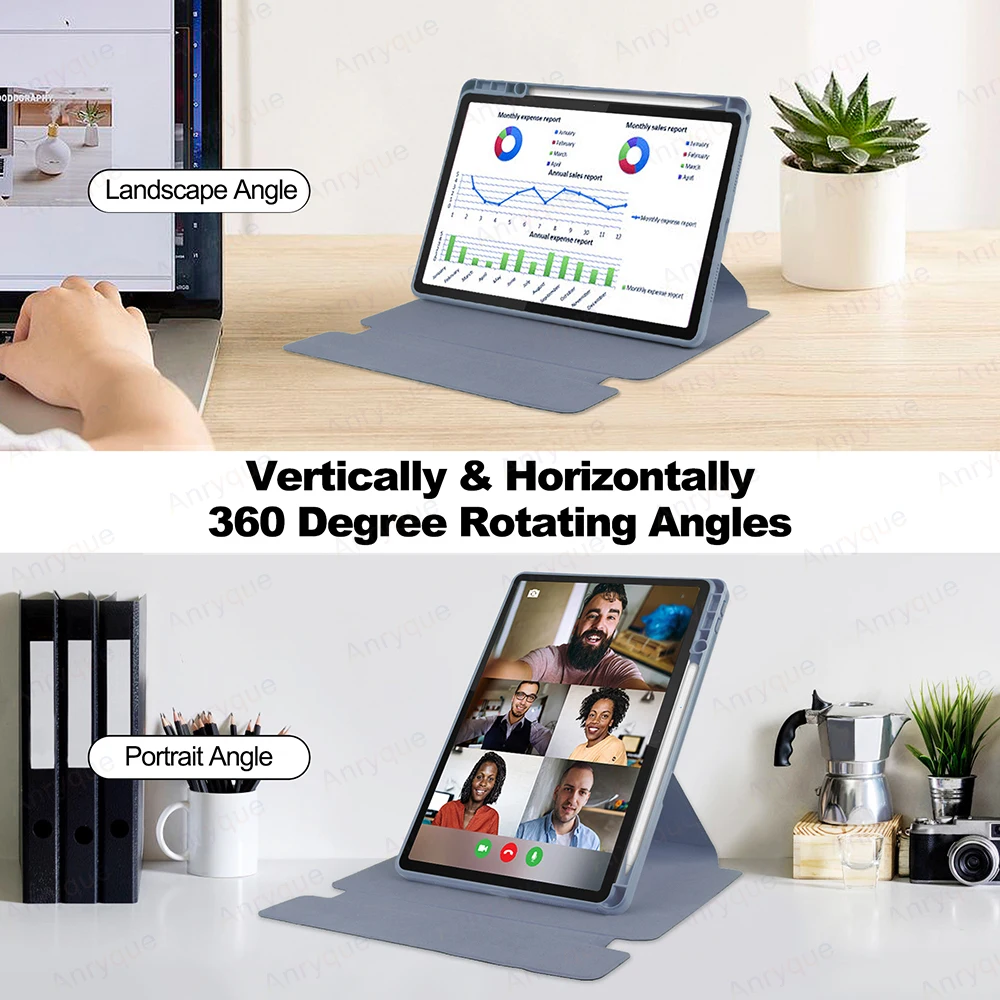
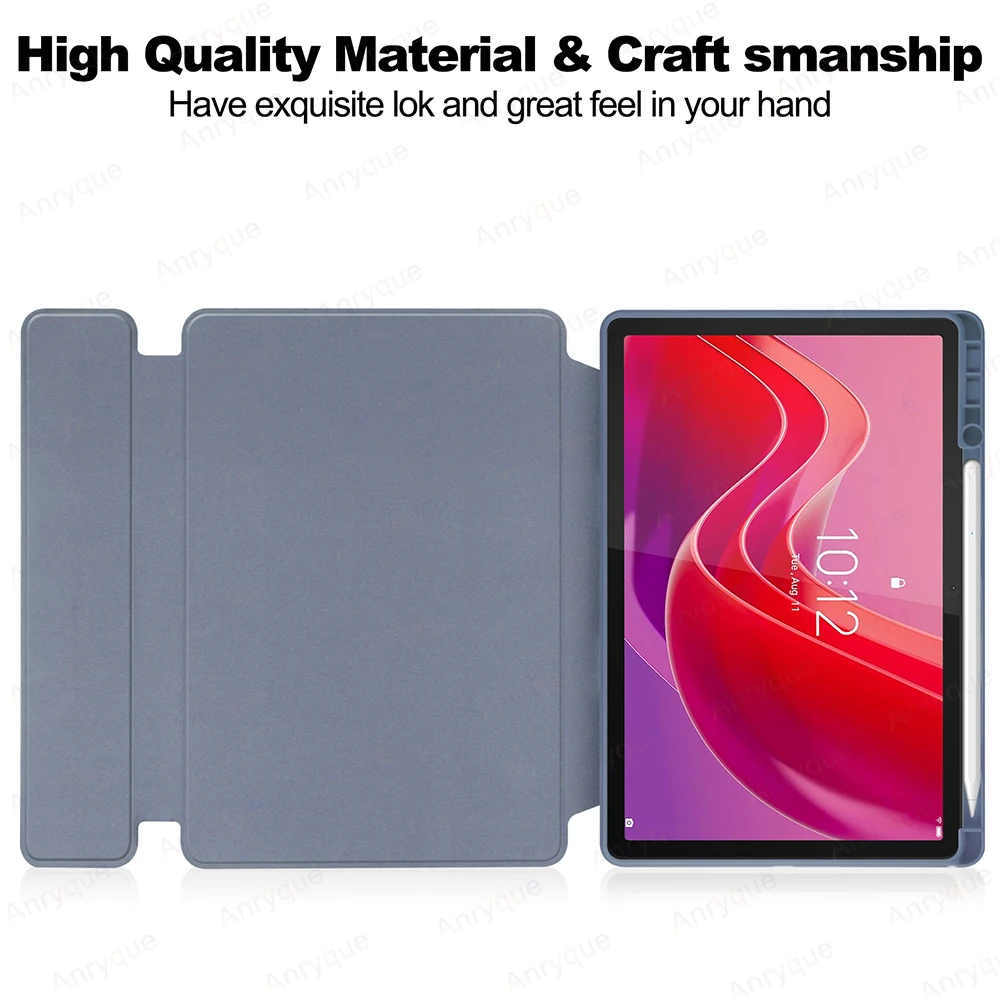
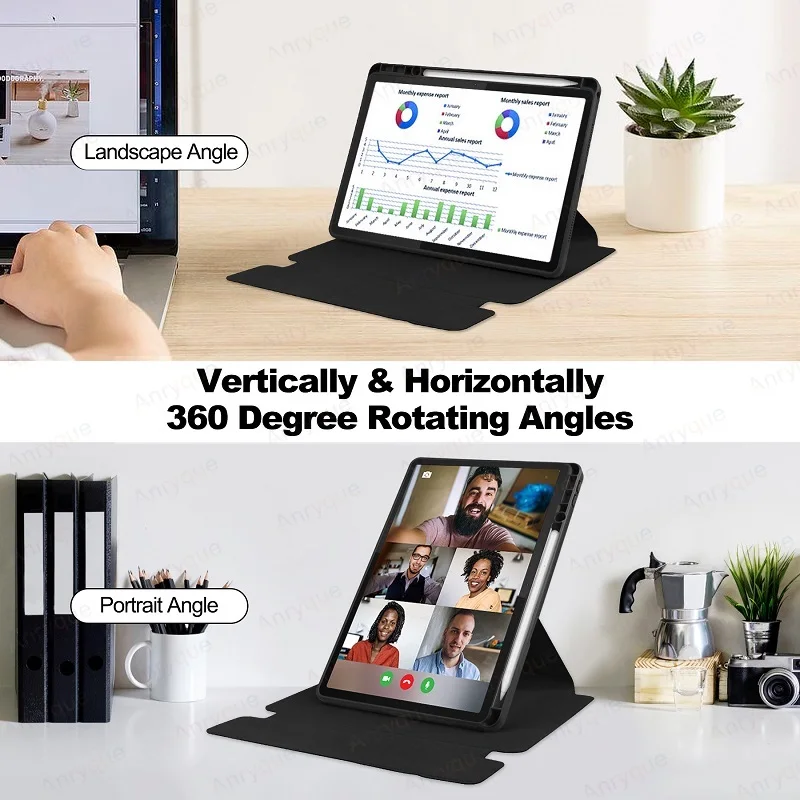
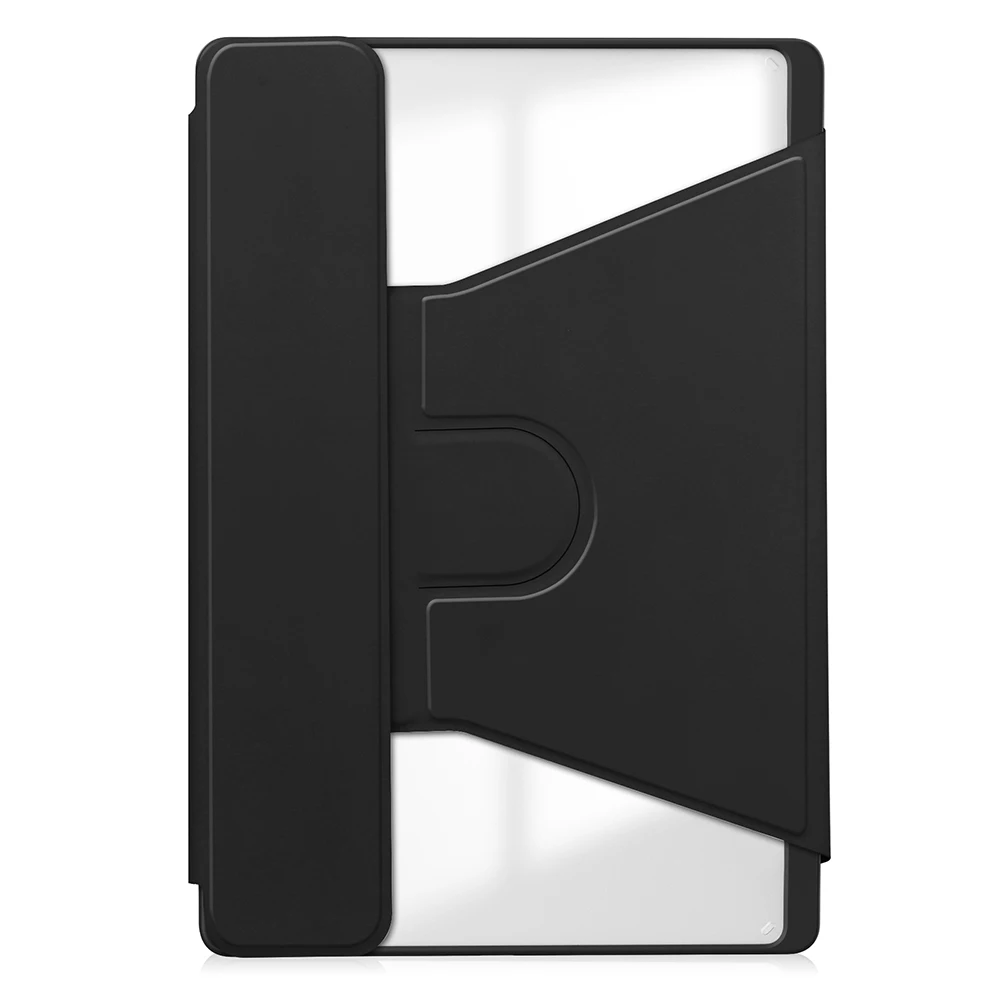
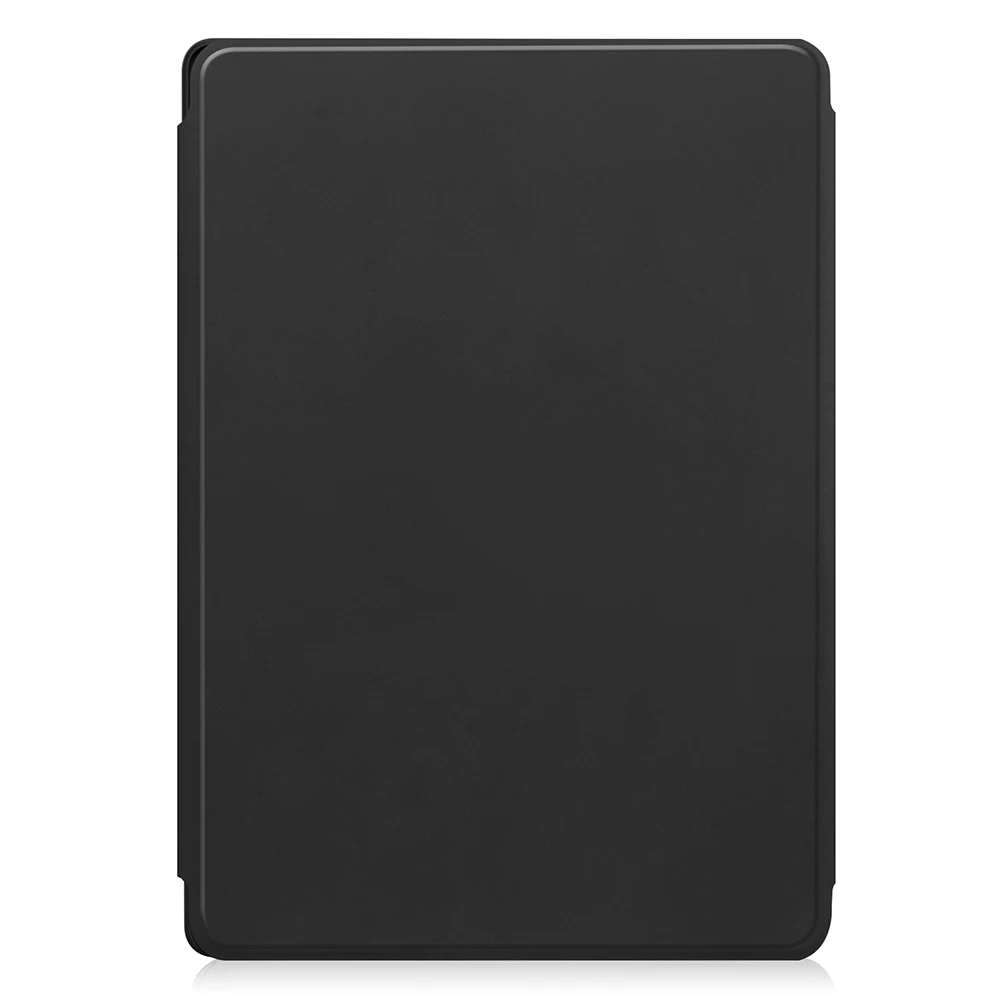
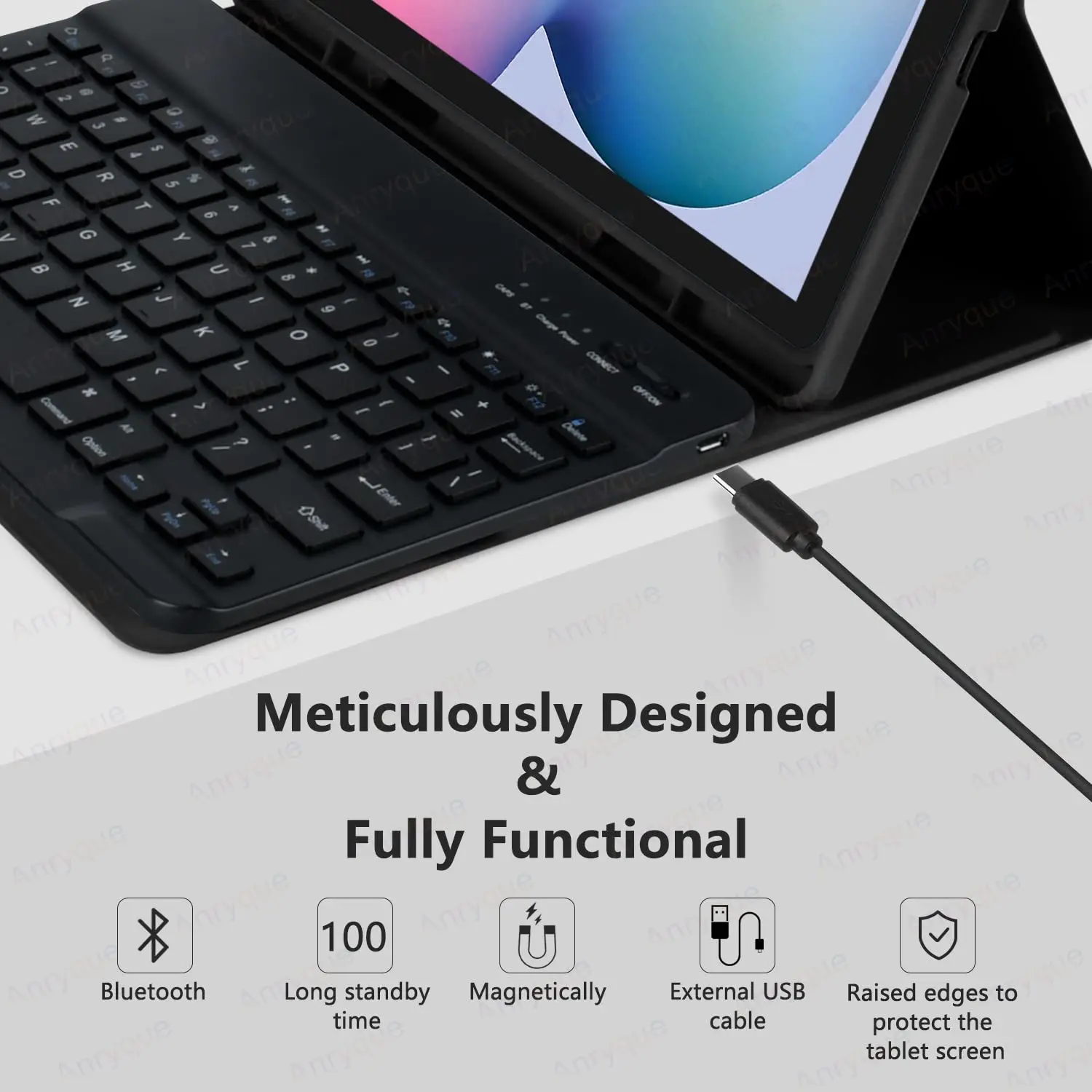
3. Leather TPU back cover :The Leather TPU back cover adopts non-slip design, Easy to install, Can support the tablet at multiple angles .
Description :
1: Standard 3.0 Bluetooth solution
2: Effective distance 10 meters
3: Standby time: 100 days
4: Continuous working time: 70 hours
5: Charging time: 4-5 hours
6: Lithium battery capacity: 200mha
7: Lithium battery life: 3 years
8: Button life: 500 million times
9: Available colors: Black Green Pink Dark green
Package Included:
1pcs bluetooth keybaord
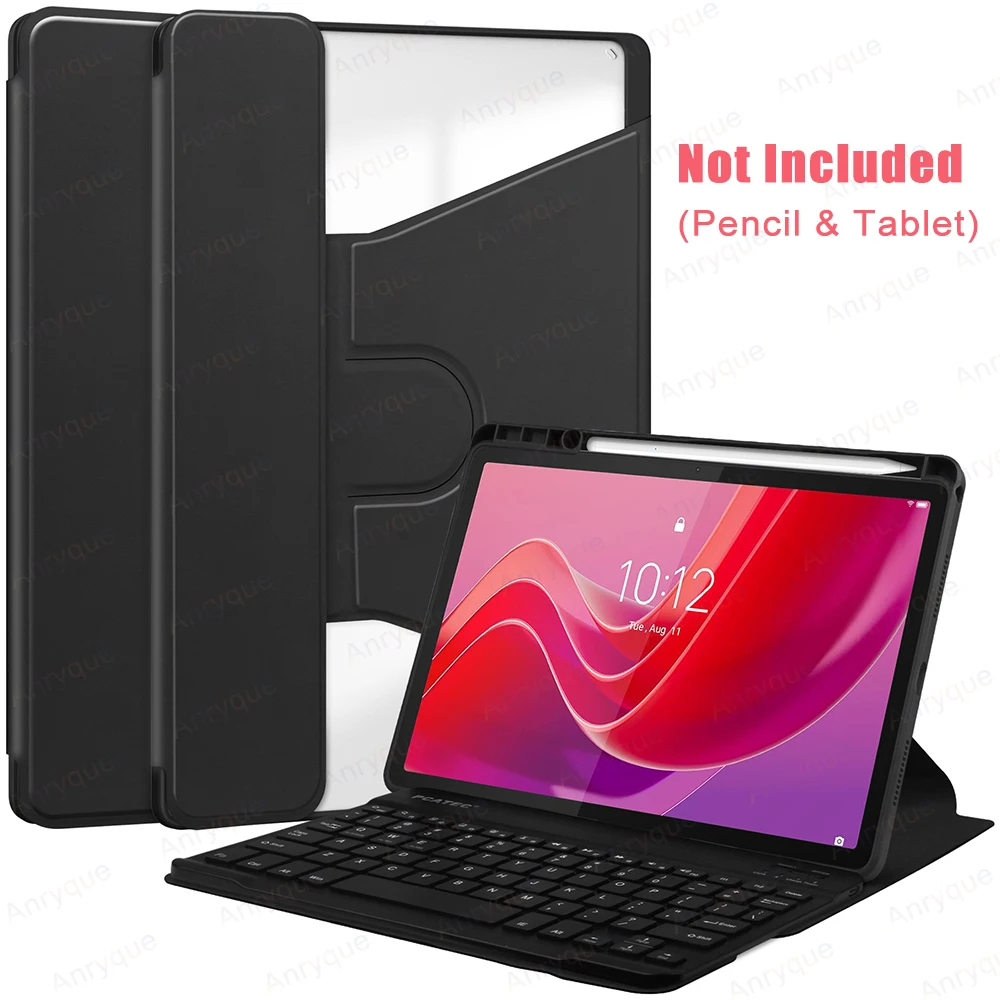
1pcs tablet keybaord case(the pencil and tablet and mouse are not included)
How to connect keyboard?
1,If work with the mouse together, pls connect the mouse first, then connect the keyboard.
2,The wireless keyboard:Push the switch in the upper right corner to "ON", press "Connect", and find the Bluetooth connection with "Keyboard" in the device Bluetooth list.
FAQ:
Q: How to switch between different systems?
A: Fn+Q=Android, Fn+W=Windows, Fn+E=IOS.
Please note that please switch the system before connecting the tablet.
Q:The bluetooth keyboard letters are messy?
A: Please check the settings according to the prompts,
a. Check whether the keyboard language set on the device is English.
b. Disconnect the keyboard Bluetooth, click Ignore the connected device, reopen the Bluetooth keyboard, select system, Fn+E (IOS system).
Note: Fn+Q=Android, Fn+W=Windows, Fn+E=IOS
c. Press the L S Z buttons at the same time to reset the keyboard
Q:How to configure the input method for different languages keyboard?
A:Take the samsung tablet as example,open "Settings--"ystem"--"Language & input"--"Add New Keyboard". (For other systems, please set them in the system settings according to the tips of the iPad example.)