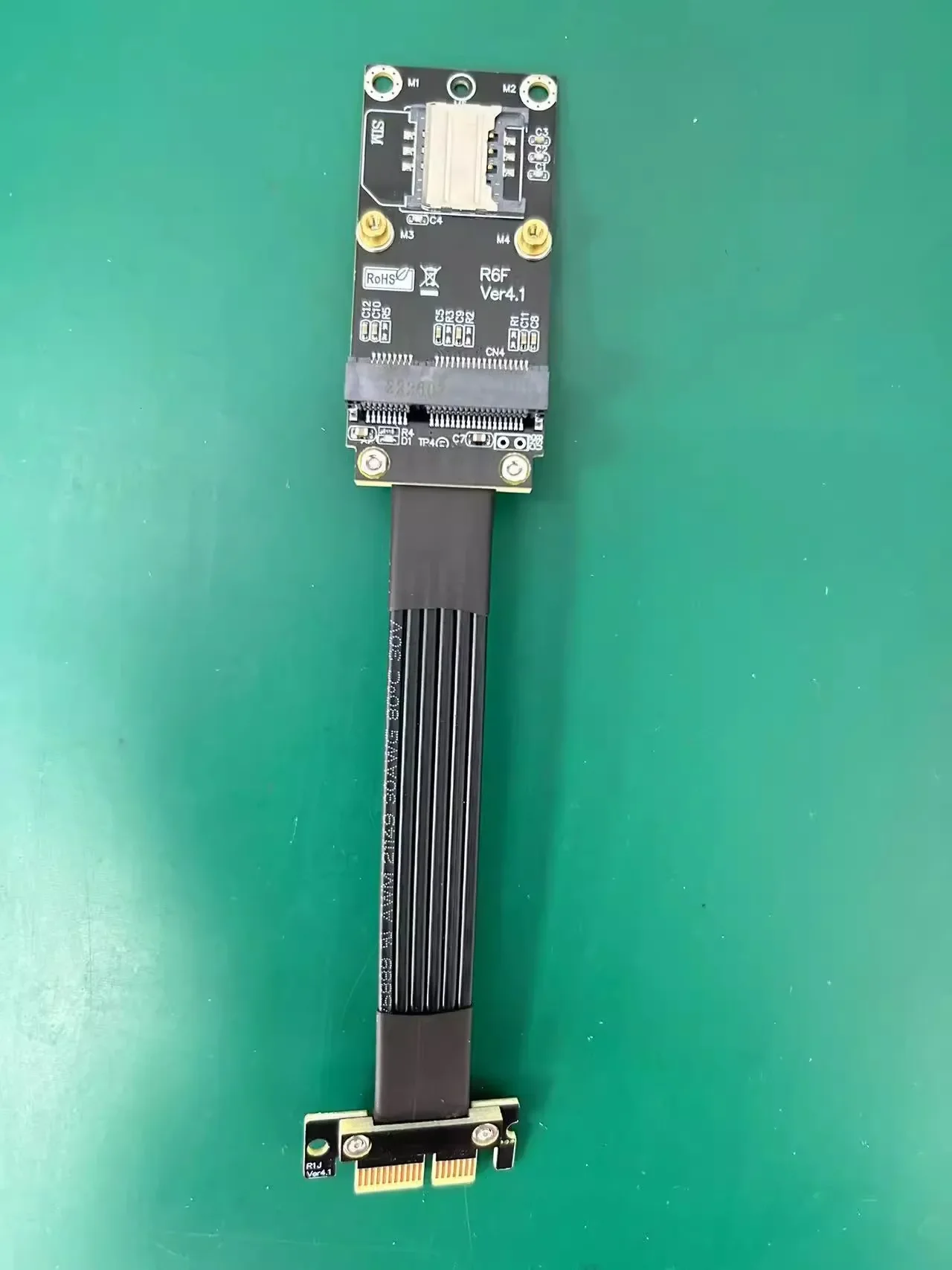

Longitud del Cable
Color
Descripción
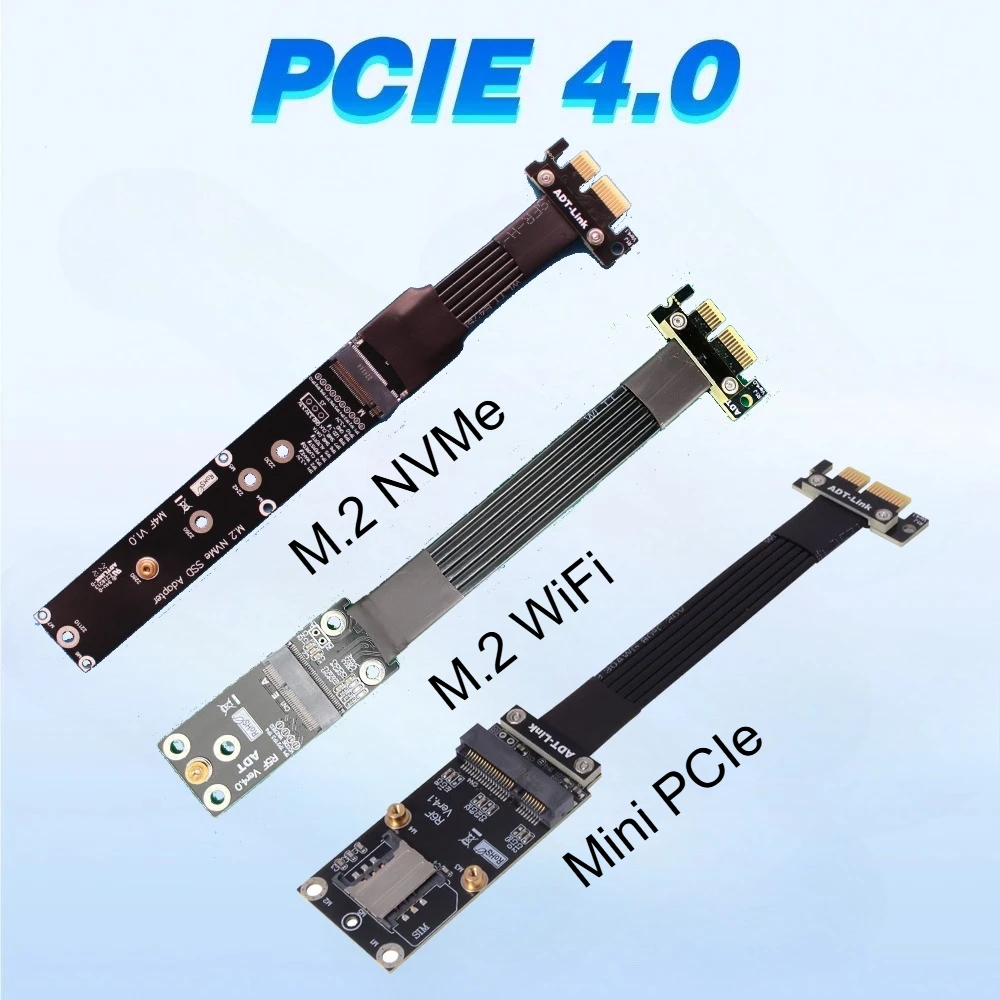
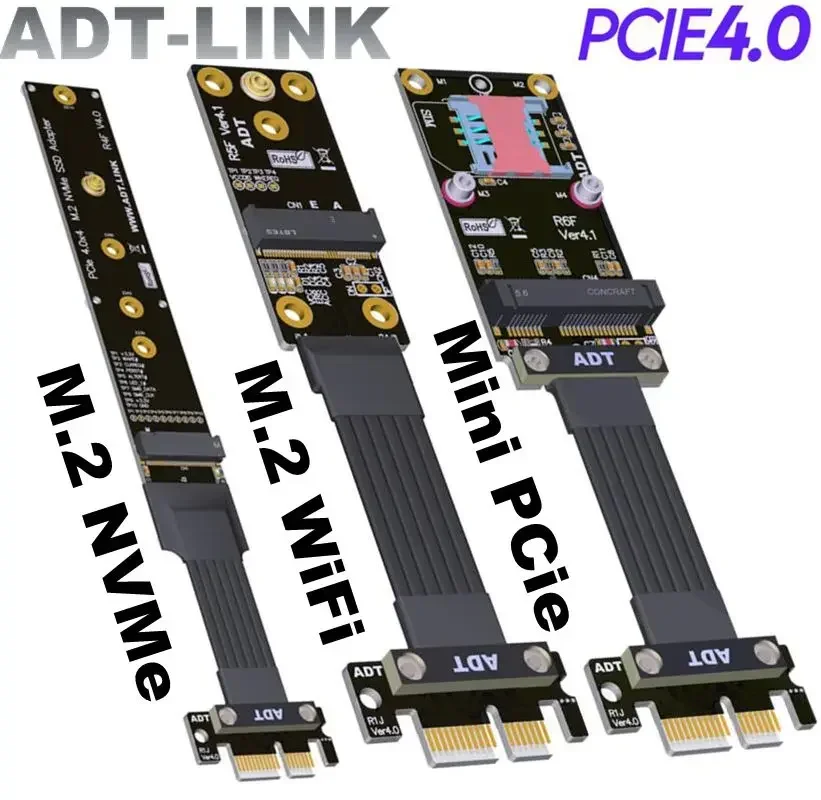
ADT-Link PCIe 4.0 x1 to M.2 NVMe/M.2 WiFi/mPCIE Extension Cable
Brand name: ADT-LINK
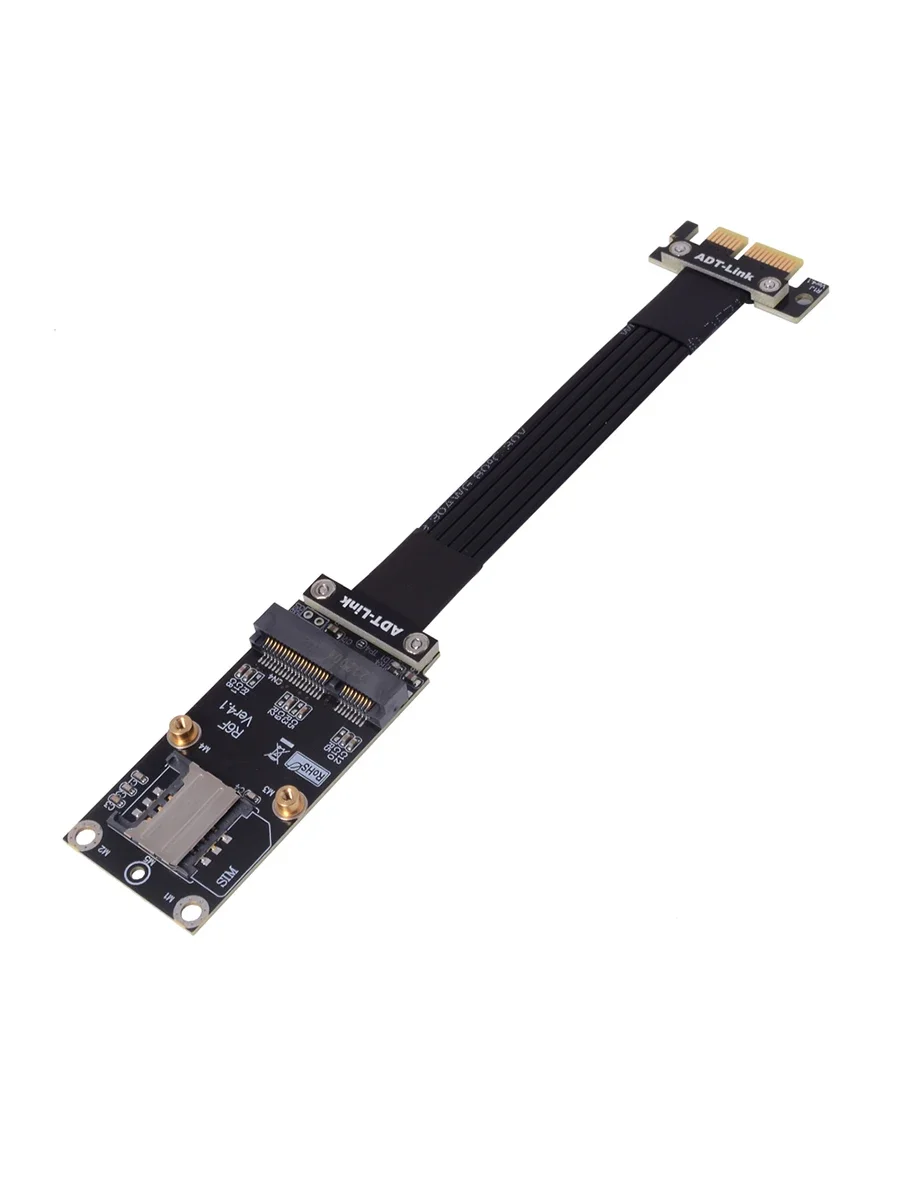
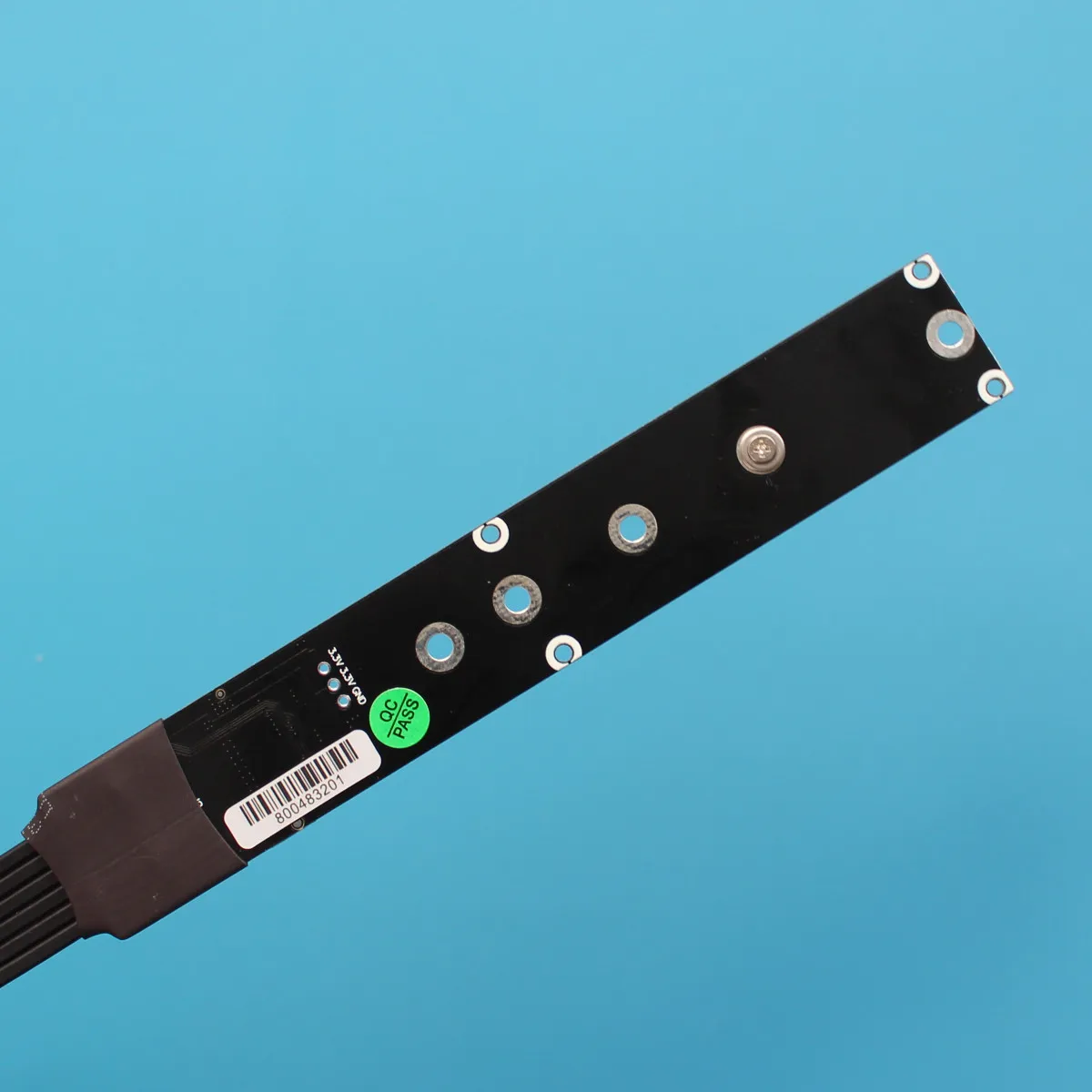
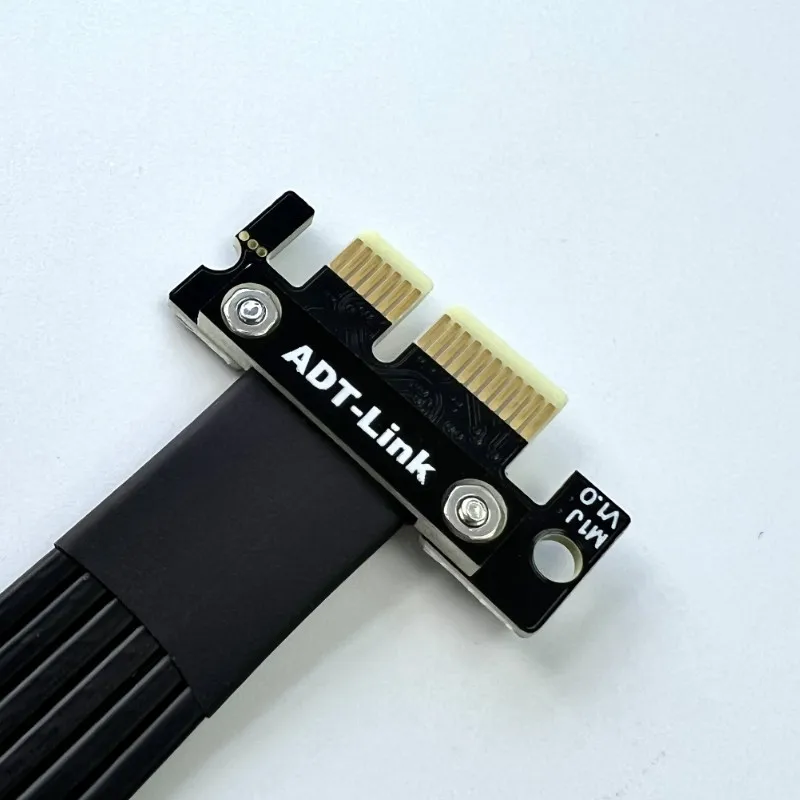
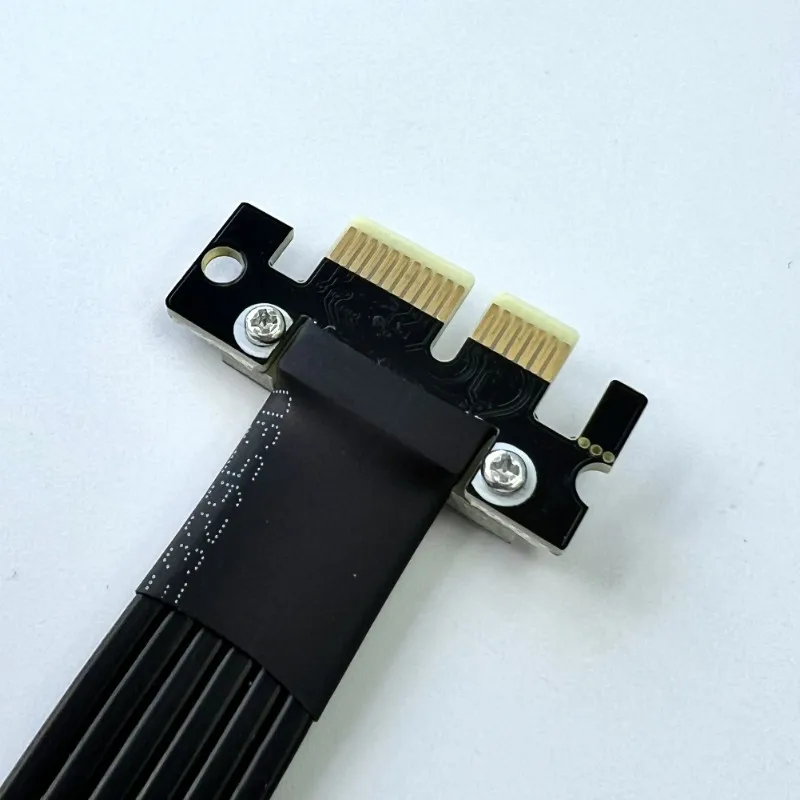
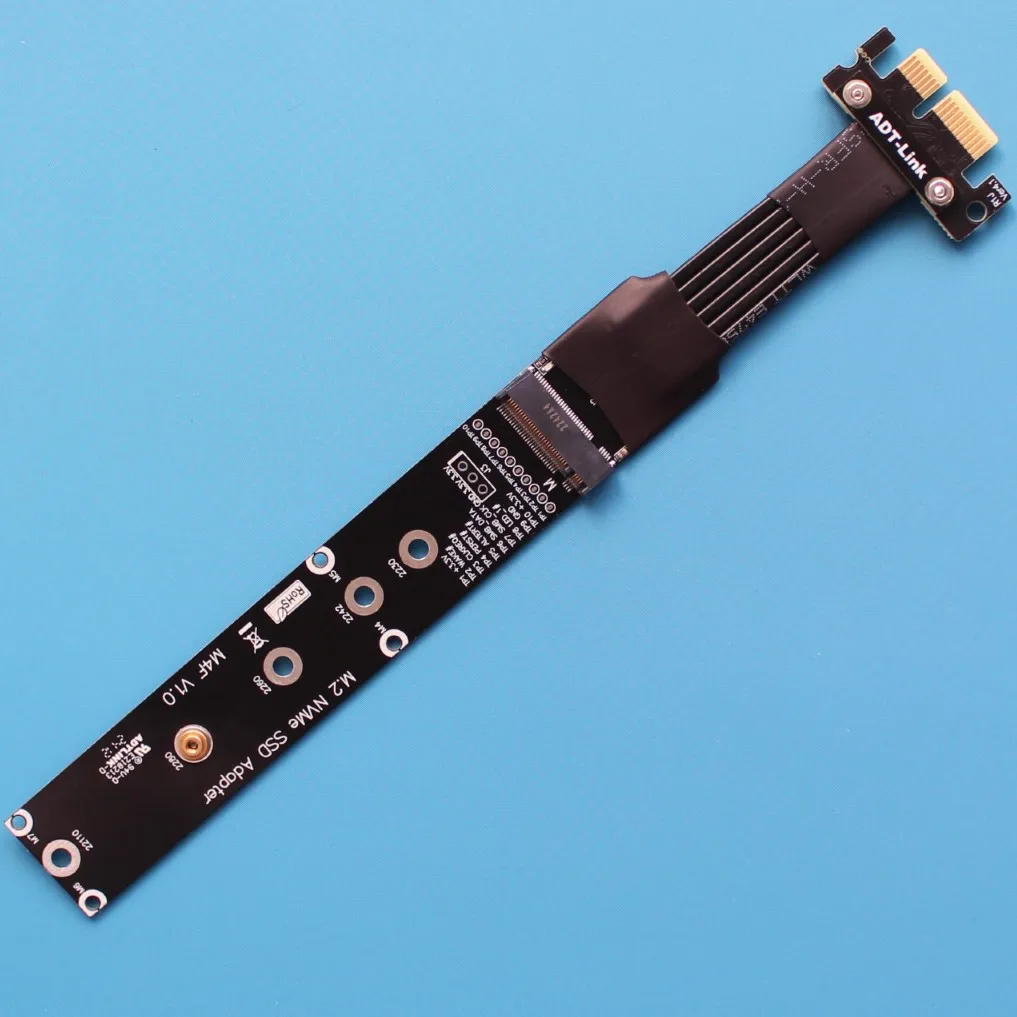
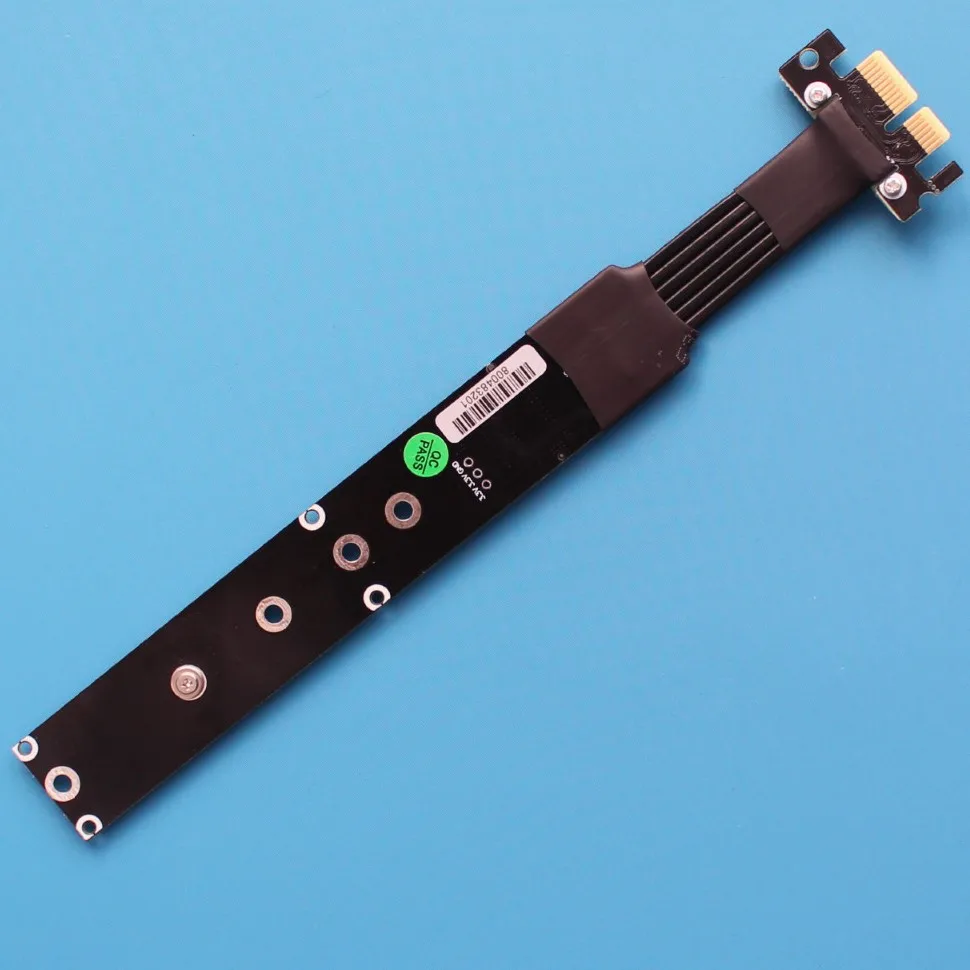
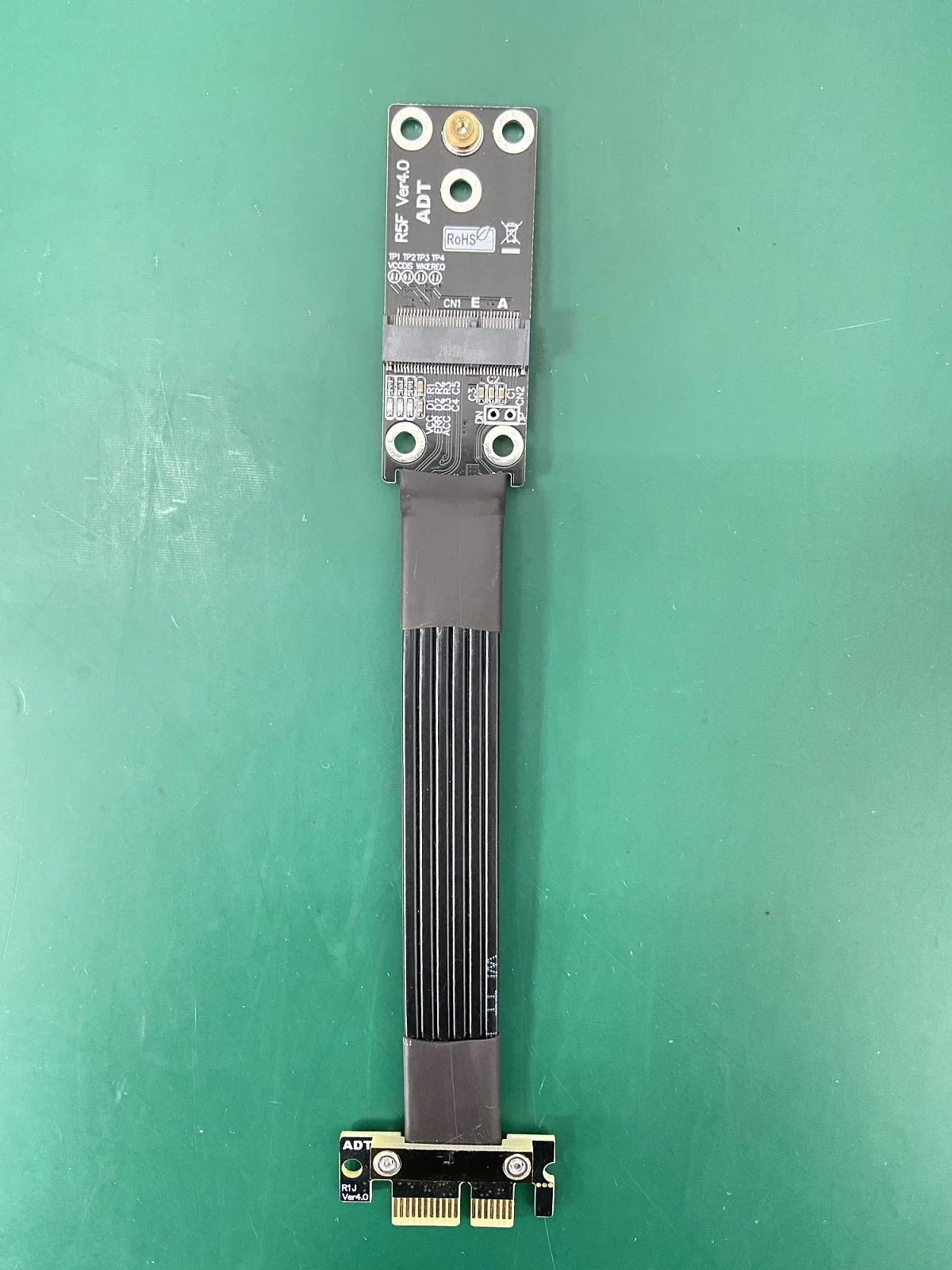
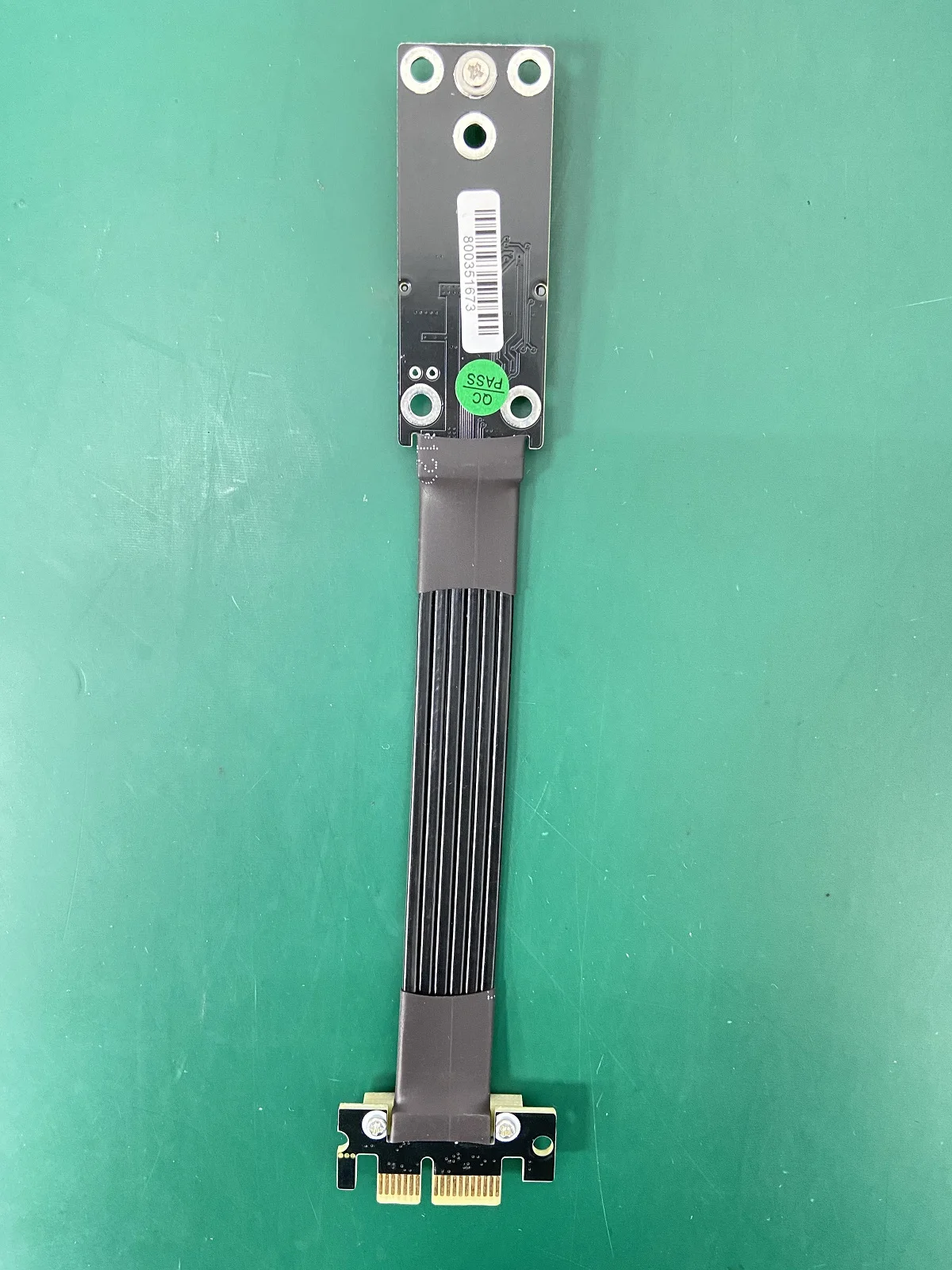
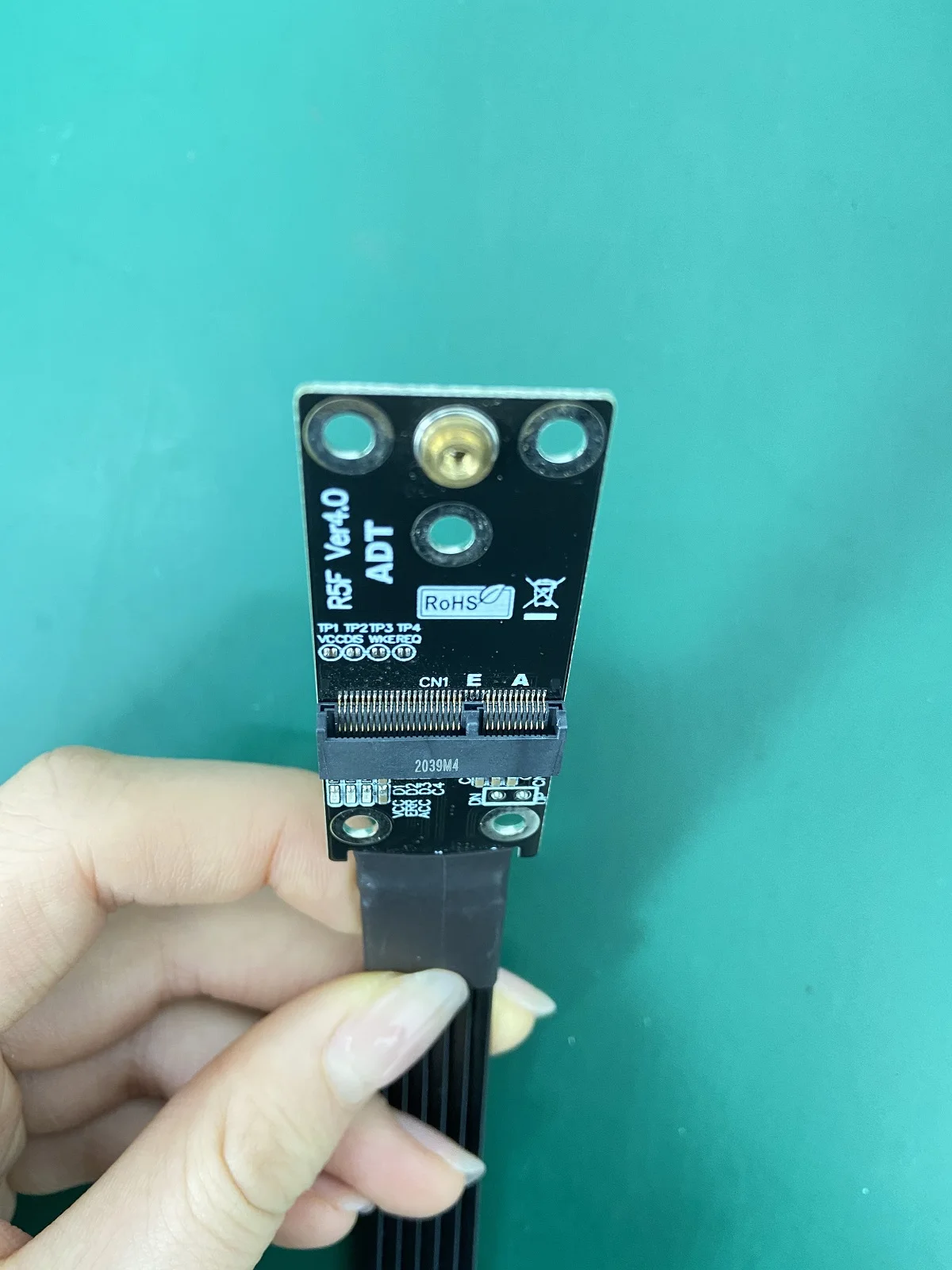
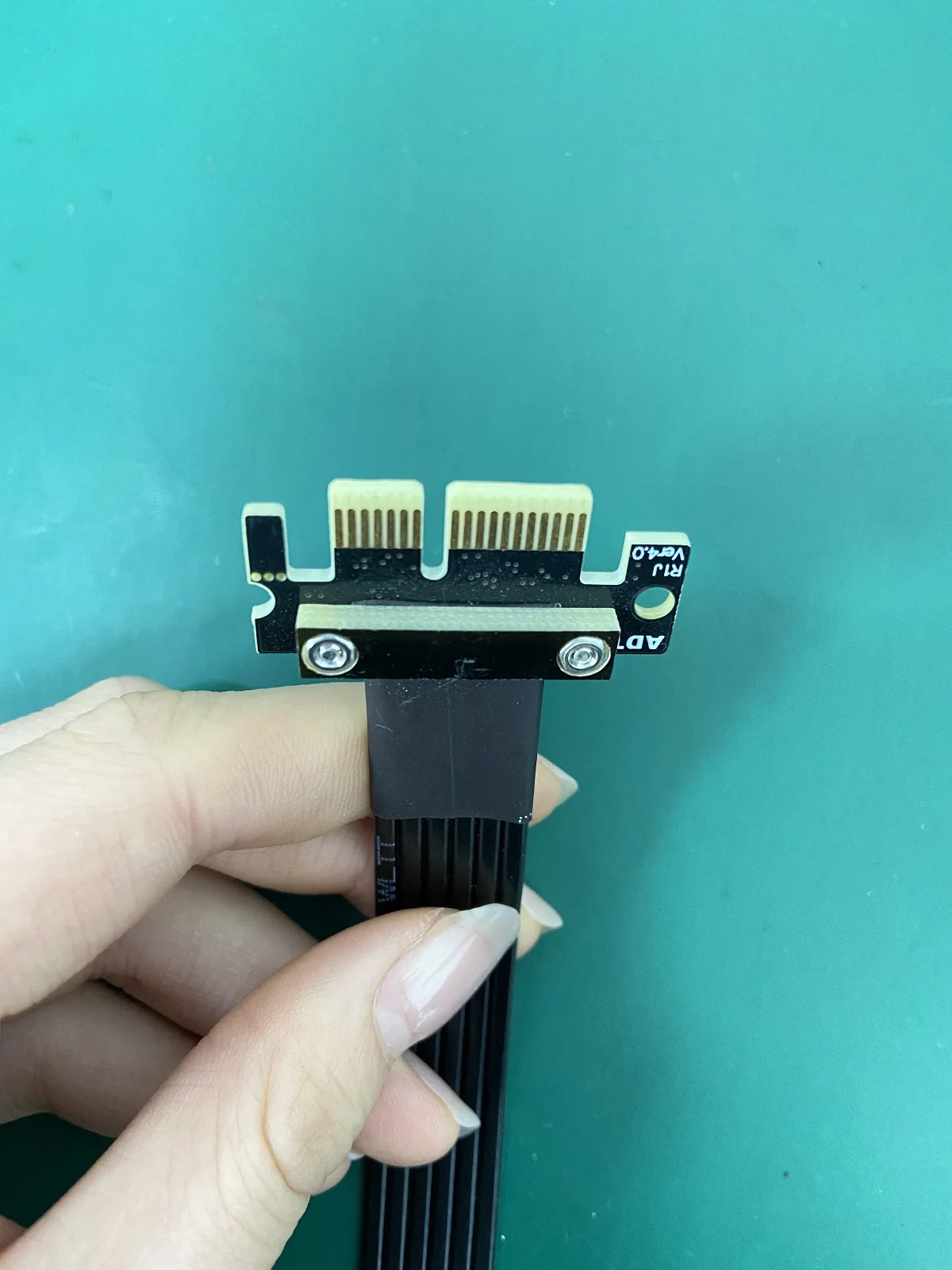
Product name: PCIe x1 to M.2 NVMe/ M.2 WiFi/ Mini-PCIe extension cable
Product model: M14JF, M15JF, M16JF
Transfer speed: PCIe 4.0 x1 , 16G/bps (Max.)
Wire length: 5 ~ 100 cm, the length can be customized,
Application: M.2 NVMe/M.2 WiFi/mPCIe SSD to PCIe x1 slot extension cable
Usage restrictions: PCIe 4.0 has high requirements on the equipment. As long as the extension cable is connected, the signal will be attenuated. This product does not guarantee the full speed of PCI-E 4.0. The equipment is aging. If the signal is poor or the environment is not good, please slow down to PCIe 3.0 or lower.
ADT R14JF Part-Number Description:
Part-NumberDescriptionBandwidthM14JFPCIe x1 to M.2 NVMe extension cablesPCIe 4.0 x1 (16G/bps)M15JFM16JFPCIe x1 to M.2 WiFi extension cables
PCIe x1 to Mini PCIe extension cablesPCIe 4.0 x1 (16G/bps)
PCIe 4.0 x1 (16G/bps)
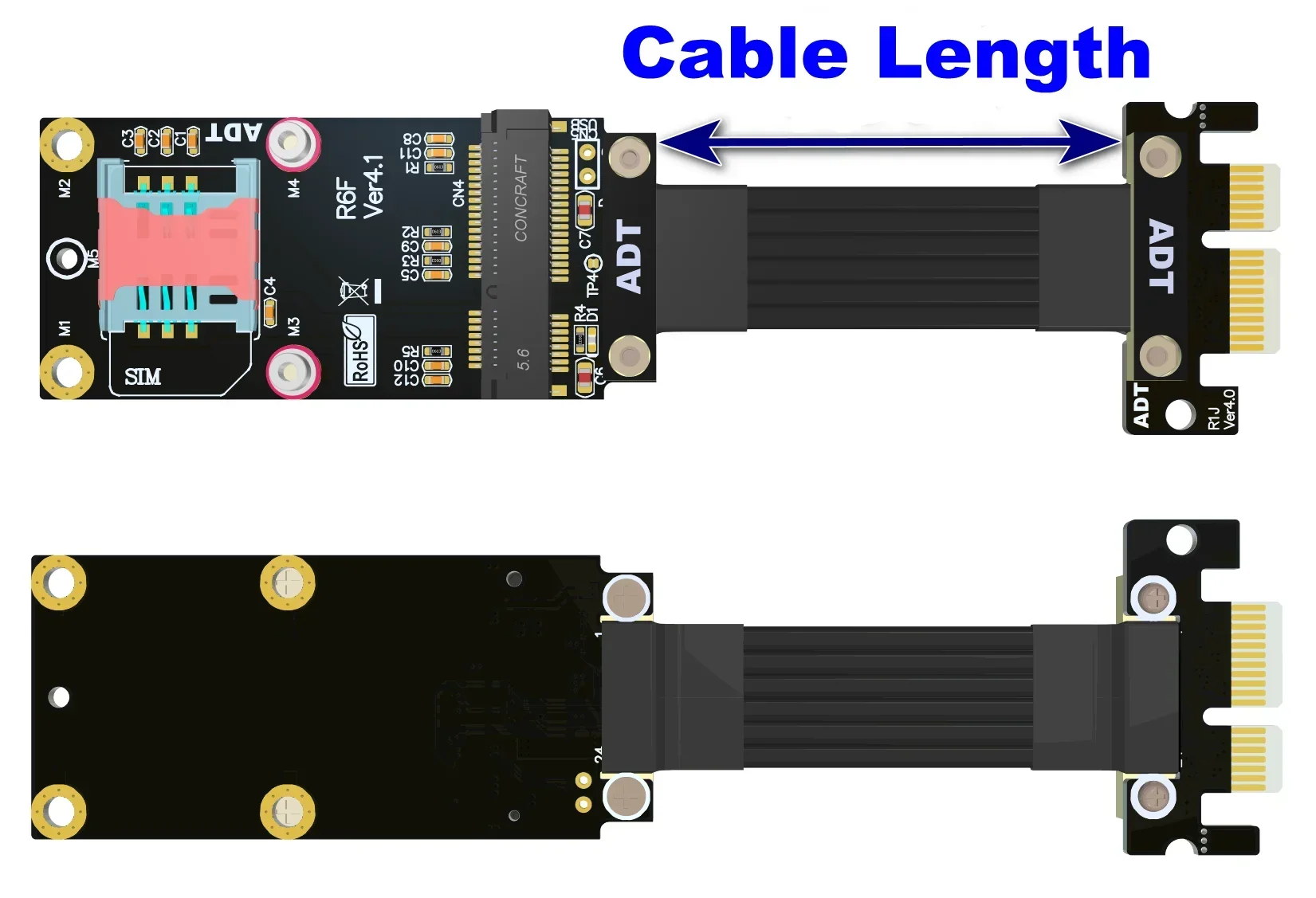
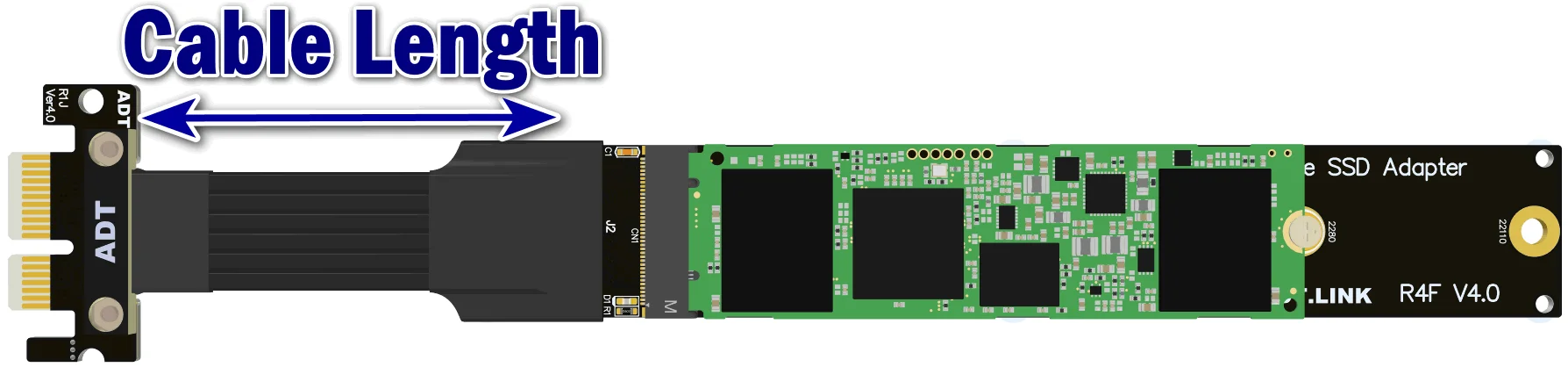
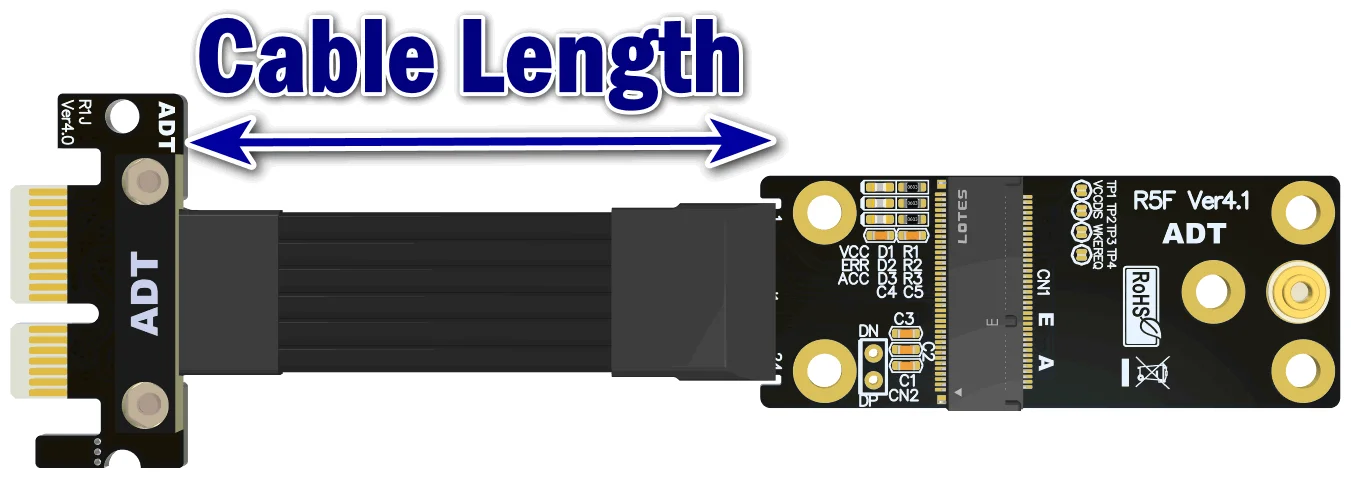
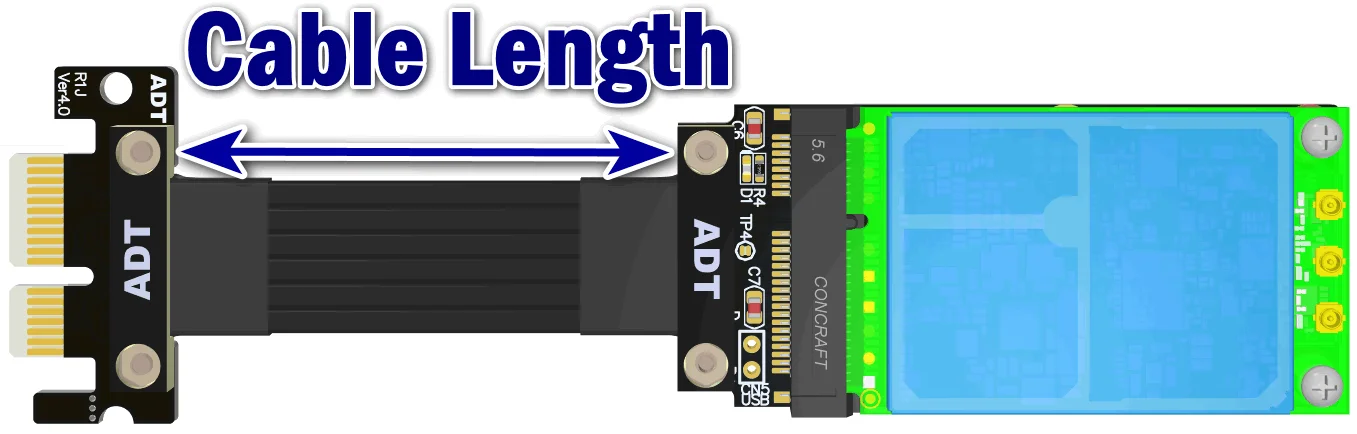
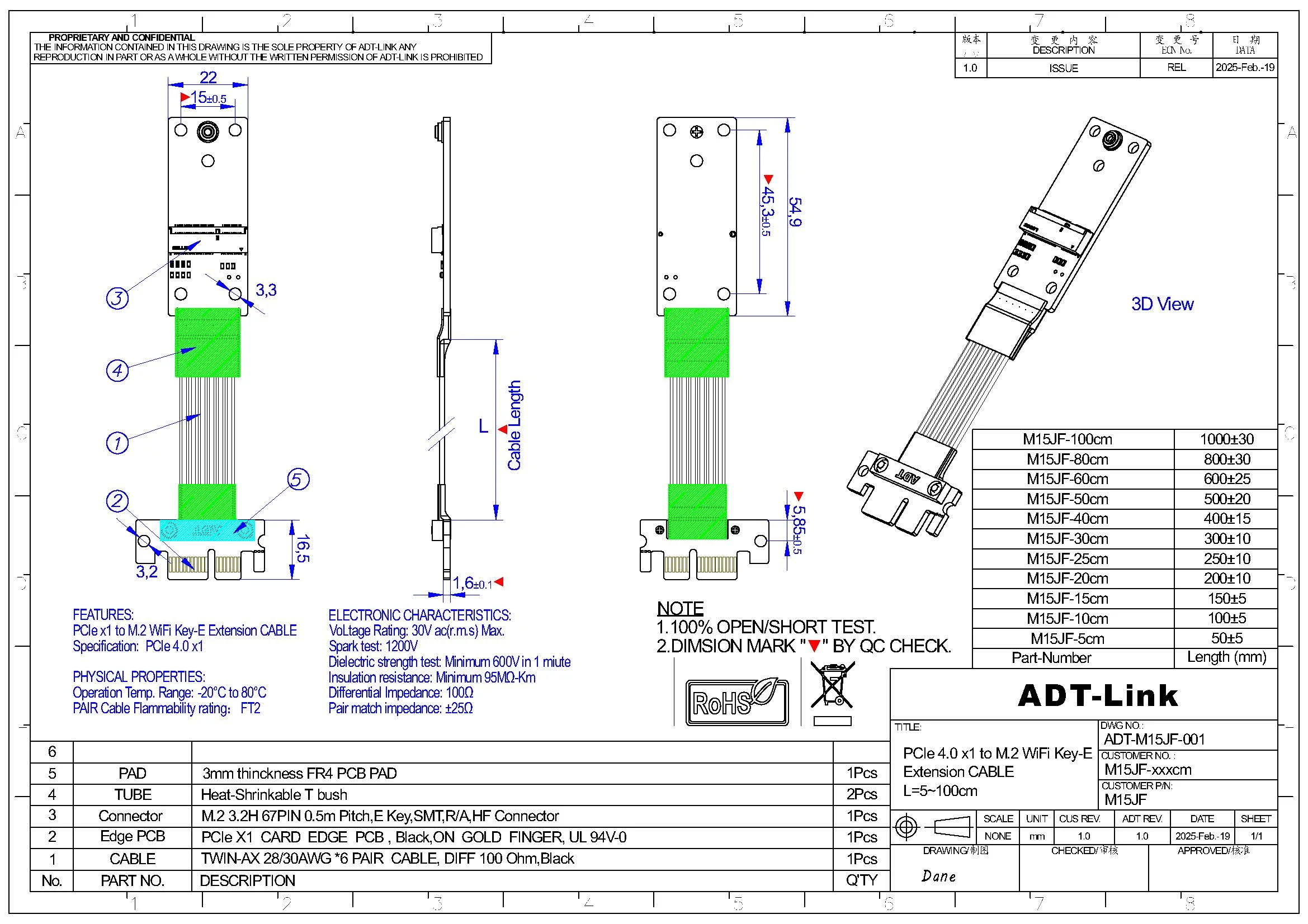
Cable length Description:
The length of the wire refers to the part of the visible wire. It does not include the PCB and the connector. For the wire length, please refer to the 5cm arrow in the figure below.
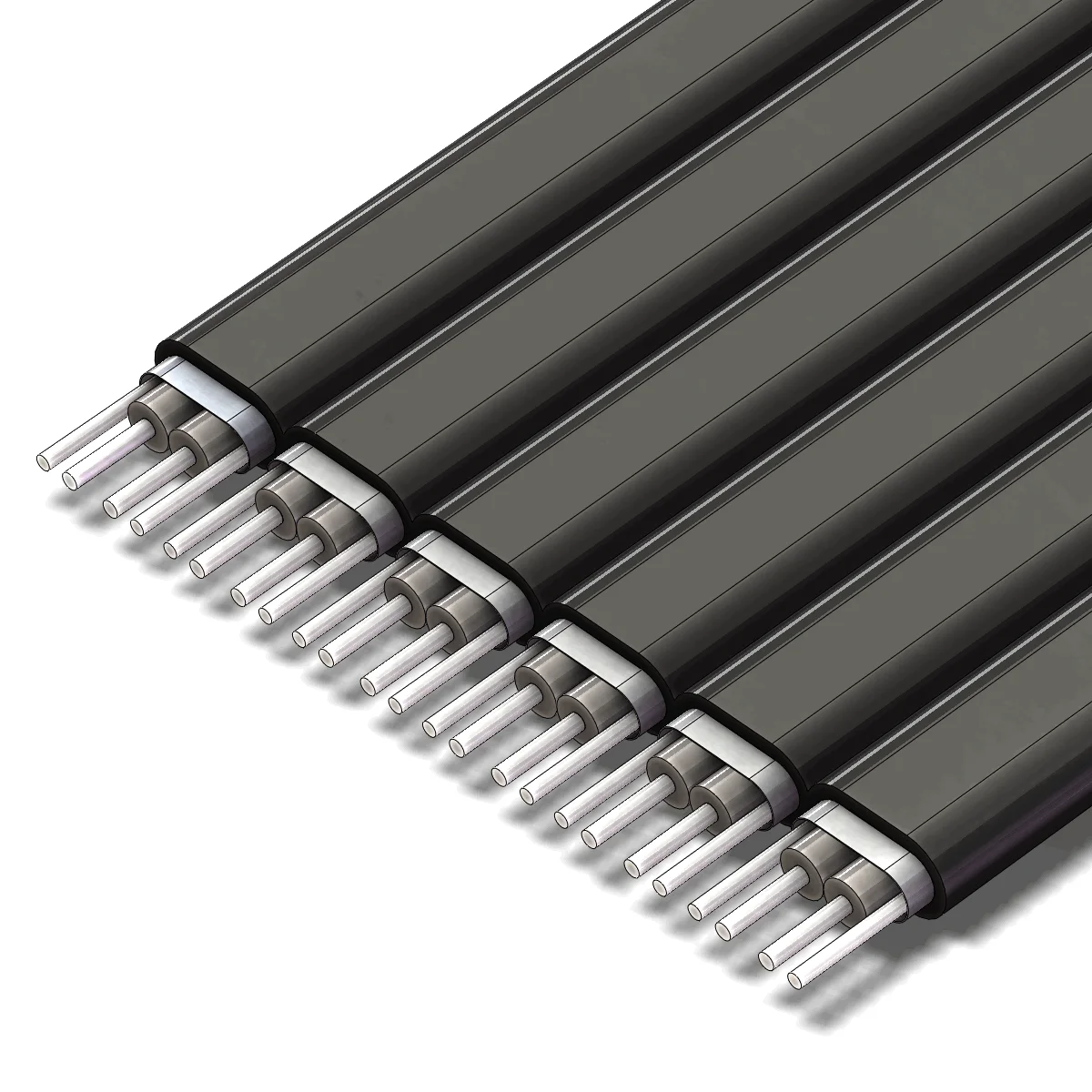
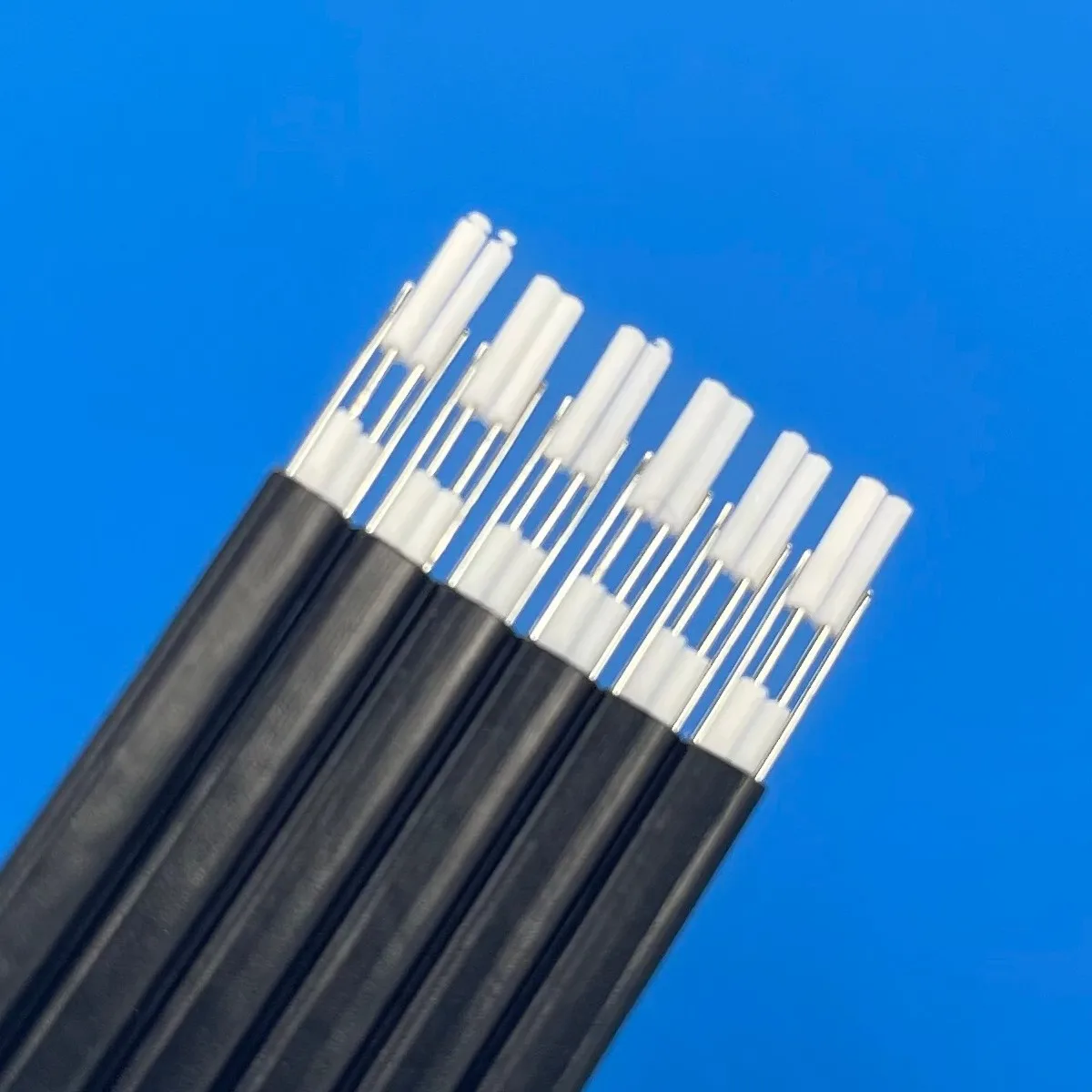
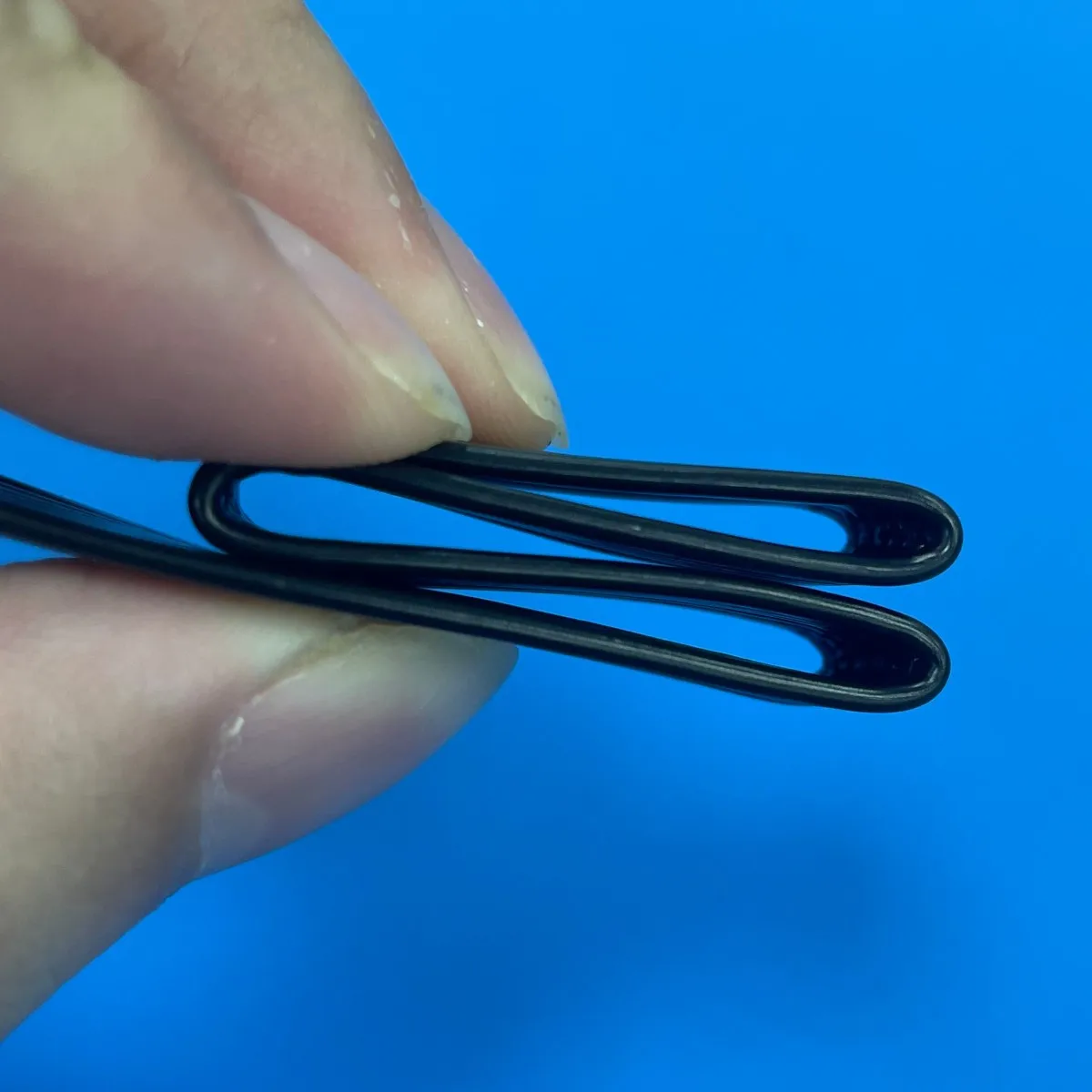
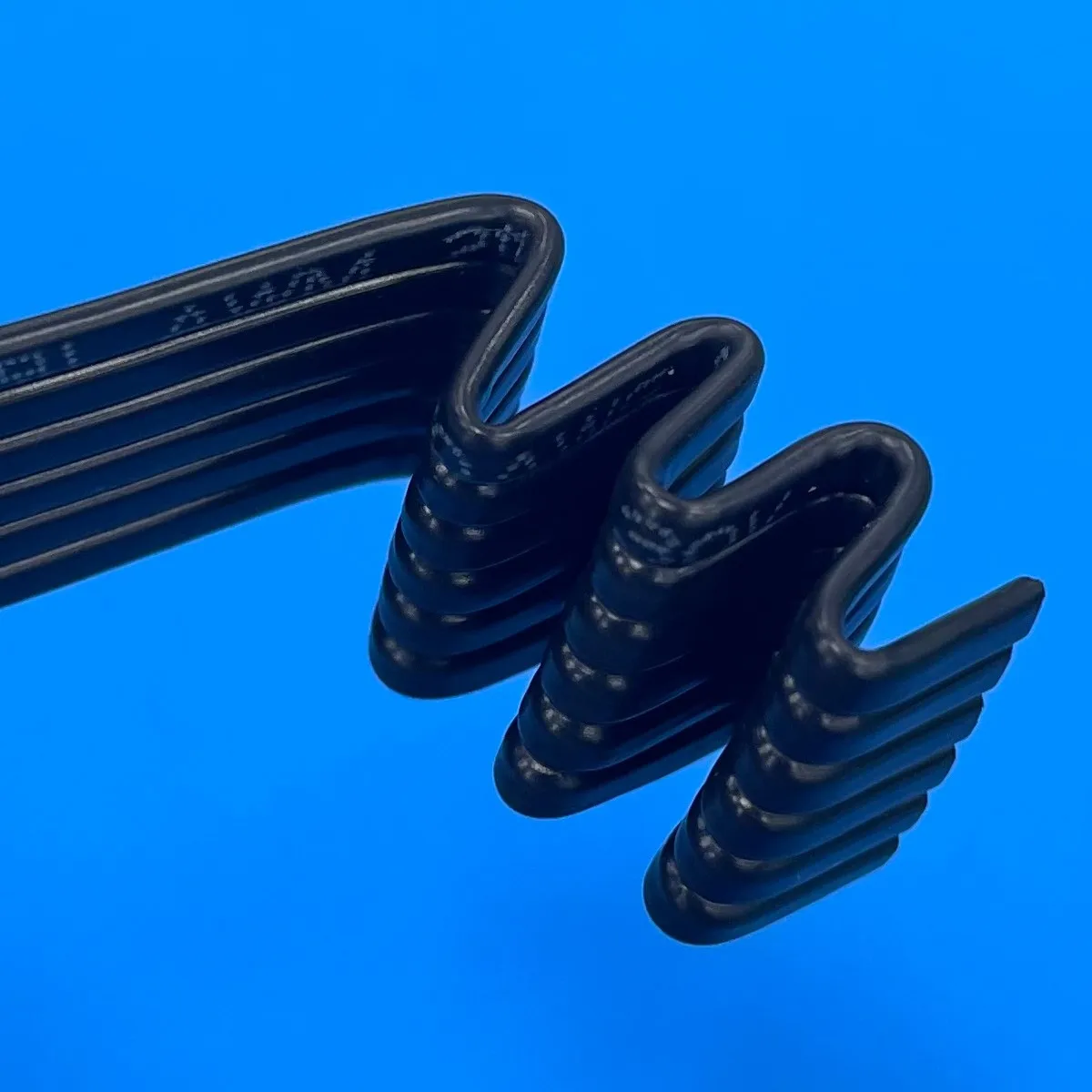
With metal shield. The extender utilizes the latest materials for EMI shielding with five sole flat cables design.
(3) Deliver Fast :
(4) Commercial invoice :
(5) Quality and after-sales service:
100% ex-factory test
100% Money-back Guarantee: We want you to be absolutely pleased with our items. If you're not satisfied, return them to us for a fast, no-hassle refund or product replacement.

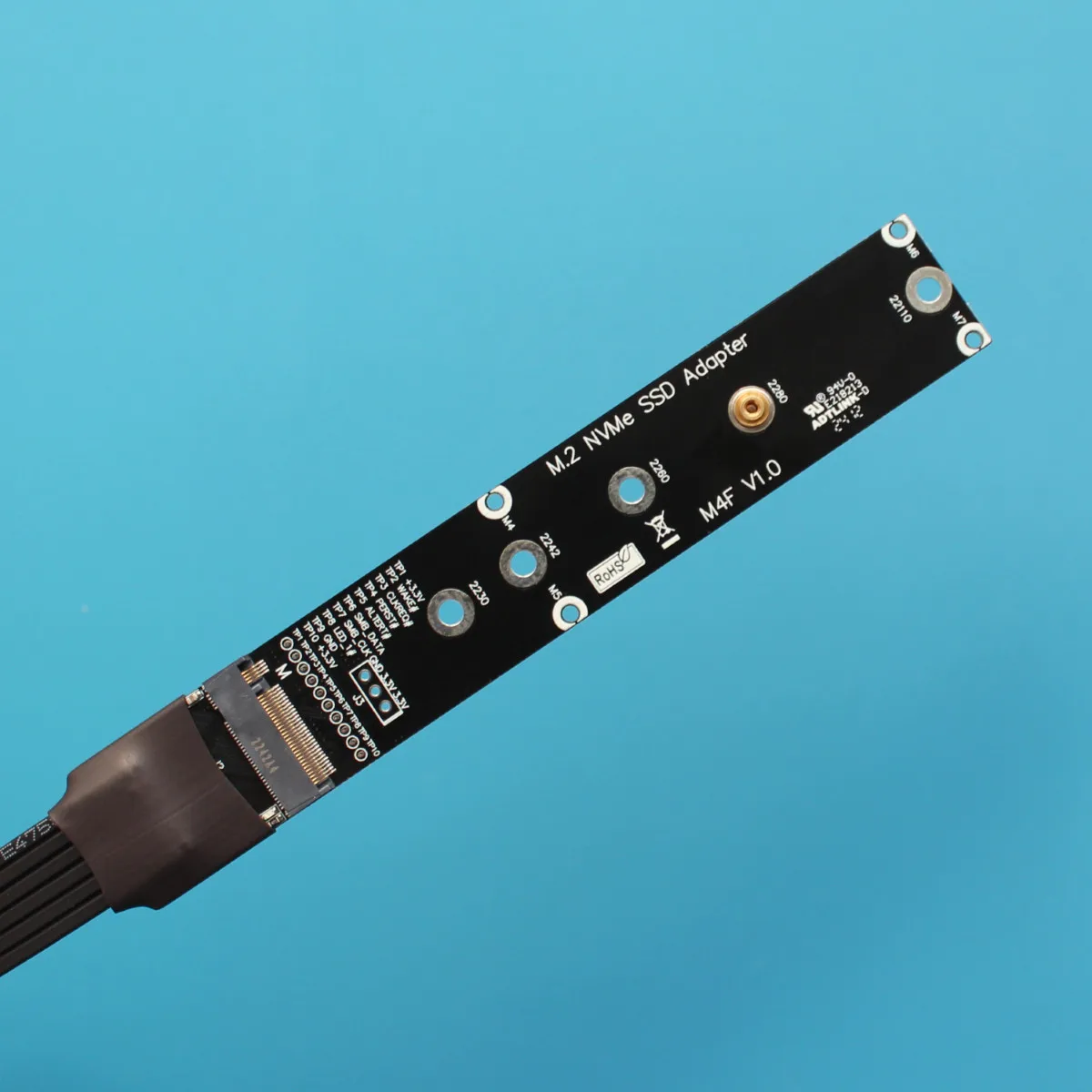
M15JF
M16JF
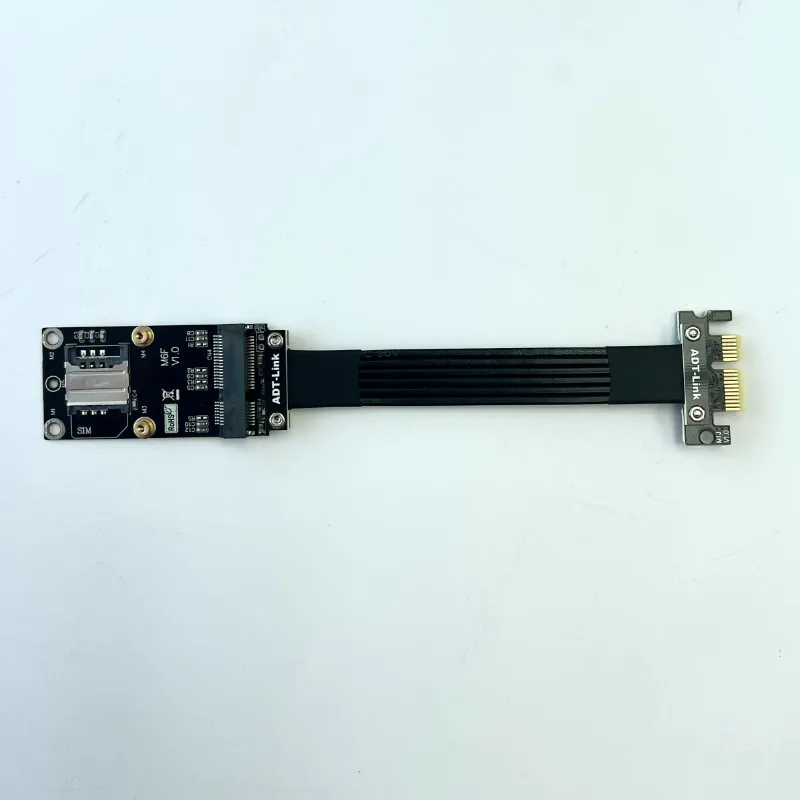
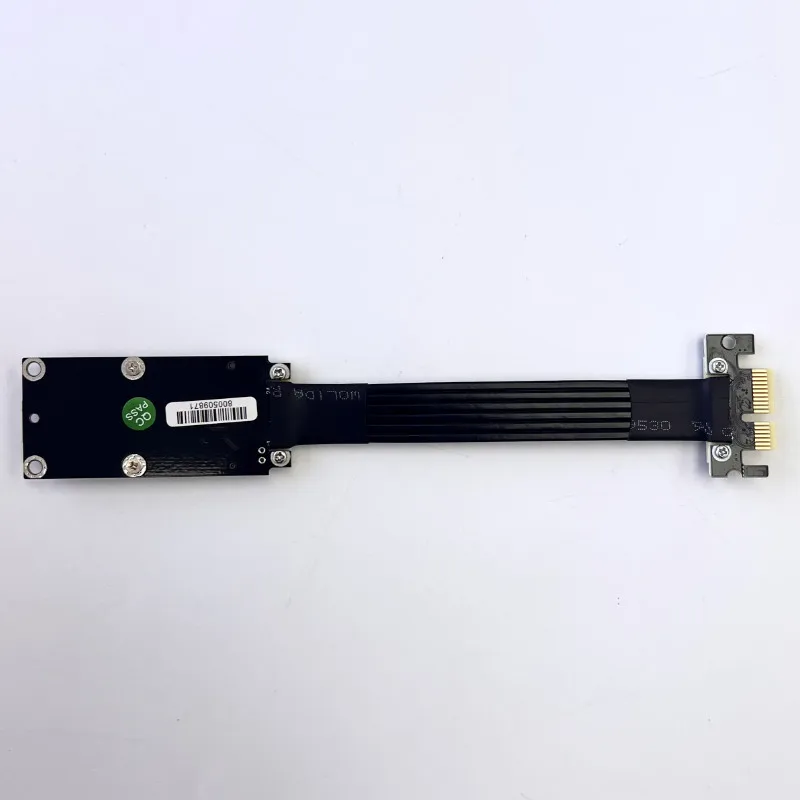
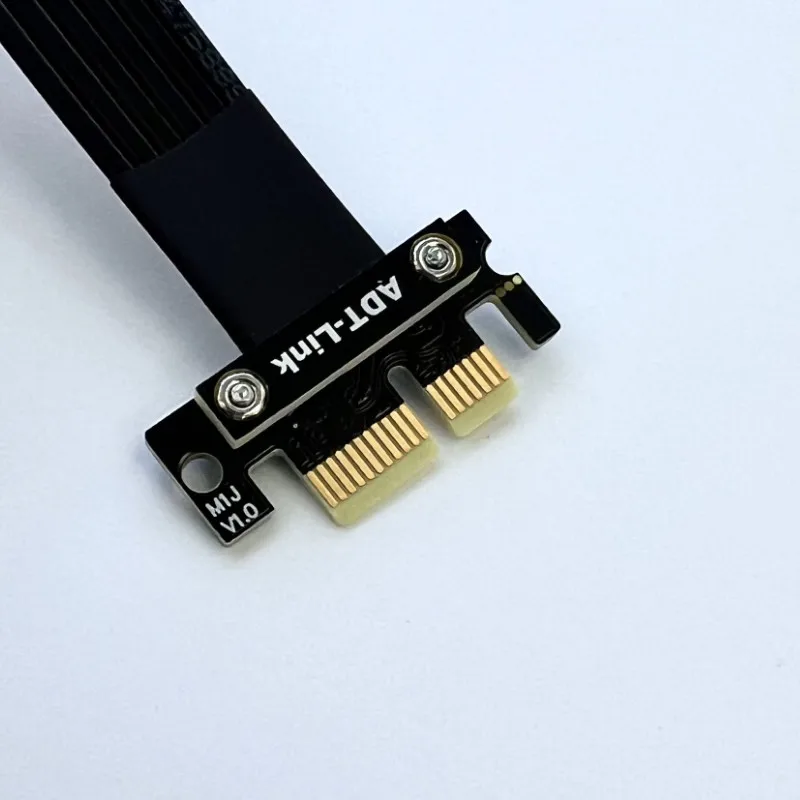
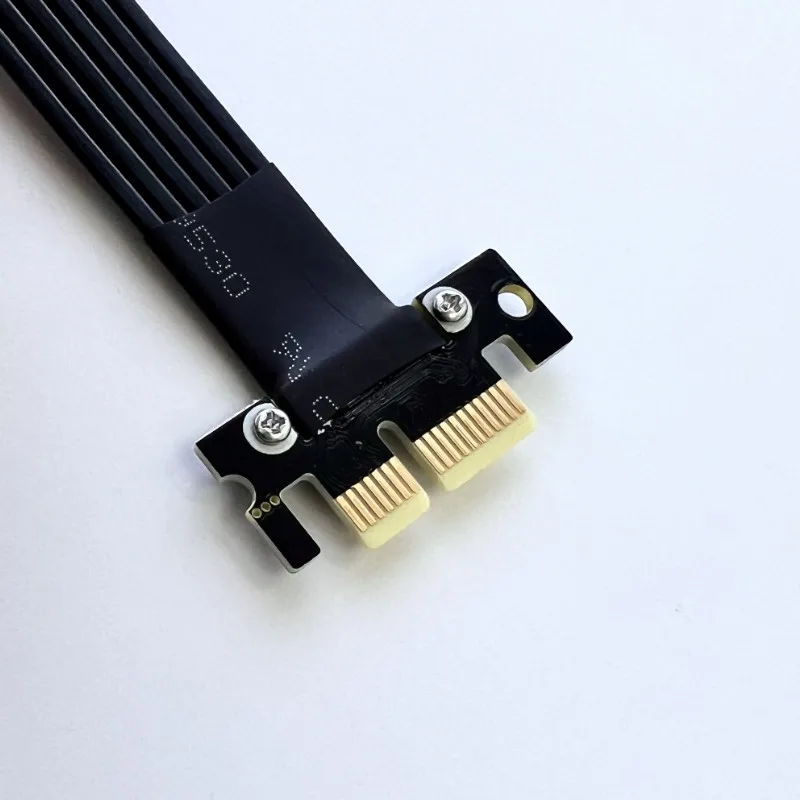
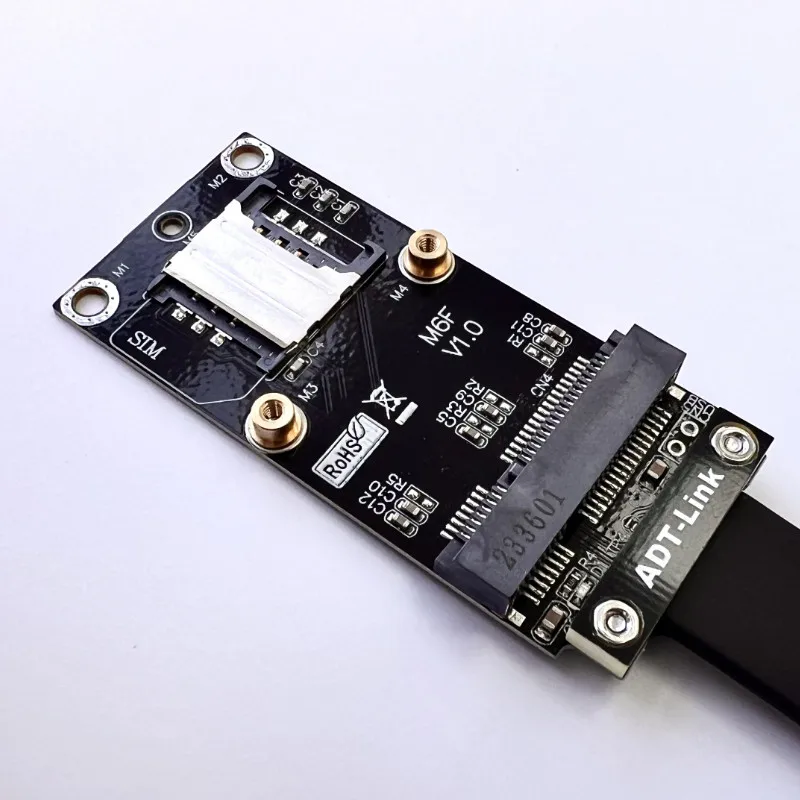
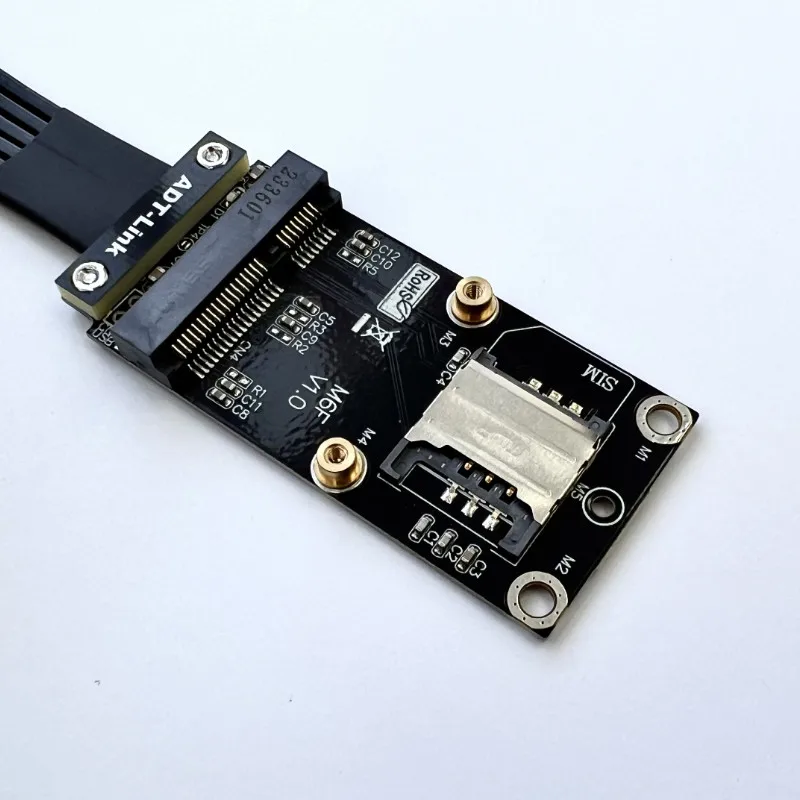
1. Be sure to recognize the direction when plugging in, do not plug it in reverse or off-position to prevent burning of the device. When plugging in, first hold the socket of the device before plugging in to avoid inserting the socket pins with excessive force. It is forbidden to bend or pull within 2cm of the welding place between the two ends of the wire and the circuit board.
2. The board or motherboard is an electronic device that will age and oxidize with time, and then connecting an extension cord will only make it more unstable. Old devices are not supported. Over 3 years. Please do not buy.
3. Limited to product engineers designated to purchase, only for product testing use, other purposes, please do not buy
4. Only the general version of M.2 NVMe SSD is supported, M.2 WiFi wireless network card is not supported, M.2 SATA is not supported, Lenovo/HP network card is not supported