

SSD Capacity
Descripción

Descriptions:
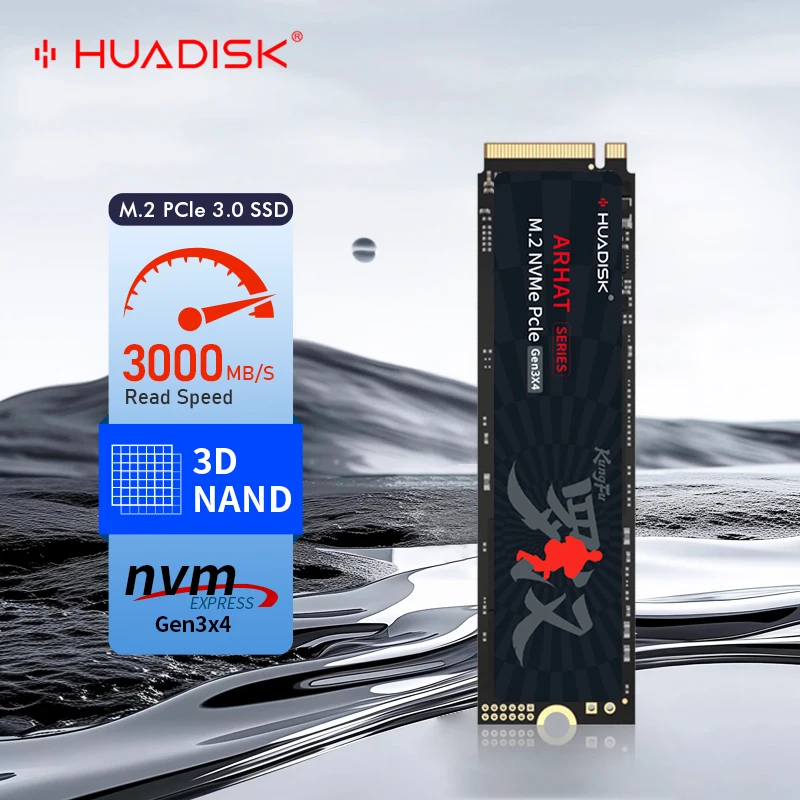
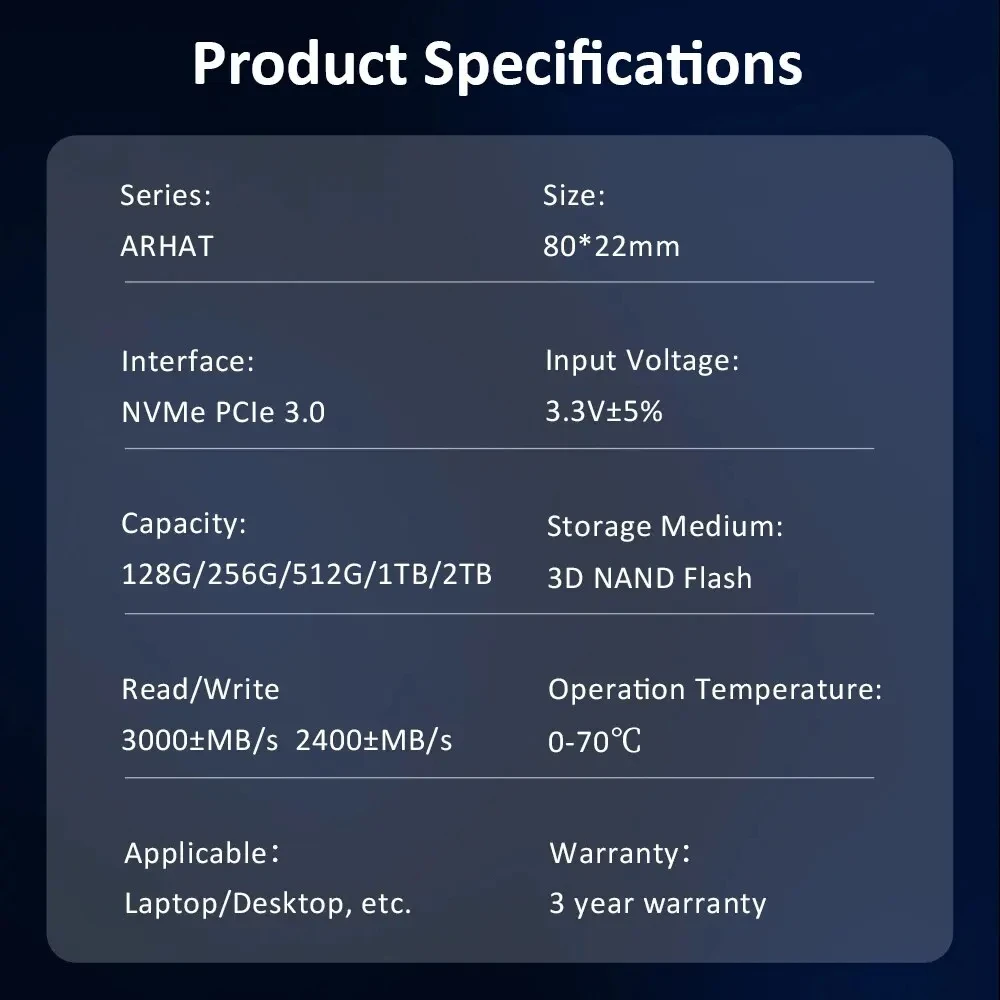
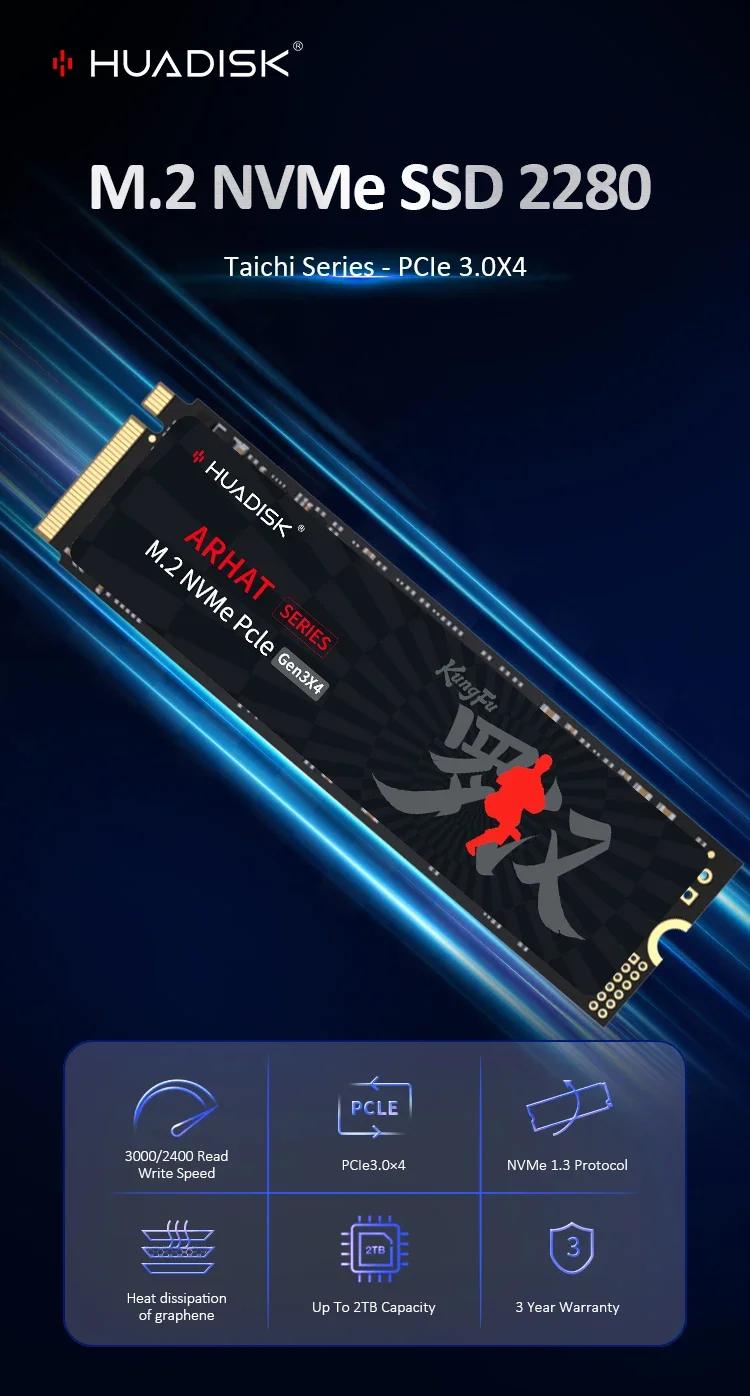
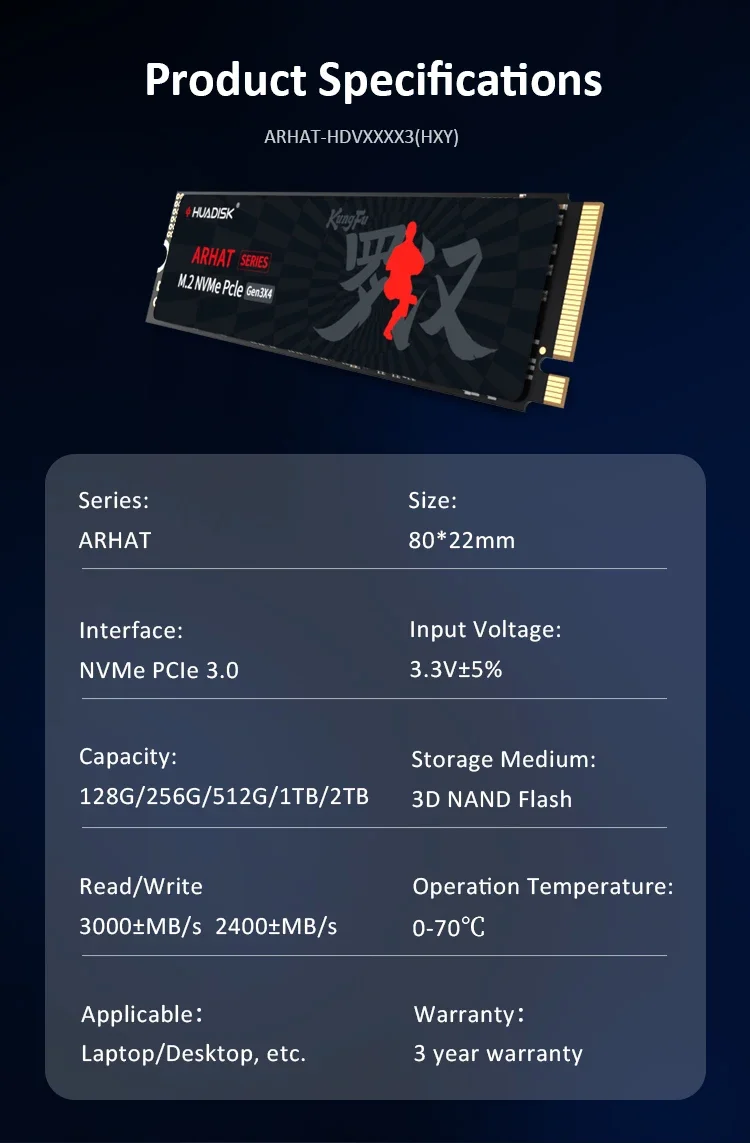
Product name: M.2 NVMe 2280 SSD
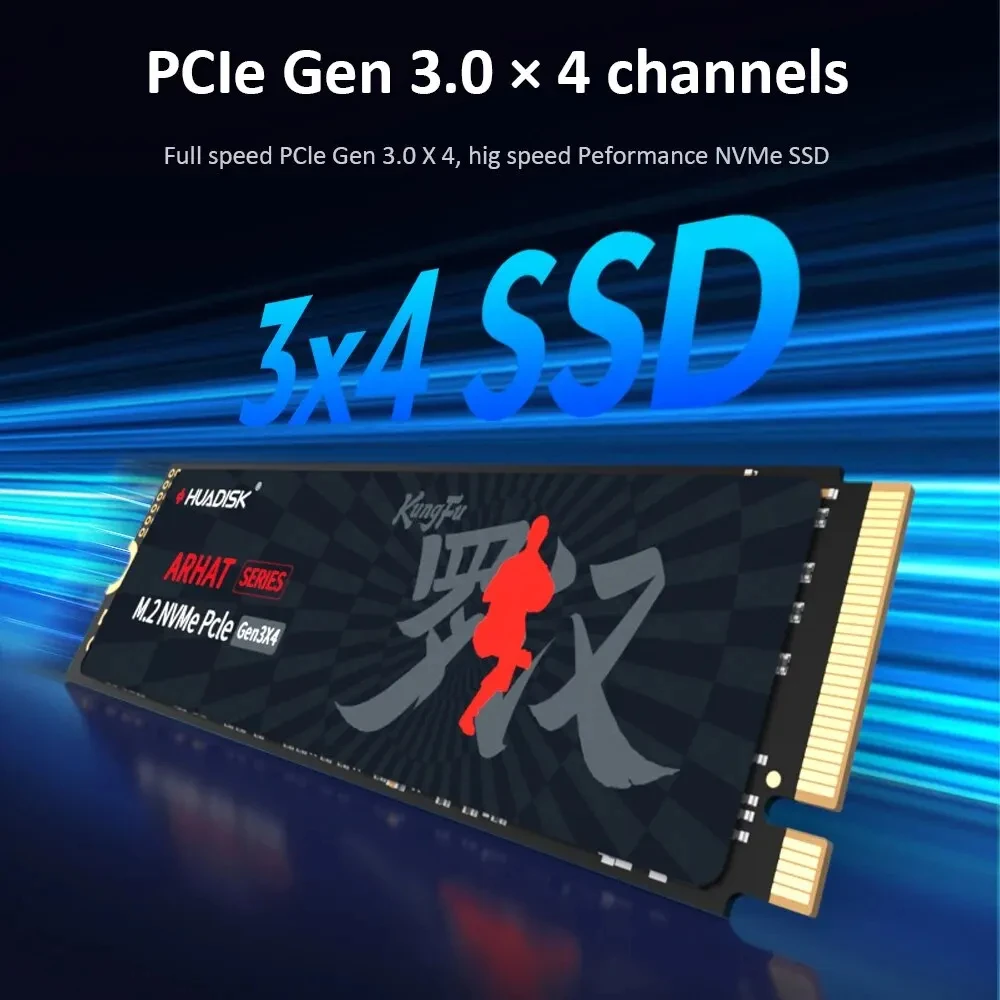
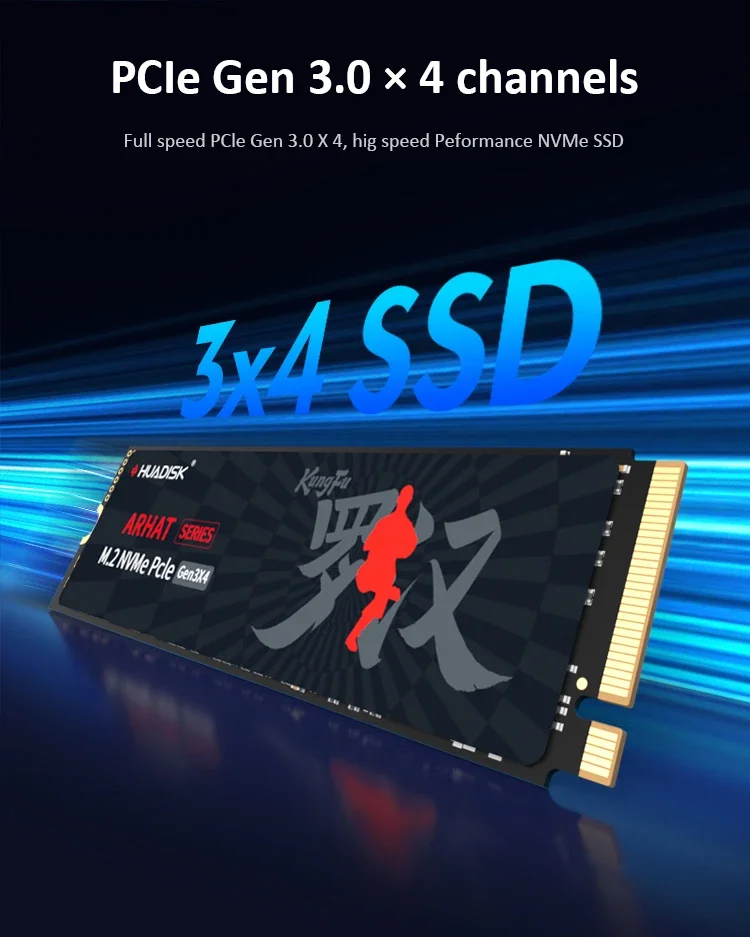
Interface protocol: NVMe PCIe 3.0X4
Controller: PHISON E13/SMI/other
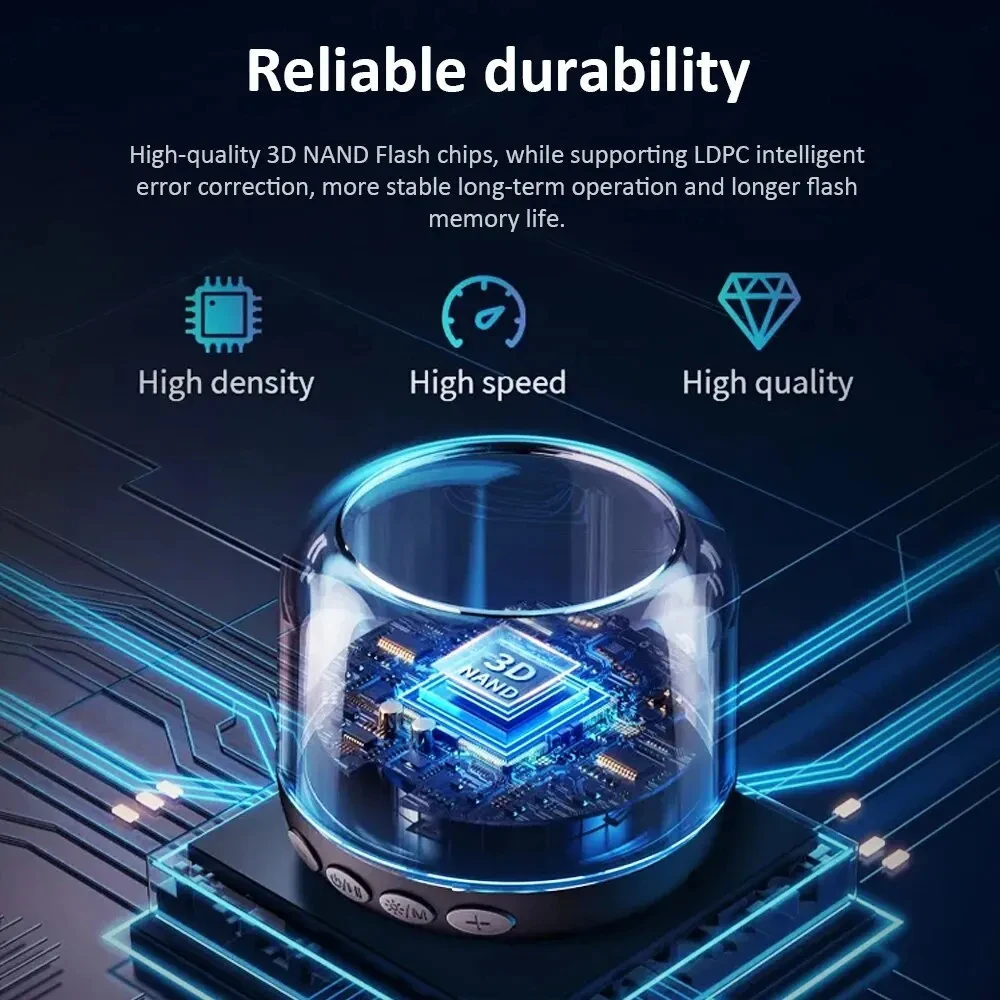
Nand Flash Type: 3D NAND Flash( QLC and TLC send in Random)
Physical dimension: 80(L)X22(W)*3(H)mm
SupportCapacity: 128GB 256GB 512GB 1TB 2TB
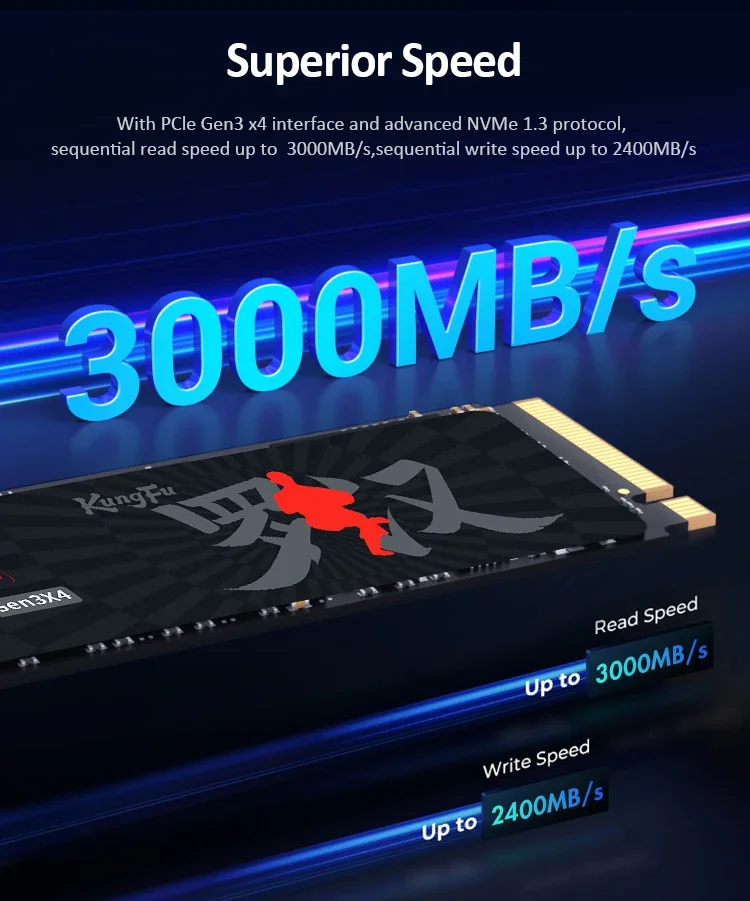
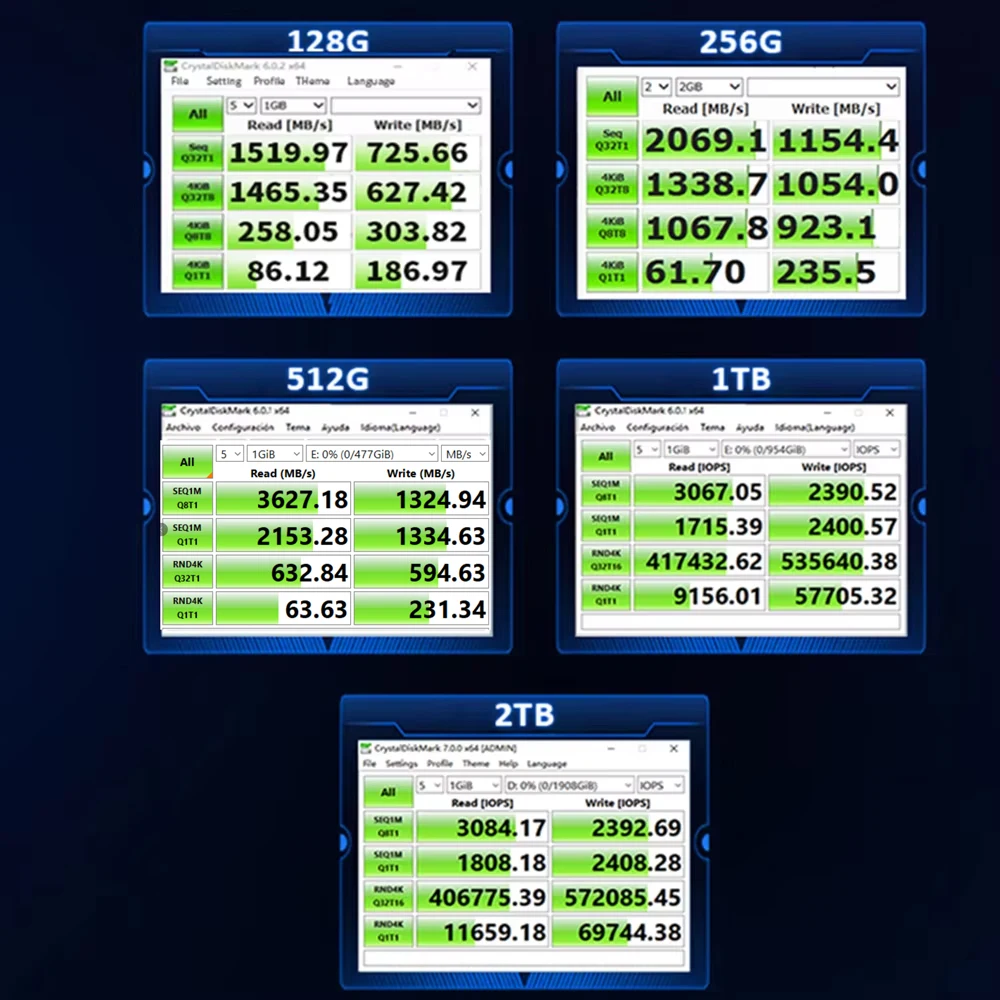
Max Sequential Read: 3000Mbps
Max Sequential Write: 2400Mbps
Input voltage: 3.3V±5%
Storage temperature: 0℃~70℃
Warranty/support: 3-year warranty with free technical support
TBW of Different capacity: 60TBW [128GB] 200TBW [256GB] 300TBW [512GB] 600TBW [1TB] 1200TBW [2TB]
Product features:
1.High Efficiency Performance
Sequential read/write speeds can reach up to 3000/2400MB/s. Loading time is greatly reduced, making more efficient in booting, entering games and reading files.
2.Powered by a new controller designed to harmonize the flash memory components and the interface for superior speed – with a PCIe 3.0 interface that's 6x faster than SATA SSD.
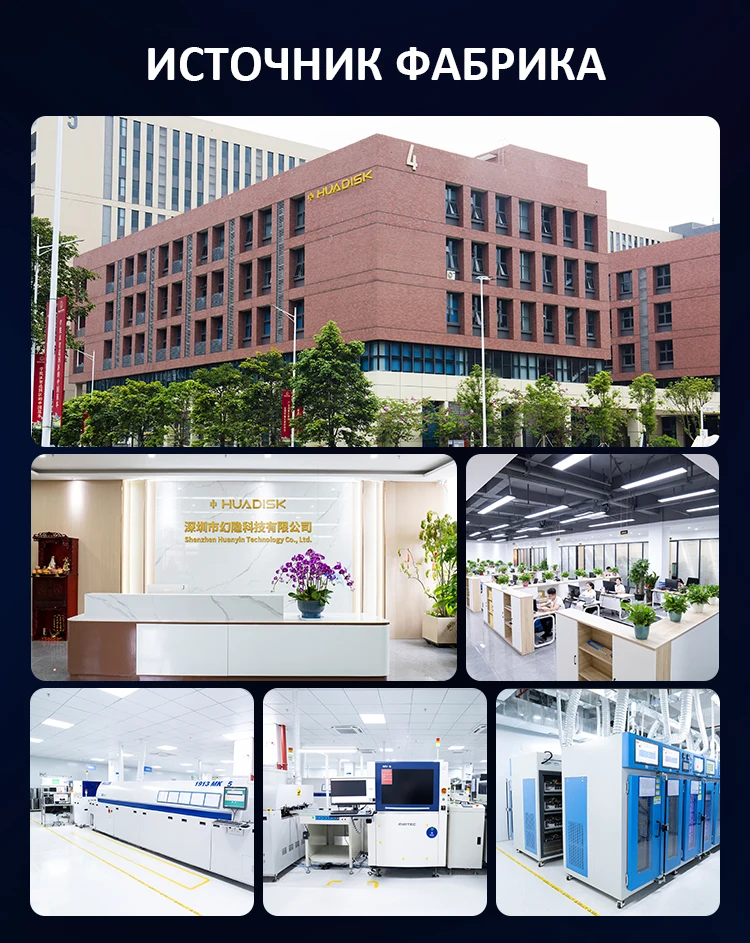
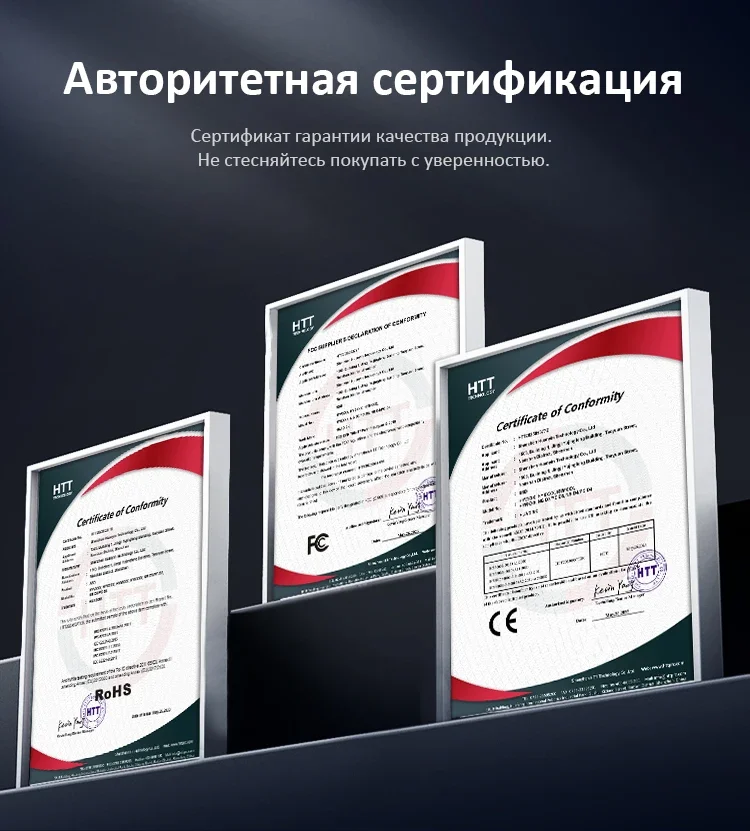
3.The Huadisk SSD is equipped with the original master control and original flash menory particles. It can be used with various loads, whether its daily work or playing large-scales games, and can easily handle it.
4. M.2 NVMe 2280 series offers a variety of capacities for you to choose (128GB,256GB,512GB,1TB, 2TB), which to meet your needs for different scenarios.
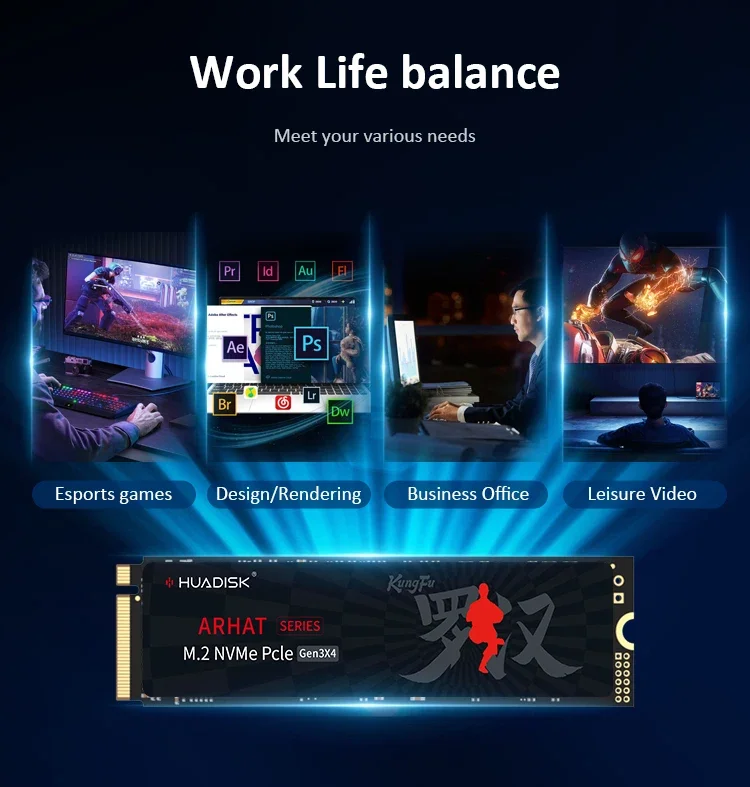
5. M.2 NVMe 2280(HXY) SSD compatible with all M.2 NVME interface devices, such as desktop PC, laptop, All-in-one PC,Game Machines. Designed for storage upgrade, compatible with Windows, Mac OS, Linux operating systems.

Package include:
1 X M2 NVMe 3.0 SSD 2280
1 X Package box

Q: Why can't we find solid state drive and read/write data?
A: The new SSD generally need to be formatted in Disk Management.In Disk Management, select"Create and Format Hard Disk Partition", you will find it. If "Not Initialized" is displayed, right clink on the drive and select"Initialize Disk".
Q: Why is the speed test result different from the description?
A: Our test data is just for reference, our test results related to manyfactors, such as the status of hard disk, slot interface type, computer hardware grape, computer system, test platforms, and test software and so on. So, our speed test result will be different with you, hope you can understand.
Q: How to format SSD and achieve 4K alignment?
A: Win7 or higher version OS is recommended due to'Disk Management Formatting function is built in the systems. We recommend NTDS disk partition format and DISKGENIUS tool to make drive partition.
PS: Use as SSD Benchm ark to check if SSD has complied with 4K Alianment and already been under AHC model. Otherwise SSD write/read speed performance and response time will be affected.
Q: Why the capacity of hard disk displayed in the computer will be less?
A: The difference in calculation between the manufacturer and your PC, please google "storage product capacity" for more info. PC defines 1GB=1.073741824 billion bytes, while the market defines 1GB=1.00 billion bytes100% real capacity, via H2testw. Storage device conversion formula: nominal capacity X 0.93=actual capacity. Capacity Notes: 64GB=approx. 55GB 120GB=approx.111GB 128GB=approx. 119GB 240GB=approx. 223G 256GB=approx.238G 480GB=approx. 446GB 512GB=approx. 476GB 960GB=approx.892GB1TB=approx. 930GB 2TB=approx. 1800GB
Before you use:
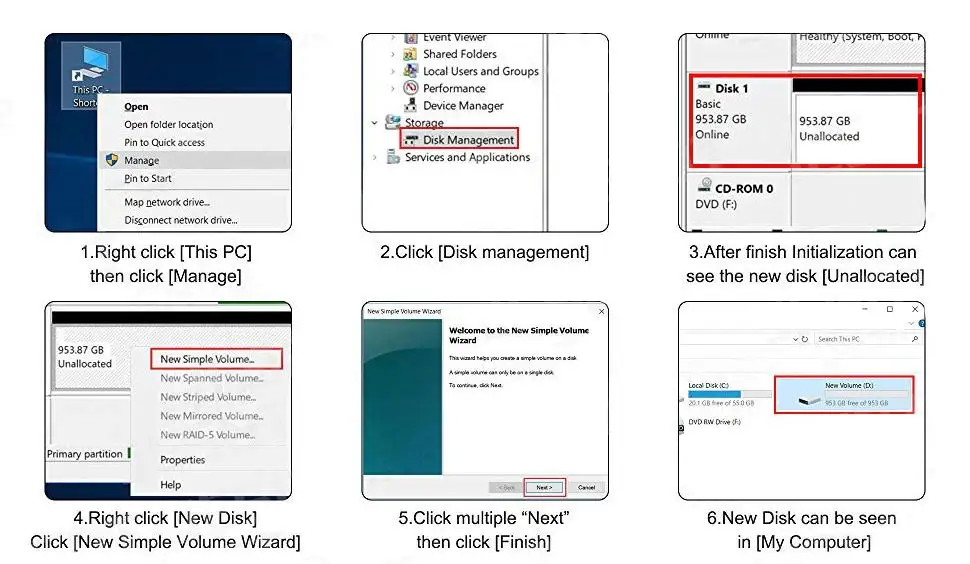
For new SSD, please finish disk initialization according to the following steps.
1. Open Start. Search for "Create and format hard disk partitions" and click the top result to open the Disk Management console.
2. Right click "Computer" - "Manage" - "Disk Management".
Find your unallocated disk, right click "Unallocated", and choose "New Simple Volume Wizard". So then your SSD can be detected.
Opiniones de clientes
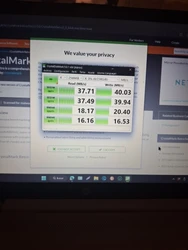
20 opinionestener mucho cuidado es fake engaño total.no cumple con las velocidades prometidas ,quien controla.esto ,esta gente chiná hace lo que quiere ,bien dice que sus.peosuctos son basura ,
Estoy muy contento con. el producto, me llegó en el tiempo indicado y cumple con lo que se dice en el anuncio, 10/10

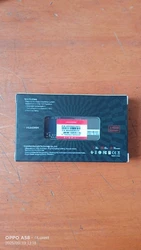
llego en buen estado se probo y esta todo ok muy bueno me costo barato y se recomienda





llegó rápido a México aún no se prueba Seve de calida



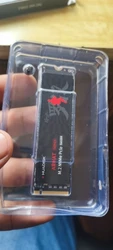
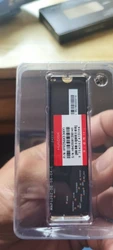
Llegó muy rápido. Bien embalado. Lo recomiendo a todos.
No recibí el artículo.
Éxito de ventas.
No entra en el hueco de instalar el m2, veo que lea pasado a más personas, lo e probado en el ordenador y en un estuche para ssd y no entra, saque nose si funciona, no lo recomiendo, lo malo es que me lo tendré que comer.
Fácil montaje y funcionando bien por ahora.
Todo salió bien, el paquete llegó en perfectas condiciones y el contenido estaba seguro. La unidad NVMe funciona. Esta es la segunda vez que hago un pedido en esta tienda sin ningún problema. Solo puedo recomendar encarecidamente la tienda y sus productos.
Cumple con lo descrito.