
Color
Tamaño
Descripción
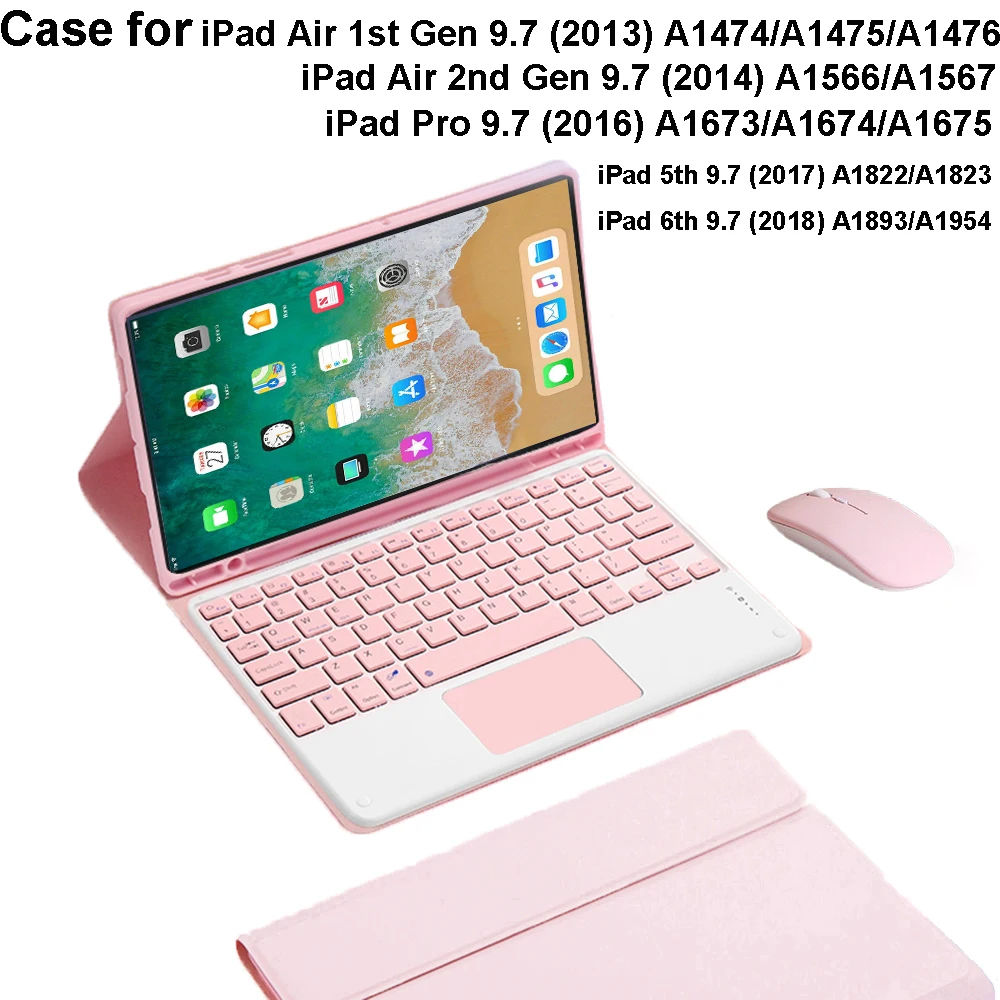
Please confirm your machine model before purchasing~
For iPad Air 1st 9.7inch (2013) A1474/A1475/A1476
iPad Air 2nd 9.7inch (2014) A1566/A1567
iPad Pro 9.7inch (2016) A1673/A1674/A1675
iPad 5th Gen 9.7inch (2017) A1822/A1823
iPad 6th Gen 9.7inch (2018) A1893/A1954 Tablet.
Please note
English Keyboard:There is only English letter layout on the keyboard.
Other language keyboards:The keyboard has English letter layout and that language letter layout.
Note:The digital tablet and stylus are not included in the package. The detailed description is for reference only. Please refer to the actual product for the color of the product.Office learning business fashion
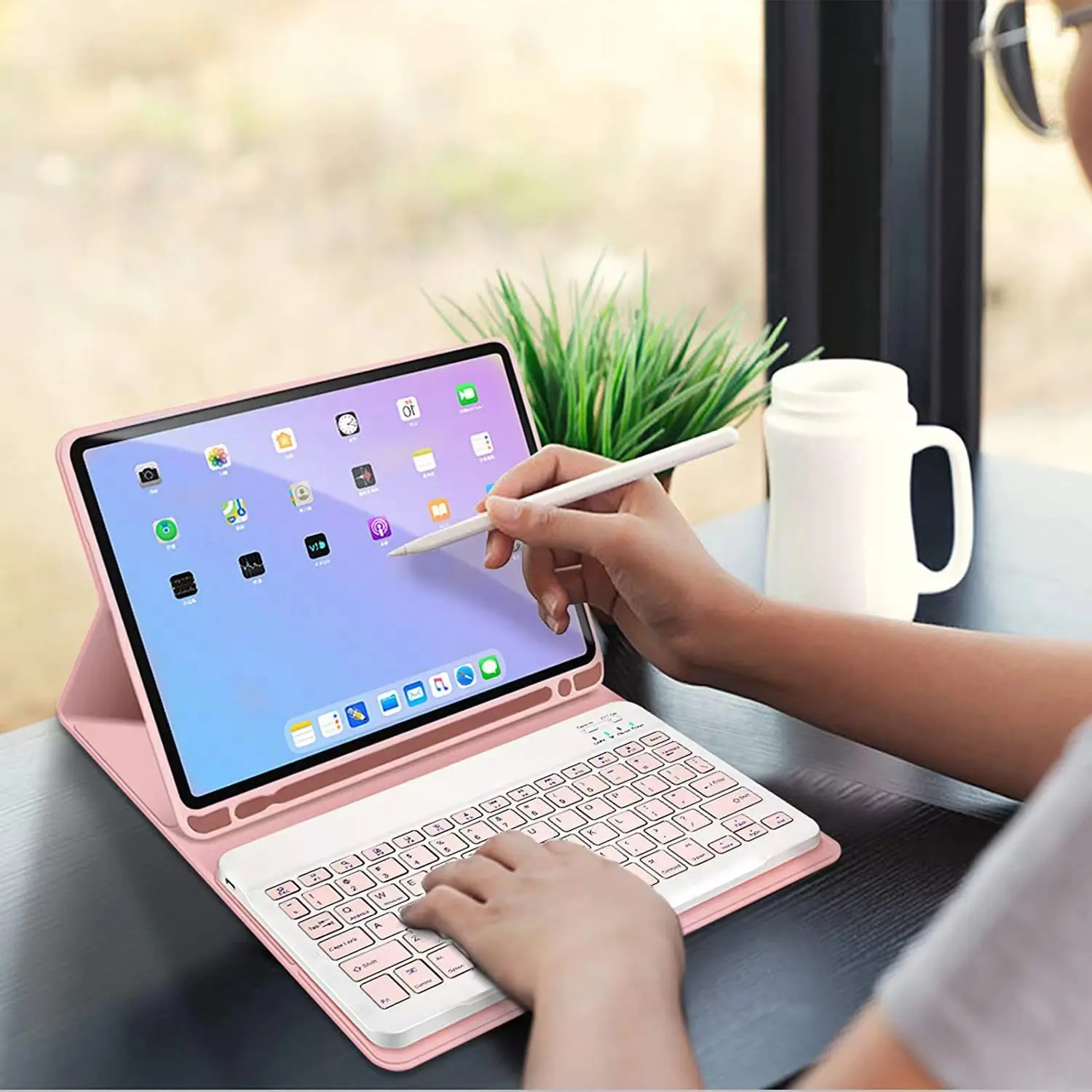
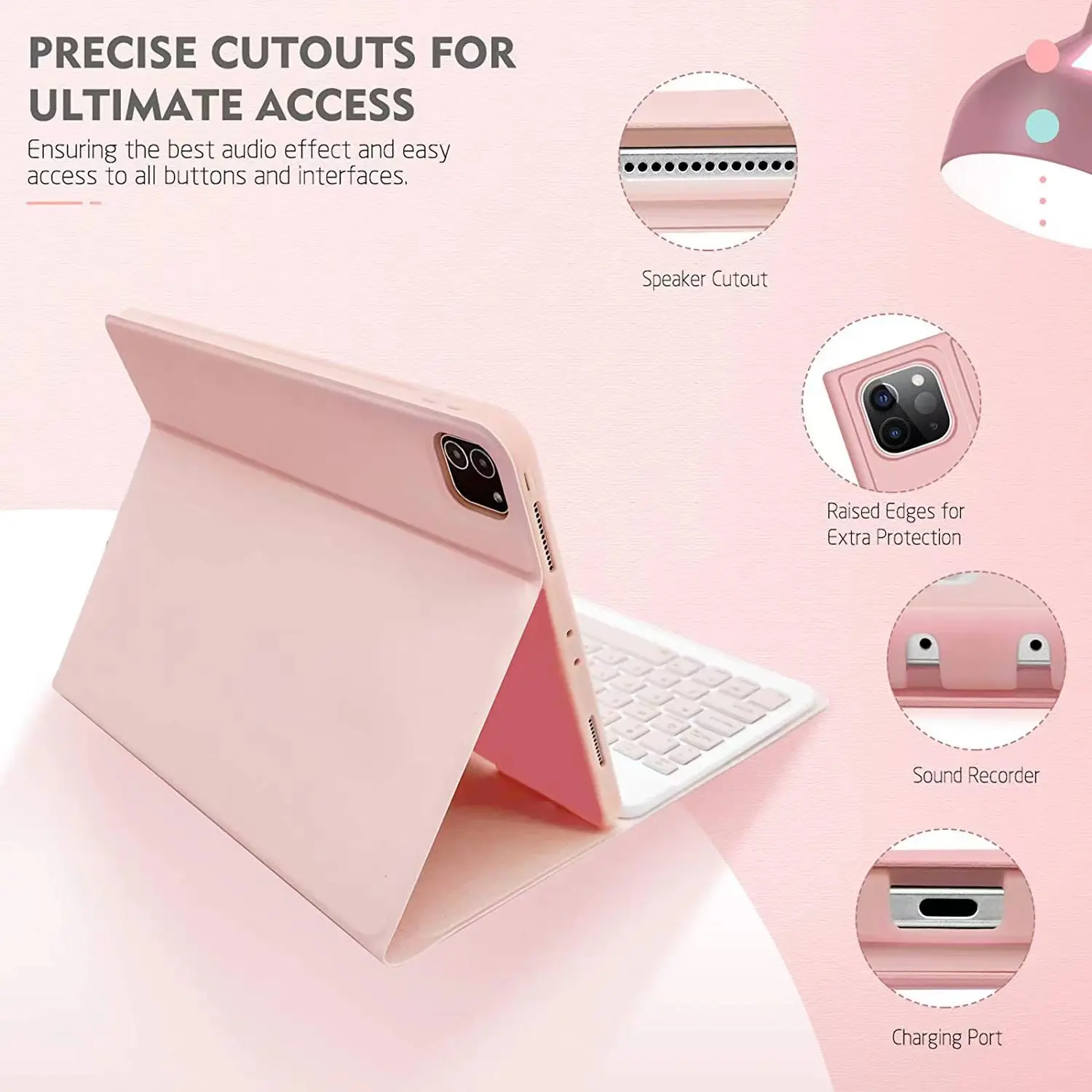
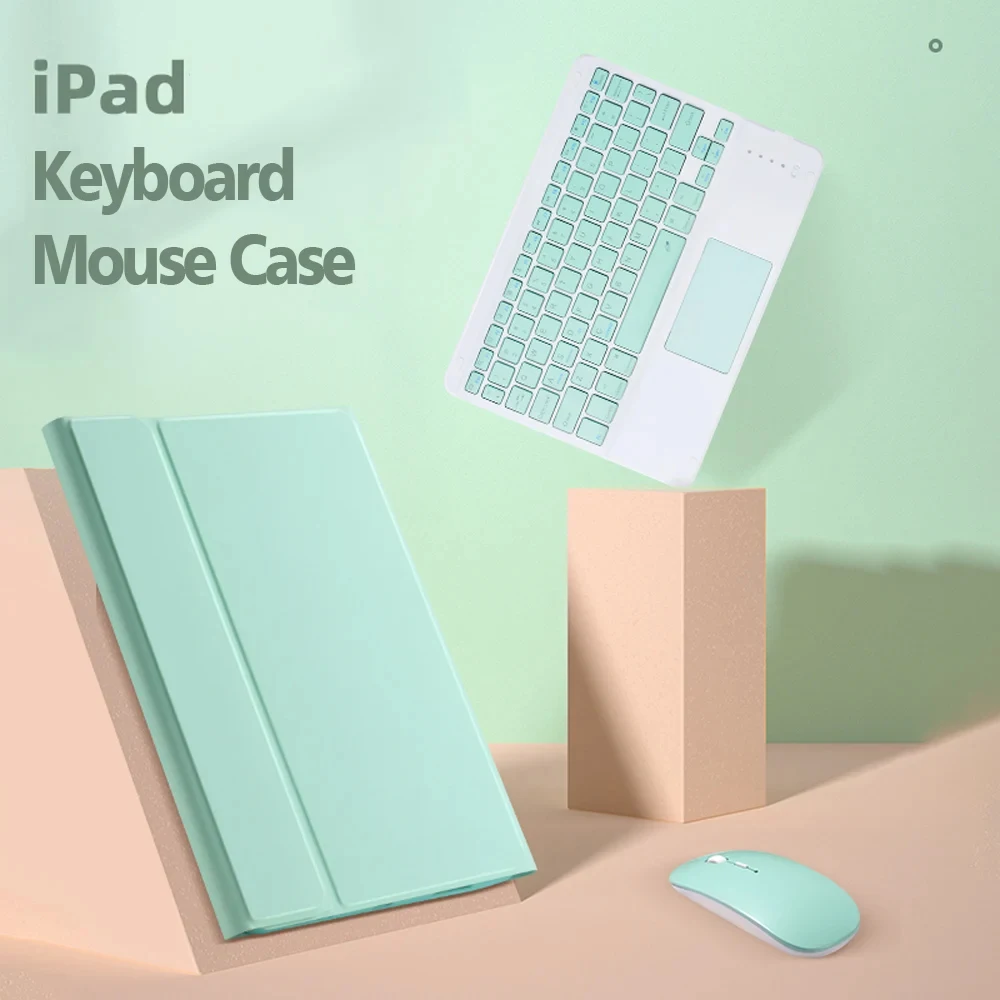
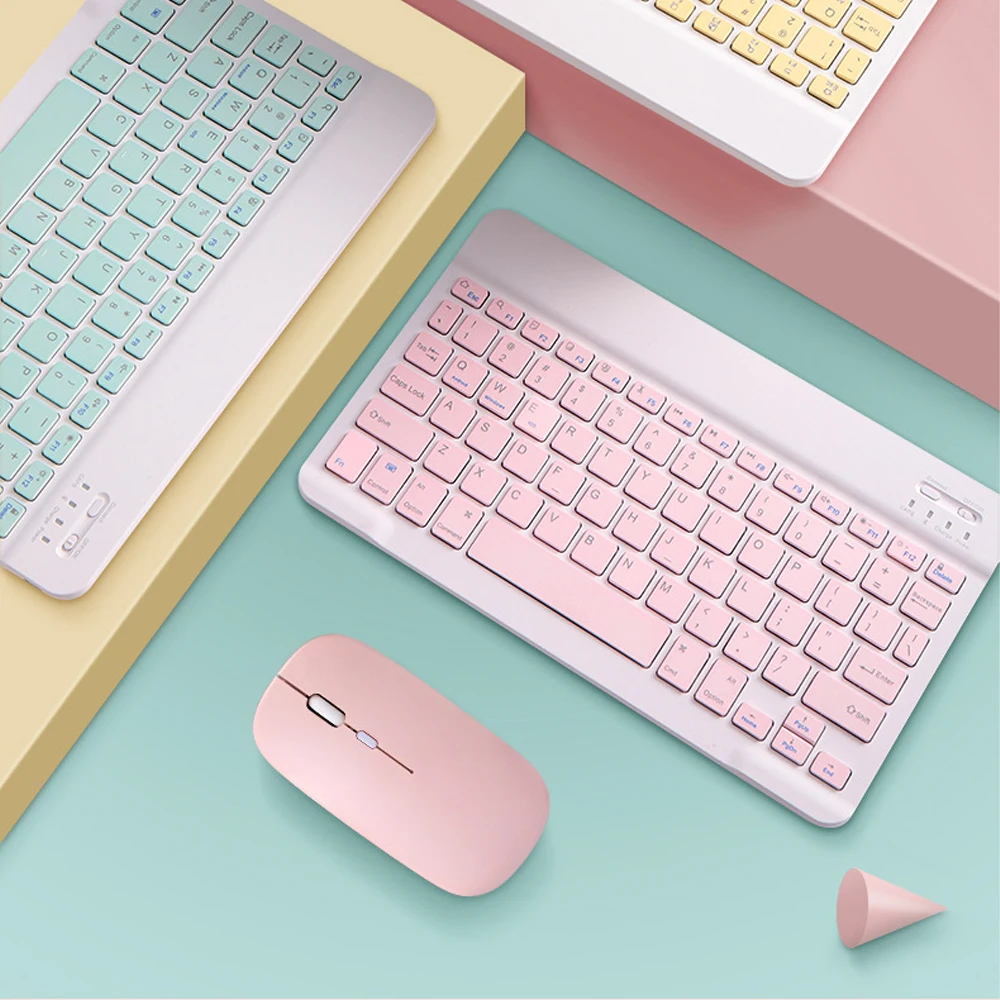
Comfortable solution to your office, study and entertainment needs.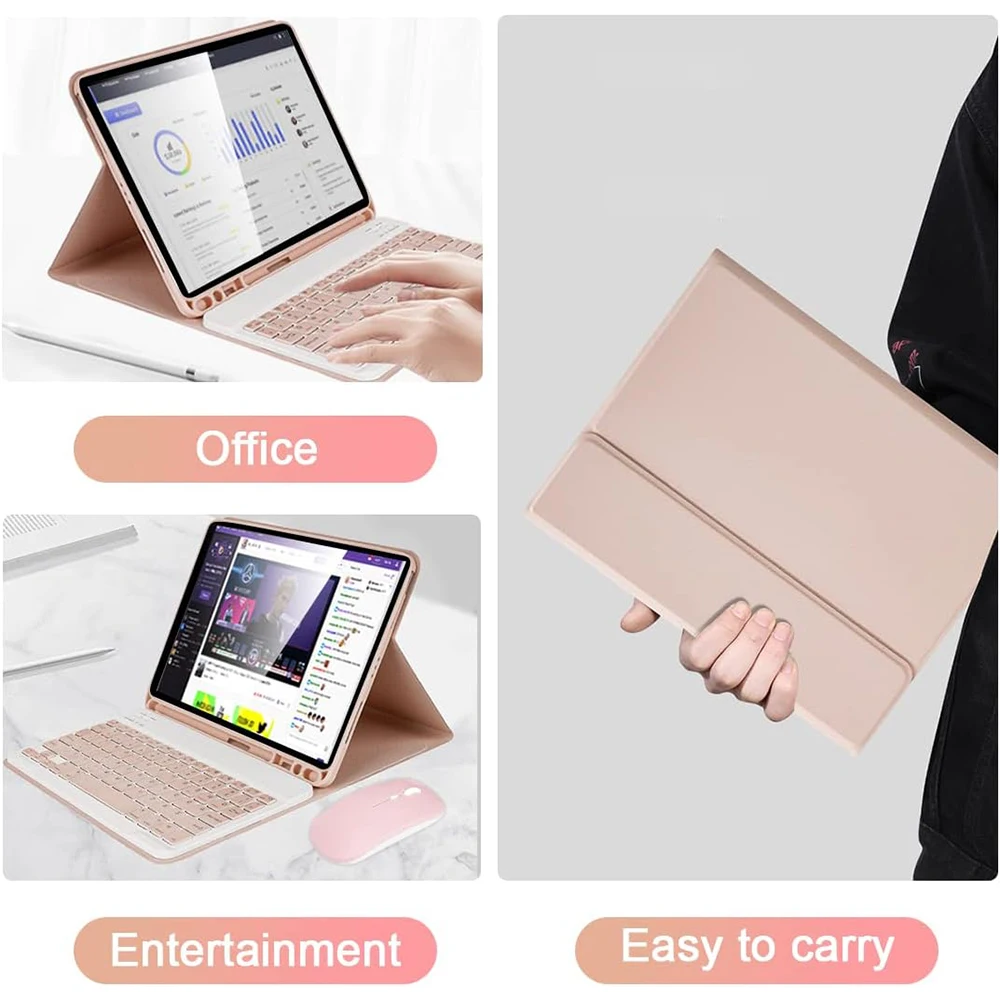 Magnetic Adsorption Keyboard
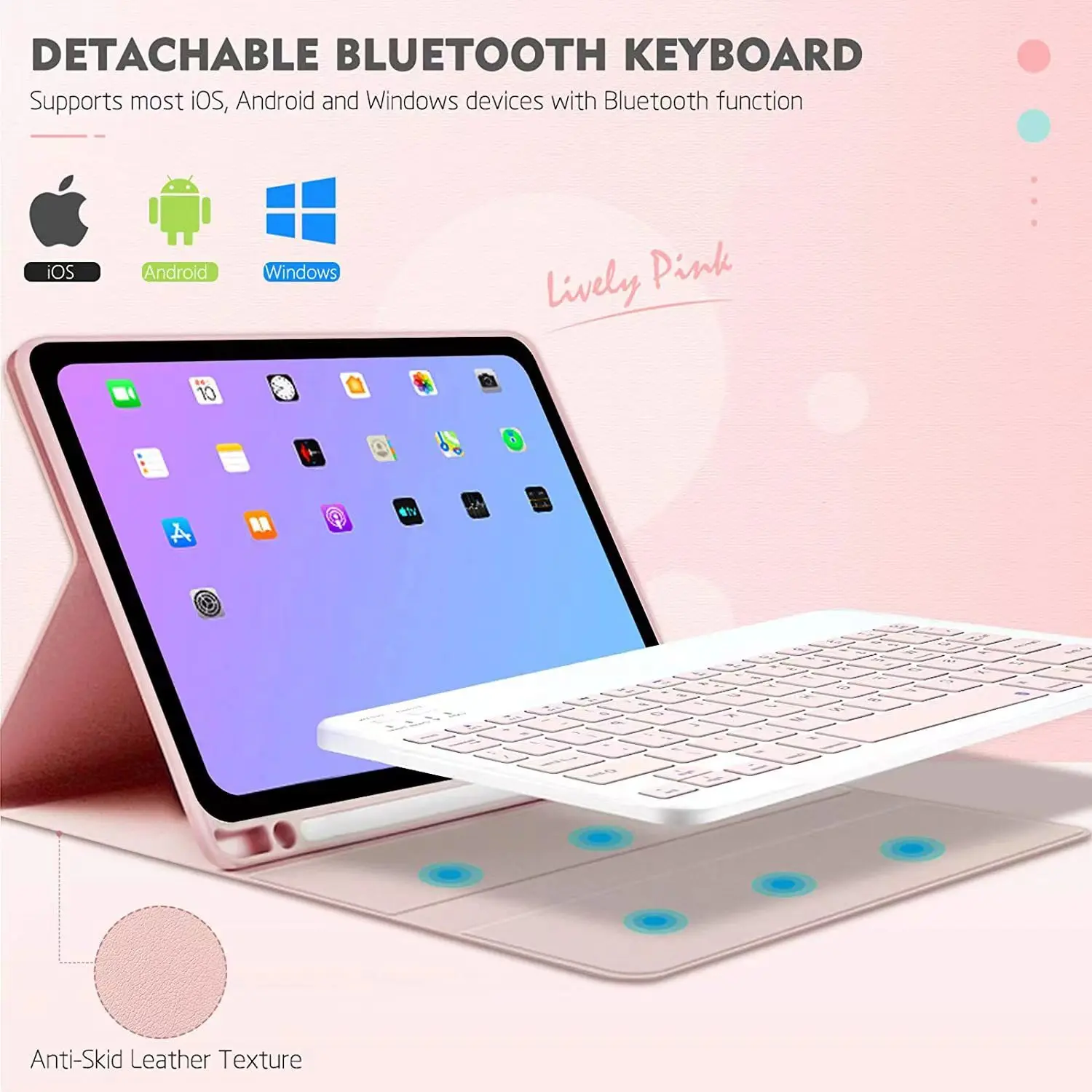
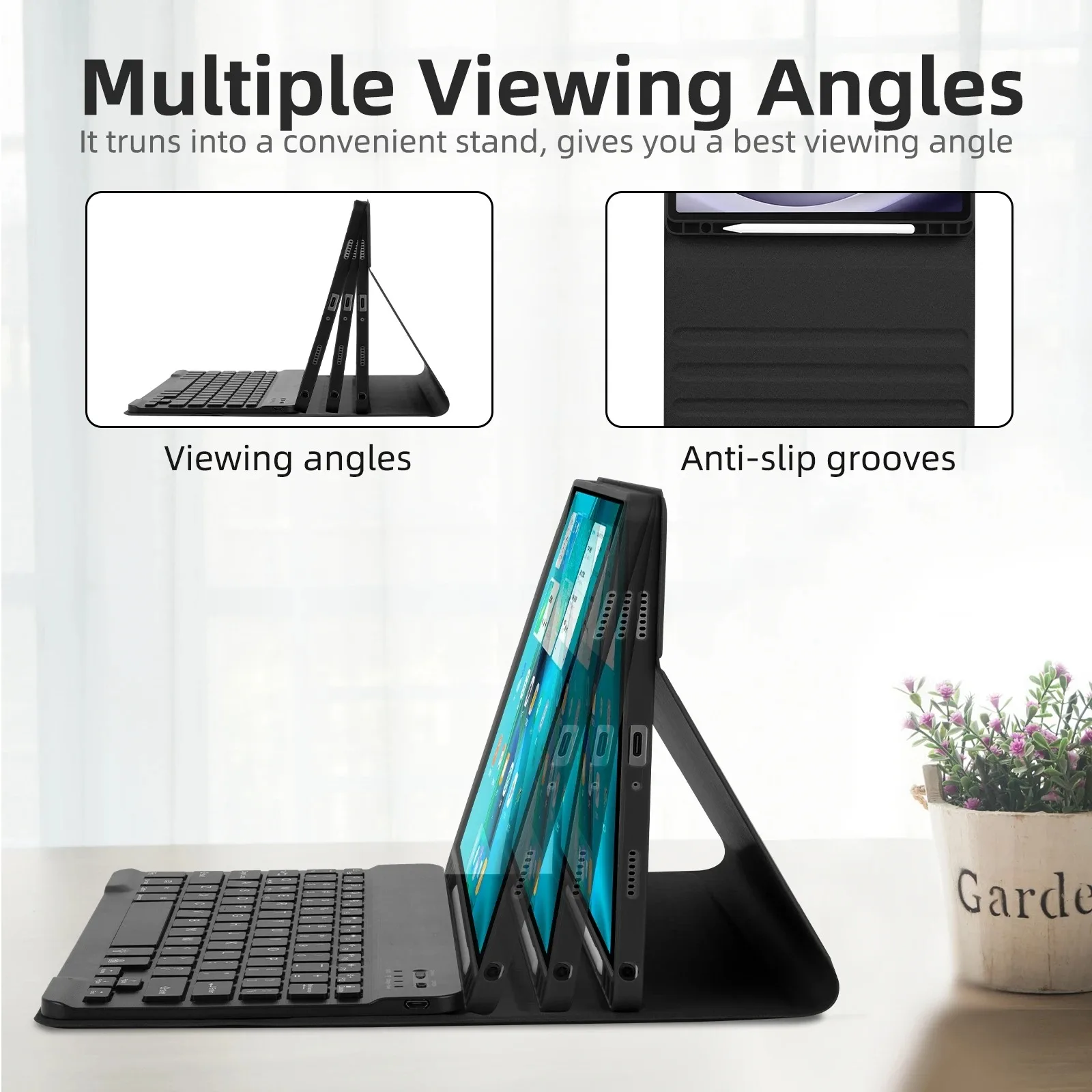
dismountable the Bluetooth Keyboard Can Be Used Separately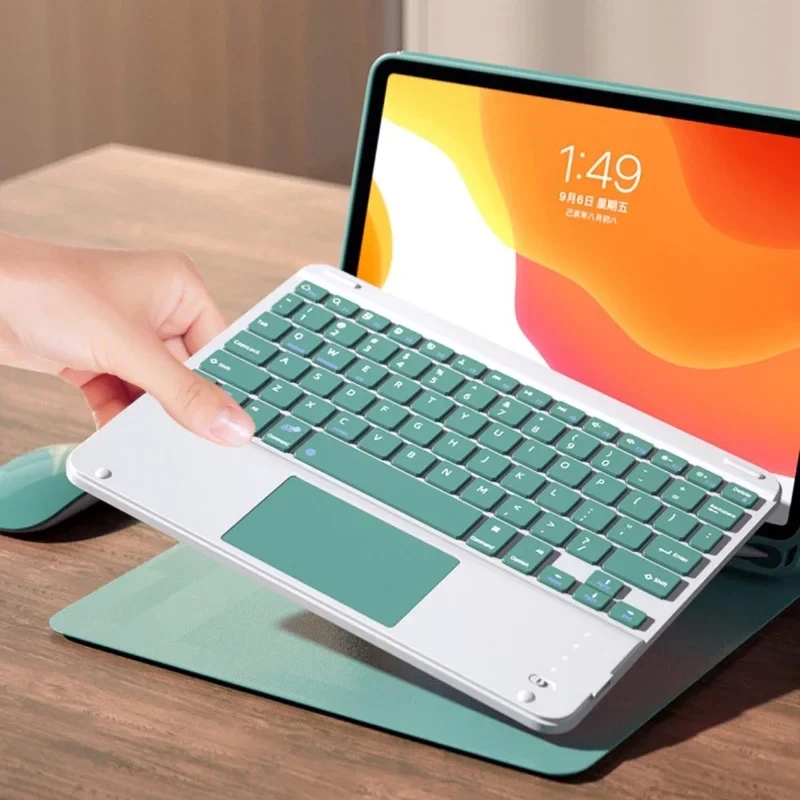 Triangular stable design
Stable support, anti-slip protection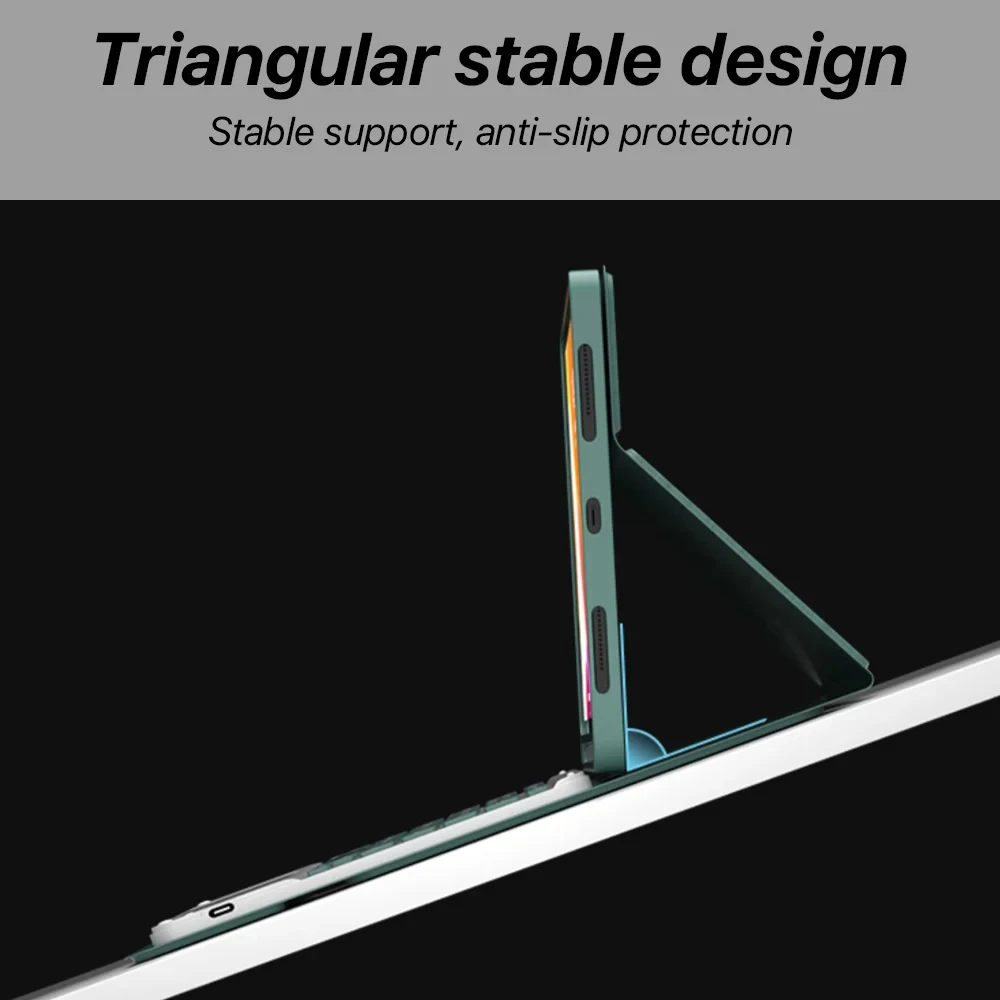 Cellular heat dissipation
Honeycomb cooling design Keep the iPad temperature normal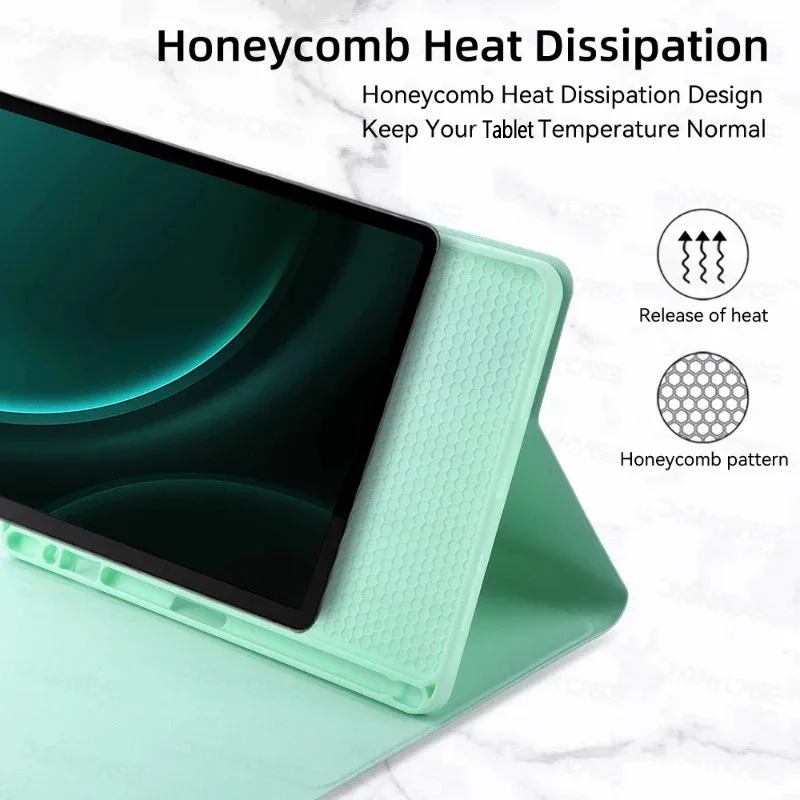 High end ABS Material Keyboard
Quality Material+PC Back shell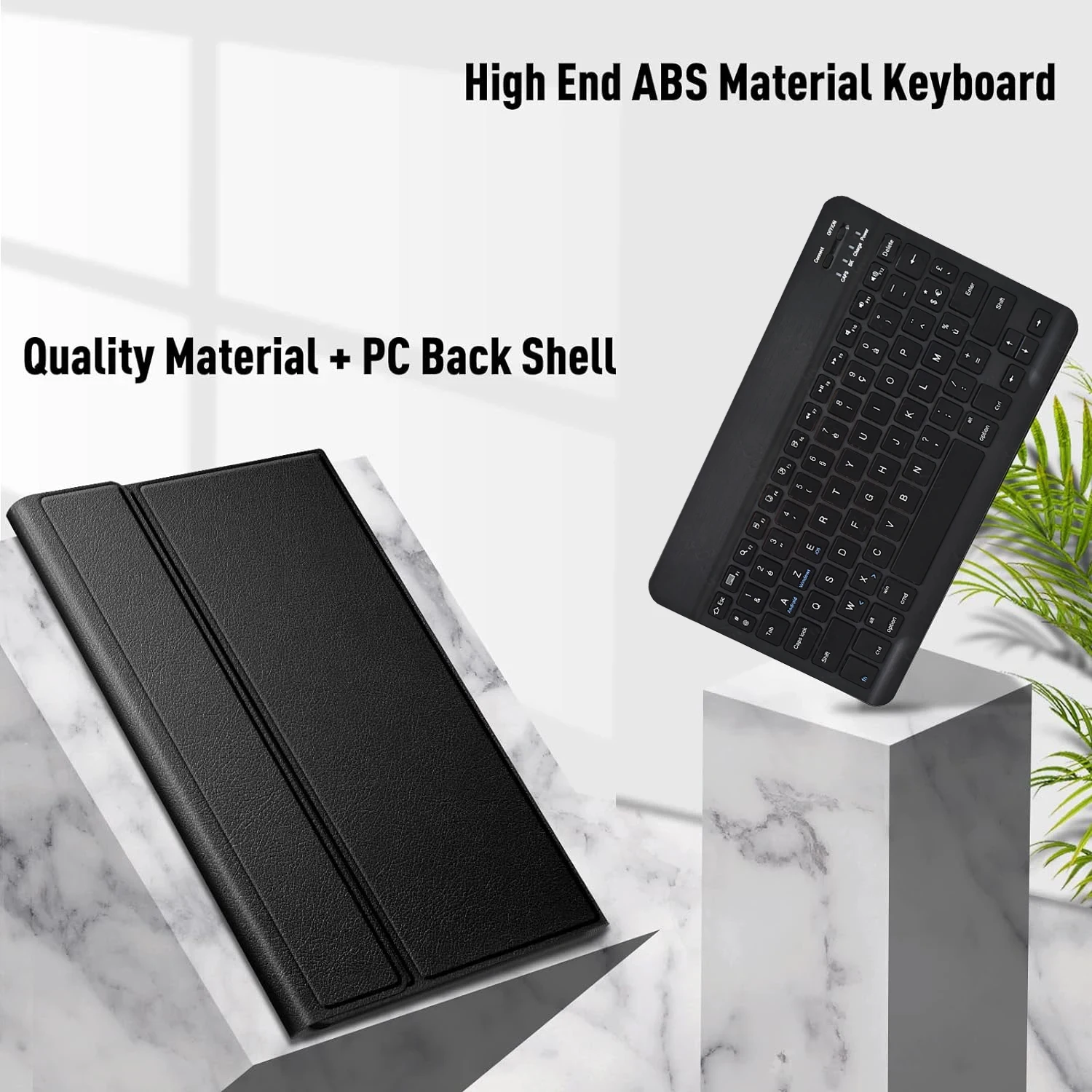
 Precise perforation of soft material
The soft material can protect the plate from bumps and fallsColourful
A colour that's just right for you
A wide range of colours to add a touch of chic to your day.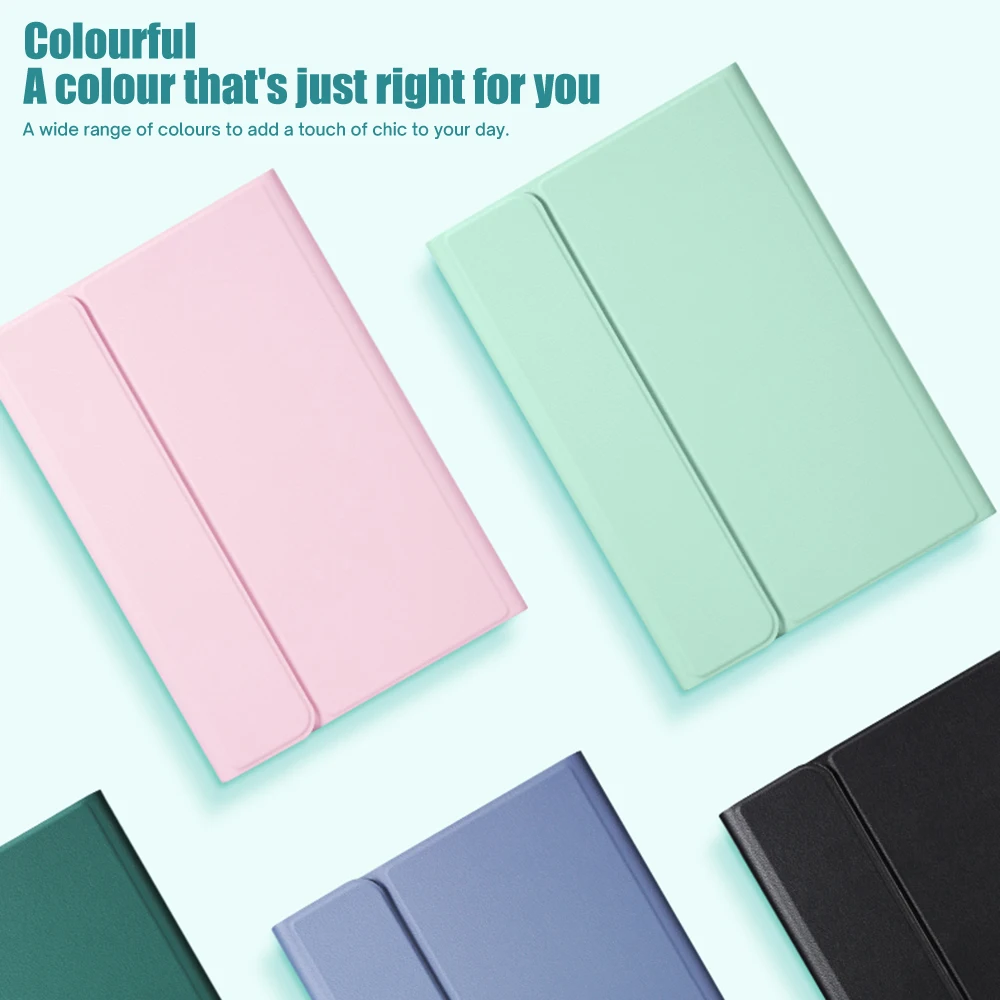
 About product size details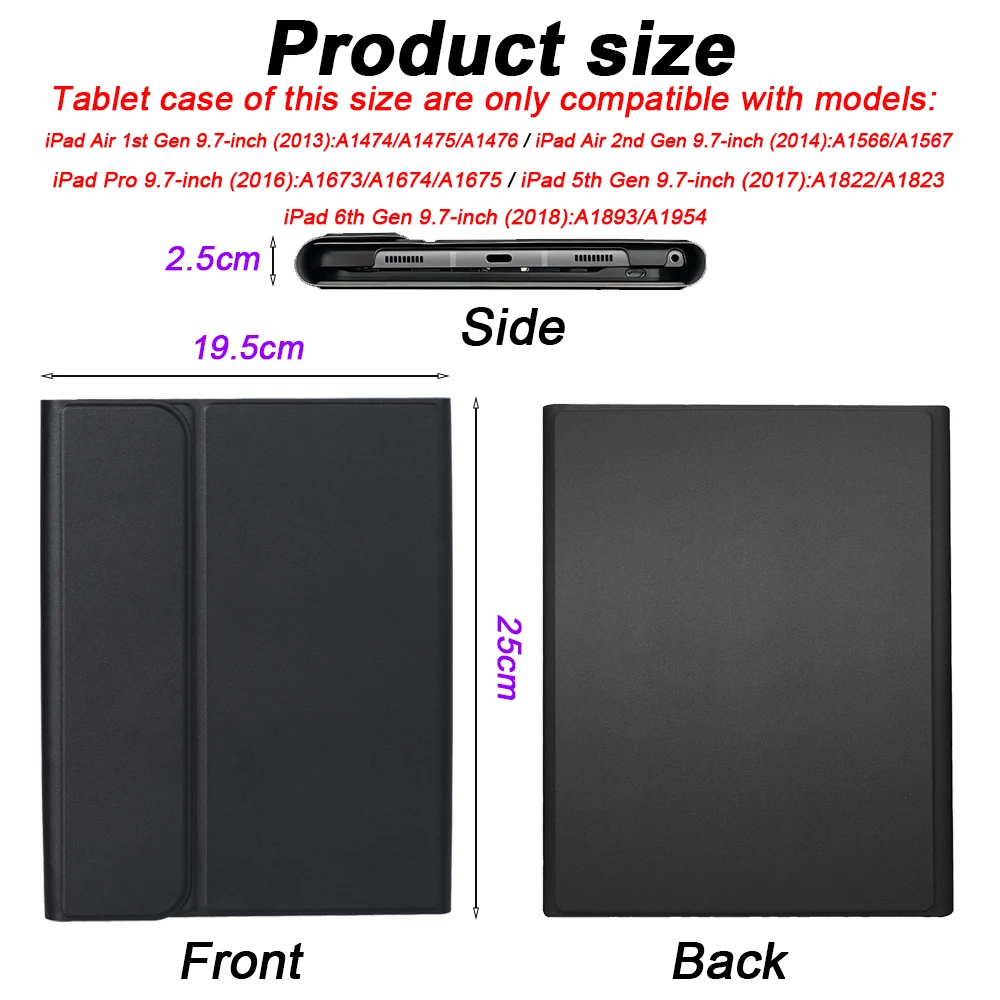
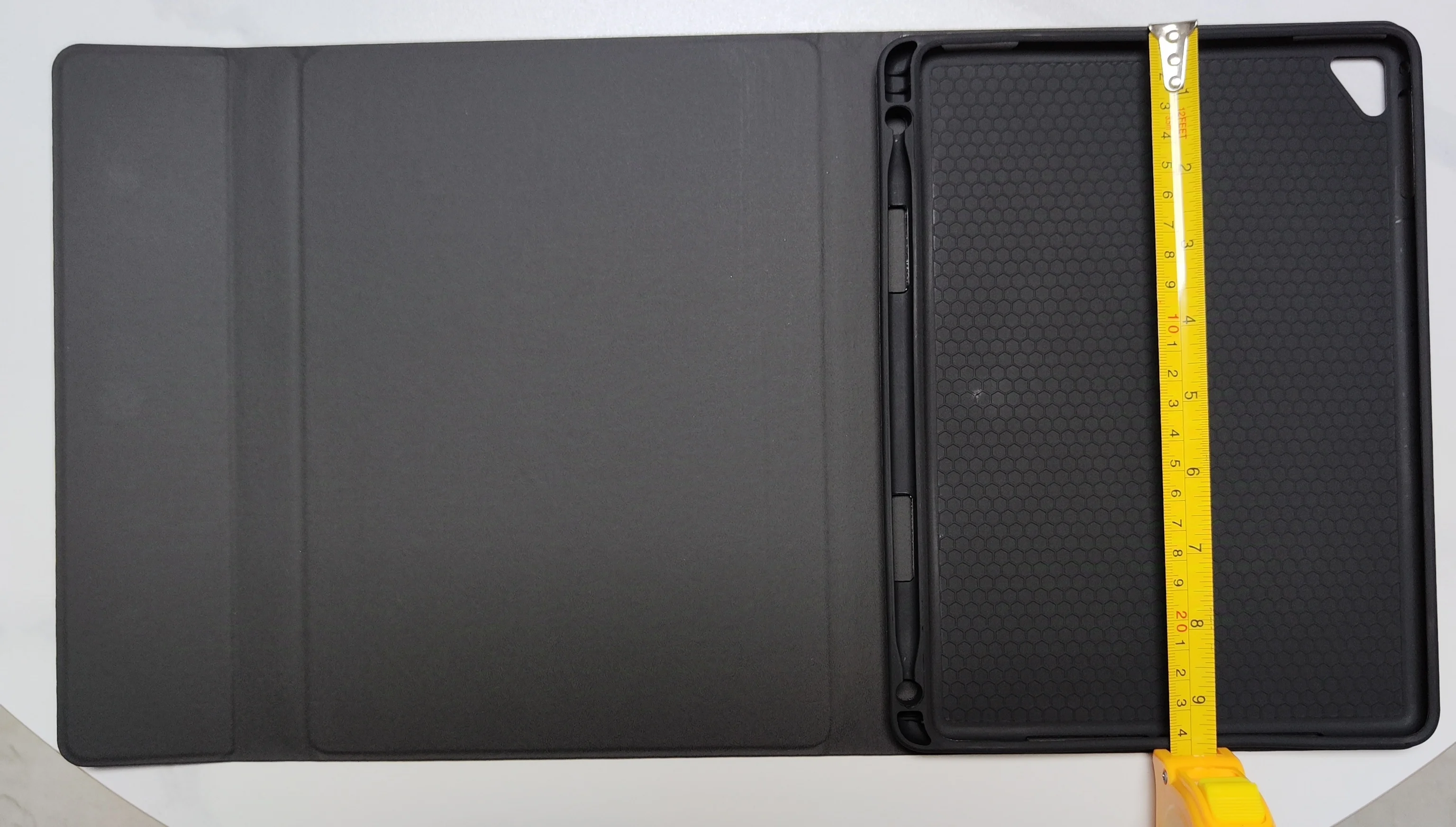
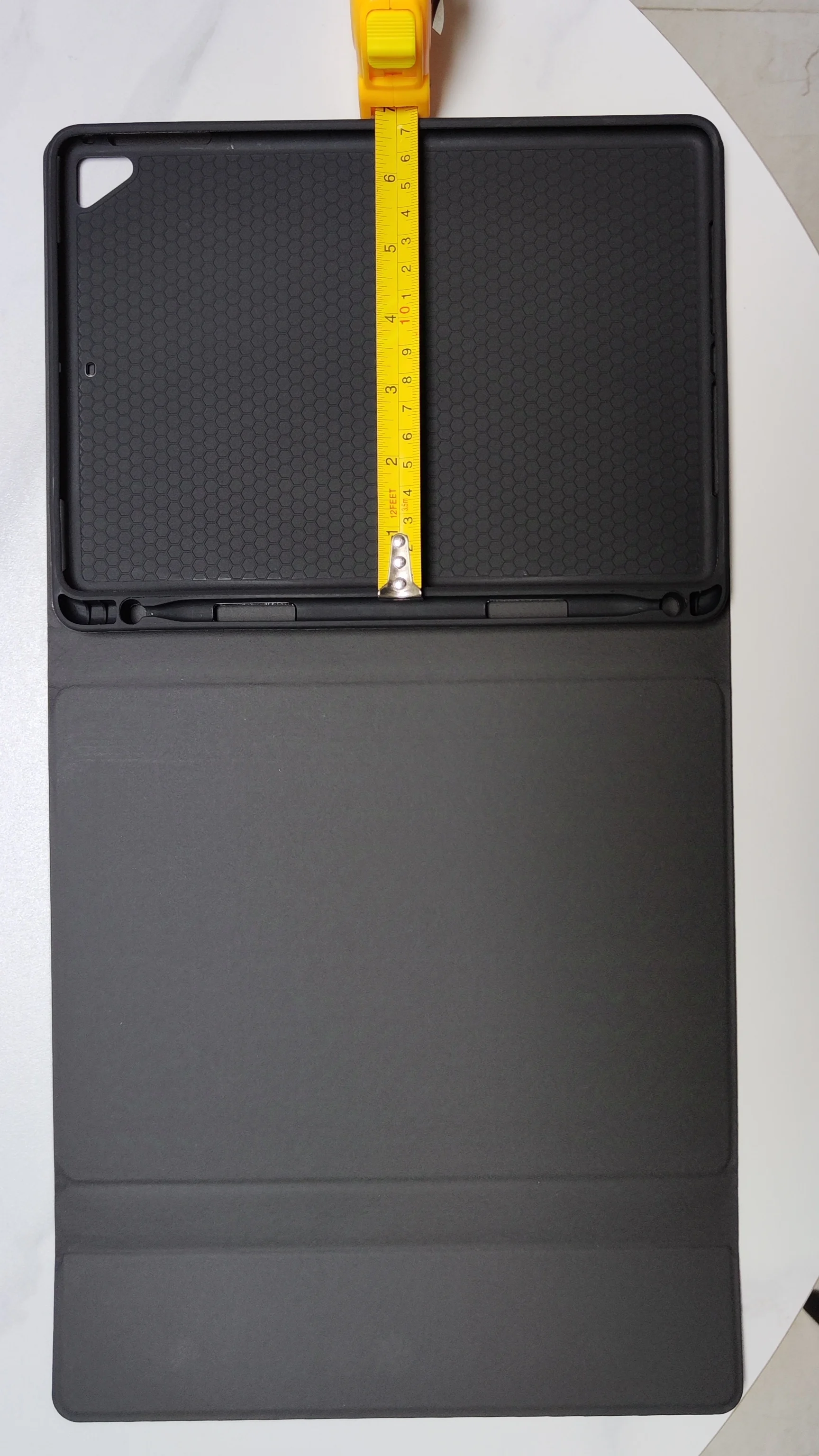

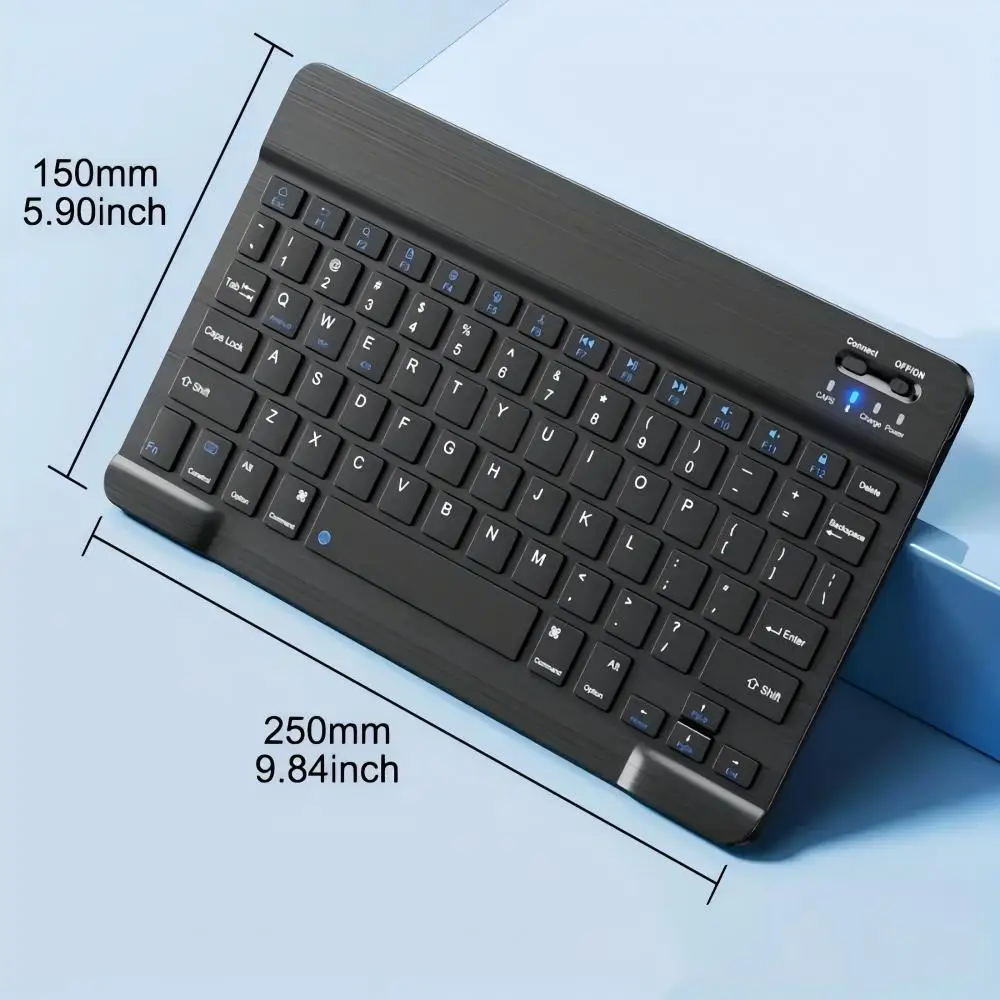
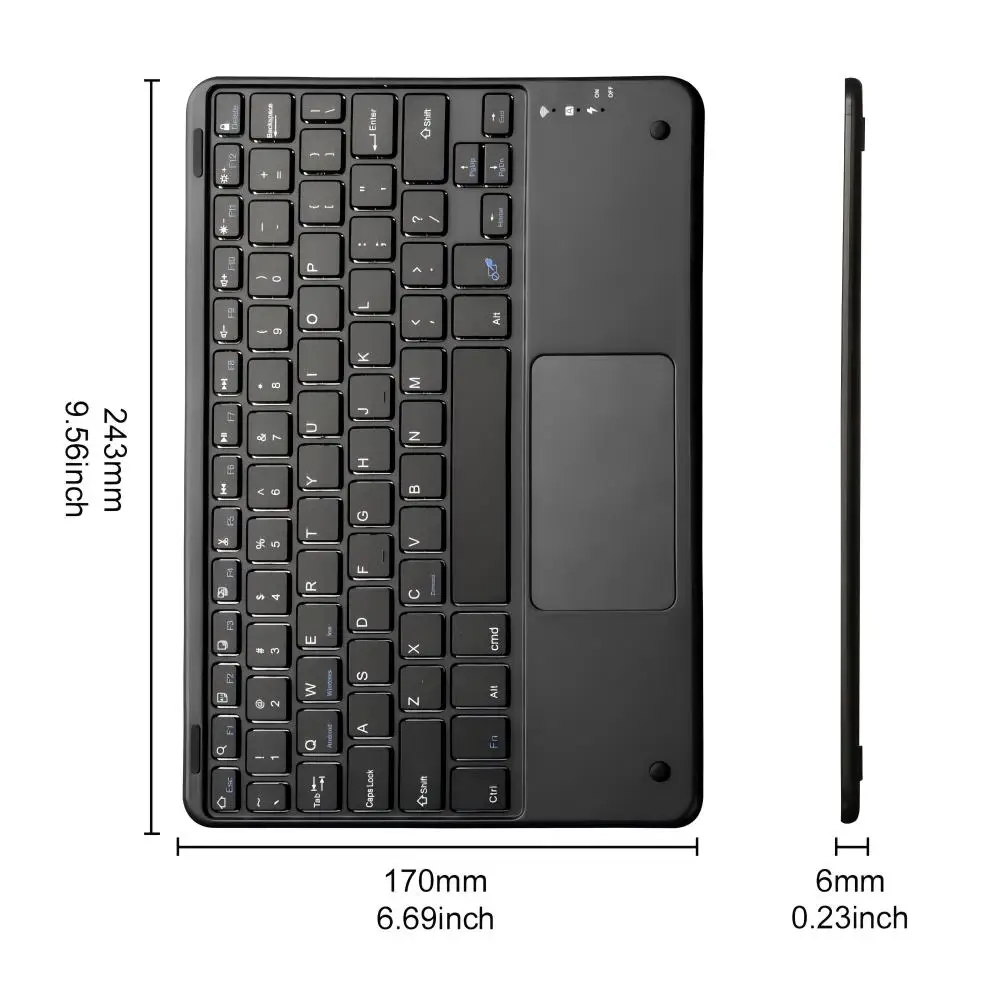
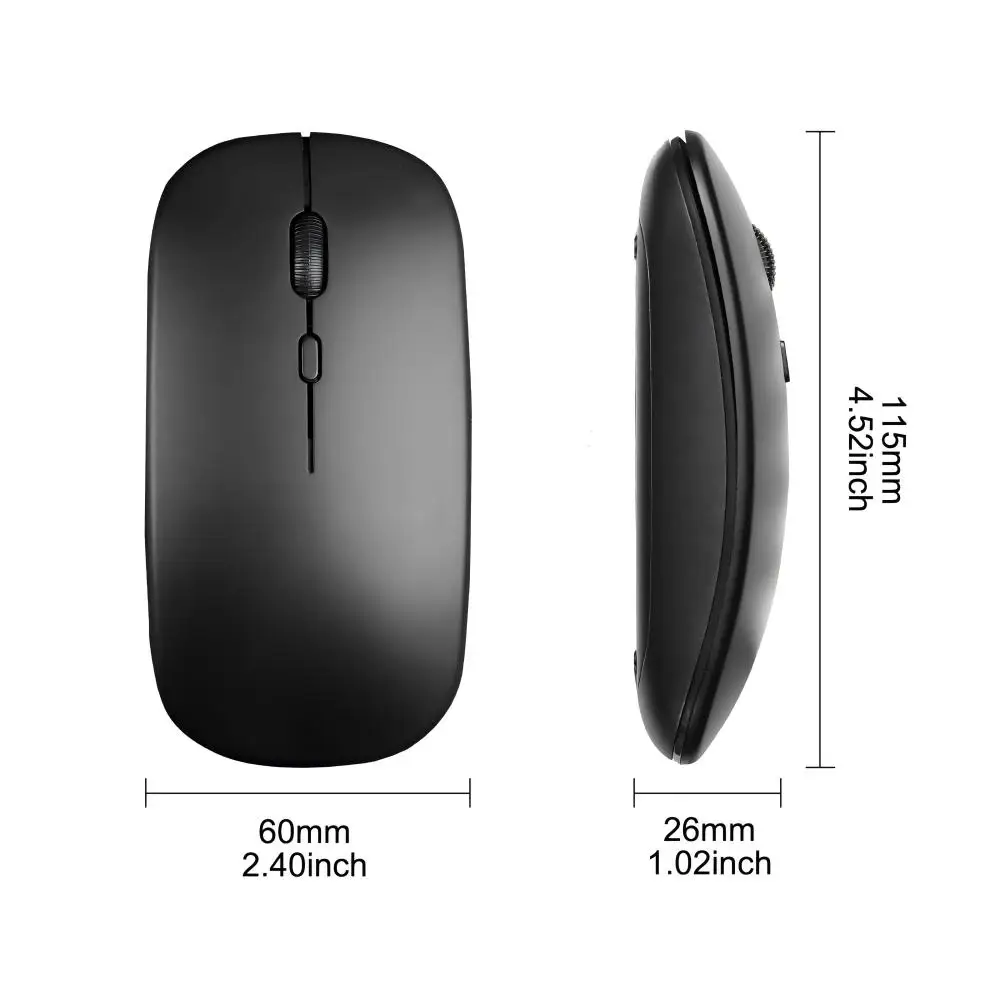 Bluetooth direct connection
Tablet becomes notebook
The delay-free keyboard connects to any Bluetooth device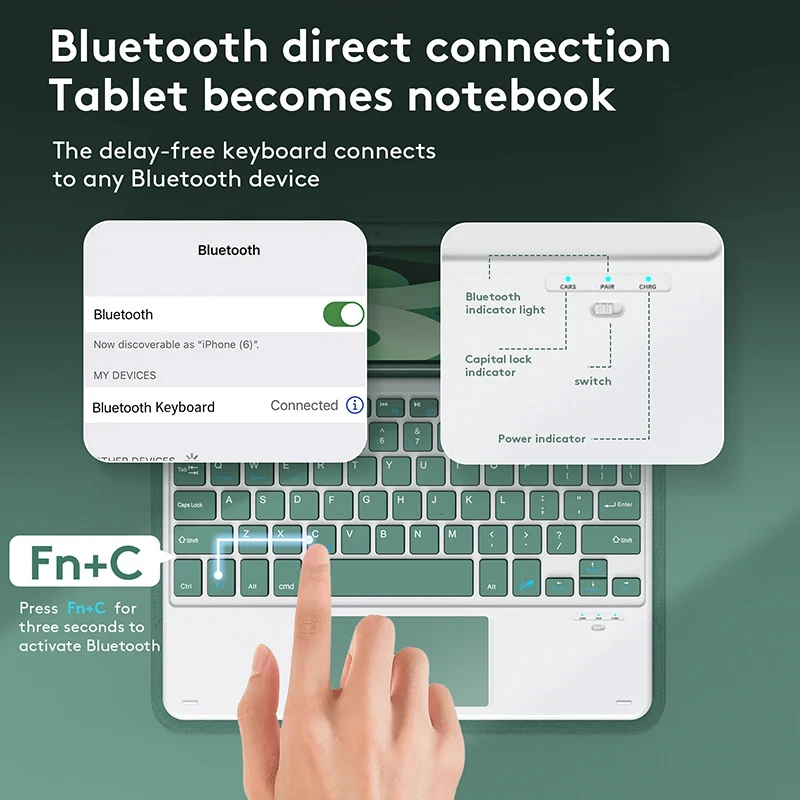 How to connect keyboard & Mouse?
1,Connect the mouse first, then connect the keyboard.
2,Mouse:Push the switch to the "Bluetooth" icon, find the Bluetooth connection with "Mouse" in the device Bluetooth list.
3,Normal Keyboard:Push the switch in the upper right corner to "ON", press "Connect", and find the Bluetooth connection with "Keyboard" in the device Bluetooth list.
4,Touchpad Keyboard:turn on keyboard ,press Fn+C to,then find the Bluetooth connection with "Keyboard" in the device Bluetooth list. FAQ
FAQ
Q:What should I pay attention to when connecting the mouse for the first time?
A:When the mouse is connected for the first time, you need to press the left button, the right button and the scroll wheel at the same time for about 3-5 seconds.
Q: Is the scroll direction of the mouse USB connector and Bluetooth connection the same?
A: No, they are different. When using the USB connector, the scroll wheel slides in the same direction as the computer mouse. Bluetooth connection is the opposite.
Q: How to switch between different systems?
A: Fn+Q=Android, Fn+W=Windows, Fn+E=IOS.
Please note that please switch the system before connecting the tablet.
Q:The bluetooth keyboard letters are messy?
A: Please check the settings according to the prompts,
a. Check whether the keyboard language set on the device is English.
b. Disconnect the keyboard Bluetooth, click Ignore the connected device, reopen the Bluetooth keyboard, select system, Fn+E (IOS system).
Note: Fn+Q=Android, Fn+W=Windows, Fn+E=IOS
c. Press the L S Z buttons at the same time to reset the keyboard
Q:How to configure the input method for different languages keyboard?
A:Take the samsung tablet as example,open "Settings--"ystem"--"Language & input"--"Add New Keyboard". (For other systems, please set them in the system settings according to the tips of the iPad example.)
Q:How does the mouse change teh scroll wheel sliding direction on the device?
A: The mouse is connected, open "General" - "Trackpad & Mouse" - close "Natural Scrolling".