
Descripción
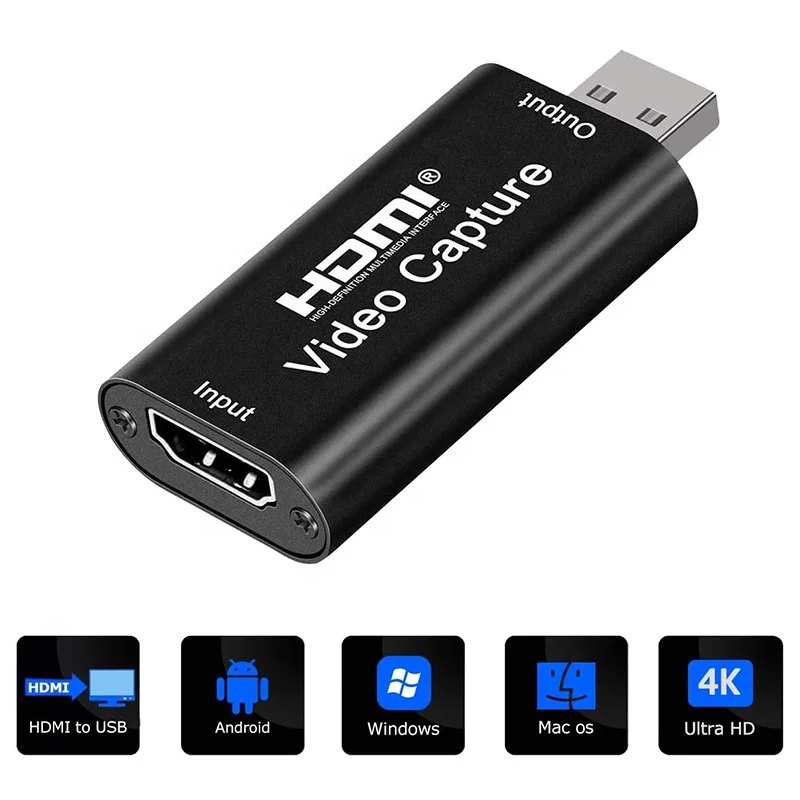
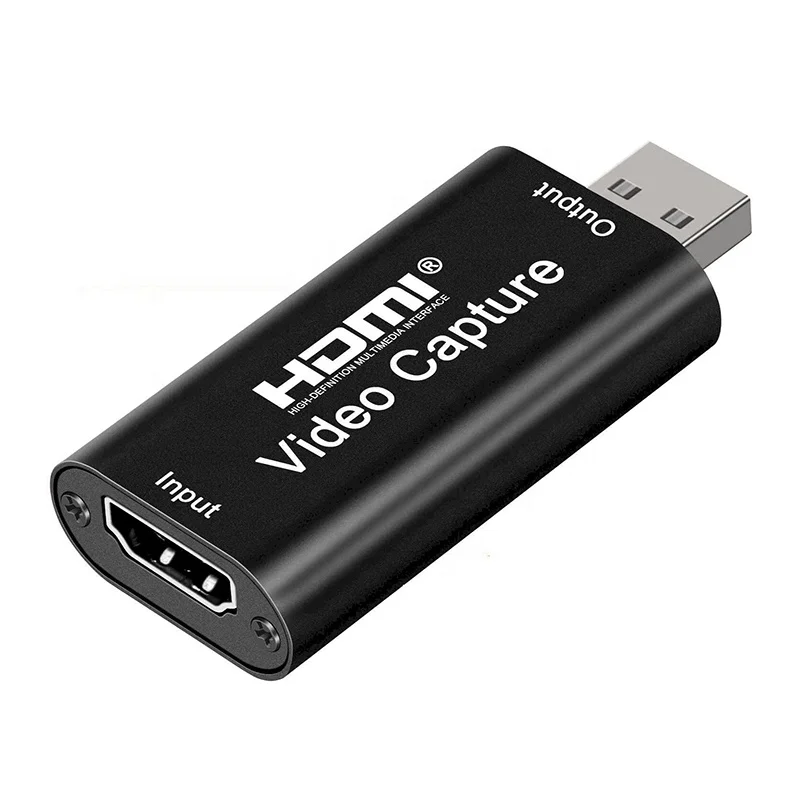
HD 1080P USB 2.0 Video Capture Card Devices HDMI To USB For Live Streaming
About this item
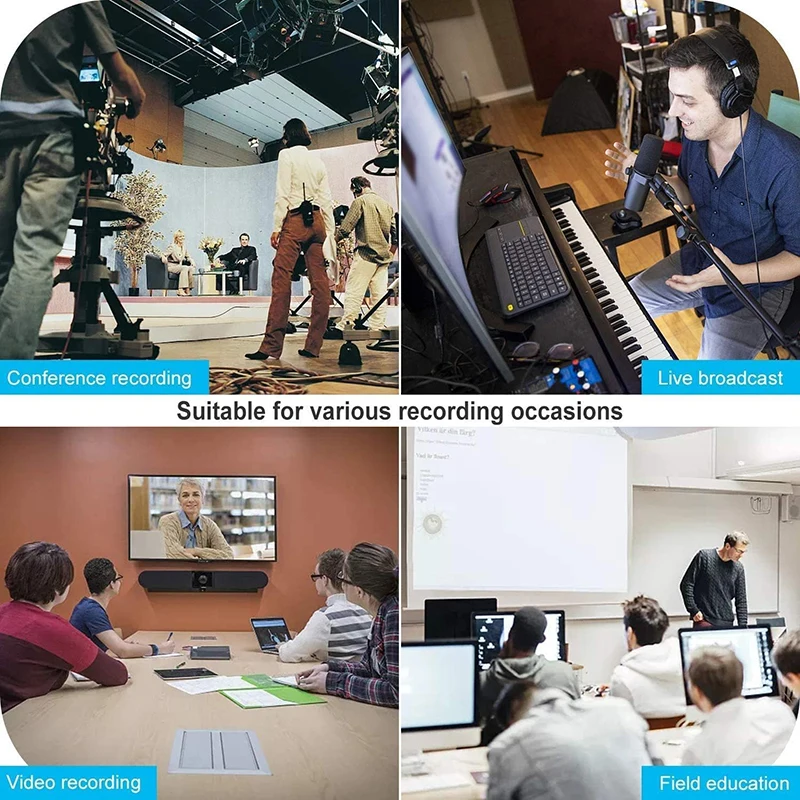
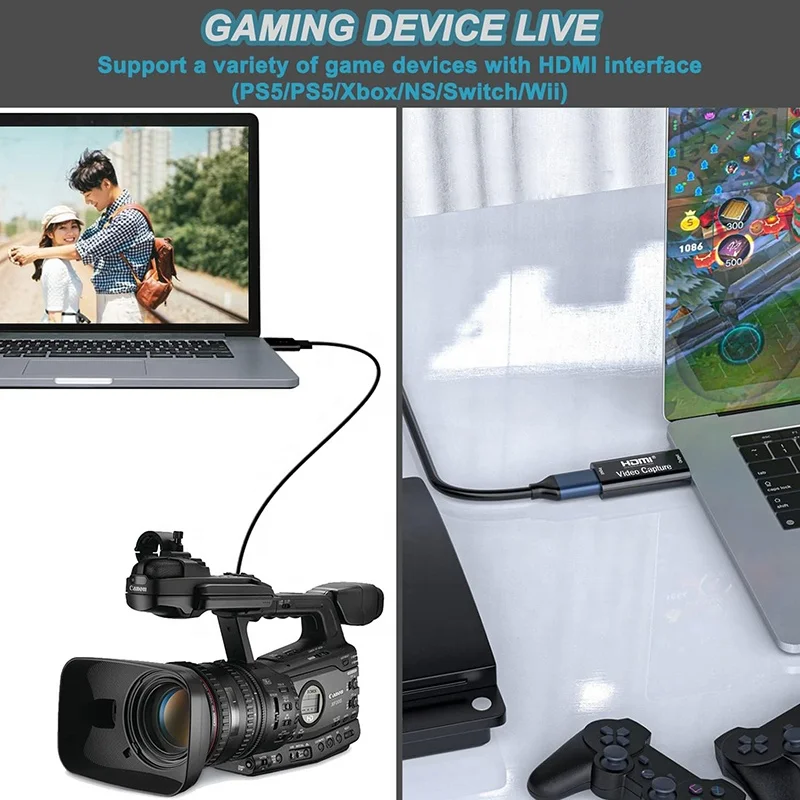
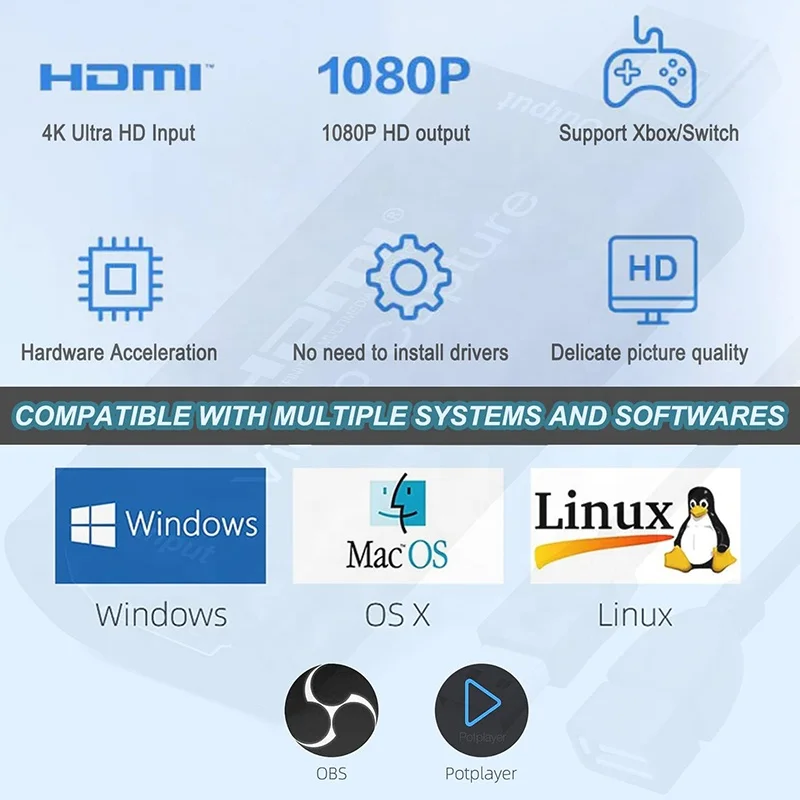
[Enhanced 4K-1080P Video Capture Experience] Capture the Magic: Elevate your video recordings to new heights with our upgraded anti-static 1080P Video Capture Card. Immerse yourself in stunning visuals, supporting HDMI input at 4K 60FPS and USB output for capturing in 1080P, complete with rich stereo sound. Enjoy crystal-clear video recordings, dynamic gaming live streams, and professional conference broadcasts.
[Seamless Real-Time Preview] Stay in the Moment: Our advanced ultra-low latency technology ensures seamless real-time transmission of video streams. Experience instant, lag-free previews, allowing you to capture every detail precisely. Effortlessly record video directly to your hard disk, all without compromising on quality or introducing any delays.
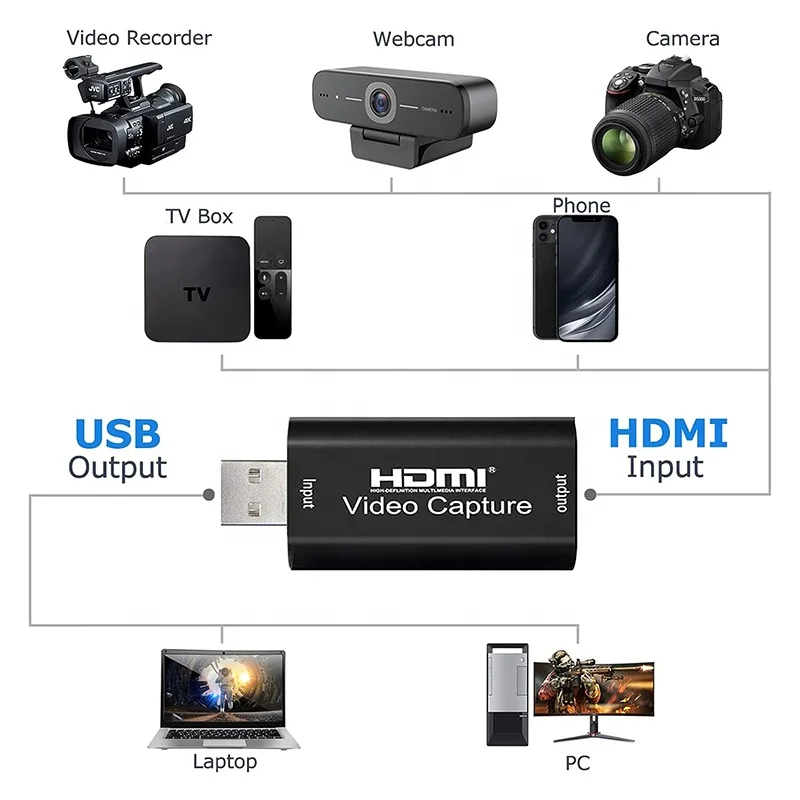
[Versatility and Broad Compatibility] Your Creative Hub: Connect your DSLR, camcorder, or action camera to a wide range of operating systems, including Windows, MacOS, and Linux. Unlock a world of possibilities with real-time streaming to popular platforms like Twitch, Youtube, OBS, Zoom, Potplayer, and VLC, giving you the tools to share your content effortlessly.
[Effortless Plug and Play] Simplicity Redefined: Say goodbye to complex installations. Our plug-and-play design eliminates the need for drivers or external power supplies. Seamlessly integrate high-definition acquisition into various scenarios, whether it's educational recordings, immersive gaming, precise medical imaging, captivating live streams, or professional broadcasting.
Specifications:
Input Resolution (4K): 3840×2160@30Hz
Output Resolution: 1920×1080@30Hz
Interface: USB 2.0
Video Output Format: YUV/JPEG
Support Video Format: 8/10/12-bit Deep Color; Audio Format: L-PCM
Compatible with various acquisition software, such as VLC, OBS, Amcap, and more
Works on Windows, Android, and MacOS platforms
Adheres to USB Video and UVC standards, as well as USB Audio UAC standard
Max Working Current: 0.4A/5V DC
Compact and portab
Connection and Operation:
1.Install Software: Begin by installing OBS (Open Broadcaster Software) or Potplayer on your computer. You can search for these software tools in your browser and download them.
2.Connect HDMI Source: Use an HDMI cable to connect your UHD signal source, such as a DSLR or camera, to the HDMI input (4K) on the capture card.
3.USB Connection: Connect the video capture card to your computer's USB port using a USB cable.
4.Operating Steps (OBS): Open the software of your choice (OBS), then follow these steps:
Choose "Video Capture Device" as a source.
Set the desired image size.
Opt for "Studio Mode" for a double window setup.
Click on "Start Recording" to begin capturing.