En Stock
17,19 €
Con la garantía de 
Color
Eje cuerpo
Última actualización: 2026-03-04T01:11:06.638Z
Descripción
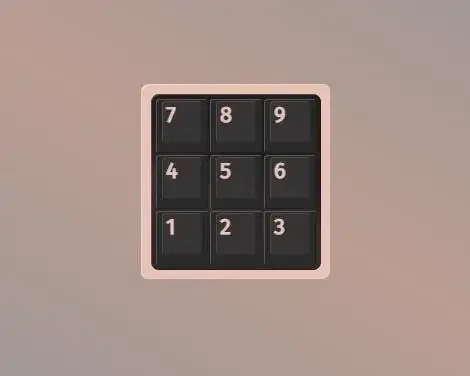
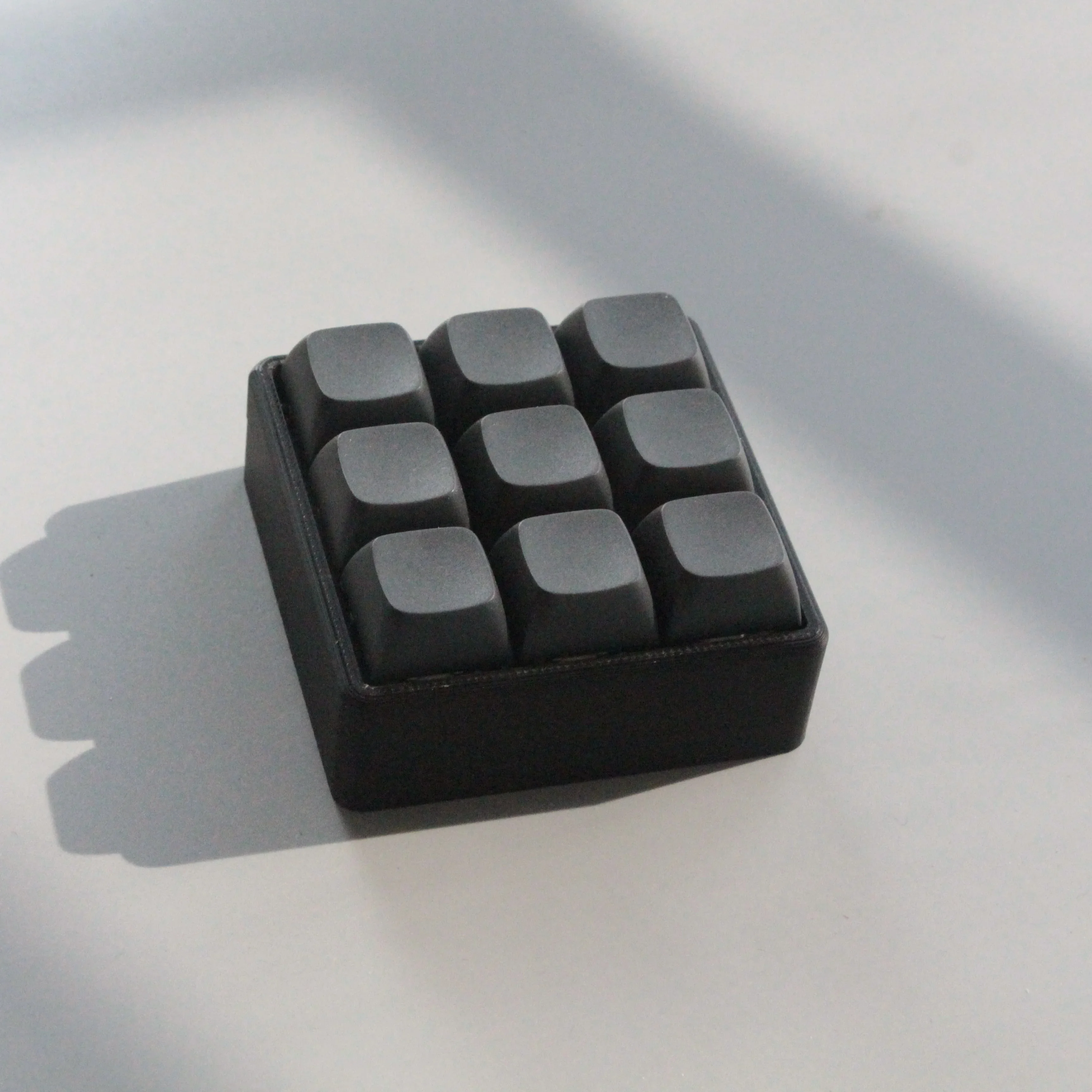
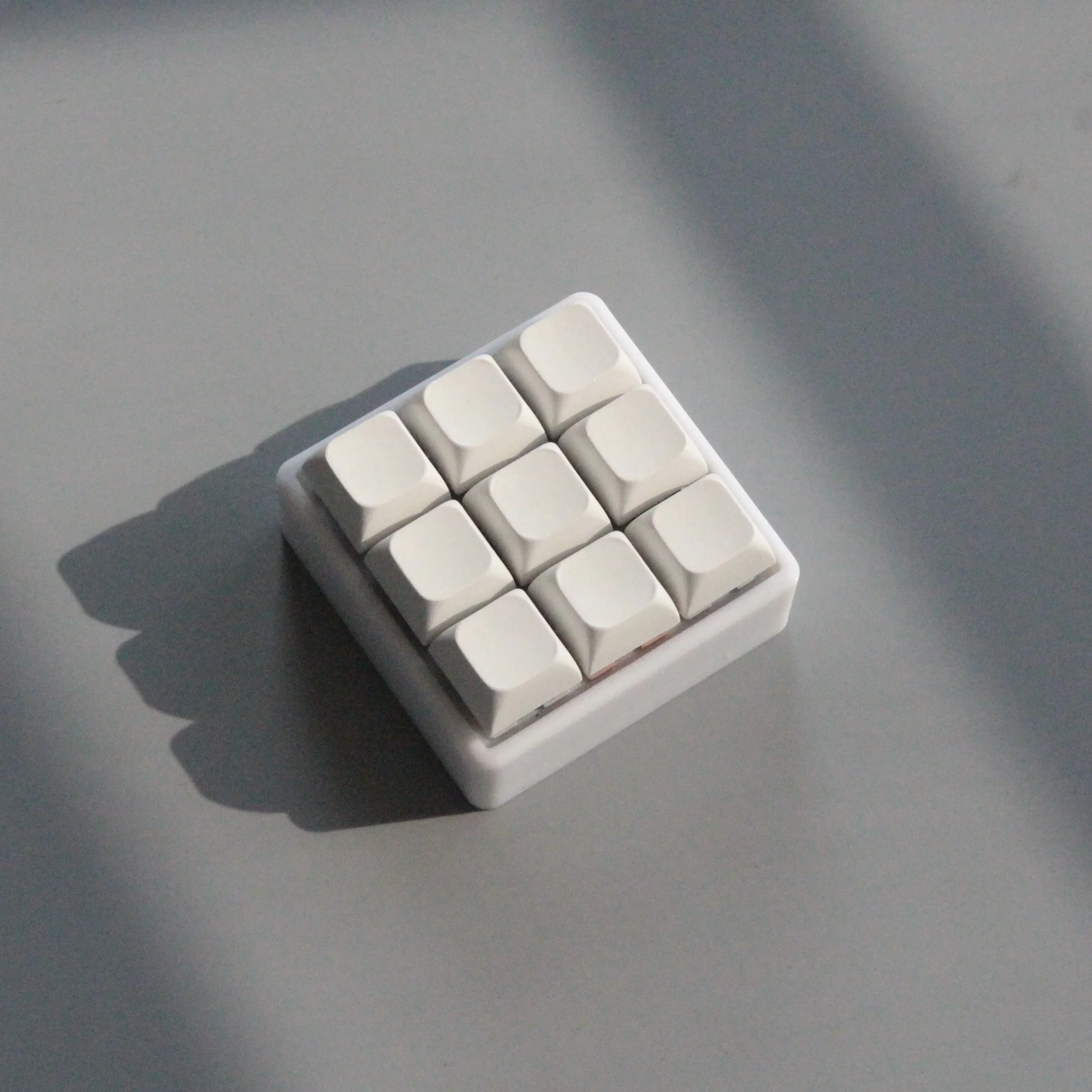
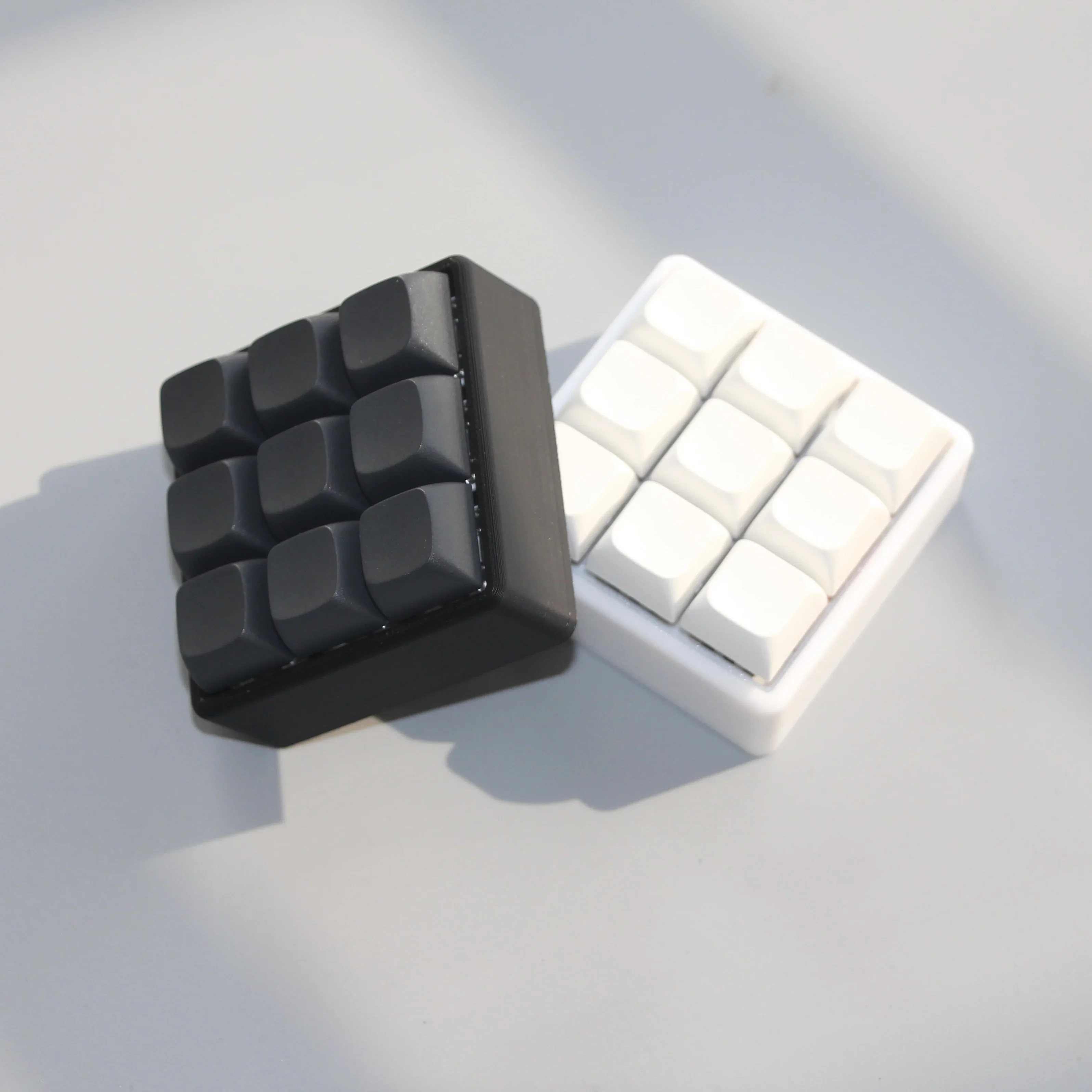
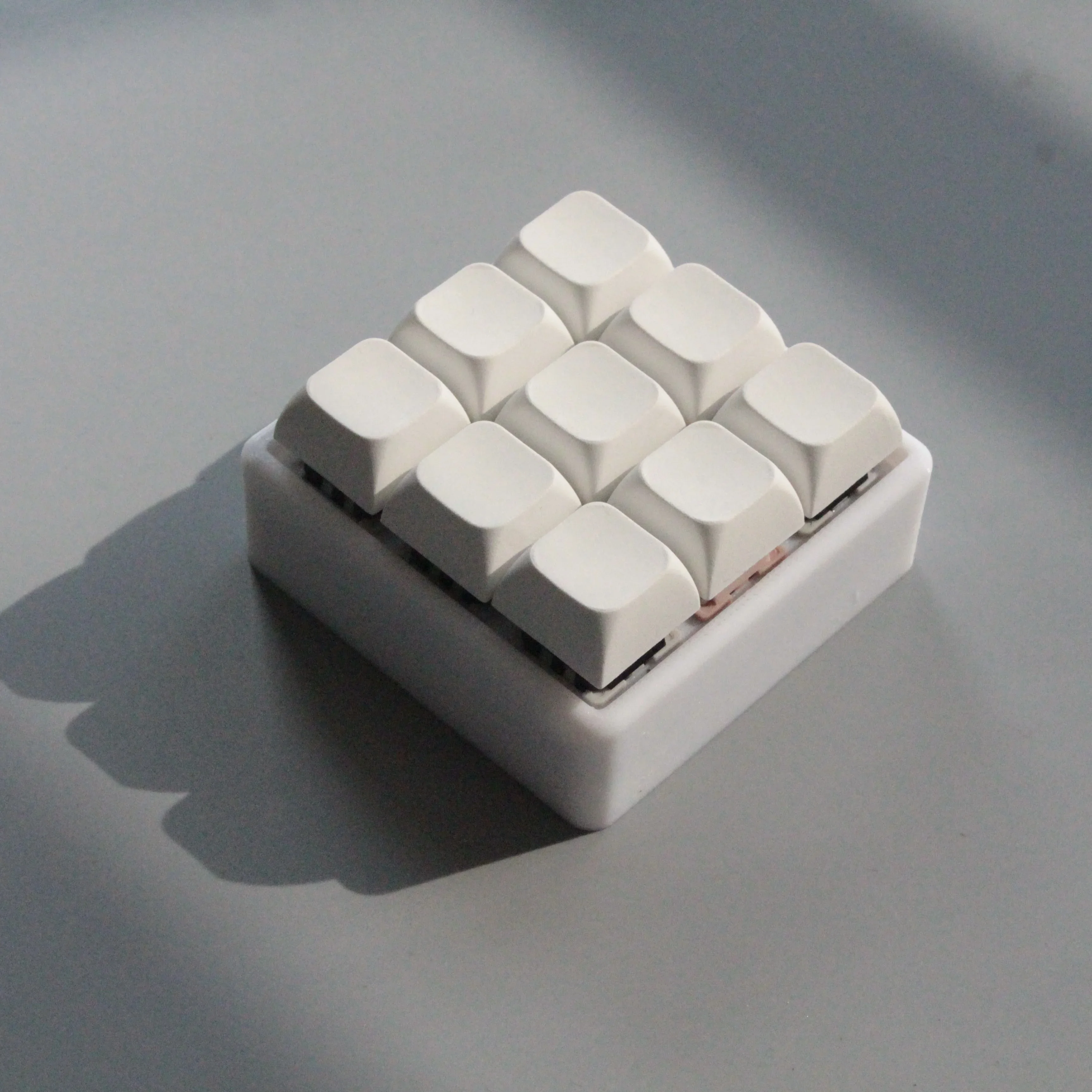
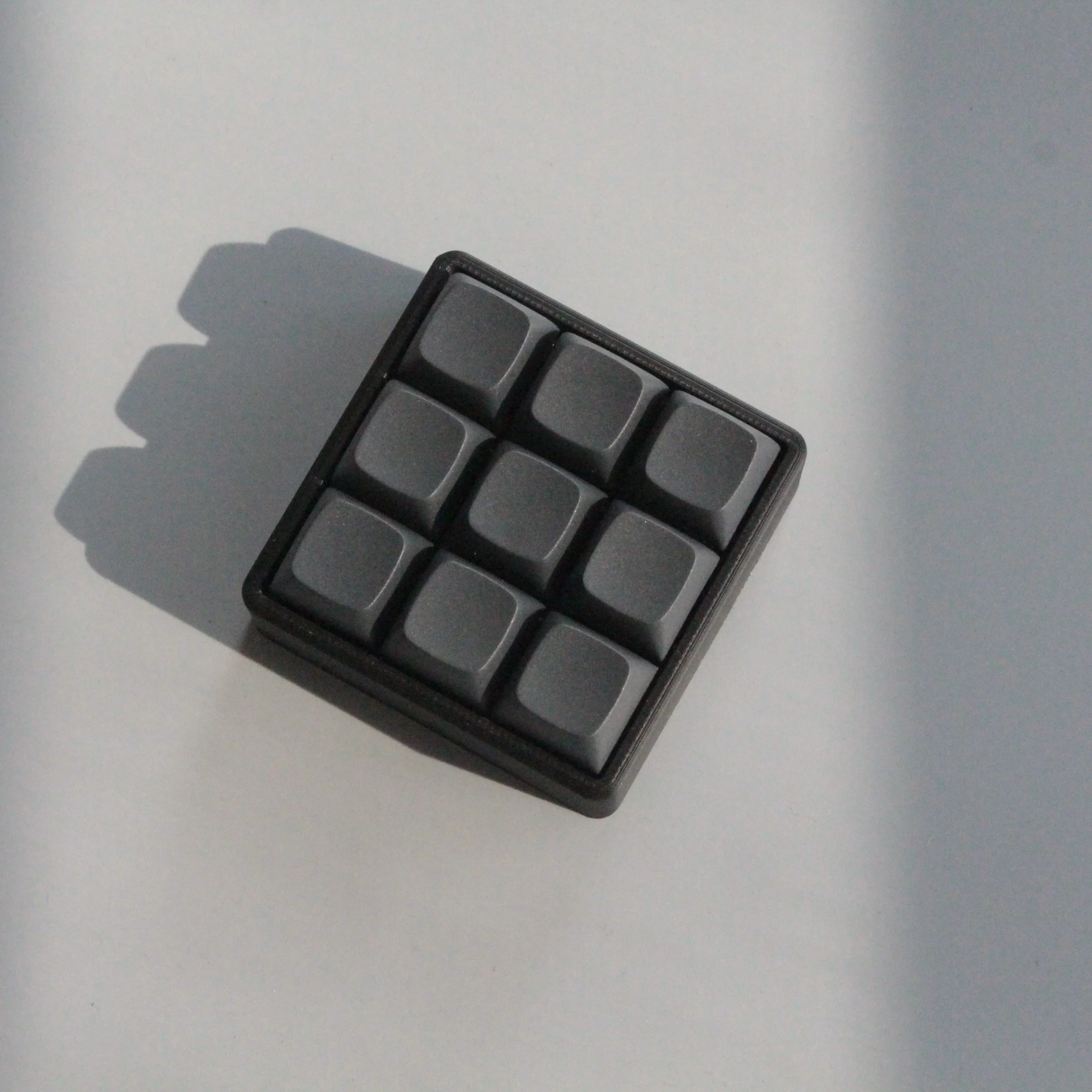
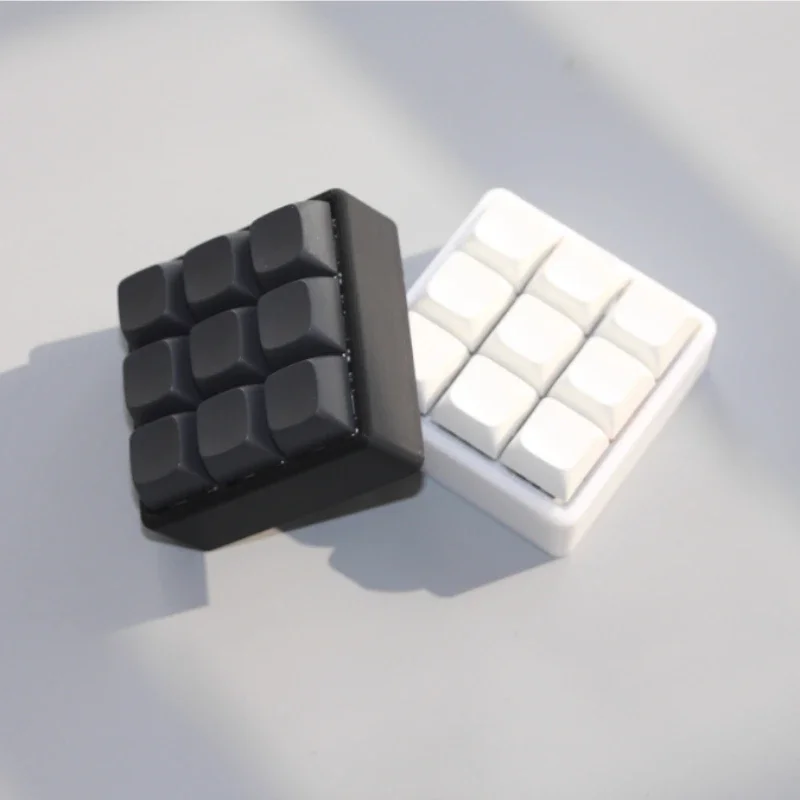
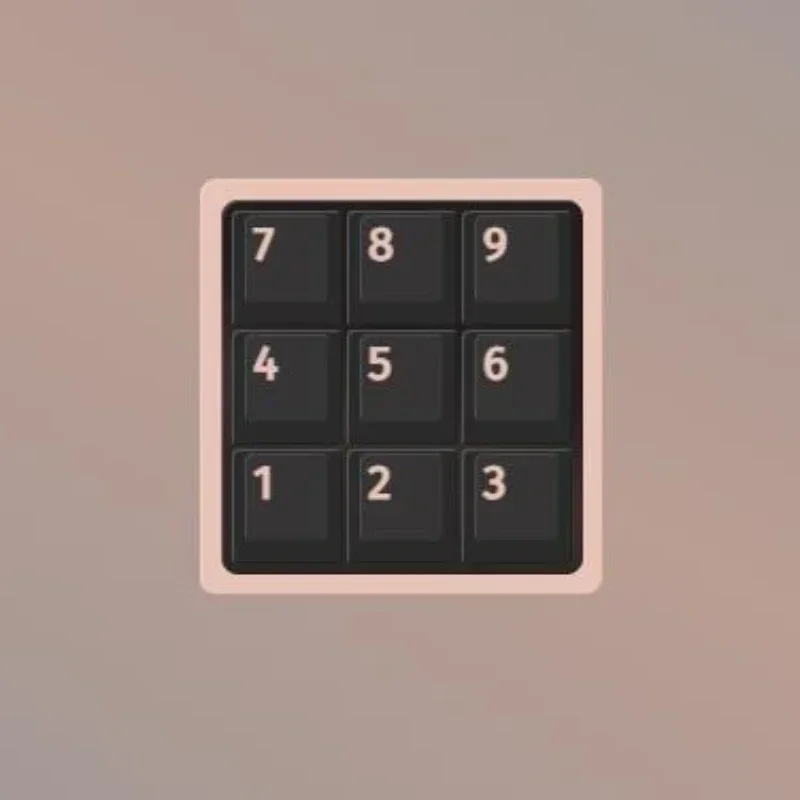
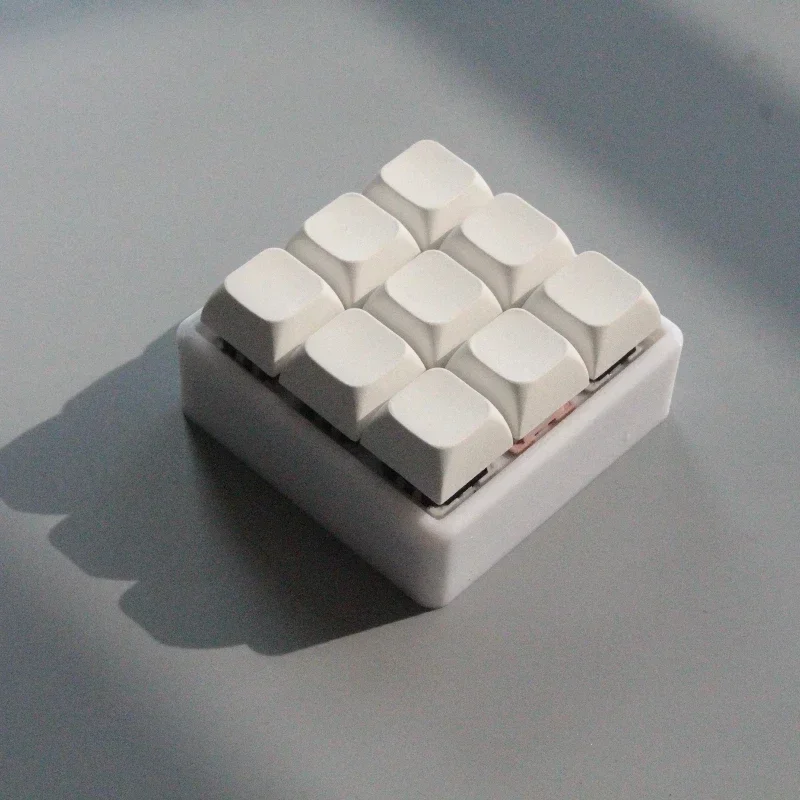
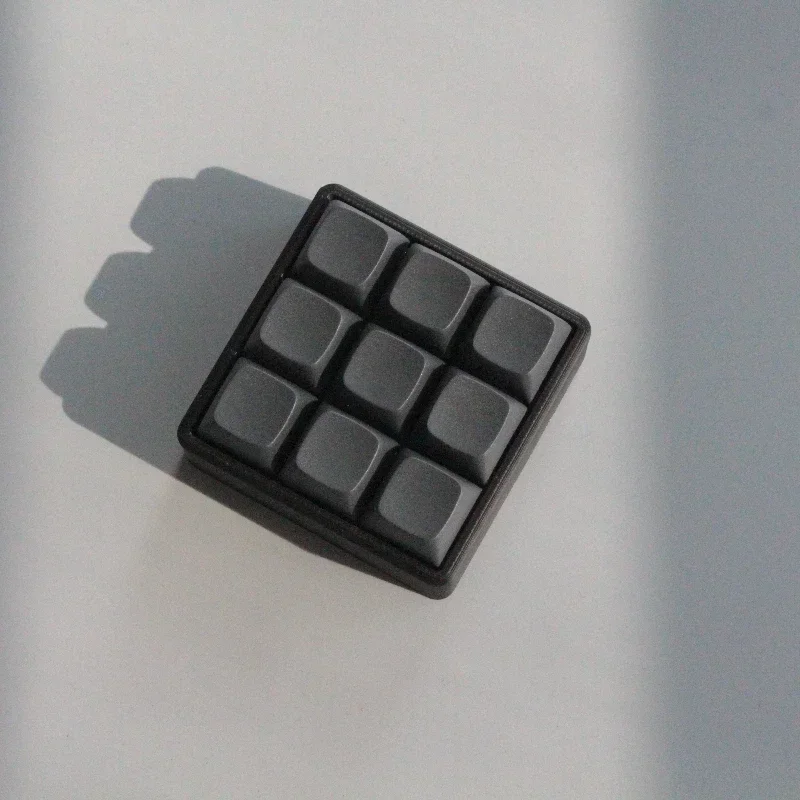
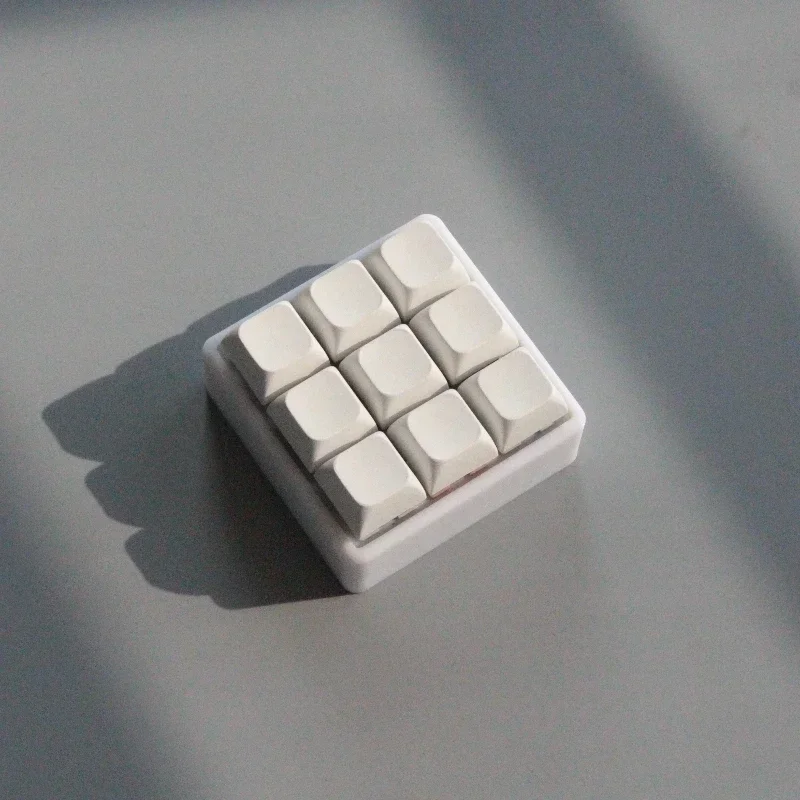
CV09 9-key keyboard finished product
3D printed housing, gray wood shaft V4, MDA unengraved keycaps
Support VIA requires the last json file
- Via key change, can be set to normal key, multimedia key, system control key, mouse button
- Double button switch, via setting any key to cut the layer or press and hold any key to cut the layer
- Key reuse function, any key can be set as a reuse key, with a maximum of 5 reuse keys. Each reuse key can be set through via to perform three operations: single click, double-click, and hold down
- Via can record macros, send strings, and set the number of macro loops from 1 to 254. The maximum value is 255, which is an infinite loop. Press the macro again to stop, and sending the macro does not affect other key operations
- In via macro settings, you can input the KC-F13-KC-F21 keys instead of the mouse keys. You can set mouse macros, create mouse connectors, game macros, and other corresponding relationships: KC-F13- left mouse button, KC-F14- right mouse button, KC-F15- middle mouse button, KC-F16-KC-F19- pointer up, down, left, right, KC-F20- scroll up, KC-F21- scroll down
- Adapt to 6 local hue color cycling modes, via can set the light effect switching button or set the light effect in via