

Envíos desde
Color
Descripción
Tips:
1.Please Use Cat6 and Above Unshielded Twisted Pair.
2.1.Please correctly select the type of plug you need, otherwise you will need to purchase an additional plug adapter.
3.The Switch has POE ports and None POE ports. Please confirm before purchase.
4.The link only EU Plug and US Plug.If you need another plug type, please talk to the seller before buying.
Product Description:
1.For Model 08G20GB:With VLAN function
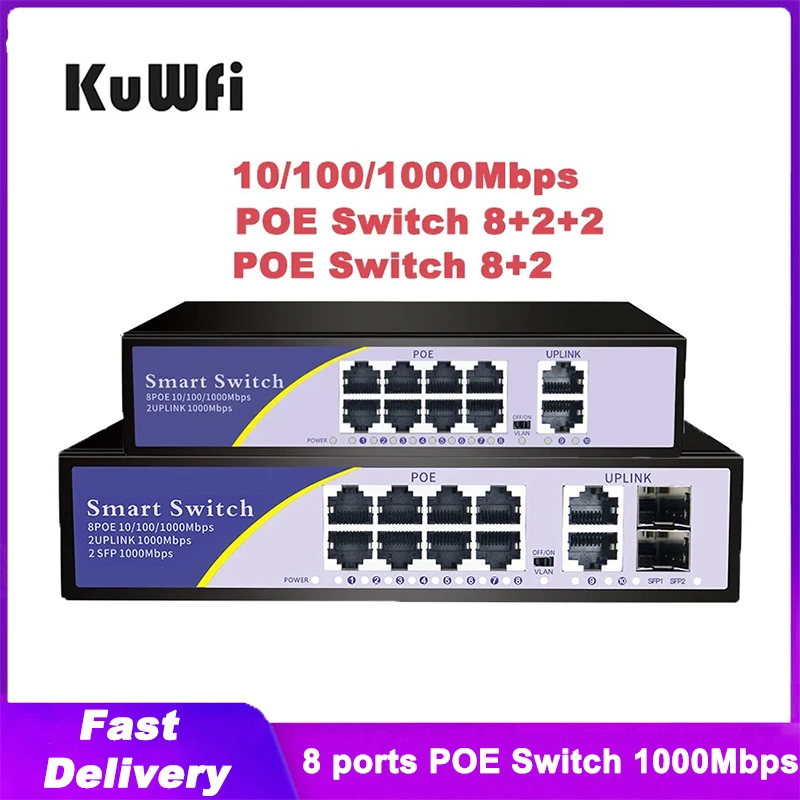
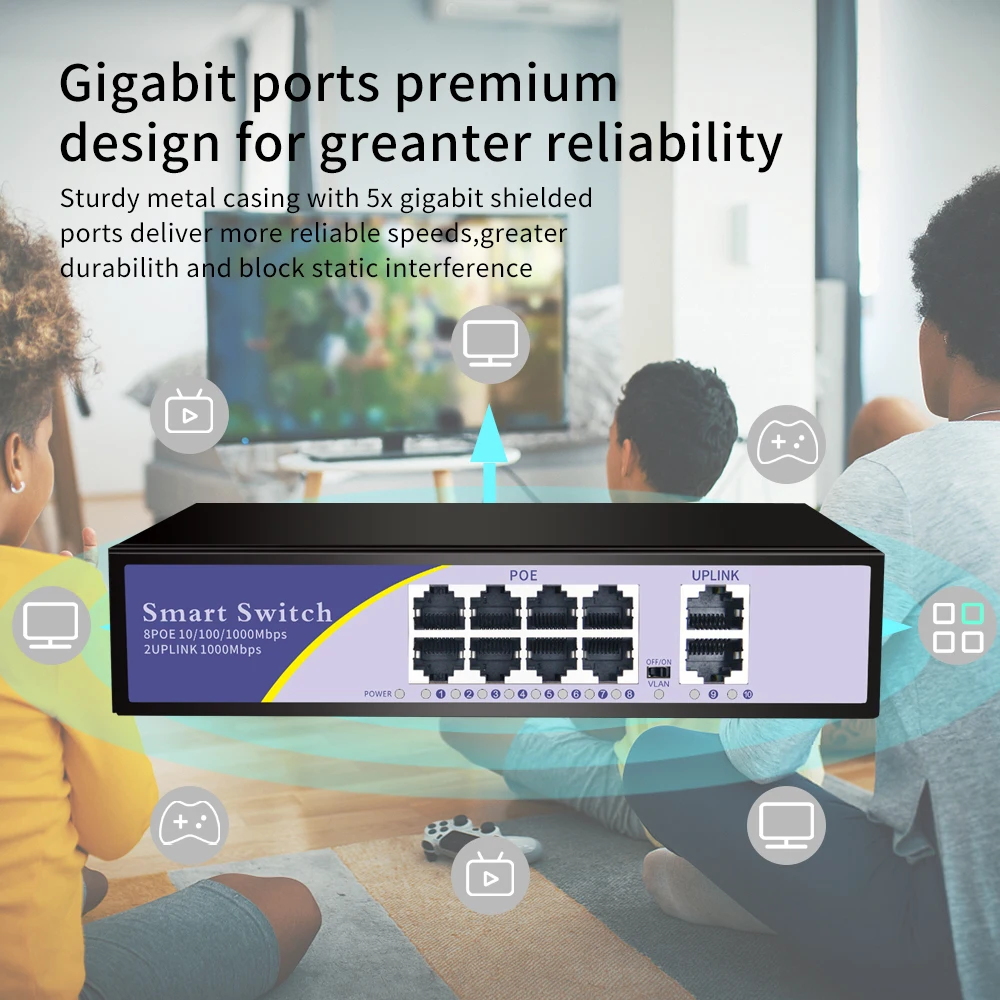
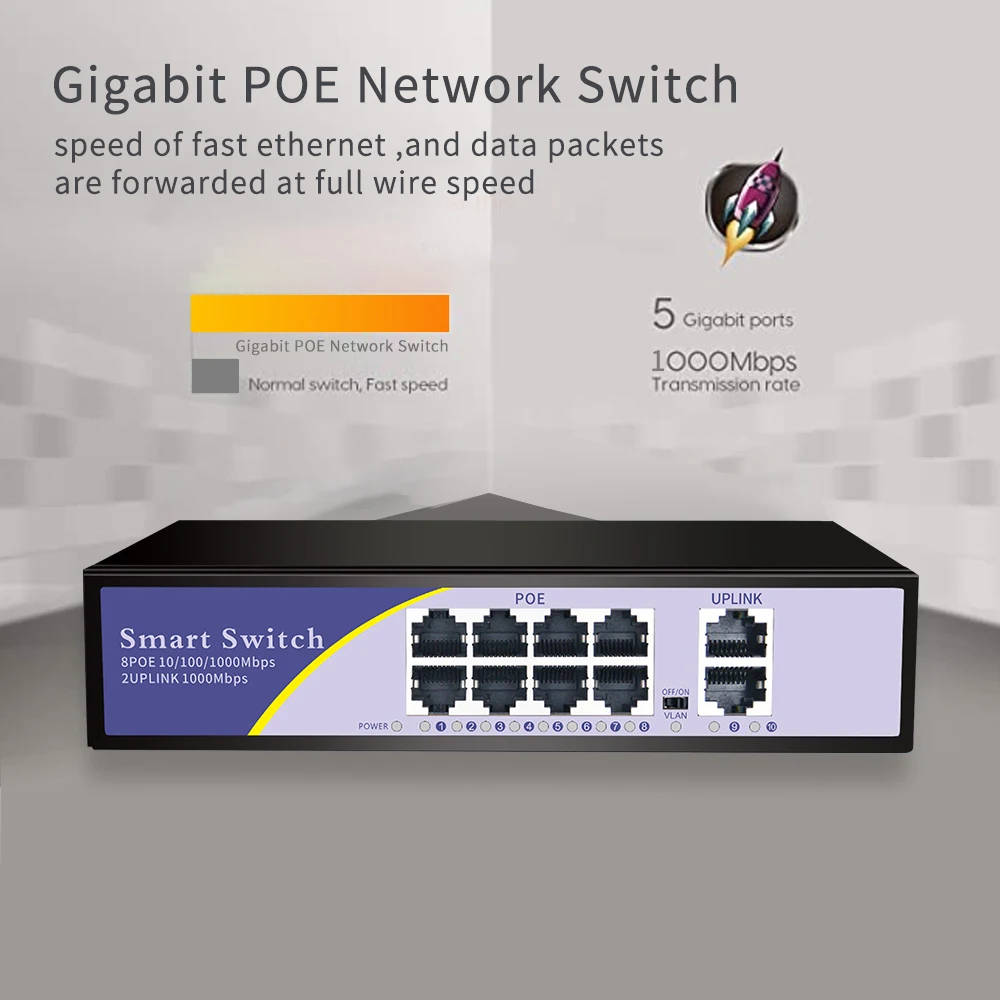
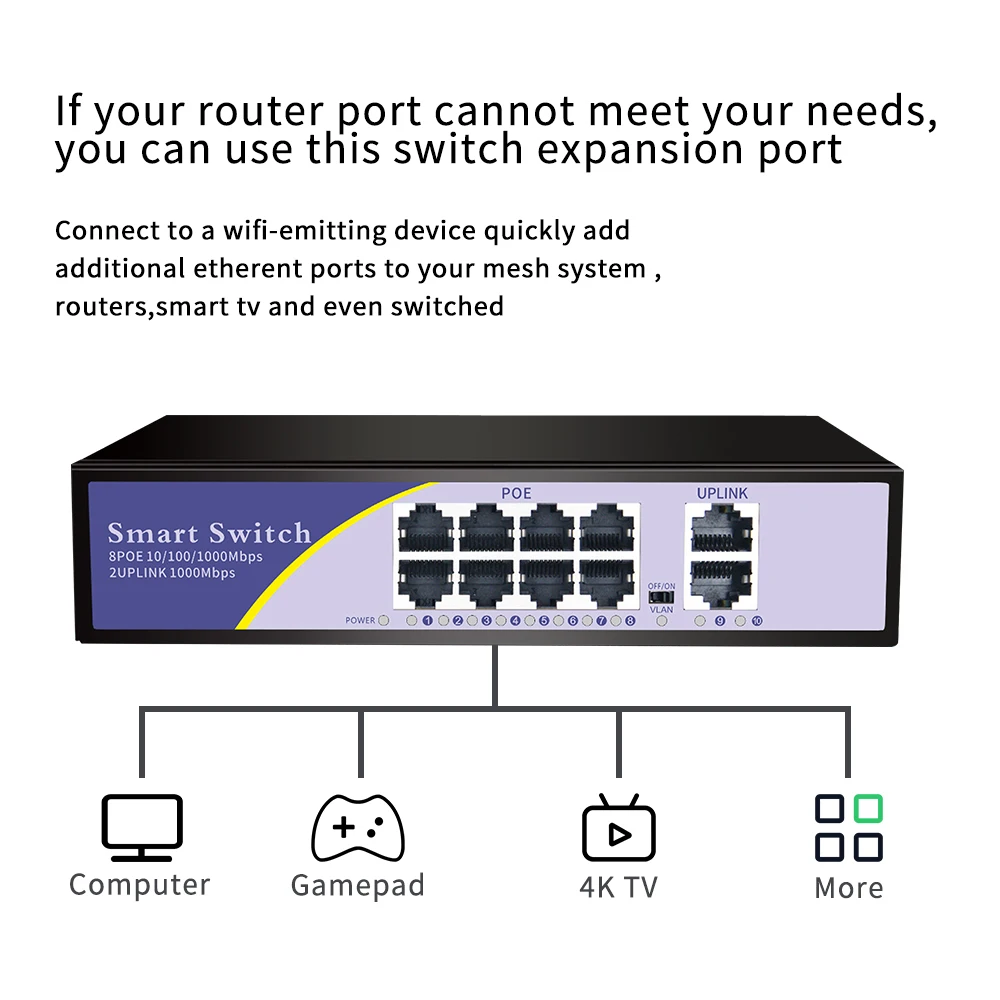
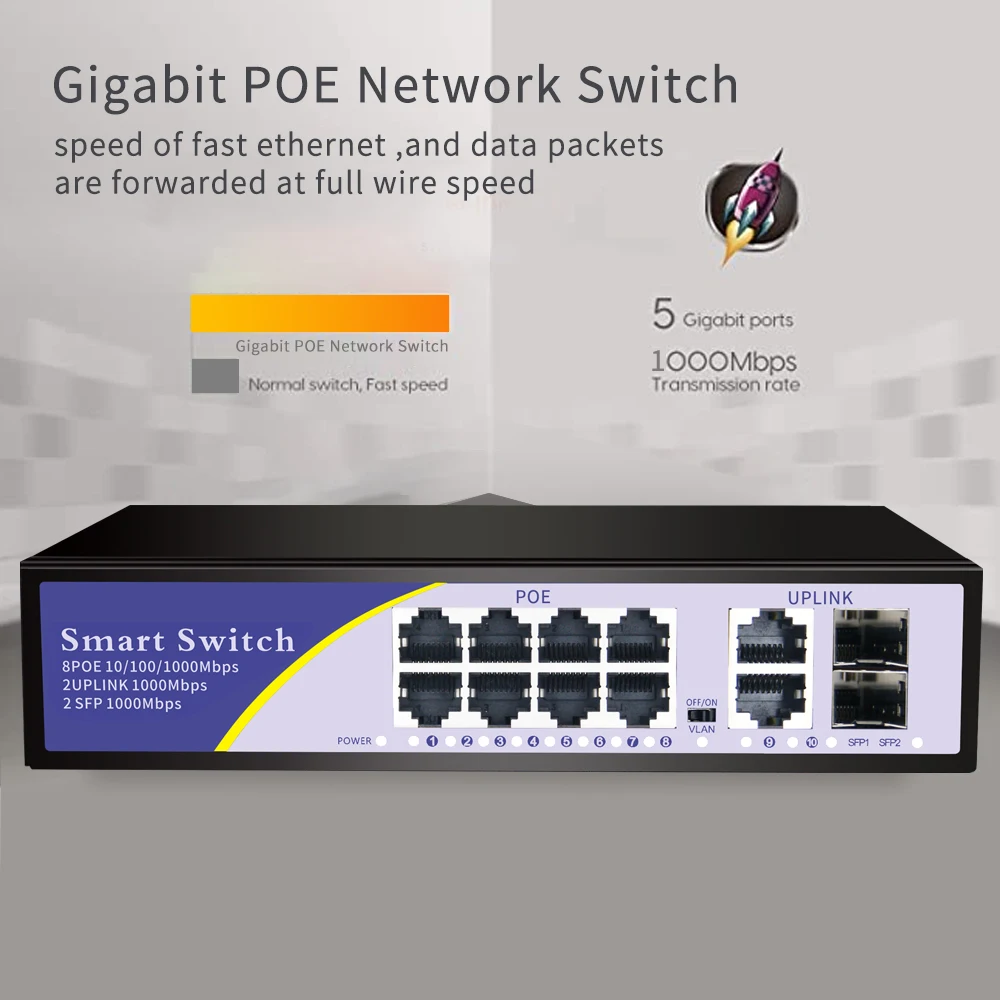
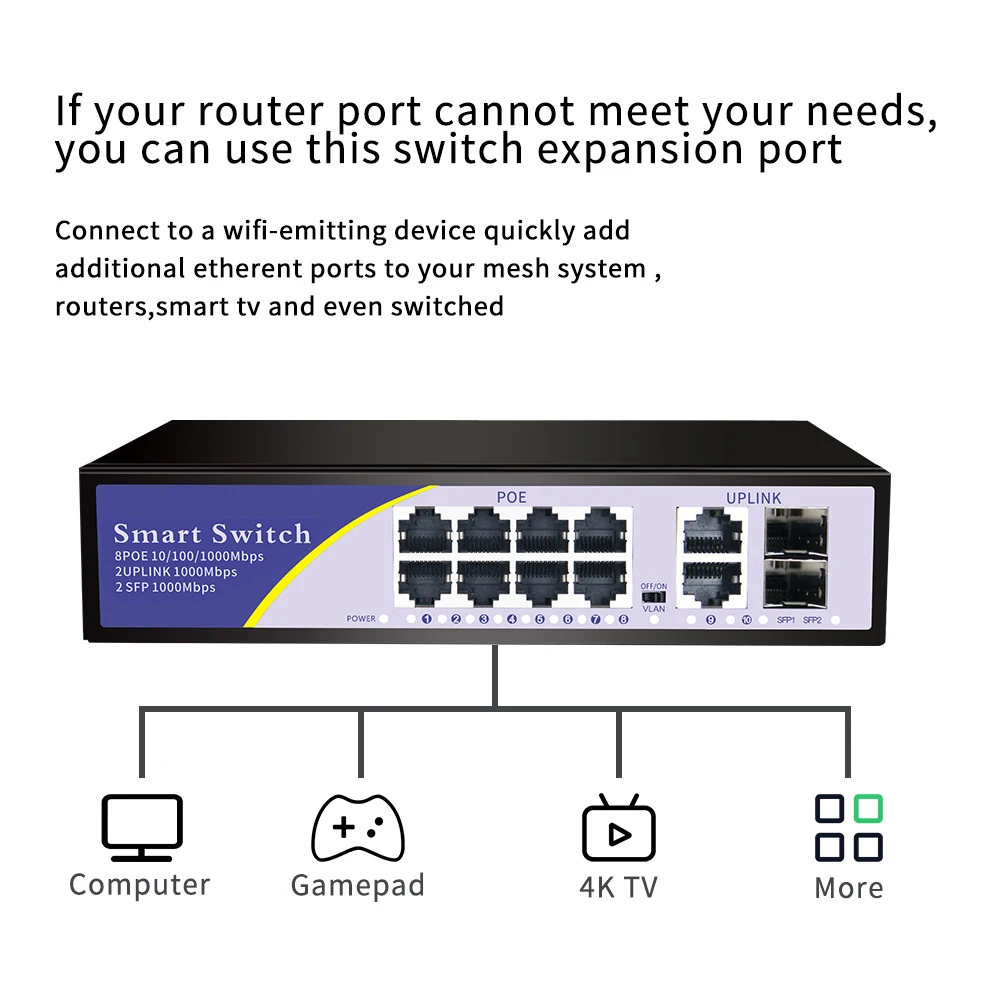
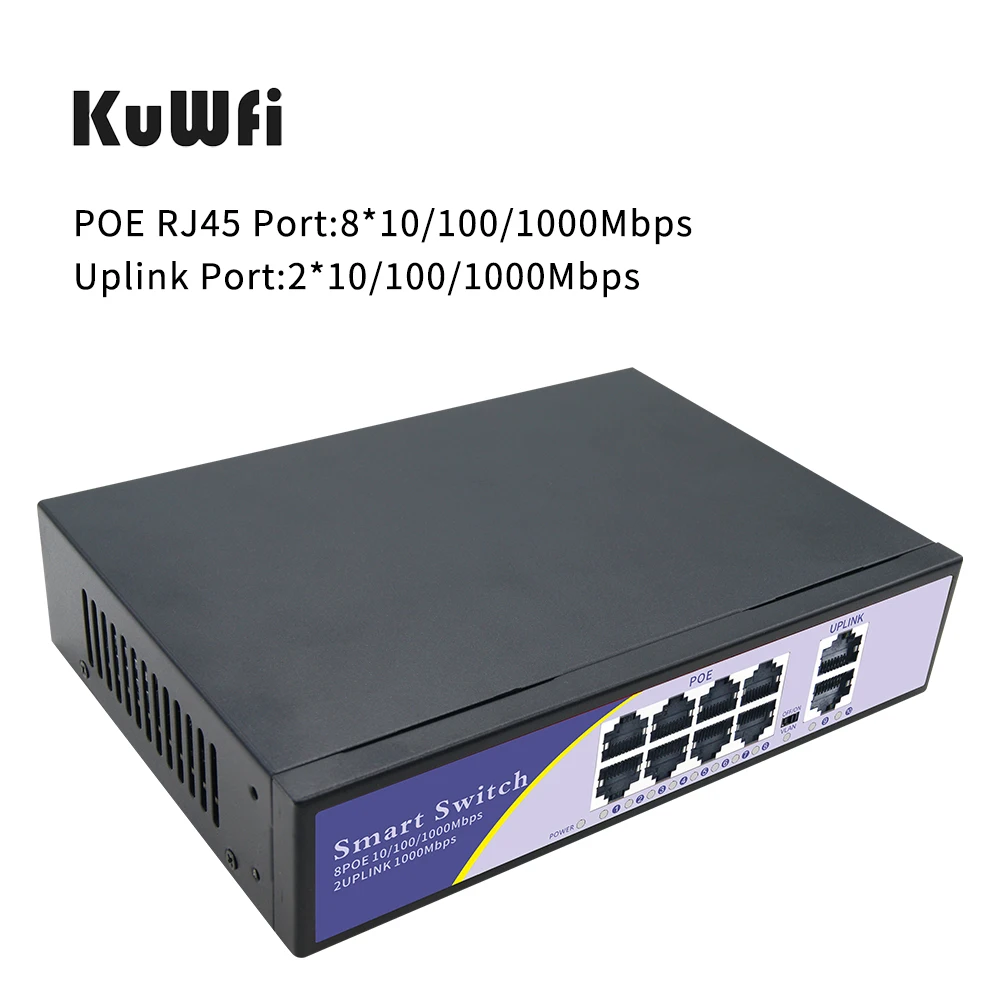
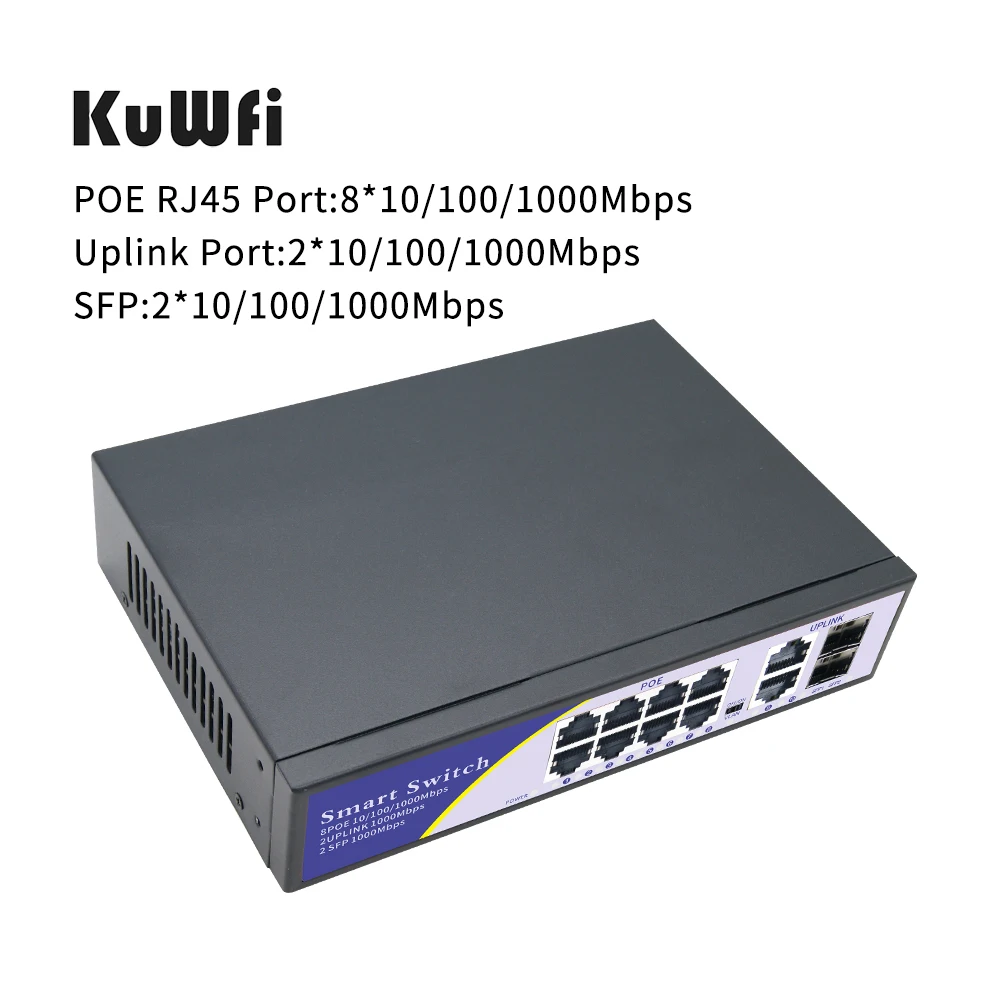
10-Port PoE Switch:8 x 10/100/1000 Mbps PoE ports for Security IP Camera Connection for Router/NVR connection, Plug & Play.
2.48V POE switch provides power and data from a single point, using Power over Ethernet (PoE) over a single Cat-5 cable.
3.Switch can be used for any 10/100Mbps link and supply industry-standard IEEE 802.3af power.
4.Advanced auto-sensing algorithm gives power to 802.3af end devices, In addition, the PoE switch automatically determines PoE requirements, speed, duplex, and cable type using Auto Uplink. Easy to operate and reliable.
5.PoE switch is ideal for powering PoE devices such as IP cameras, WLAN access point, IP phones, office access control systems, and other PD devices and offers a line of high quality products.
Parameter:
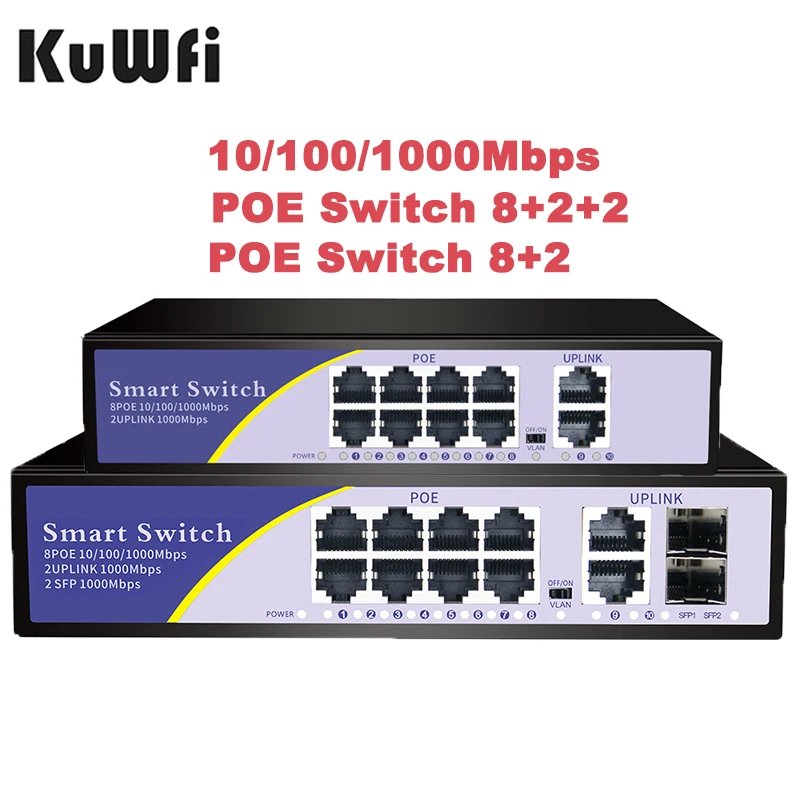
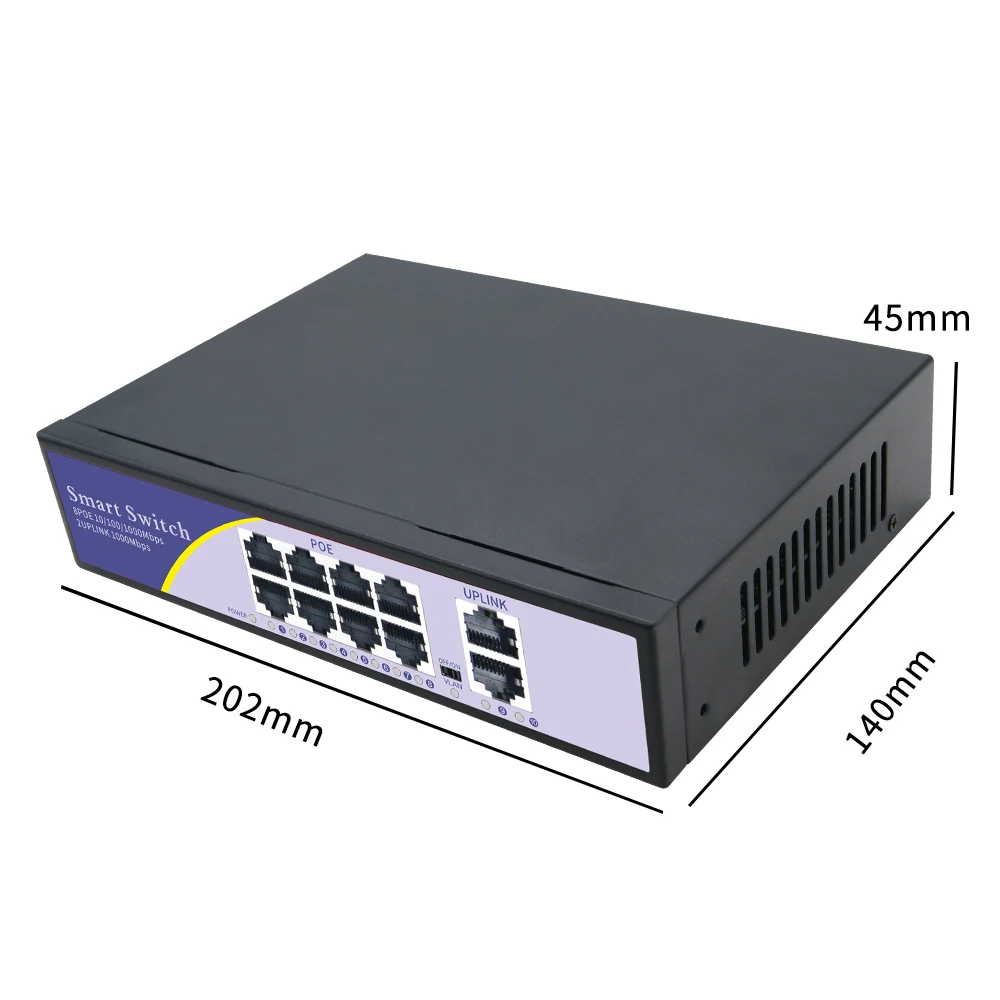
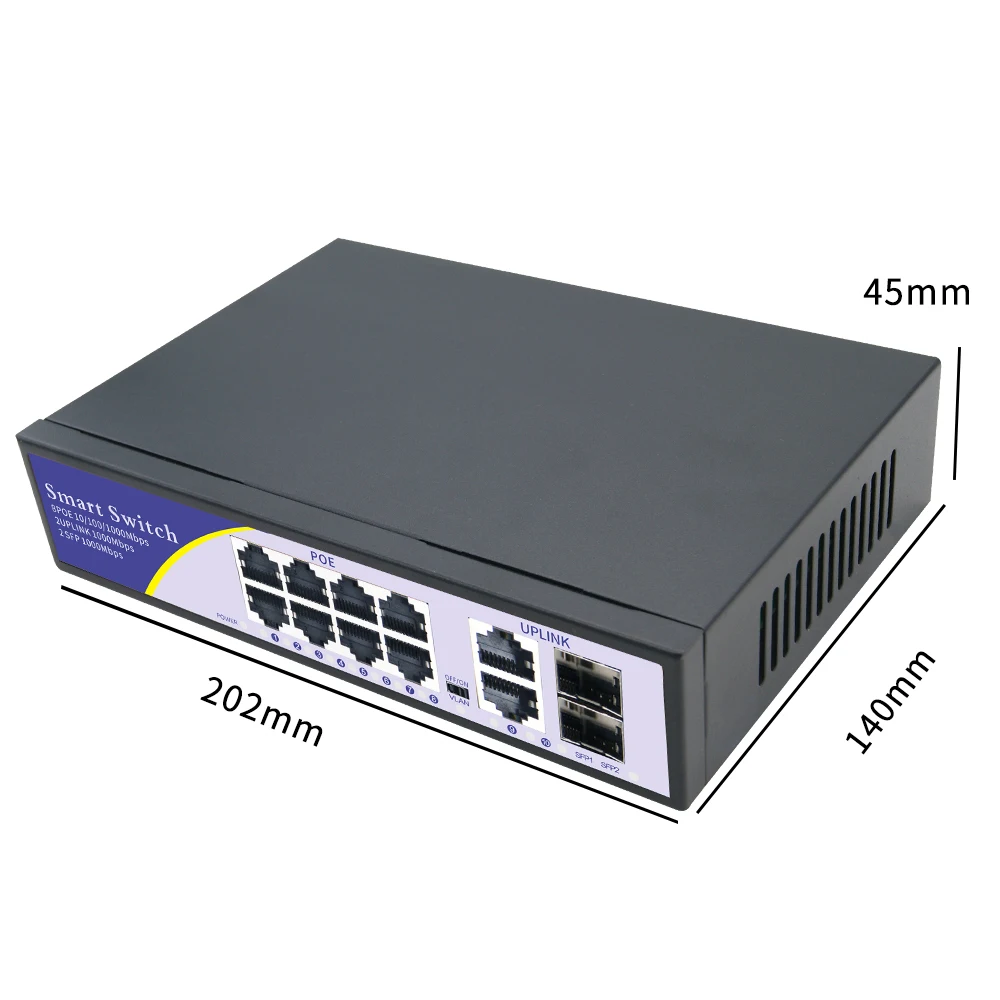
Product Name: 8+2 Full Gigabit POE Switch
Data Pin:Data Pin:12+ 36- 45+ 78-
Distance:100M
Power:Per≤30W &Whole≤120W
Connector:8*10/100/1000mbps POE port+2*10/100/1000mbps uplink port
Network MediumCat5 (UTP) or more
Network Standards:IEEE 802.3i 10BASE-T IEEE 802.3u 100BASE-TX
IEEE 802.3x Flow Control IEEE 802.3af Power over Ethernet
Wiring: Data & power provided over pairs 1/2 and 3/6
Half-duplex back pressure and IEEE 802.3x full-duplex flow control
Buffer memory:48Kb embedded memory per unit
Backboard Bandwidth:1 .2G
Input:52V DC input
PoE power consumption:15.4W per port(IEEE802.af)
LED Indicators System: Power, PoE Maximum power
Per port: Link, Activity, Speed, PoE active, PoE error
Environment specification
Operating temperature-10-55℃(32-104℉)
Storage temperature-40-70℃(14-158℉)
Operating humidity90% maximum relative humidity, non-condensing
Storage humidity95% maximum relative humidity, non-condensing
Packing List:
PoE switch*1 pcs
Power cable*1 pcs
User Manual*1
FAQ:
Q: After the computer is directly connected to the router, the Internet can be accessed normally, but the computer cannot access the Internet when it is connected to the router through the network switch?
A: After connecting to the network switch, the computer cannot access the Internet. The reasons for this may include: unstable physical connection, improper computer settings, etc. Please follow the steps below to eliminate:
1) Replace the network cable between the computer and the switch to ensure that the corresponding indicator light of the switch is on and the local connection is stable. Checking method: Connect two computers to the switch and set them on the same network segment. If they can ping each other, the connection between the computers and the switch is stable.
2) Set the computer's local connection to obtain IP automatically (provided that the front-end router enables the DHCP server), right-click the local connection properties, select Internet Protocol (TCP/IP), and click the Properties button.
3) Check "Obtain an IP address automatically", then OK.
4) When the computer obtains the IP normally, it can surf the Internet normally.
5) If you still cannot access the Internet after obtaining it normally, please check the relevant settings of the front-end router to see if the computer is blocked from accessing the Internet.
6) If the IP address cannot be obtained normally, replace the network cable between the switch and the router.
About after-sales and service
1.After paid ,we will send the orders within 48hours
2.If our product have any question ,Please do NOT give us 1 star feedback in a hurry firstly. please contact with our customer service online ,we will reply within 24hours
3.Our wanrranty is 1 years ,if have any question within wanrranty ,please return it to us ,we will resend a new to you ,thanks(we do not offer the return fee )

Retrieval:poe 48v switch Switchswitch ethernetinterruptor inteligente wifipoe switchswitch gigabitpoeпереключатель switch poecamera ipwifipoe коммутаторсвитчиip camerainterruptorкоммутаторcamera wifiвыключательумный выключательinterruptor inteligentecameras wifiбеспроводной выключательrj45roteador gigabitвыключатель светаinterrupteurinternetwifi адаптерroteador wifiкоммутатор 1000 мбит/сethernetinterruptor wifi inteligenteinteruptor inteligente wifinetwork switchsmart switch wifi스위치interrupteur sans filiot 스위치коммутатор poeтумблеркоммутатор сетевойсенсорный выключатель 220vethernet switchgigabit switchкоммутатор ethernetswitch rj45switchescâmera ipвыключатель wifiwifi выключательswitch on offсвитч ethernetswitch poe gigabitkamera wifiip kamera스마트 스위치interruptor wifiinterruptoresswitch ethernetpoe switchswitchpoeswitch gigabit switch poeпереключательpoe коммутаторgigabit switchinternetethernetnetwork switchinterruptor inteligenteethernet switchкоммутаторкоммутатор 1000 мбит/сswitch rj45выключатель wifiinterruptorвыключательумный выключательinterruptor wifi inteligenteкоммутатор poeinterruotor inteligente wifi