
Longitud del Cable
Descripción
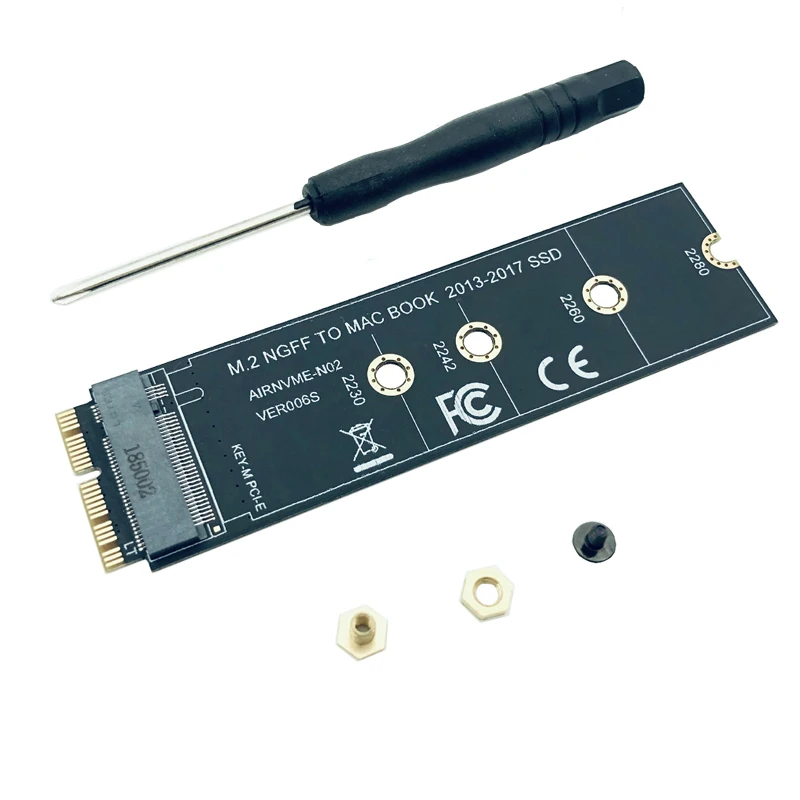
M KEY SSD Adapter Connectors M2 to SSD for Macbook Air 2013 2014 2015 2016 2017 M.2 M Key PCIe X4 NGFF to SSD for Apple Laptop
About Description:
Features:
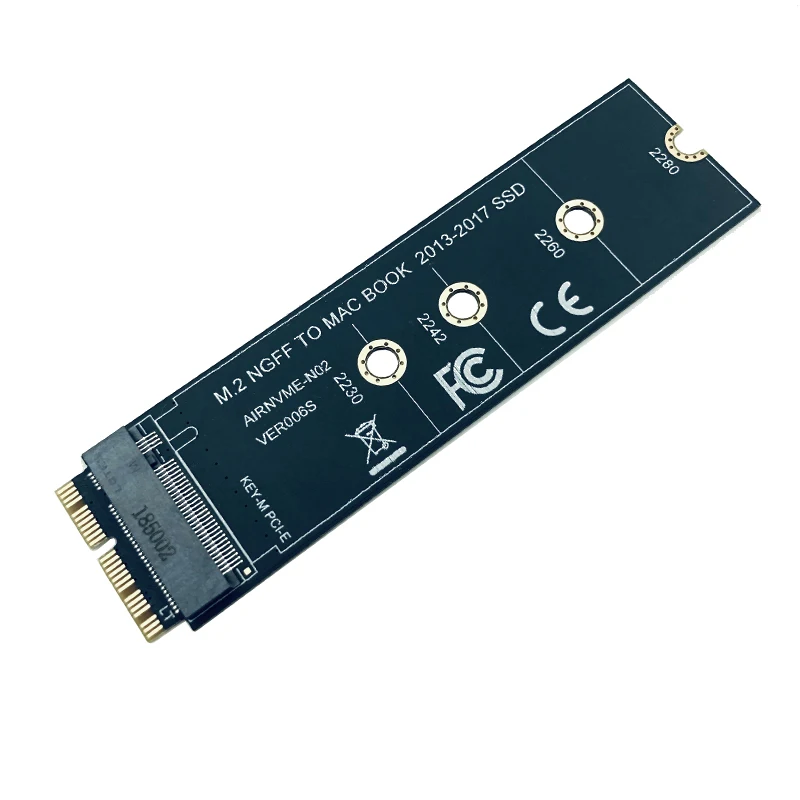
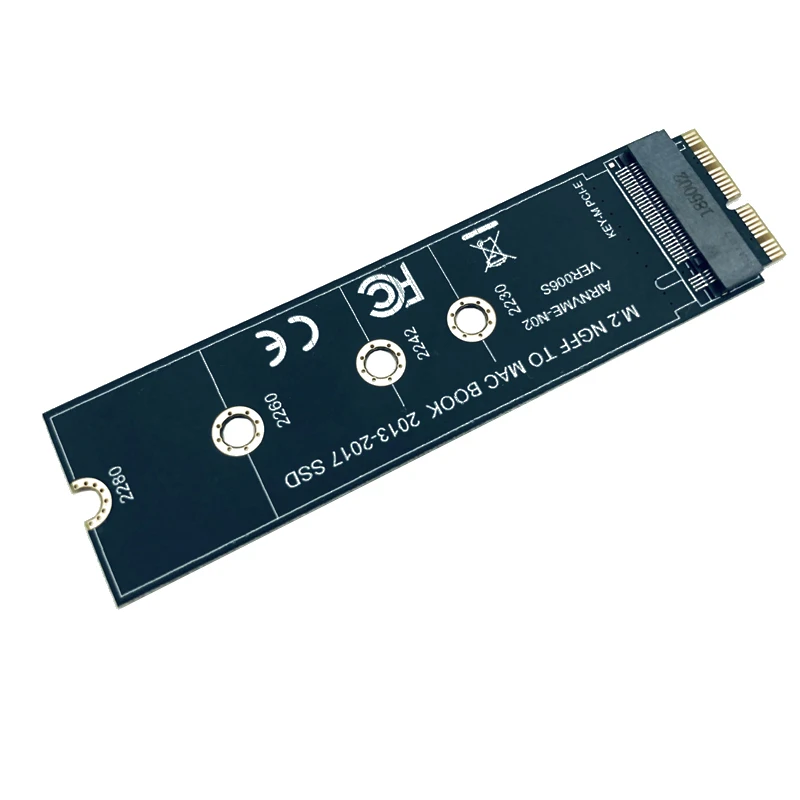
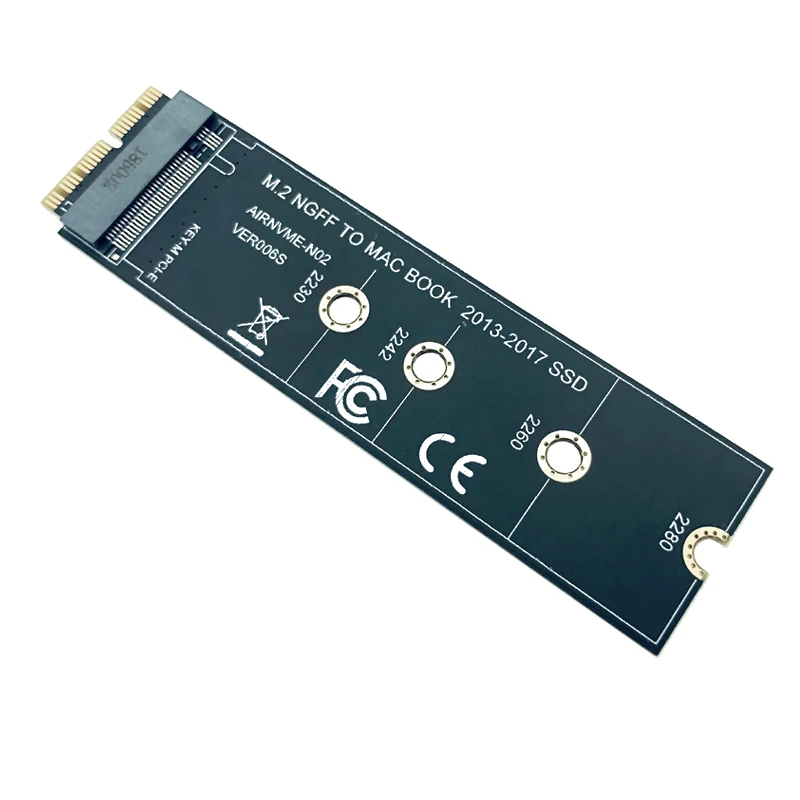
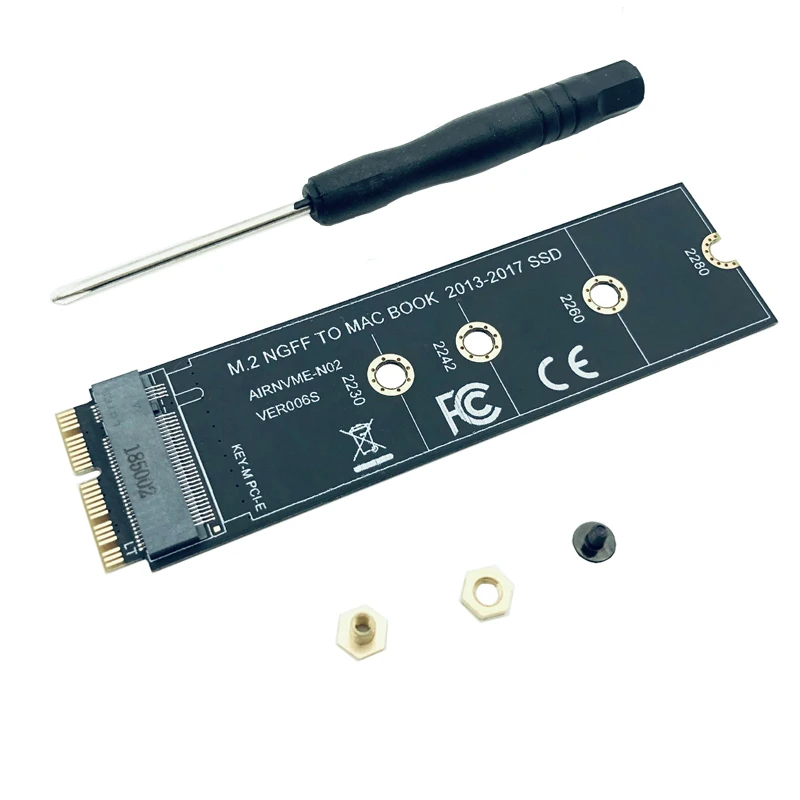
adapter card support 2230, 2242, 2260, 2280 size of M.2 NGFF PCIe x4 AHCI Protocol SSD, it can not support M.2 NGFF PCIe x4 NVMe solid state drives.
2. The speed and other properties is not changed,only form conversion interface.
3. No need extra power adapter and any drivers.
This product only supports the following computer models:
Late 2013 version MacBook Pro retina A1398 A1502 (ME864 ME865 ME866 ME293 ME294),
2014 version MacBook Pro retina A1502 A1398 (MGX72 MGX82 MGX92 MGXA2 MGXC2),
2015 version MacBook Pro retina A1502 A1398(MF839 MF840 MF841 MJLQ2 MJLT2 MJLU2),
2013-2014 version MacBook Air A1465 A1466(MD711 MD712 MD760 MD761),
2015 version MacBook Air A1465 A1466(MJVM2 MJVP2 MJVE2 MJVG2 MMGF2 MMGG2),
2017 version MacBook Air A1466(MQD32 MQD42 MQD52, Model A1466 EMC3178), Mac Pro ME253 MD878, iMAC A1419(Late 2013 and newer).
You'll receive:
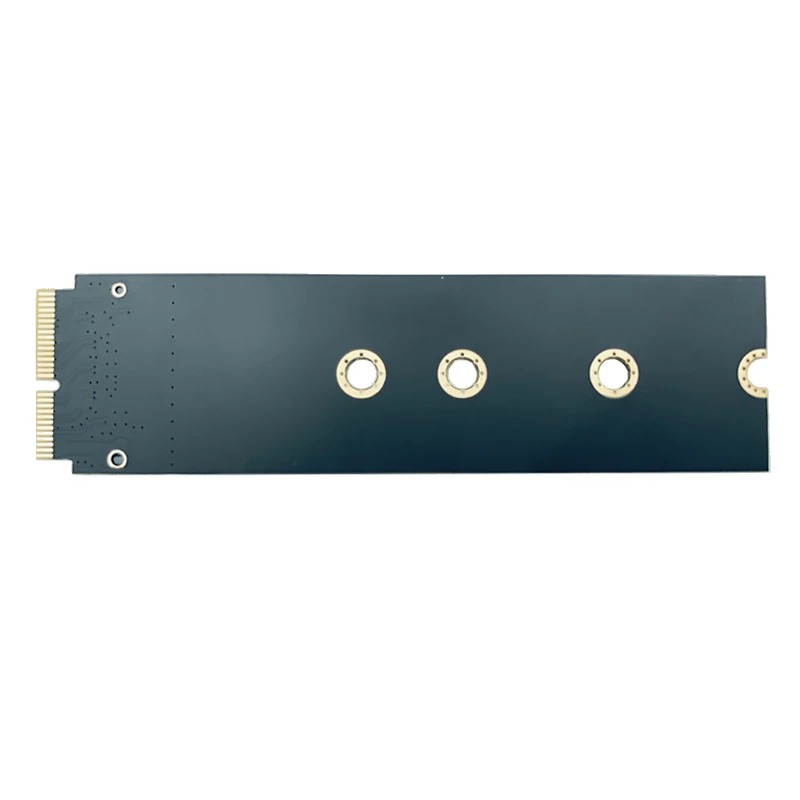
1 x M key M.2 to 12+16Pin interface Adapter Card
Please check pictures for more details.
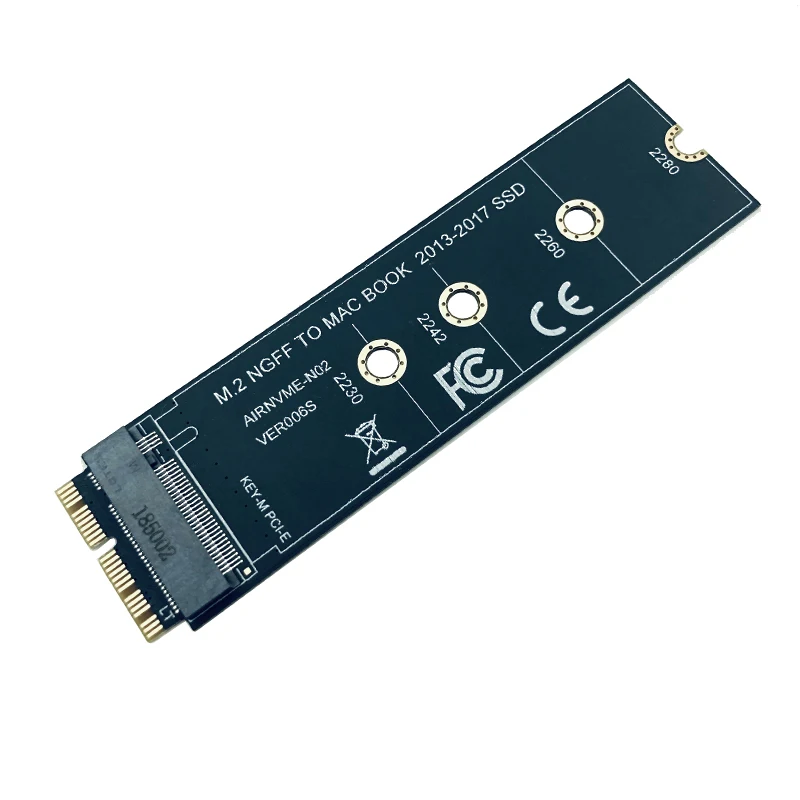
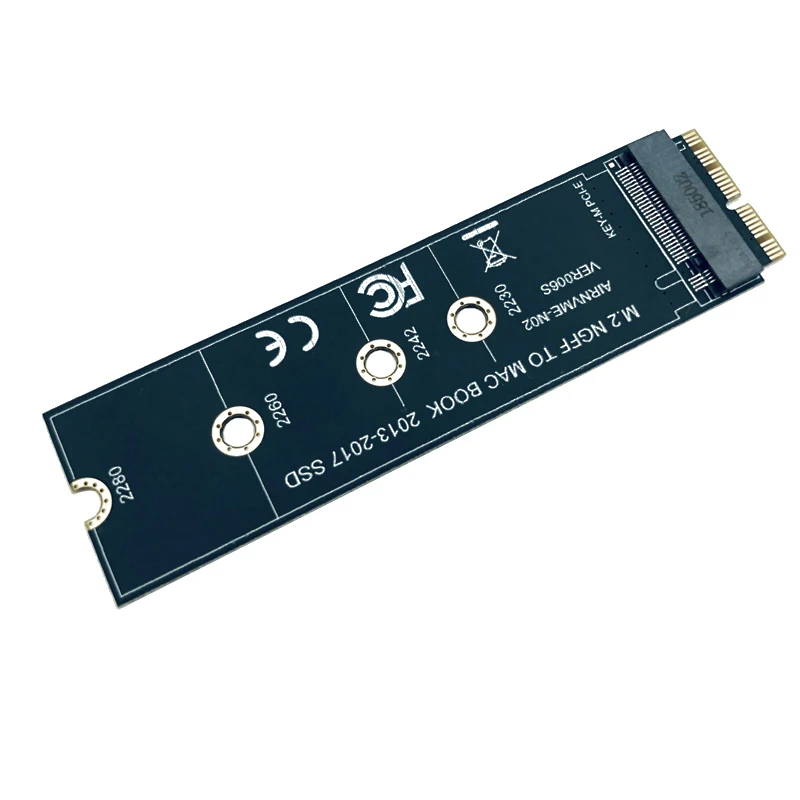
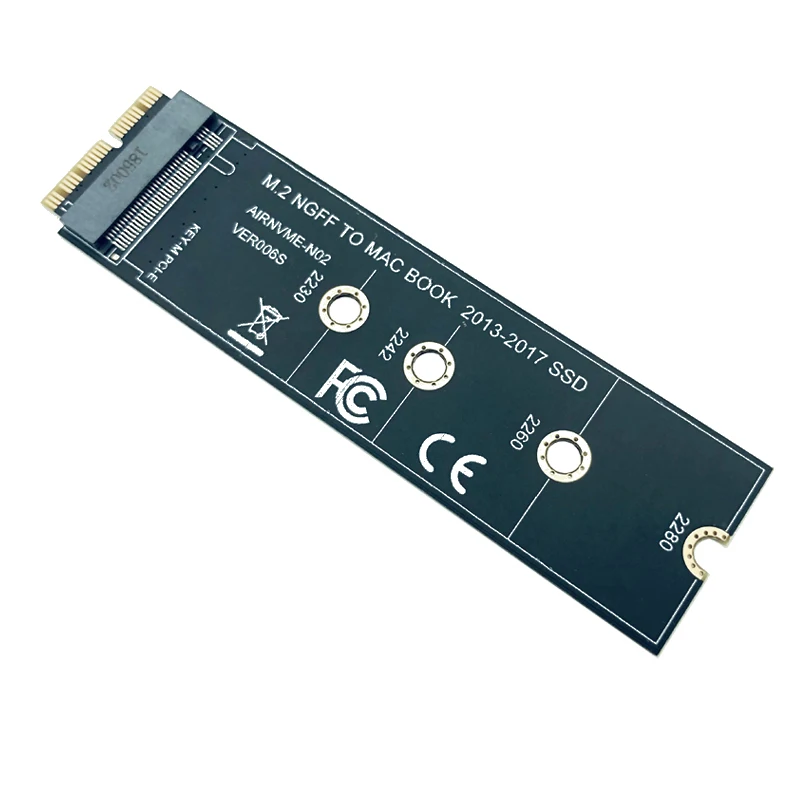
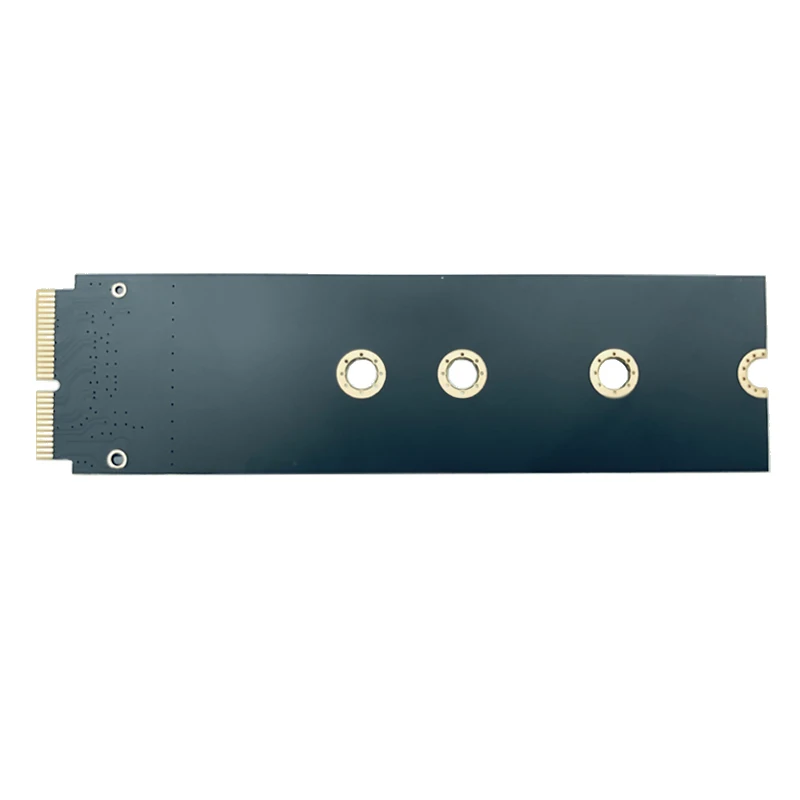
There are 2 kinds of SSD, PCIe AHCI and PCIe NVME
Please confirm for your M Key SSD is AHCI.
If do not know, Please send us message
Warning:
1.Support Following M.2 (NGFF) PCIE-AHCI SSD:Samsung XP941 (MZHPU128HCGM MZHPU256HCGL MZHPU512HCGL)
Samsung SM951 PCIE-AHCI (MZHPV128HDGM MZHPV256HDGL MZHPV512HDGL)
Kingston SHPM2280P2/ 240G/ 480G
Not support following NGFF PCIe SSD:
SM951 PCIE-NVME (MZVPV128HDGM MZVPV256HDGL MZVPV512HDGL),
PM951 PCIE-NVME (MZFLV128HCGR MZFLV256HCHP MZFLV512HCJH),
950 PRO (MZVKV256 MZVKV512) and other PCIE-NVMe SSD.
2.This is an alternative product,It is different with your original hard disk.In addition, please turn off the sleep function of the system after installing the operating system.
Note:
1: Only sales adapter card,images of other items is not sales!
2: The adapter card support 2230, 2242, 2260, 2280 size of M.2 NGFF PCIe x4 AHCI SSD,it can not support M.2 NGFF PCIe x4 NVMe solid state drives.
3: The power-saving sleep mode may not be able to use.please enter "System Preferences"/ "Energy Saver", then close"Power Adapter"/ "Put hard disks to sleep when possible" and"Battery"/ "Put hard disks to sleep when possible".Then moved the "Turn display off after" arrow to "Never" position.
4: Please open the trim function after Mac OS installed, it does not need to manually open if install Windows operating system.
5: Pls prepare USB disk driver before using the adapter.
About MacBook Air SSD interface standard:
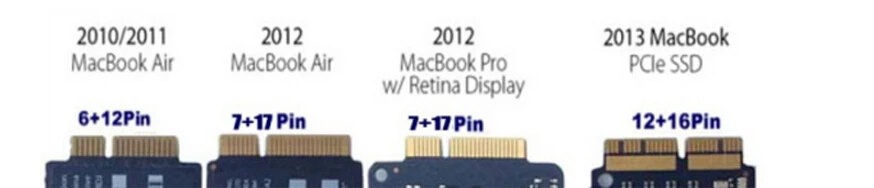
1: 2010 and 2011 version MacBook Air SSD is 6+12 pin, only one side have contact,size is 109 mm*24 mm.It's SATA interface.
2: 2012 version MacBook Air SSD is 7+17 pin, size is 109 mm*24 mm.2012 version MacBook Pro SSD is 7+17 pin, size is 89 mm*33 mm.It's SATA interface.
3: 2013 and 2014 and 2015 version MacBook Air SSD is both side have contact,one sid is 16+12 pin,the other side is 11+14 pin,size is 89 mm*24 mm.It's PCIe X4 interface.
4: 2013 and 2014 and 2015 version MacBook Pro SSD is both side have contact,one sid is 16+12 pin,the other side is 11+14 pin,size is 89 mm*33 mm.It's PCIe X4 interface.