
Descripción
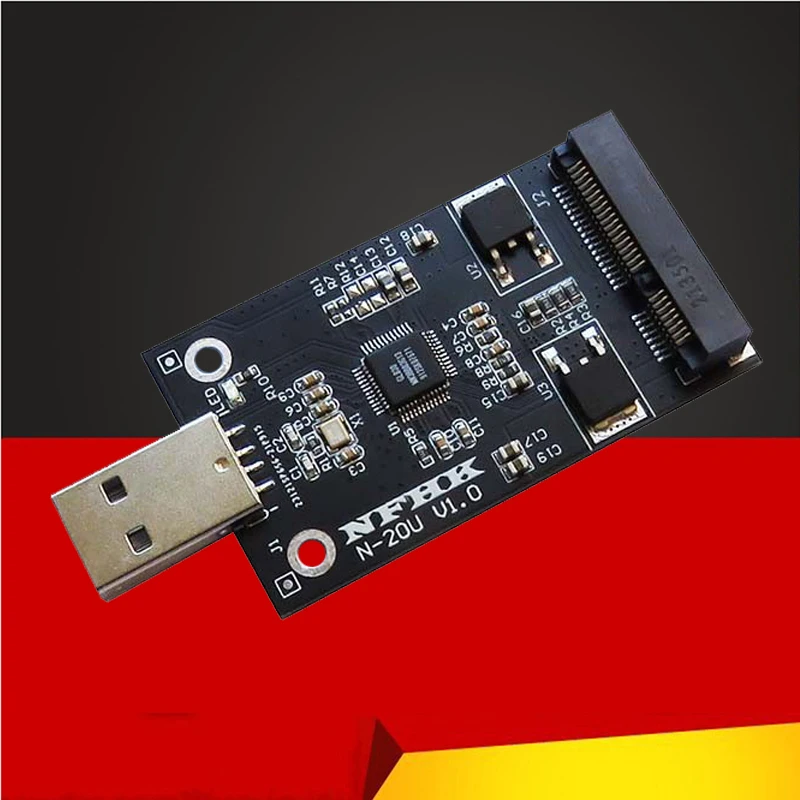
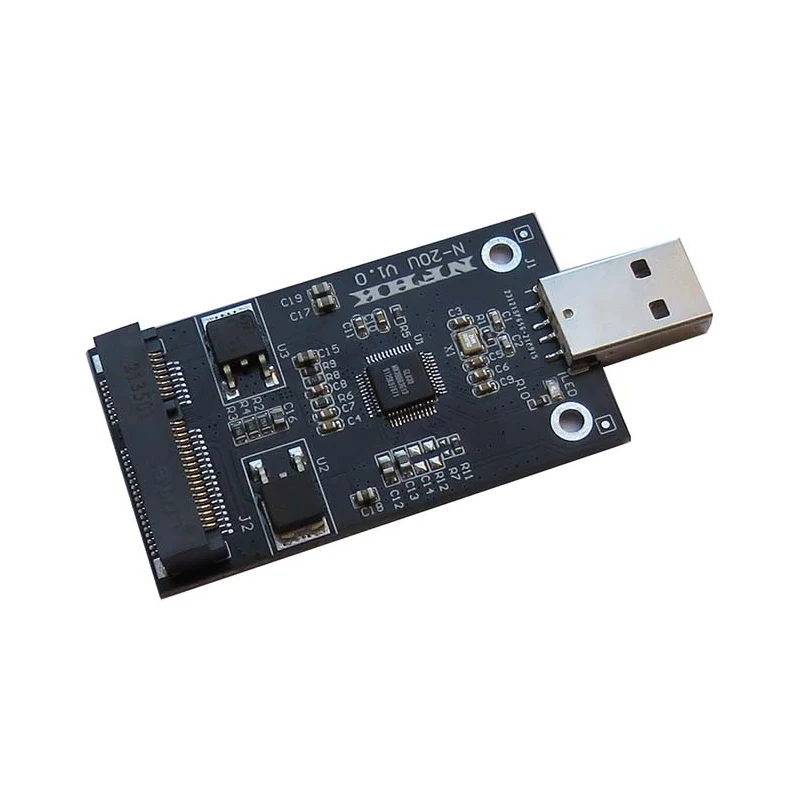
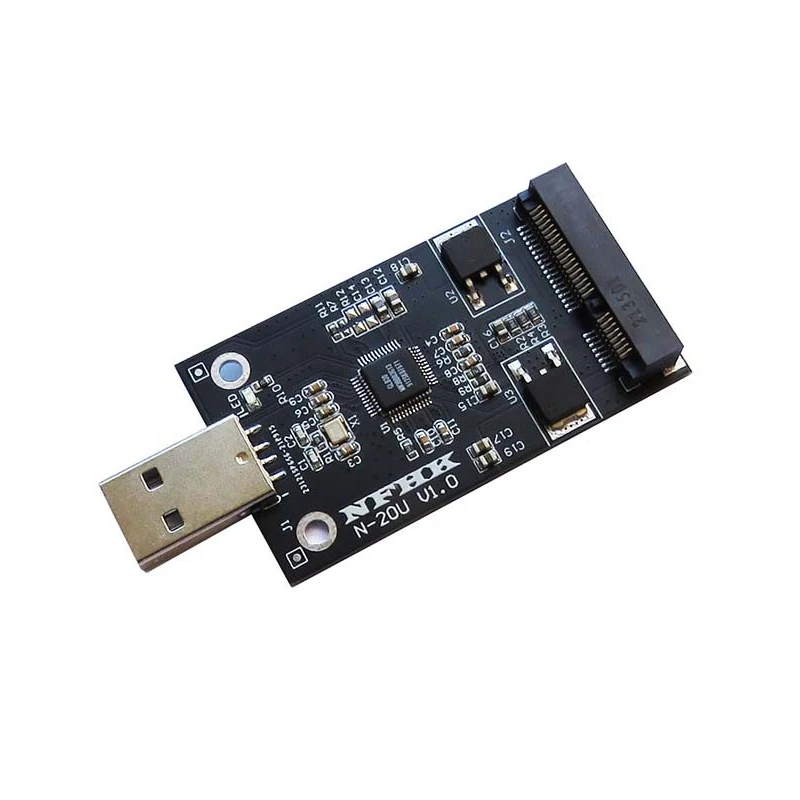
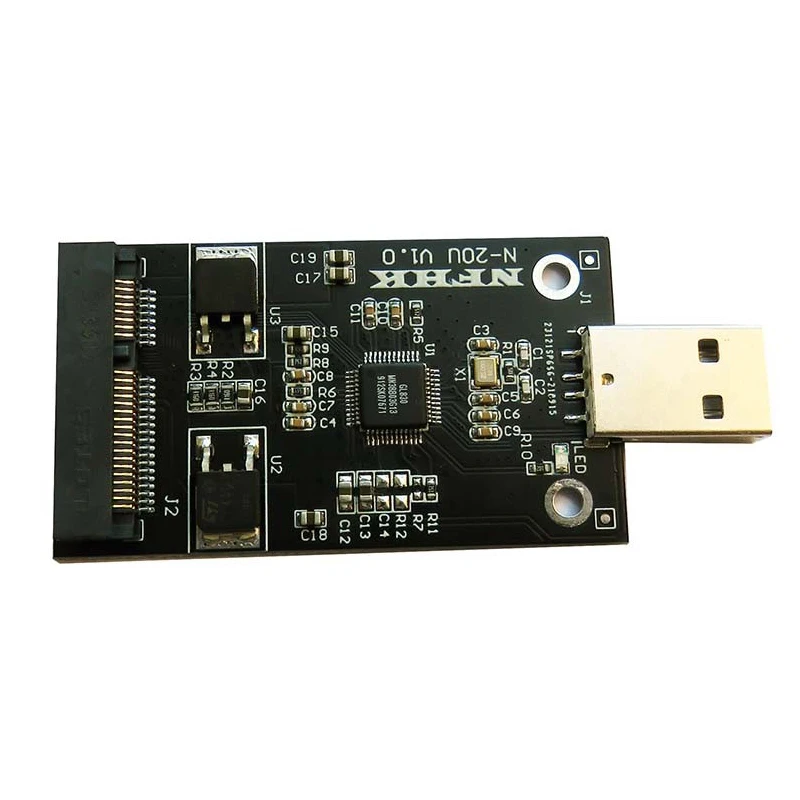
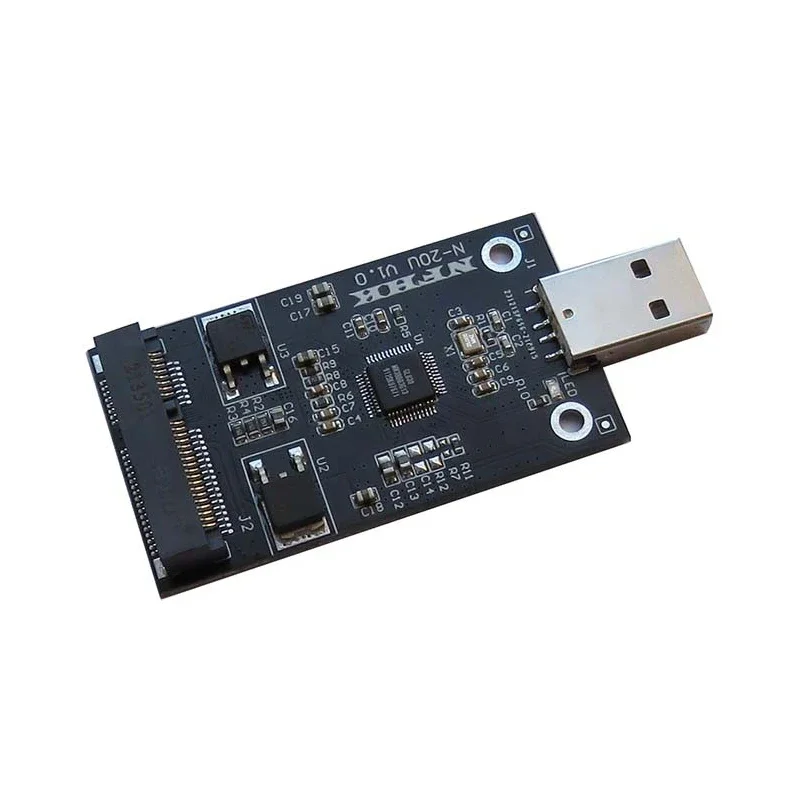
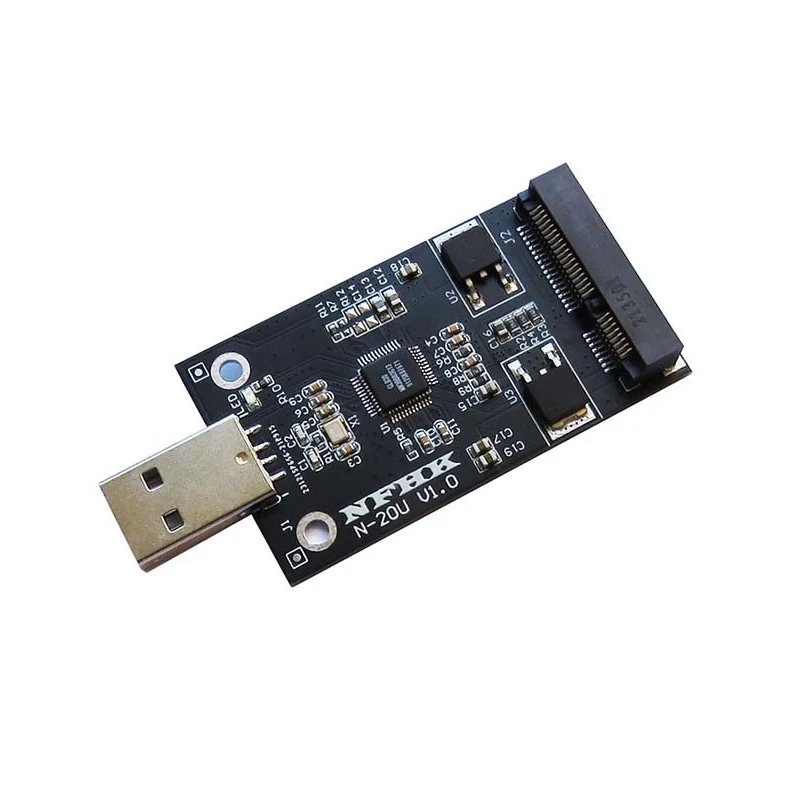
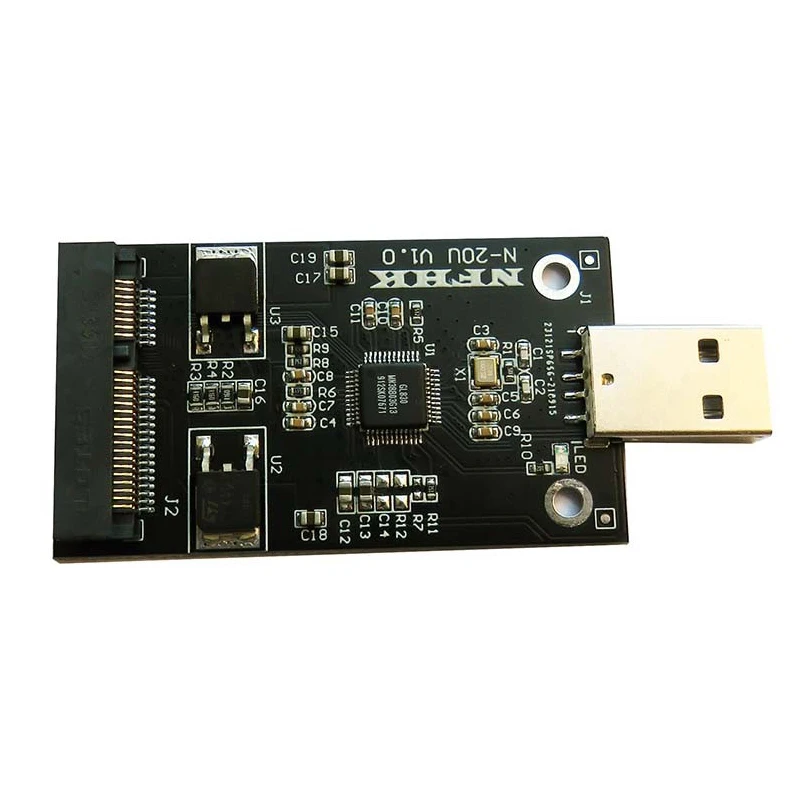
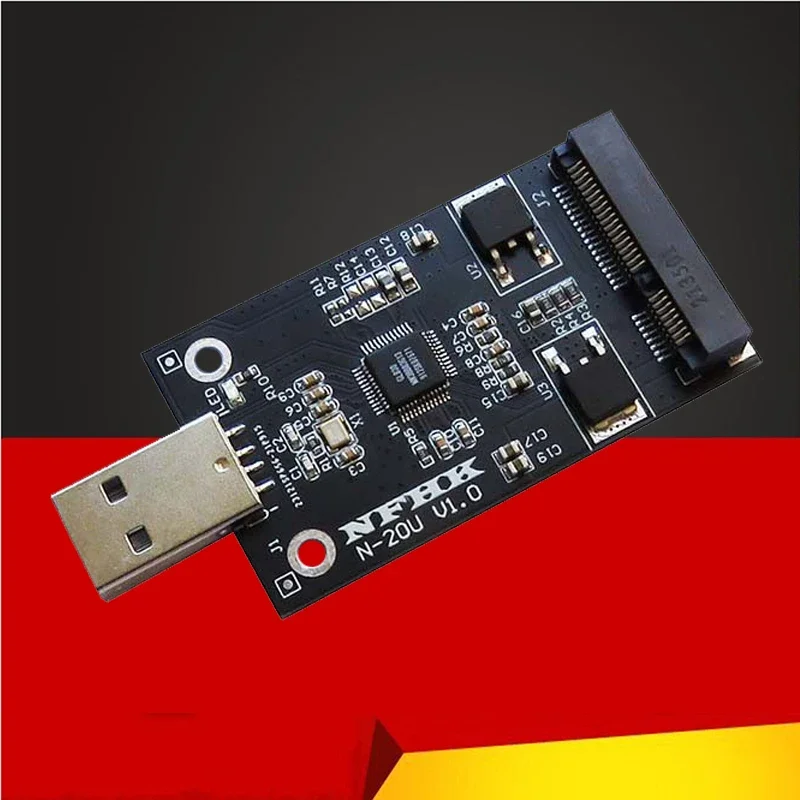
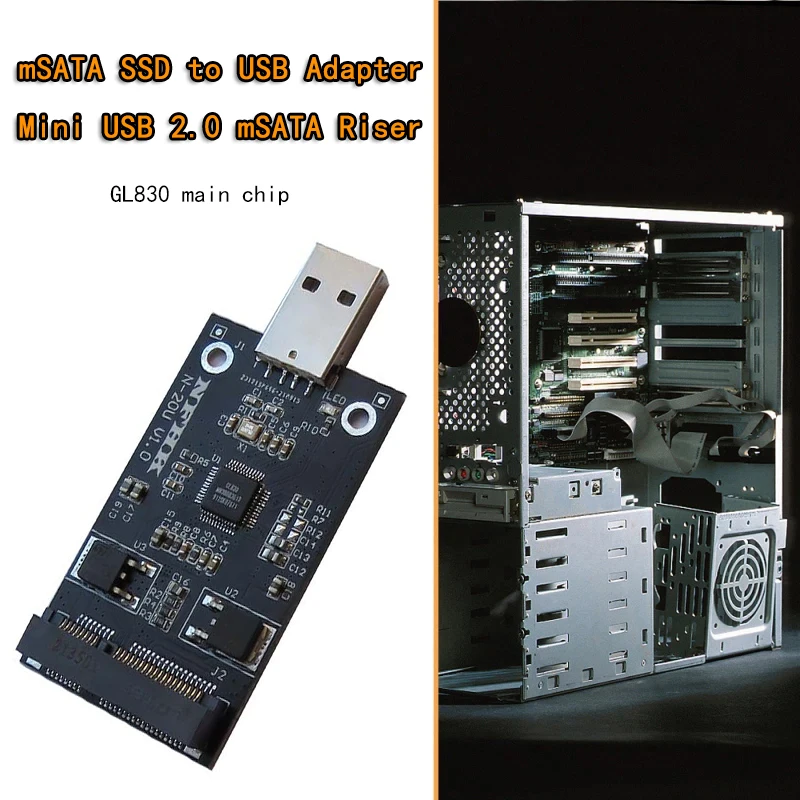
Adapter mSATA to USB Riser Card Converter Board mSATA External Case mSATA SSD to USB2.0 for PC Suppor 30*50 m-SATA SSD Hard Disk
About Description:
Item Description
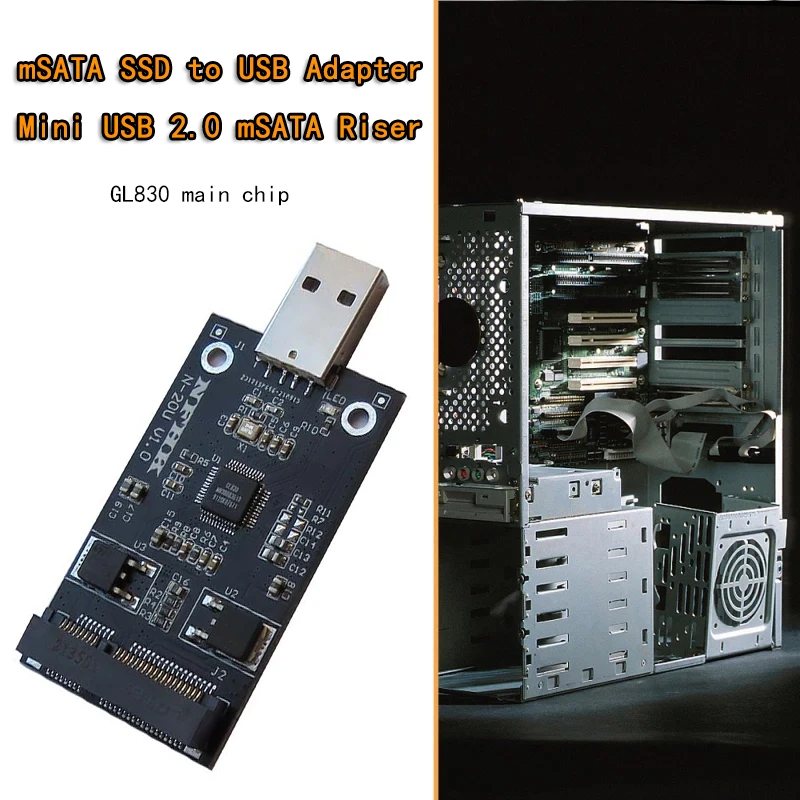
MSATA SSD to USB Converter USB 2.0 MSATA SSD Adapter Card For 30*50mm SSD PC Desktop
1. This product only supports 5 cm length mSATA, SATA MINI PCI-E interface (same as the solid state type used in asus EPCS101 900 901A)
2. USB 2.0 interface nominal power supply is 0.5A, the general equipment can provide 0.5A power supply, if your hard disk rated current requirements are too large, unless you have a USB 3.0 interface computer, you can plug in the USB 3.0 interface to use, otherwise there may be insufficient power supply, because the USB 3.0 interface power supply is greater than the USB 2.0 interface! So how to connect USB2.0 can not be used normally, please connect the USB3.0 interface.
The performance of insufficient power supply is: no load (do not connect the hard disk, only use the USB cable to connect the hard disk box to the computer) is reactive, and there is no reaction after connecting the hard disk; Or connect to the computer can recognize, but copy the data jumper; Or connect the computer and connect it and drop the disk.
3. about the heat problem, the card itself circuit board needs power consumption of 0.12A, the heat it generates is very small relative to the hard disk! After the composition of the mobile hard disk, the largest part of the power consumption is the SSD, the faster the SSD speed, the higher the power consumption, the greater the heat generation, you can buy a heat sink to cool the SSD.
4. Please note: Notes on the MINI PCIE interface:
This product does not support all KING POWER branded SSDs of this shape because it is not msata defined by this interface! mini pci-e in addition to the length of 5 cm and 7 cm,
Please note: MSATA this interface pin definition is divided into three kinds, one is called mSATA, mostly used for Lenovo machines and IBM machines, one is called SATA mini pci-e, mostly used on Asus EPC, and there is a called PATA MINI PCI-E, used for Dell mini9 and other machines, the appearance of the three interfaces is exactly the same, but the pin definitions are different, please be sure to distinguish clearly, PATA interface is not supported. PATA defines, the essence of which is the IDE interface, mostly found on dell MINI 9 and early Asus EPC and other machines; There is also a kind of cache disk, the essence of which is the PCIE x1 interface, plugged in the network card slot of the notebook computer, such as the early emergence of the message disk, etc.; There is also a kind of us called raid mini pcie, commonly used on Acer's S5 S7, these kinds of interface definitions look exactly the same, the naked eye can not distinguish, so be sure to distinguish your SSD interface definition! Pay special attention to the difference in the interface definition of the hard disk can not only look at the appearance and label, many domestic brands of SSD different interface definitions are the same label of the same circuit board, as long as the position of some components on the circuit board can change the interface definition of the hard disk!
Causes of product non-recognition or failure:
1. part of the USB 2.0 interface power supply can not meet the rated requirements of the hard disk (USB 2.0 maximum current is 0.5A, many solid-state working current more than 1A), please plug in the USB 3.0 interface test.
2. your SSD data transfer protocol is not mSATA, and the riser card is not compatible.
3. your SSD does not have partition formatting or the original disk format of the hard disk is incompatible with your current system, so open my computer can not see the disk partition, please go into the disk manager to partition the hard disk format.
4. your hard disk in the original computer set a password, resulting in the hard disk can only be used on your original computer, change the computer because the disk encryption can not be recognized.
5. The USB interface power supply cannot meet the rated working current of the SSD.
6. the desktop should not be plugged into the front USB interface, do not connect to the computer through the USB extension cable and USB hub.
Specification
Product Name: USB to MSATA SSD Adapter
Color: Black
Product size: 75*33mm
Input Interface: USB 2.0
Output Interface: mSATA
Power Supply: 0.5A power supply required
Support system: Windows XP/2003/Vista/Win7/Win8/Win10 (32/64bit) ,MAC,Linuxoperating systems
You'll receive:
Please check pictures for more details.