
Enviado desde
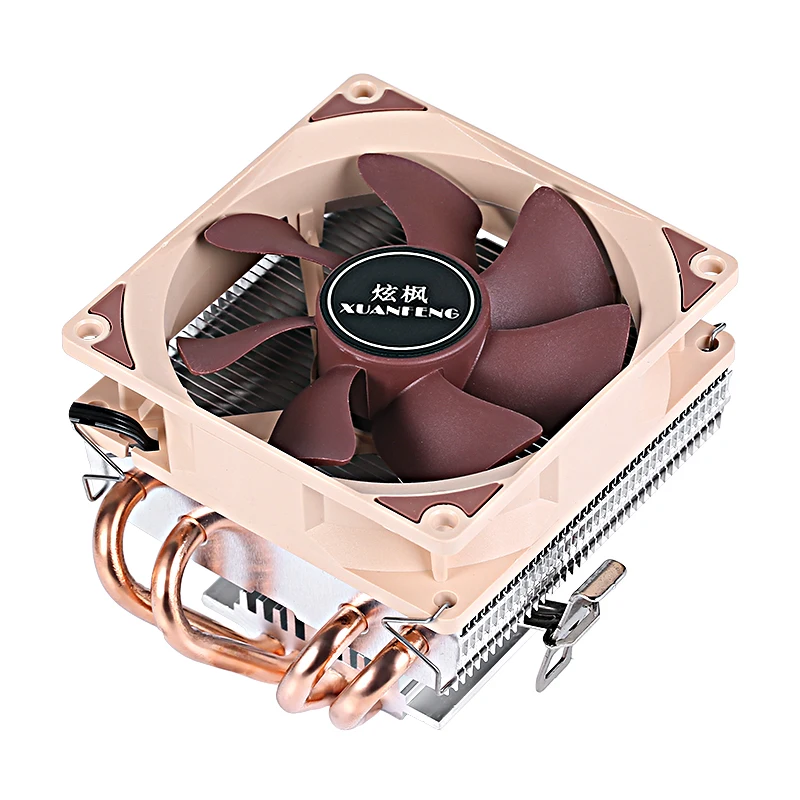
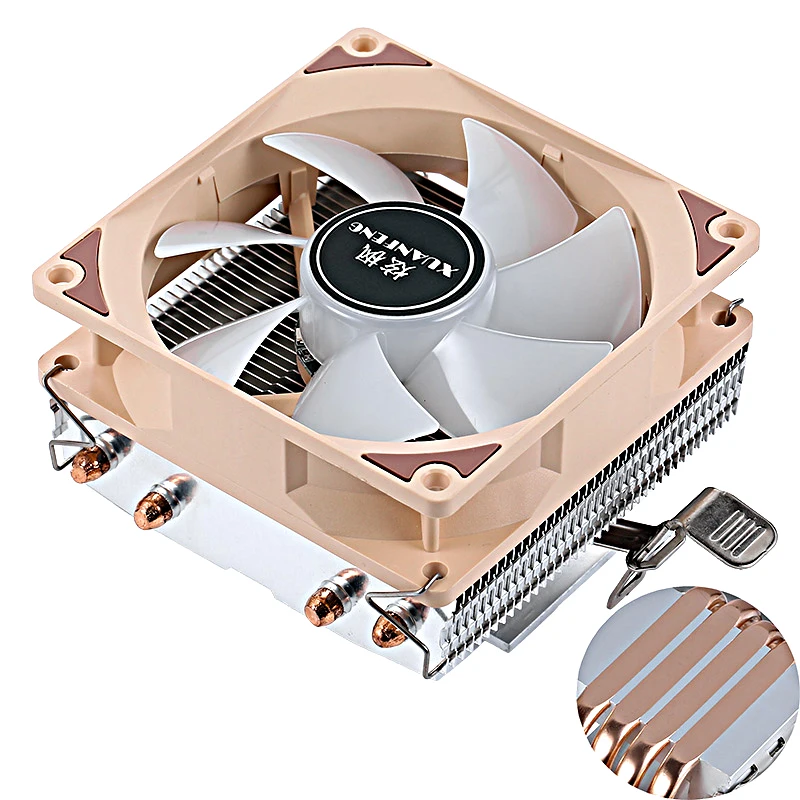
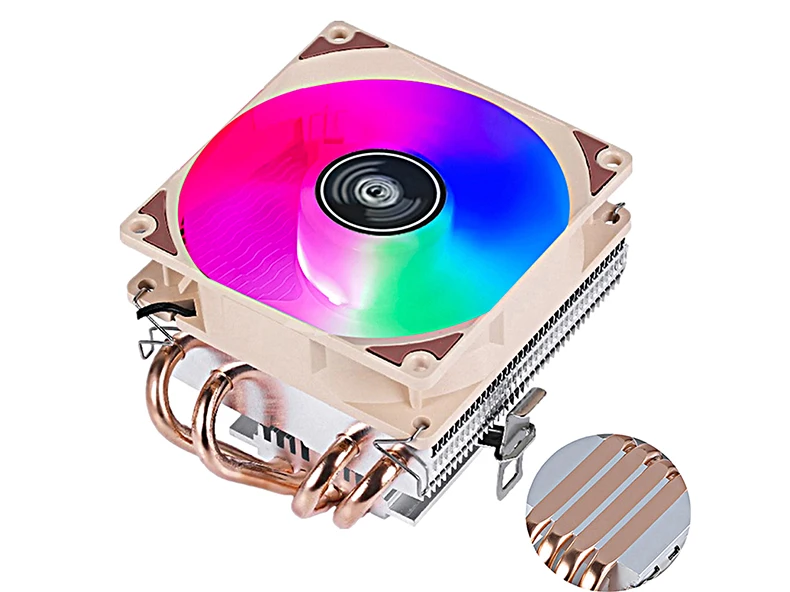
Color
RGB
Color de hoja
Descripción
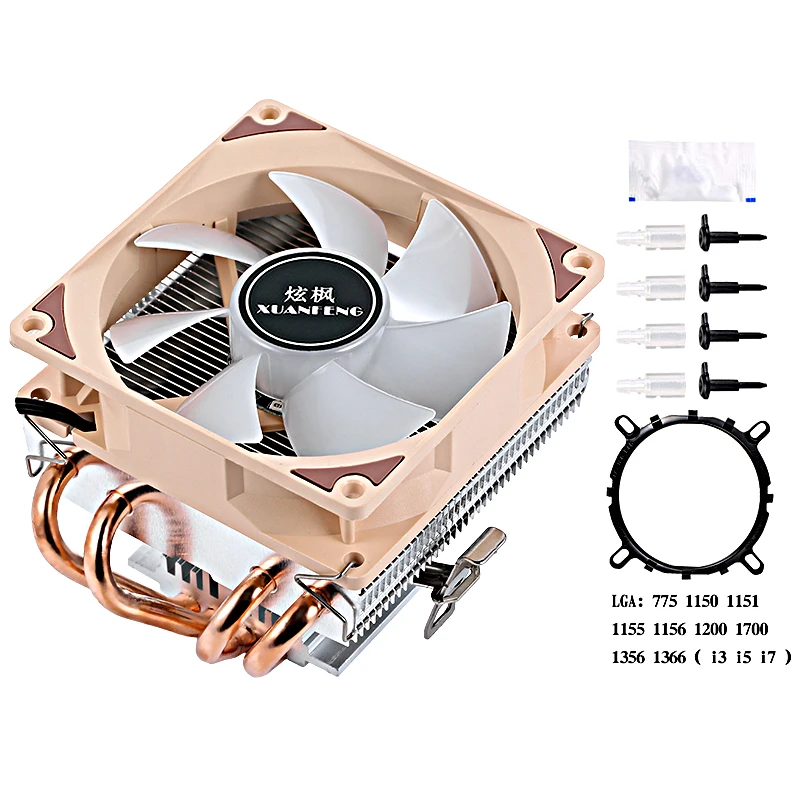
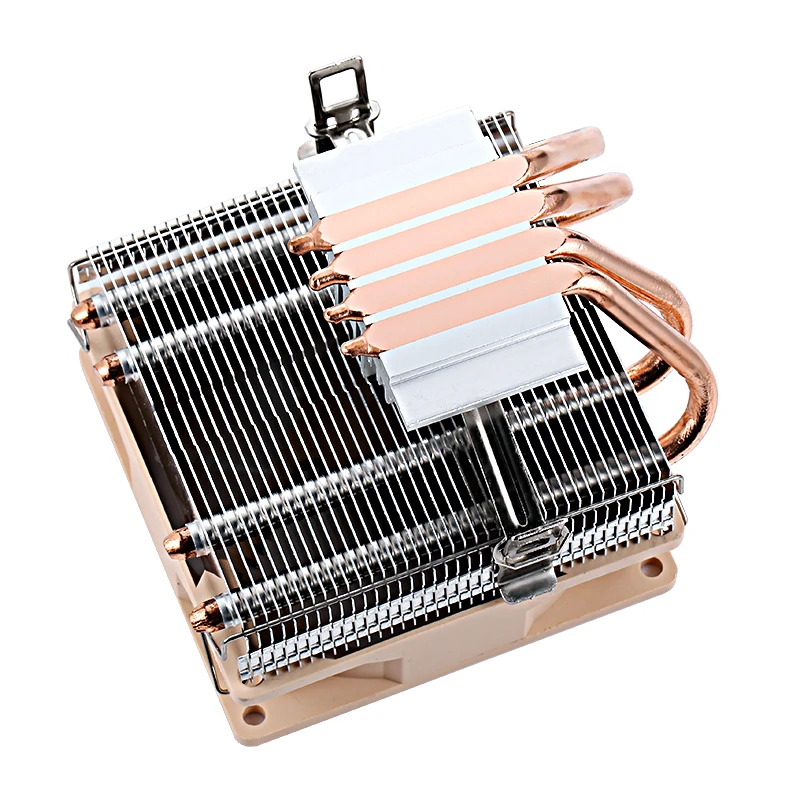
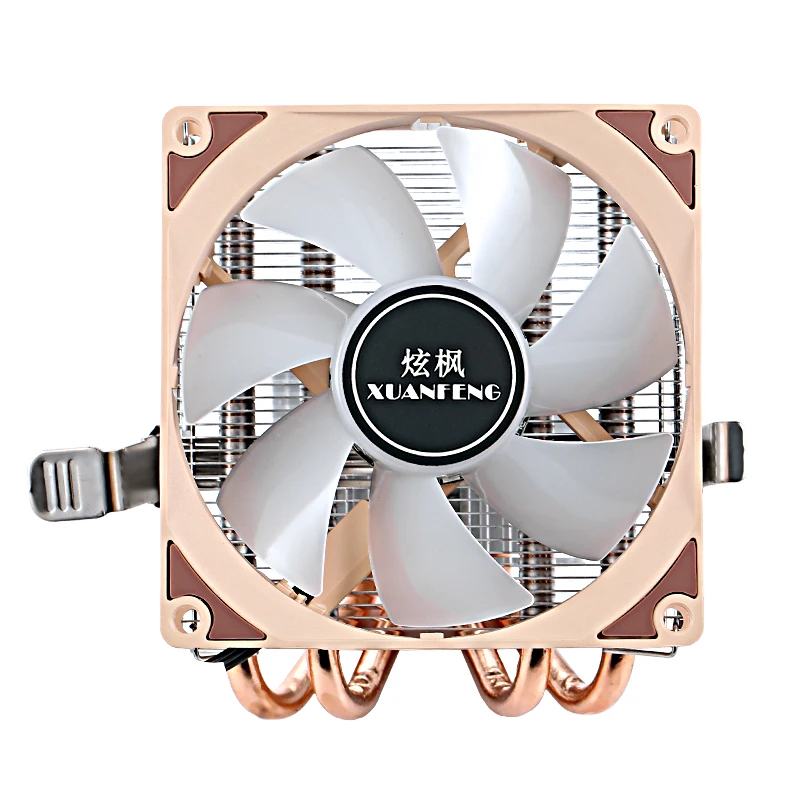
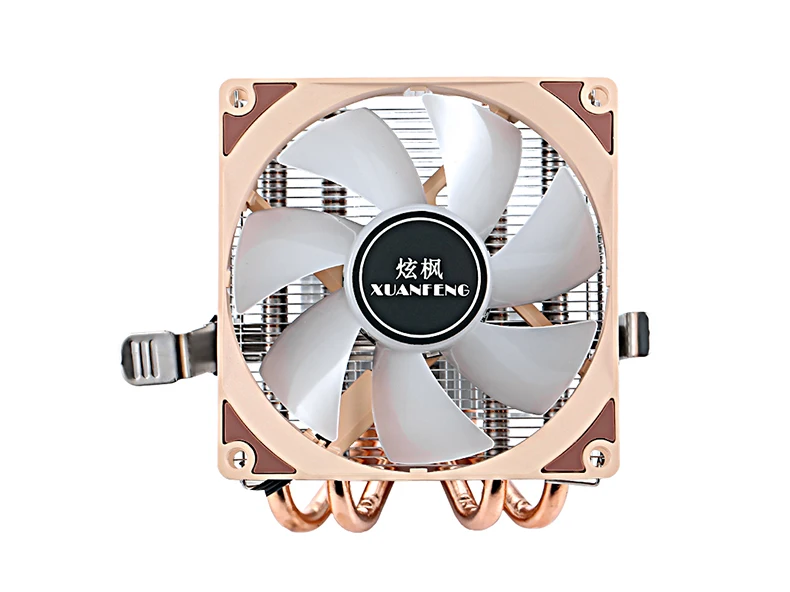
Product brand: XUANFENG
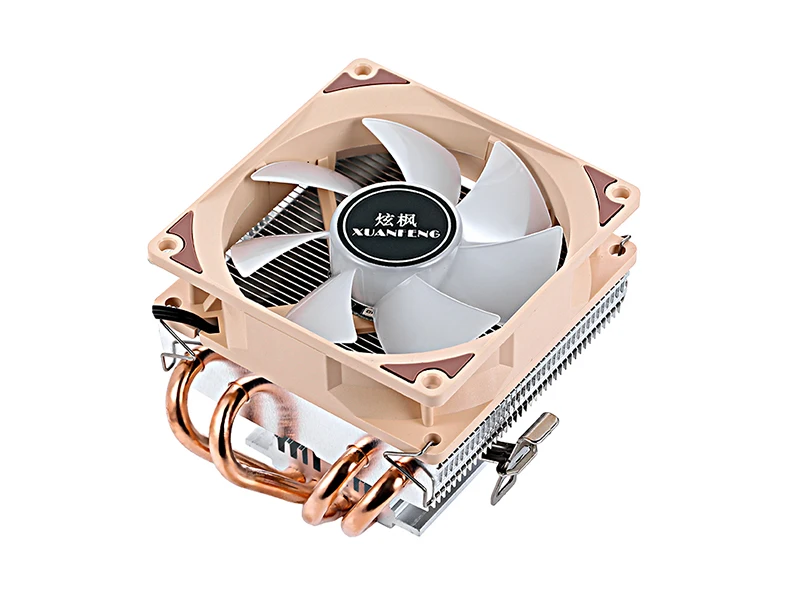
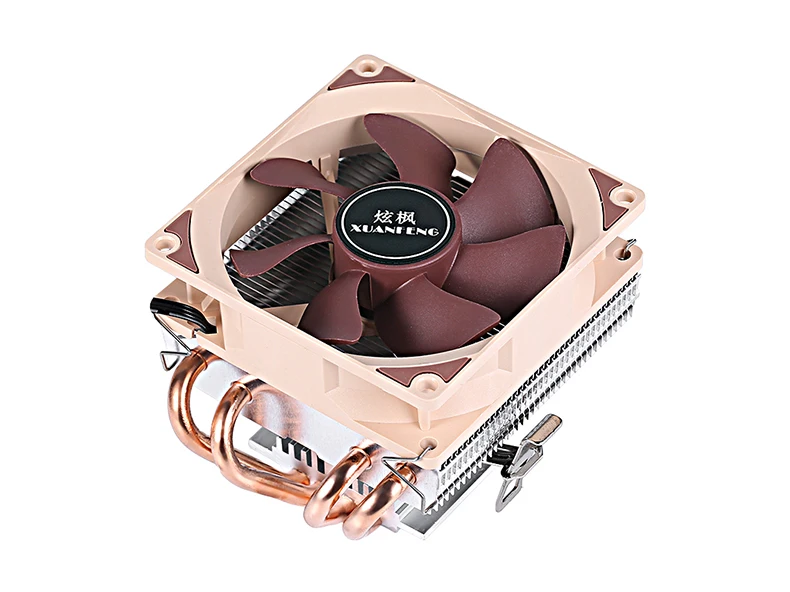
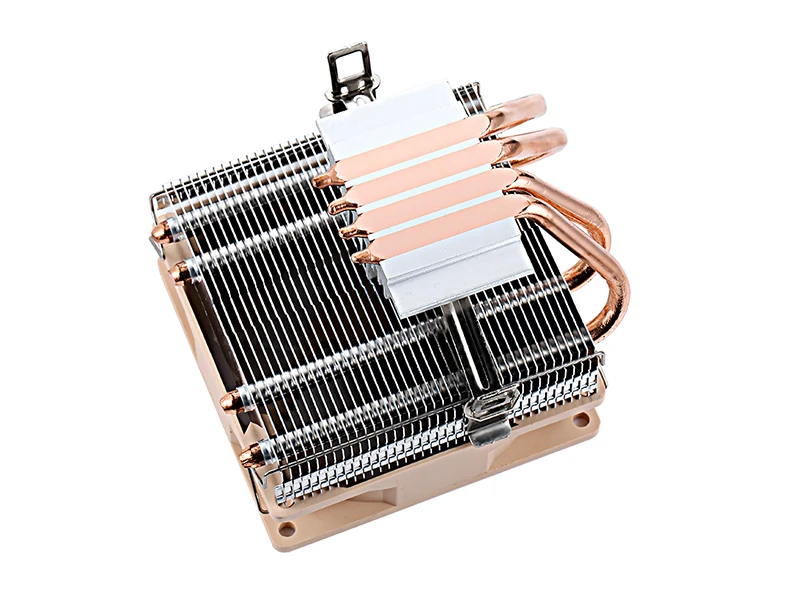
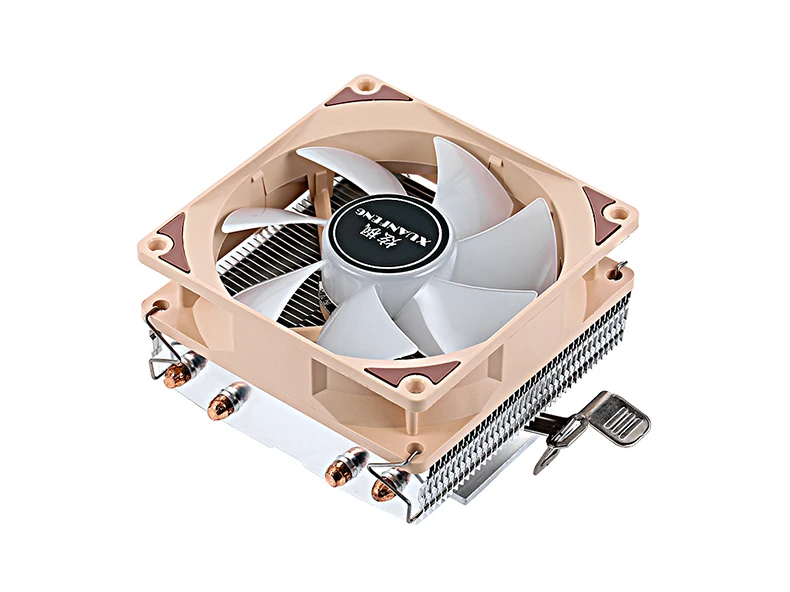
Product name: CPU cooler fan
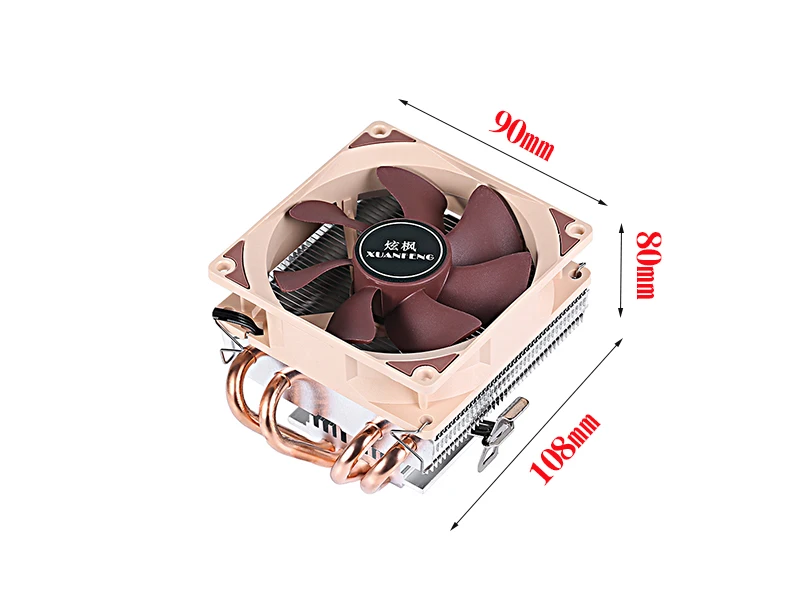
Product size: 90 (length) * 80 (width) * 108 (height) mm
Fan size: 90 * 90 * 25mm
Heat pipe specification: 6mm * 4 pieces
3-wire speed: 2000 RPM ± 10%
4-wire speed: 800-2000 RPM ± 10%
3-wire current: 0.18A without lamp, 0.28A with lamp ± 10%
4-wire current: 0.1A without lamp, 0.2A with lamp ± 10%
3-wire power: 2W without light, 3.5W with light ± 10%
4-wire power: 1W without light, 2.5W with light ± 10%
Noise control: 25dBA
Air volume: 60CFM (maximum)
(The above data is for one fan. If there are multiple fans (air volume, noise, current, power), the data will increase.)
Fan bearings: hydraulic bearings
Working voltage: DC 12V
Process materials: copper and aluminum
Working life: 50000 hours
Fan interface: 3Pin (3-wire constant speed)/4Pin (4-wire temperature control)
Fan wire length: 30CM ± 10%
Packaging method: boxed
Pure aluminum base combined with 4 pure copper heat pipes for efficient heat dissipation. Solve high temperature issues and make your computer smoother. Super silent fan. Hydraulic bearings reduce friction resistance and effectively reduce noise. Multi platform design, easy installation.
Note:
Due to manual measurement, different measurement methods and tools, there may be slight dimensional deviations.
Due to differences in lighting, angle, and display, images may not reflect the actual color of the item
The following is an installation tutorial video for this product, hoping to be helpful to you. The products installed in the video are for reference only, but the installation method is the same.
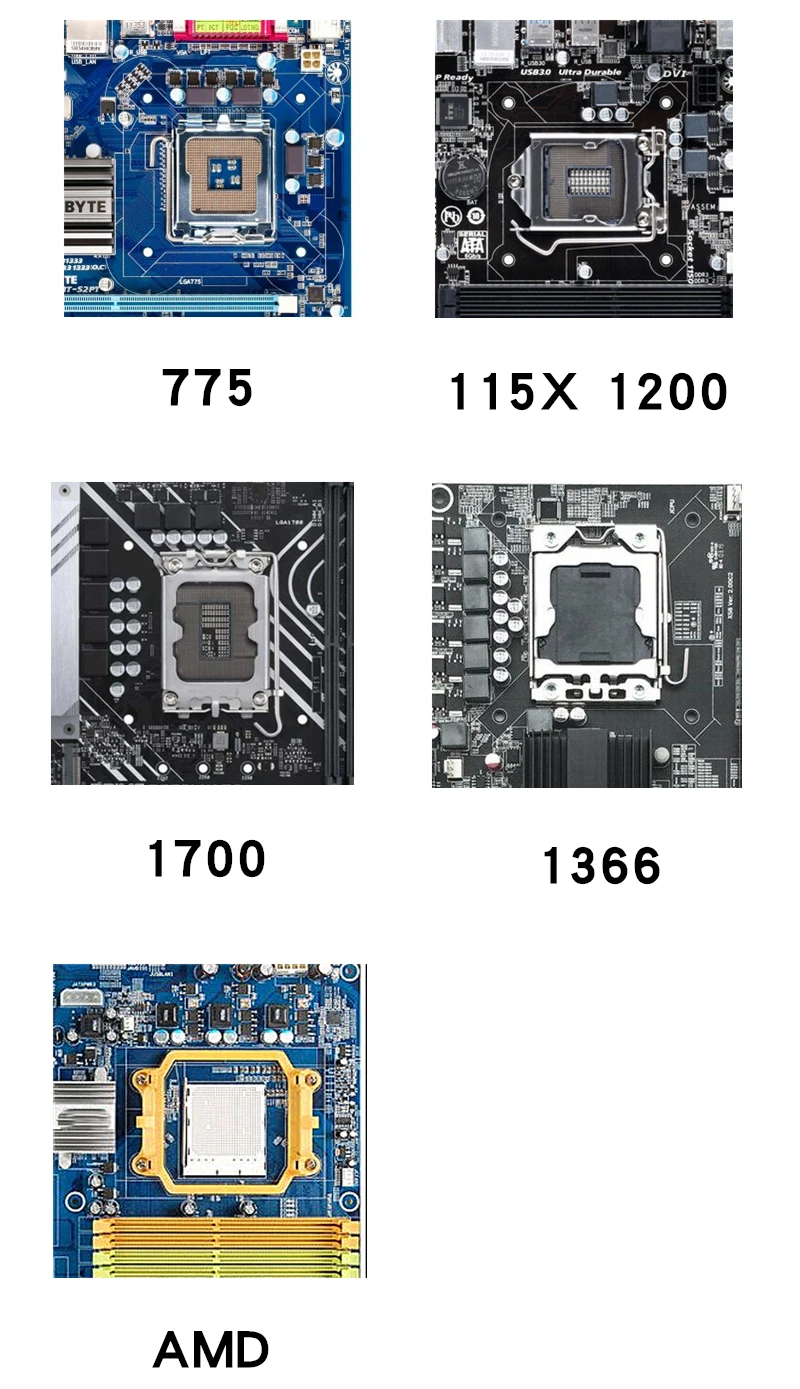
Socket:
For Intel: LGA 775/1150/1151/1155/1156/1200/1700/1356/1366 (i3 i5 i7)
For AMD: AM4/AM2+/AM2/AM3+/FM1/FM2/FM2+
(For AMD, the original bracket on the motherboard needs to be retained, just attach the cooler.)
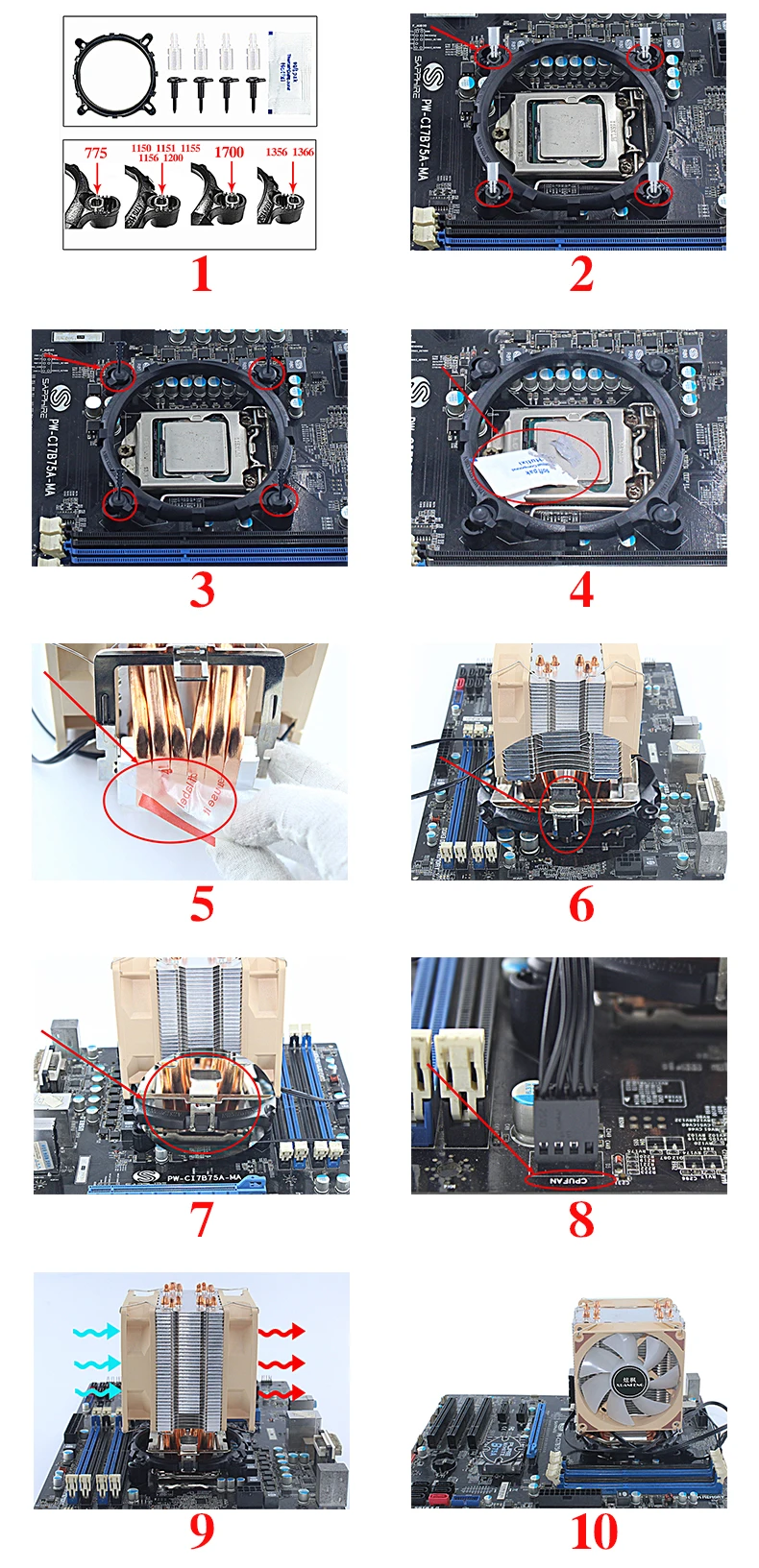
The following is a tutorial on installing a CPU cooling fan. The product in the picture may be different from the one you purchased, but the installation method is the same.
1. As shown in the figure, suitable for installation: LGA: 775, 1150, 1151, 1155, 1156, 1200, 1700, 1356, 1366 (i3, i5, i7), etc.
2. As shown in the figure, place the bracket in the hole on the motherboard, adjust the gear suitable for the motherboard, and align it. Take out the transparent adhesive nails and place them in the appropriate gear for the motherboard.
3. As shown in the figure, place the black wedge on the inner ring of the transparent adhesive nail and press lightly.
4. As shown in the figure, open the thermal conductive silicone grease and evenly apply it to the surface of the CPU.
5. As shown in the figure, remove the protective film at the bottom of the radiator before installation.
6. As shown in the figure, align the card slot on the bracket and press the buckle.
7. As shown in the figure, align the card slot on the bracket and press the buckle.
8. As shown in the figure, there is no need to worry about different interfaces for CPUFAN. 3Pin/4Pin universal.
9. As shown in the figure, the blue arrow represents the air inlet, and the red arrow represents the air outlet.
10. As shown in the figure, the installation is completed.
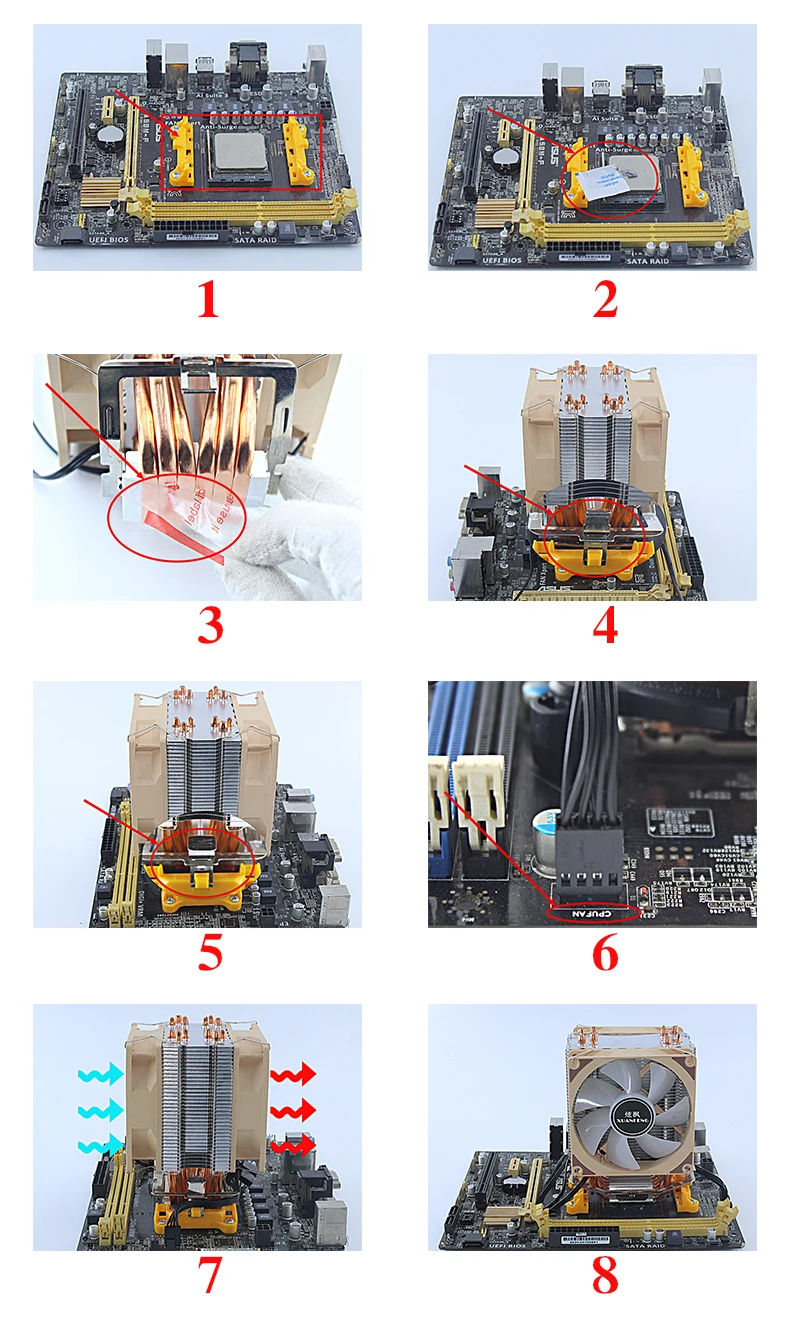
The following is a tutorial on installing a CPU cooling fan. The product in the picture may be different from the one you purchased, but the installation method is the same.
1.As shown in the figure, the AMD substrate can be directly installed using the bracket of the original substrate without the need for the accessories we provide. AMD installation: For AMD, you must maintain the original bracket on the motherboard.
2. As shown in the figure, open the thermal conductive silicone grease and evenly apply it to the surface of the CPU.
3. As shown in the figure, remove the protective film at the bottom of the radiator before installation.
4. As shown in the figure, align the card slot on the bracket and press the buckle.
5. As shown in the figure, align the card slot on the bracket and press the buckle.
6. As shown in the figure, there is no need to worry about different interfaces for the CPUFAN interface. 3Pin/4Pin universal.
7. As shown in the figure, the blue arrow represents the air inlet, and the red arrow represents the air outlet.
8. As shown in the figure, the installation is completed.
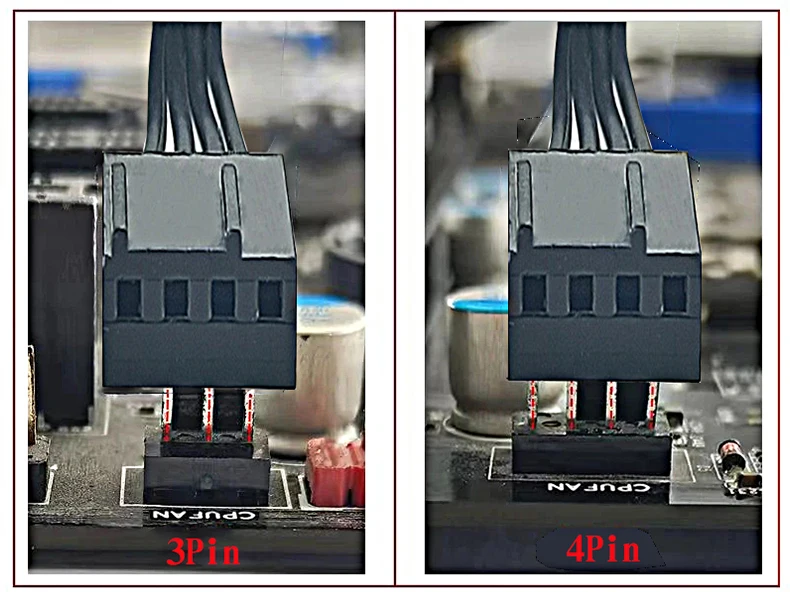
Regarding the selection of interface types
3Pin or 4Pin interfaces are universal and can be installed without worrying about interface types
Fixed speed type: 3-pin fan, fixed speed, large air volume, good heat dissipation, but there may be relatively slight wind noise
Temperature control board: The 4Pin fan will intelligently adjust the fan speed based on the current CPU temperature, which is energy-saving and silent. Extend service life! (The motherboard needs to support and enable PWM speed regulation function, which is basically available on all motherboards)
Opiniones de clientes
2 opinionesLa transacción se realizó de forma rápida y profesional.