
Descripción
Feature:
Designed to charge your devices for Asus Laptop with USB C PD charger. (★NOTE: Charging speeds will vary depending on your device and wall charger, we recommend that you use USB-C PD Charger)
Charging Power Requirement: 90W or higher.
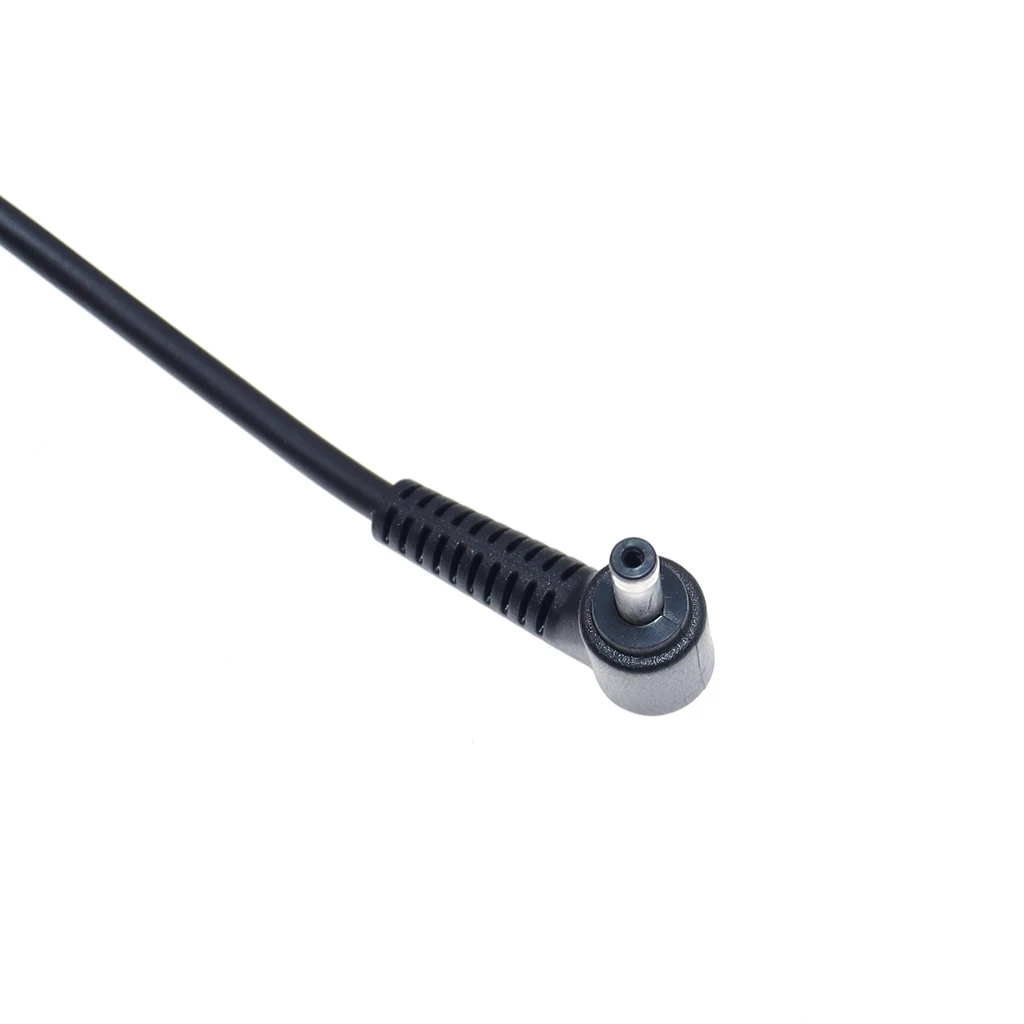
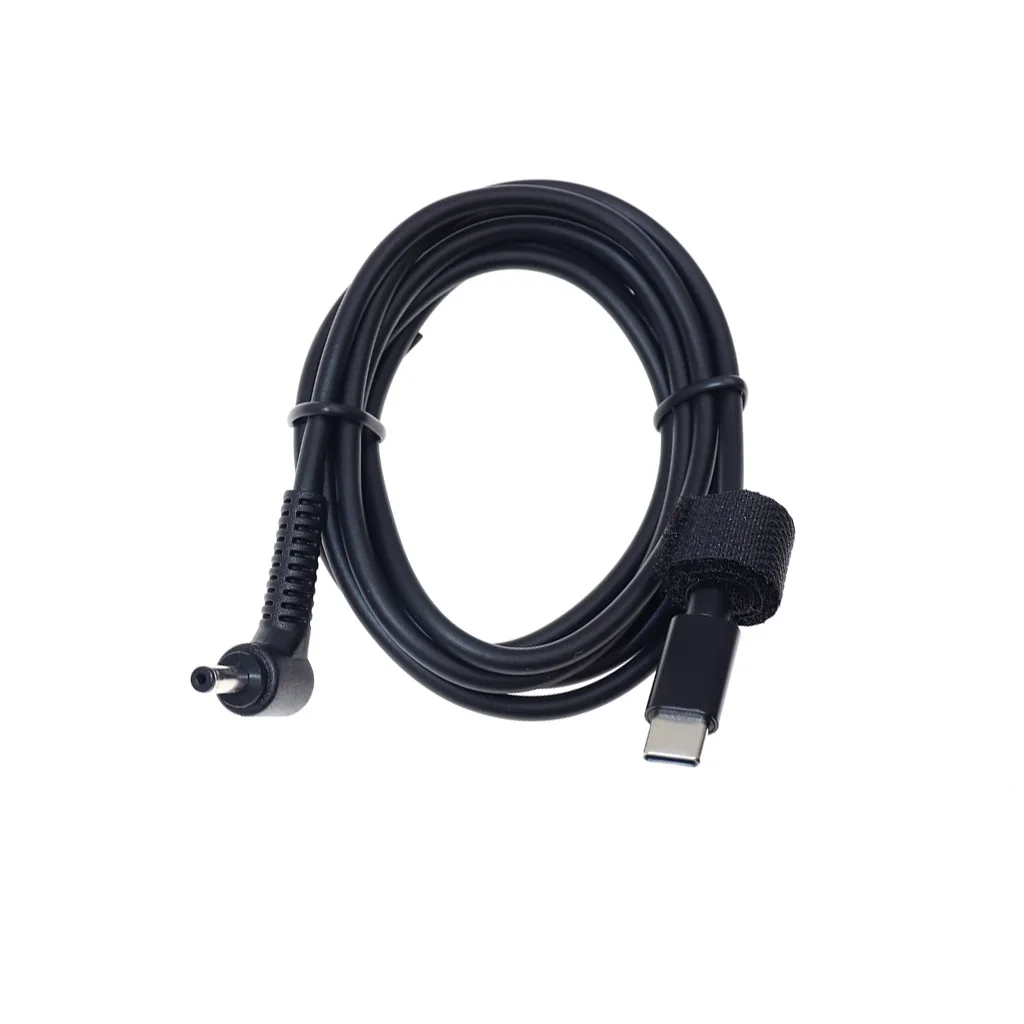
4.0*1.35mm Plug to USB C cable, perfect for charging your devices with power bank or USB C wall charger.
Say good bye to buy an extra adapter (★Only for Charging, not Syncing data.)
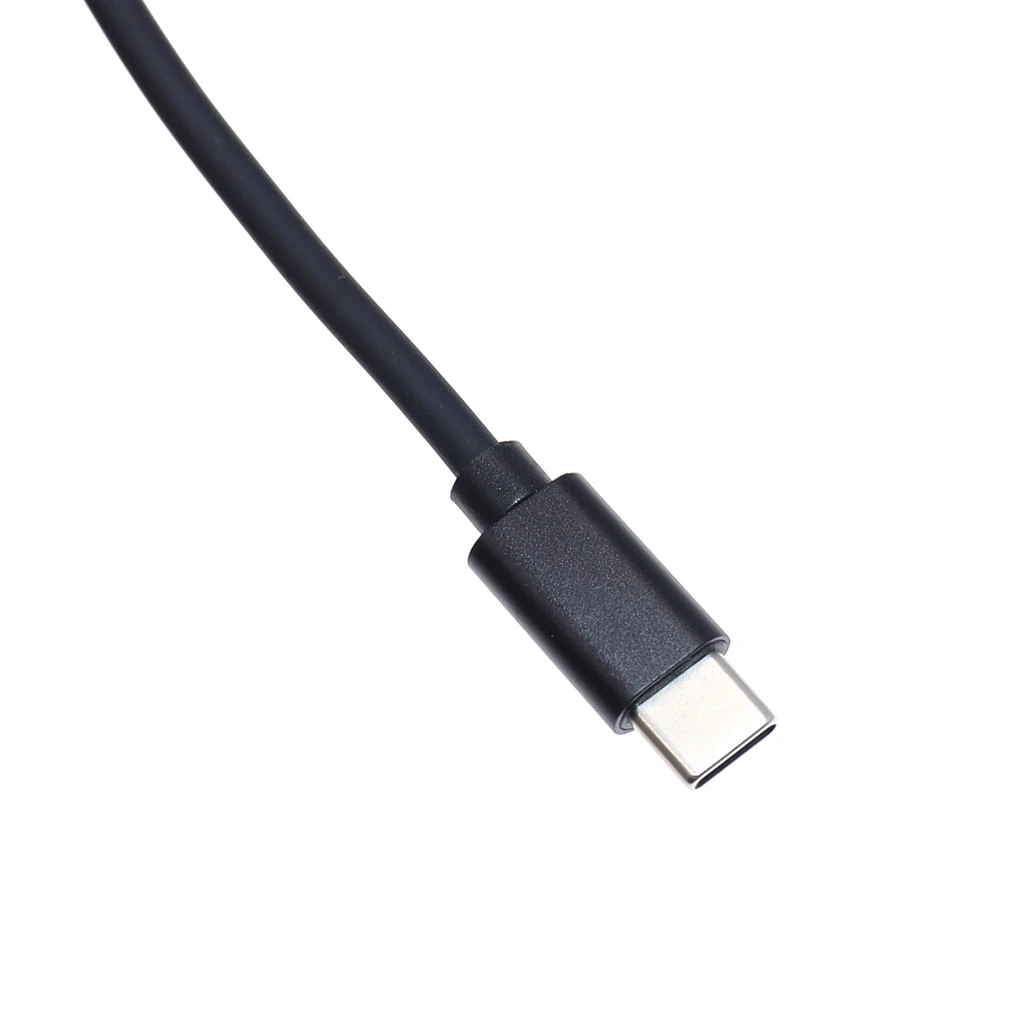
Durable laptop connector to USB C Cable with reversible USB-C connector.
1.5meter is long enough to connecting devices while you are still charging in your bedroom, office or wherever you want.
Specifications:
Color: Black
Length: 1.5meter
Applicable models:for ASUS Zenbook UX21A UX31A UX32A UX32V
Package List:
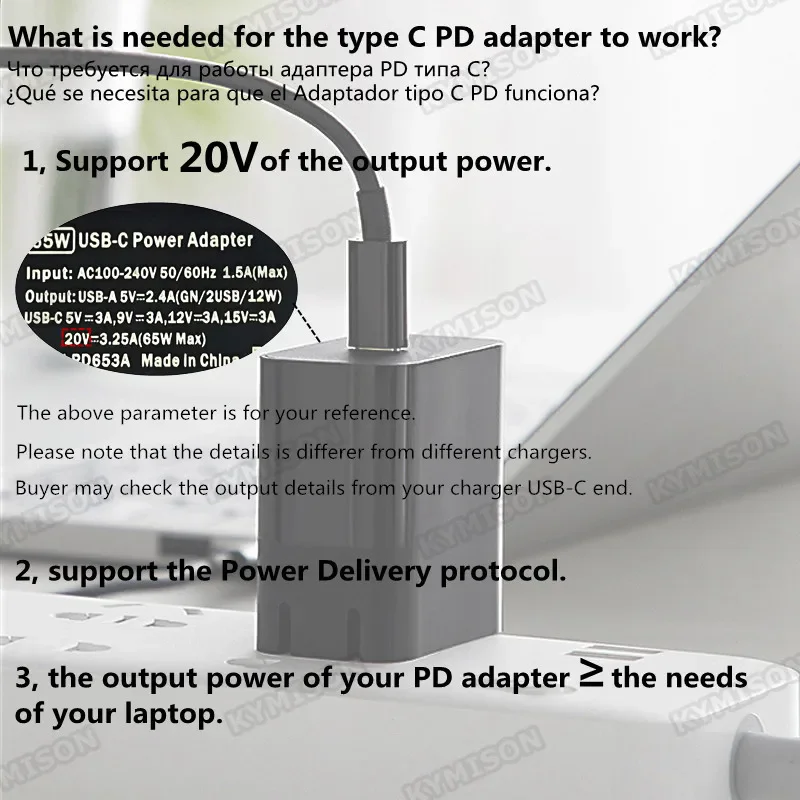
1, The adapter or power bank should support20Vof the power. Please do not use telephone charger to charge your laptop.
2, The adapter or power bank should supportthe Power Delivery protocol, which means "PD".
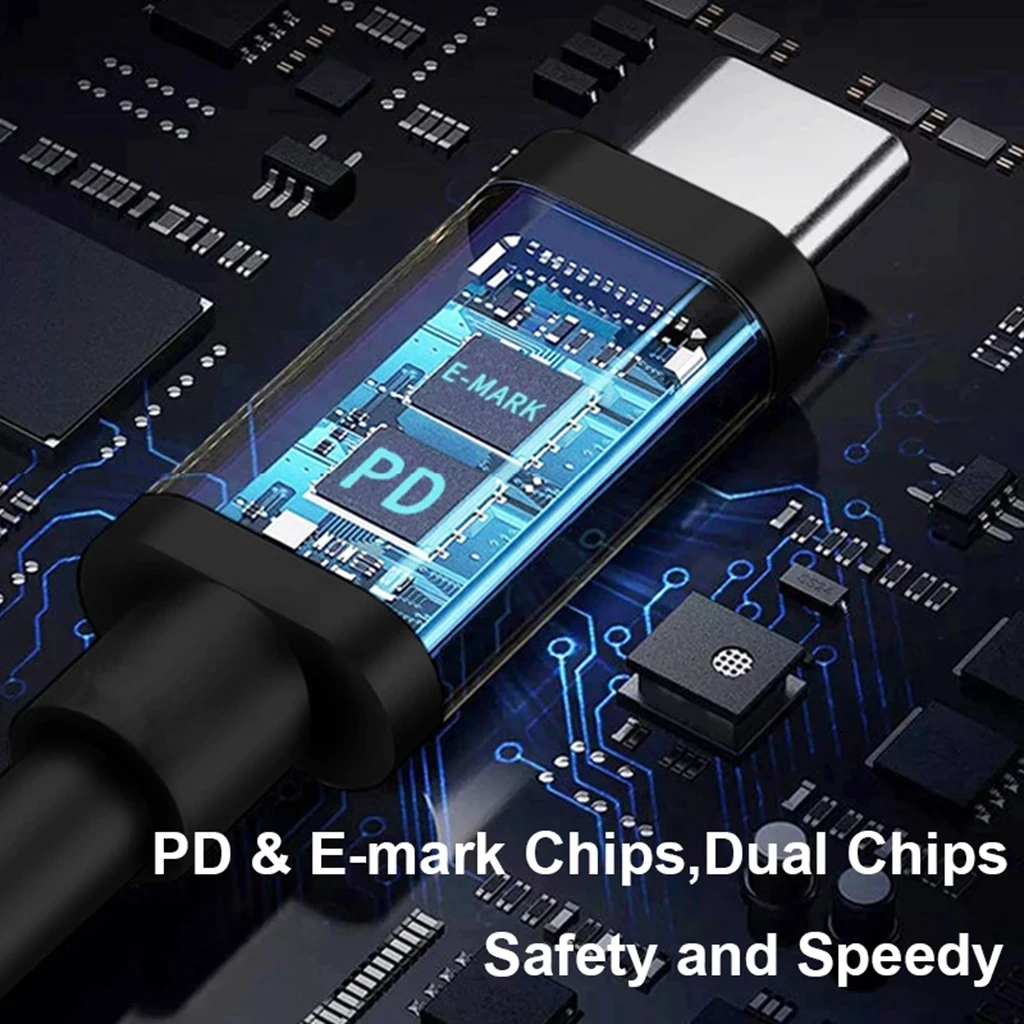
3, USB C to USB C PD Charging cable requires built-in E-marker chip, otherwise, it will not work.
4, The output power of your type c PD adapter should be not lower than the needs of your laptop.
Can we charge the laptop by the phone adapter?
No. Because the power of phone adapter is very small, no 20V output too.
Can we use 65watt type c PD adapter or power bank to charge 90watt or higher laptop?
Not recommended. It will either not charge, or charges slowly.
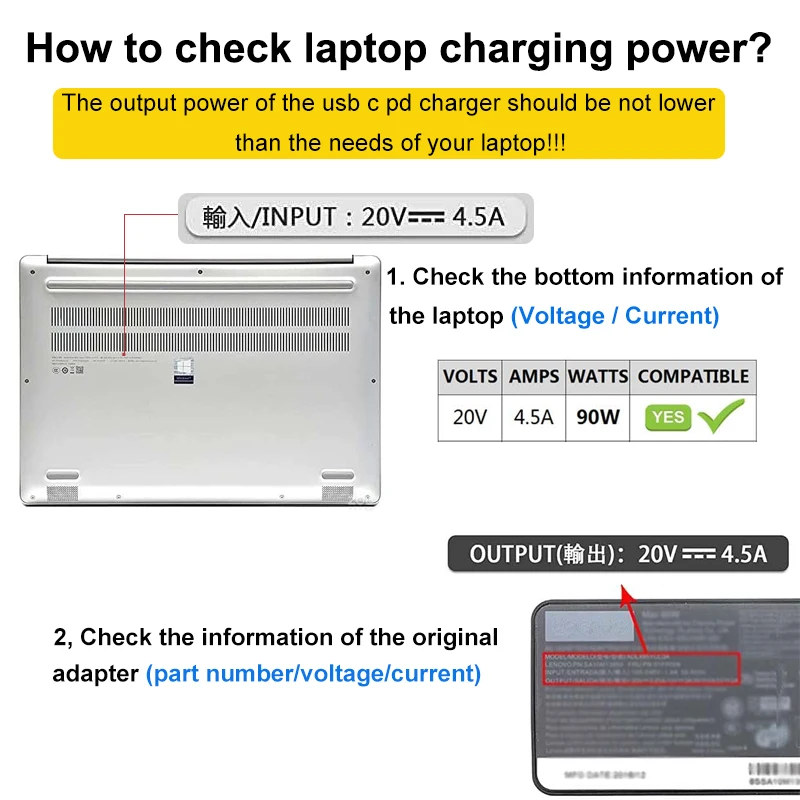
How to check laptop charging power?
1, check the bottom information of the laptop.
2, check the information of the original adapter.
If you still cannot determine the power of the laptop, please feel free to contact us.
This is very important! ! ! Please read before buying! ! !
This product needs to be matched with a charger/power bank that supports PD protocol charging and a Type-C data cable to achieve the purpose of charging the laptop. The connected Type-C cable needs to refer to the input current of the notebook current. For example, For 65W 3.25A laptop requires a Type-C cable with a current of more than 3A, and a 90W 4.71A requires at least a 5A Type-C cable.
How to know your laptop power (W/Watt)?
First, you need to know the input power of the laptop. You can look at the bottom of the notebook or the original power adapter, where you can find the voltage and current information, such as "20V=3.25A", which means that the power of the notebook is 65W (20*3.25A).
Then judge whether your charger/power bank is suitable for your notebook according to your notebook power (W/Watt)
How to check the output power (W/Watt) of the charger/power bank?
You can check the back of the charger/power bank or the instruction manual to find its related information, for example, if the information on the charger is "Output: 20V=3.25A", the output power of this charger is 65W (20 * 3.25 ) , for your 65W/45W laptop, but not for powering a 90W laptop
Why can't cell phone chargers/power banks be used to charge laptops?
First, they usually only support phone charging, not laptop charging
Second, their output voltages and currents are usually very low and do not support laptop-powered
A USB port equipped with an electrical outlet cannot be used to charge the laptop.
If buyers need any help, please feel free to contact our customer service~


Opiniones de clientes
6 opinionesLa entrega fue antes de lo esperado. El cable funciona bien con Asus R565j y cargador móvil de 68w.
El cable es muy bueno, 5 estrellas por producto de calidad. Recomiendo
Entrega rápida.