
Color
Descripción
About this item:
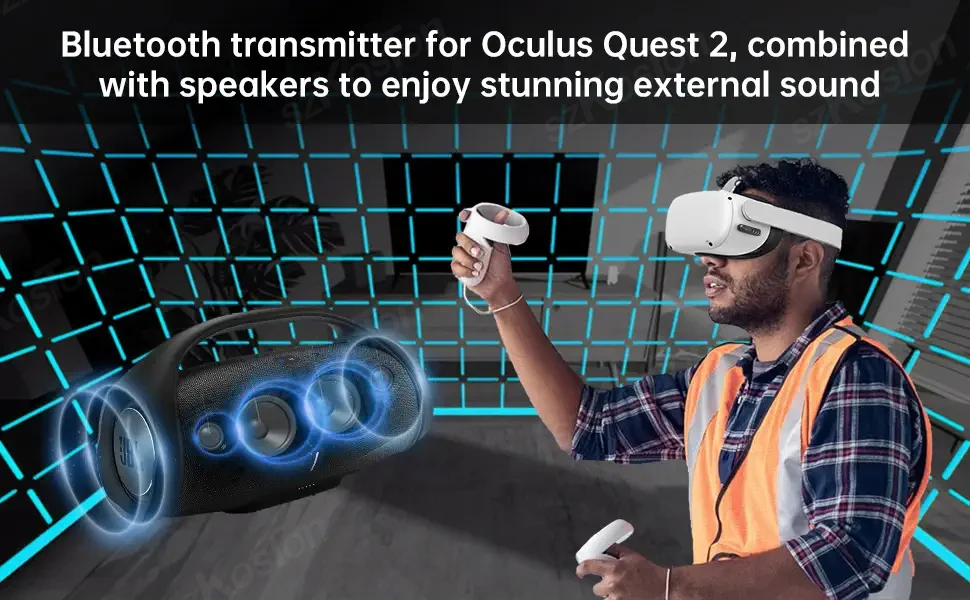
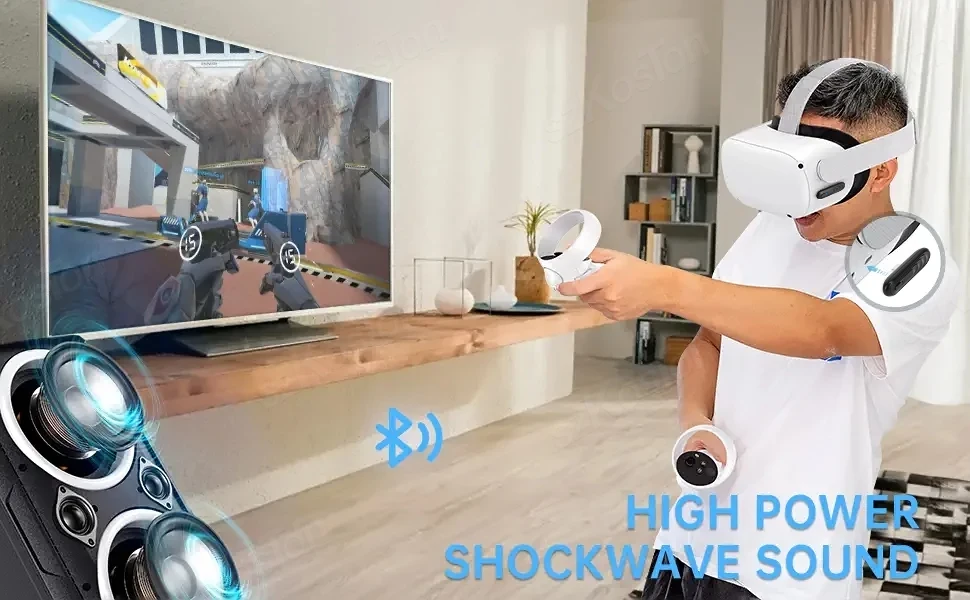
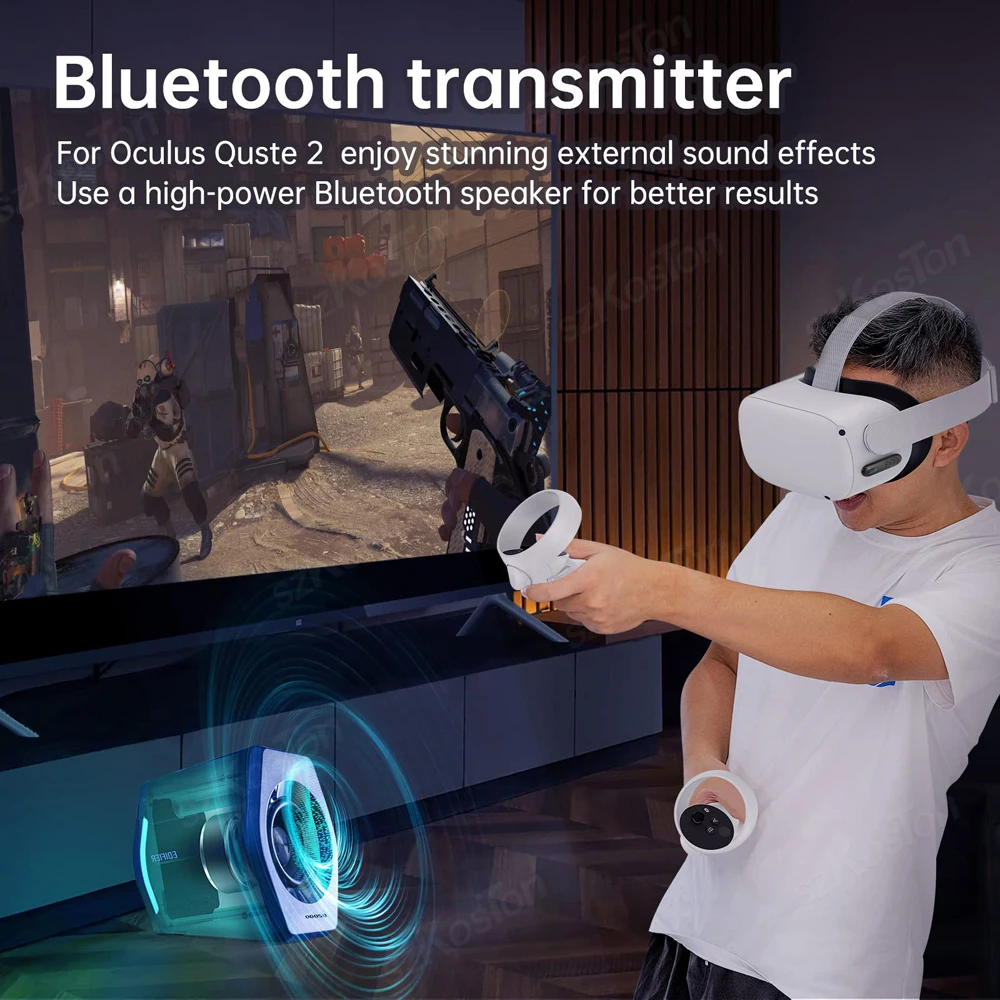
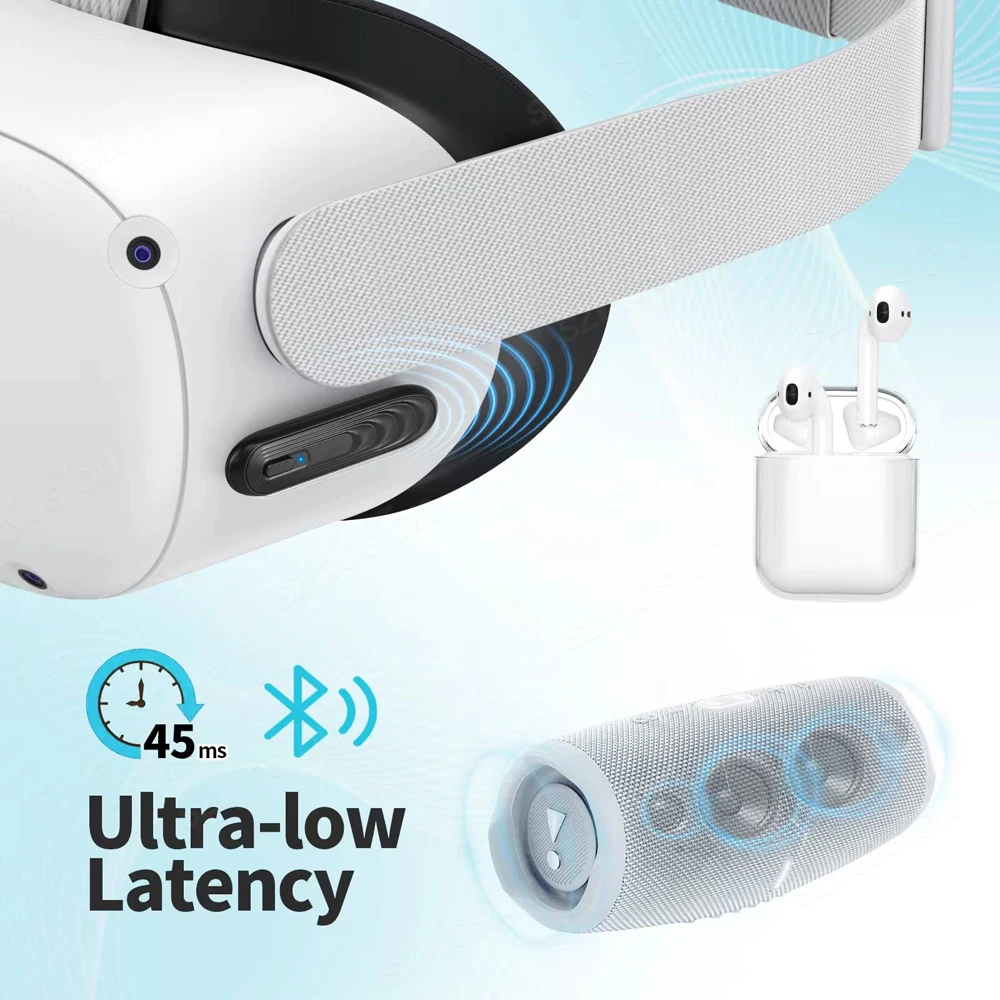
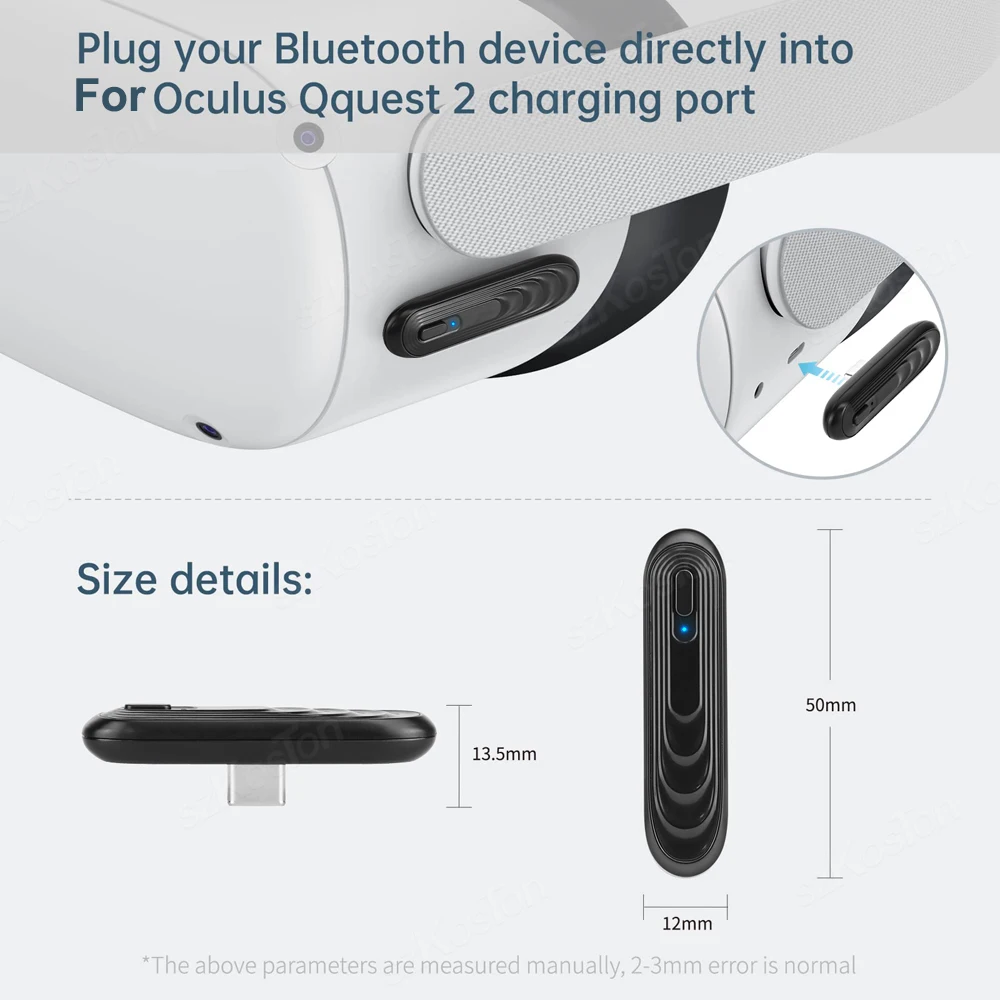
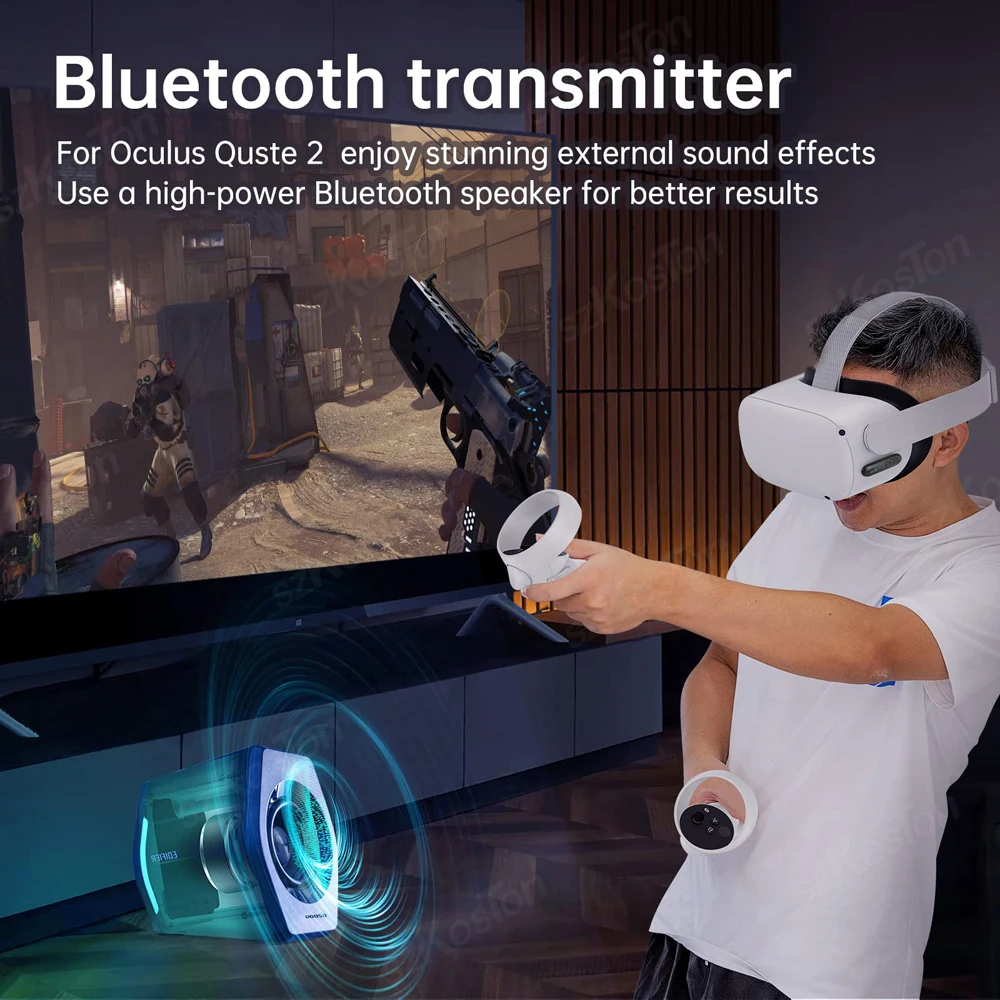
【Perfectly Compatible with Quest2】The Bluetooth-compatible transmitter tailor-made exclusively for Oculus Quest 2, also suitable for Switch/PS4/PS5
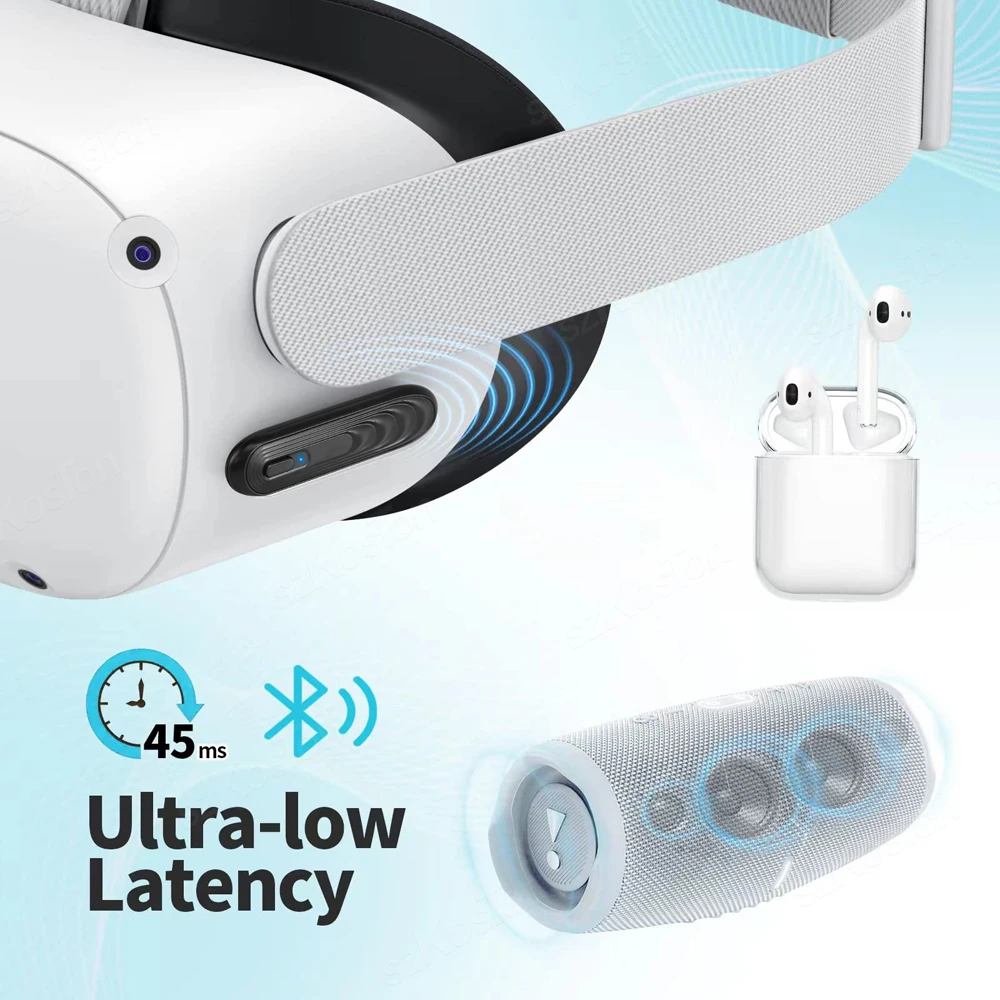
【45ms Ultra-Low Latency】SZKOSTON Bluetooth-compatible Transmitter for Quest2 provides the ultimate mobile gaming audio experience with ultra-low 45ms latency. Designed for gaming adventures, it provides ideal game audio so you won't miss any game sound.
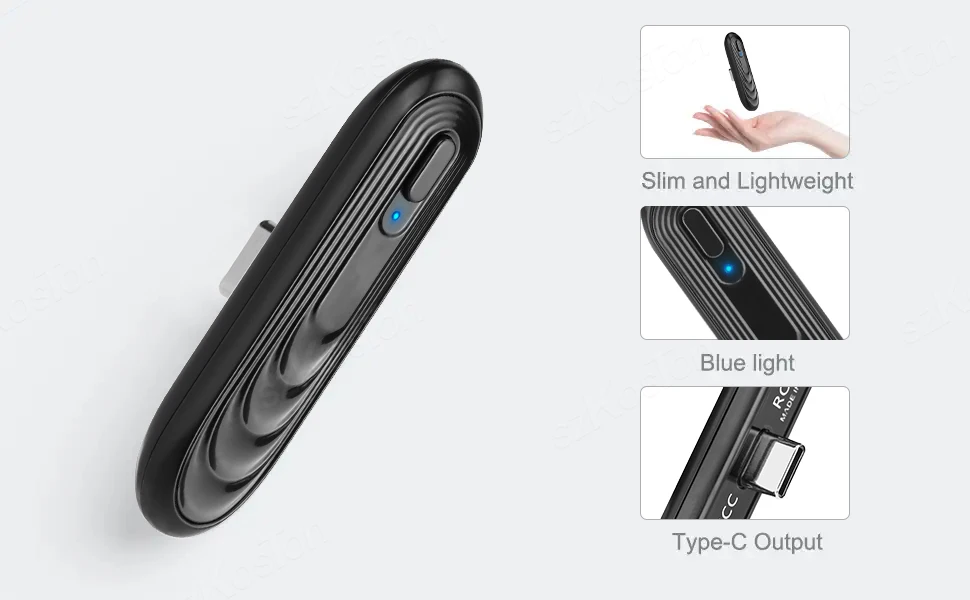
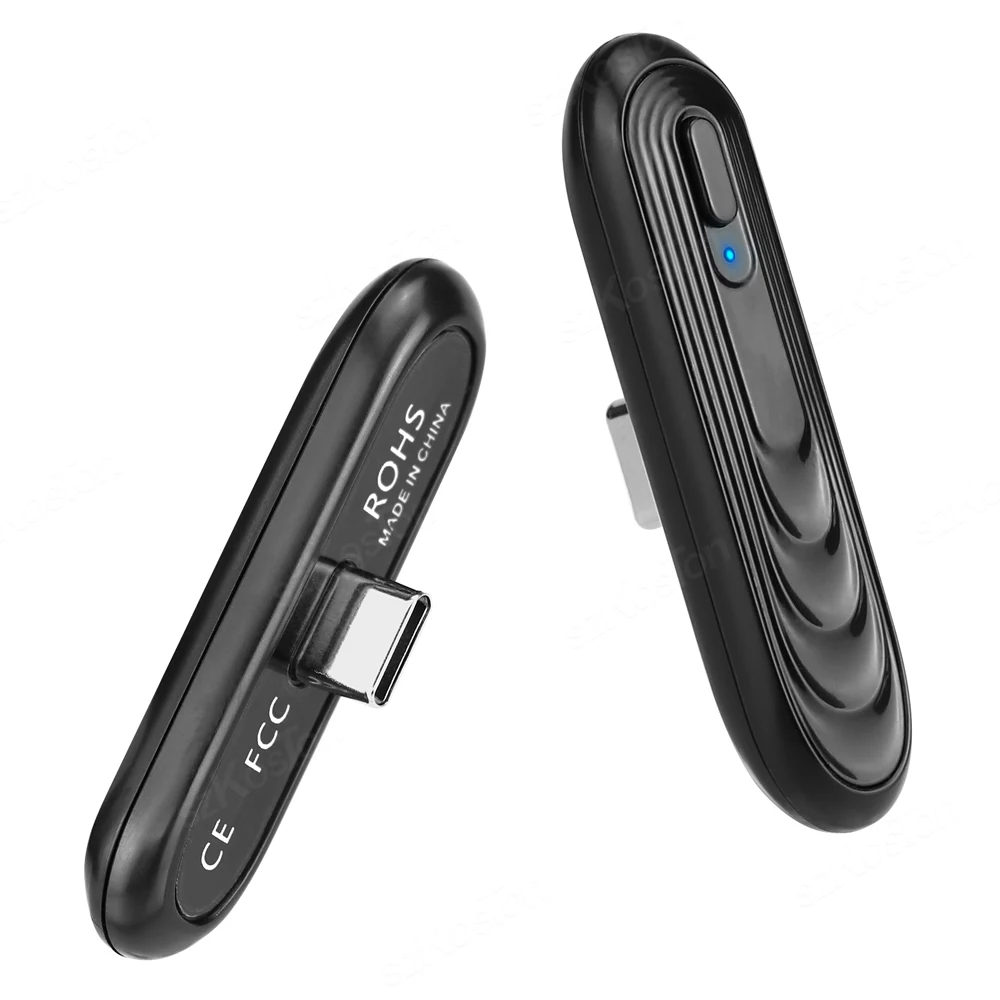
【Easy to Use & Fast Pair】Just plug and play, no batteries and charging needed at all, built-in smart USB PD pass-through charging technology. Easy to pair , plug the Bluetooth-compatible transmitter into the TYPE-C port for power supply, the Bluetooth transmitter will automatically turn on, and the blue light in the connection status is on and flashes quickly.
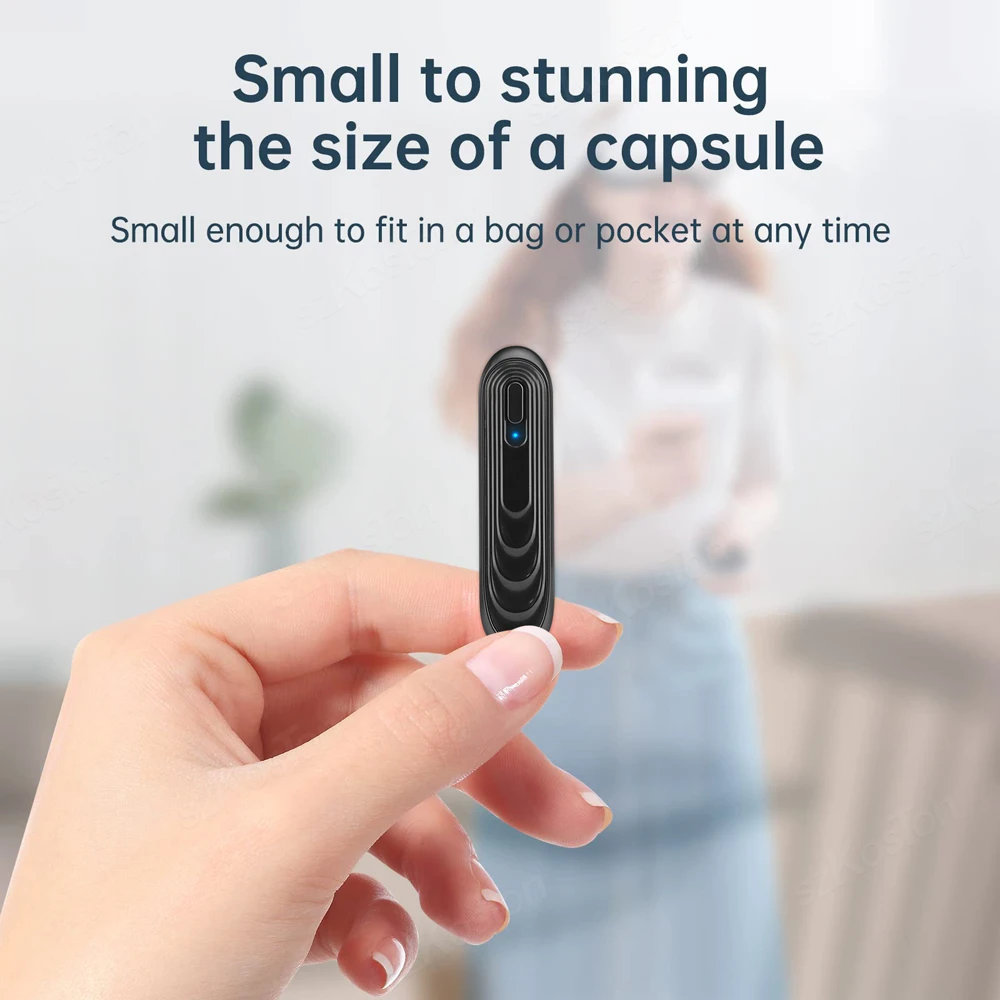
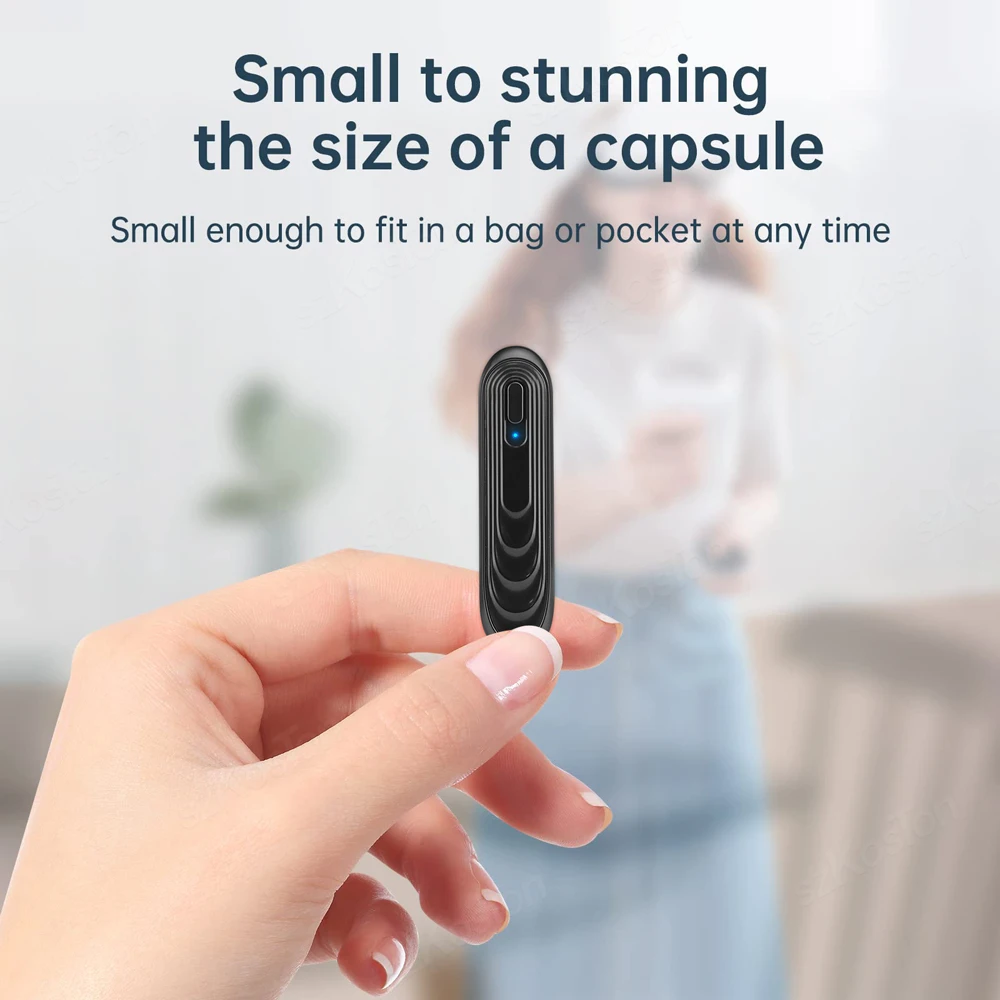
【Small and Lightweight】This Bluetooth-compatible adapter is small size and ultra lightweight, you can hardly feel any more additional weight when you add it to your VR headset, just enjoy your game.
【8 Meters Barrier-Free Transmission】This Bluetooth-compatible 5.0 transmitter audio adapter is equipped with latest technology transmission chip, which supports more stable transmission and provides up to 8 meters barrier-free transmission without any loss. You can enjoy more space and choose the distance you want.
Hwo to Use Bluetooth-compatible Transmitter?
Plug the Bluetooth Transmitter into the TYPE-C port of VR headset for power supply, the device will automatically turn on, and the blue light in the connection status is on and flashes quickly.
Please place Bluetooth-compatible Transmitter and Bluetooth-compatible speakers in the 8M range Inside, they will be automatically paired.
After the product is successfully paired and connected, the wireless connection status blue light keeps on.
When in the environment of multiple wireless devices, if it is not the wireless device you want to connect to, you can short press on the device Function key.Replace another wireless device connection.
Please Note:
When plug the speakers , if system points ;Disk is not supported. To use this disk for the headset, please format the disk. '', Please select the CANCEL button, which will be normally entered the game interface. (Please don't select format the VR system.)
Please remember to open the bluetooth function of speaker when paired.