
Descripción

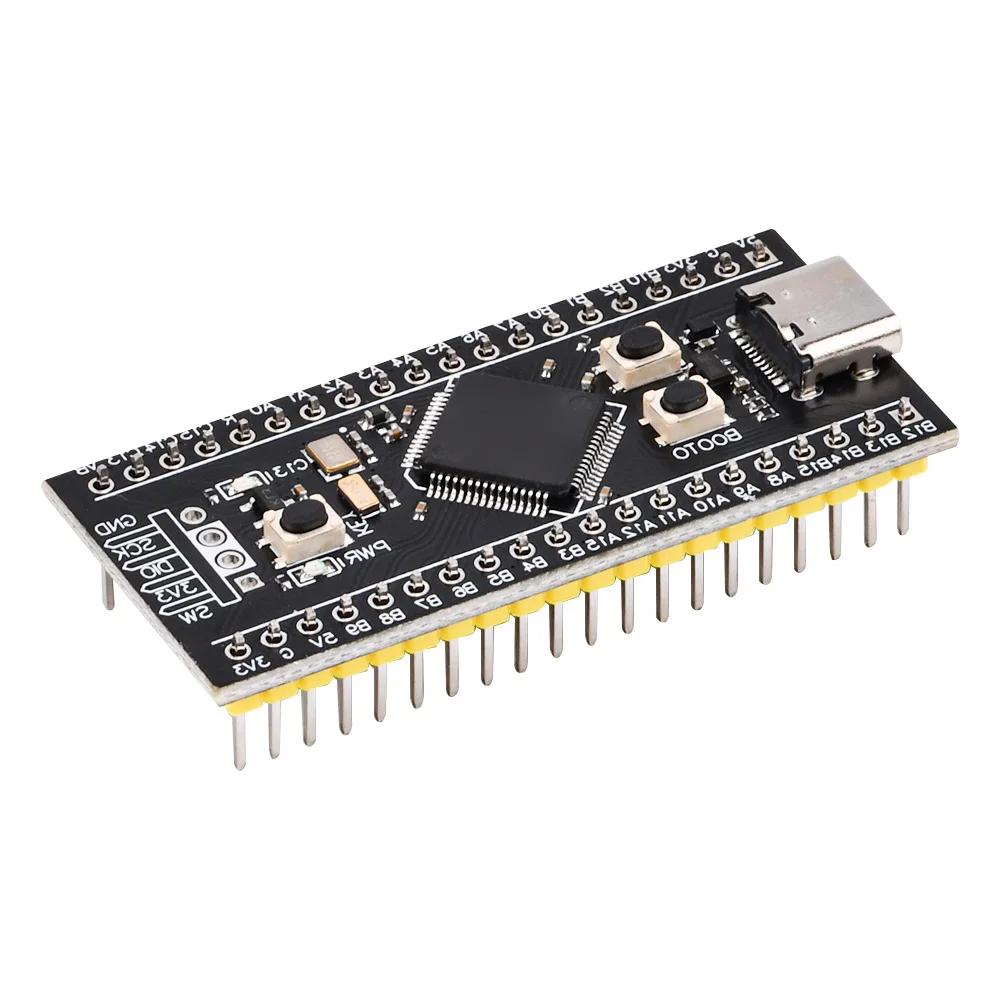
Features:
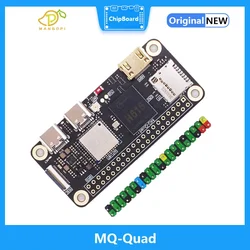
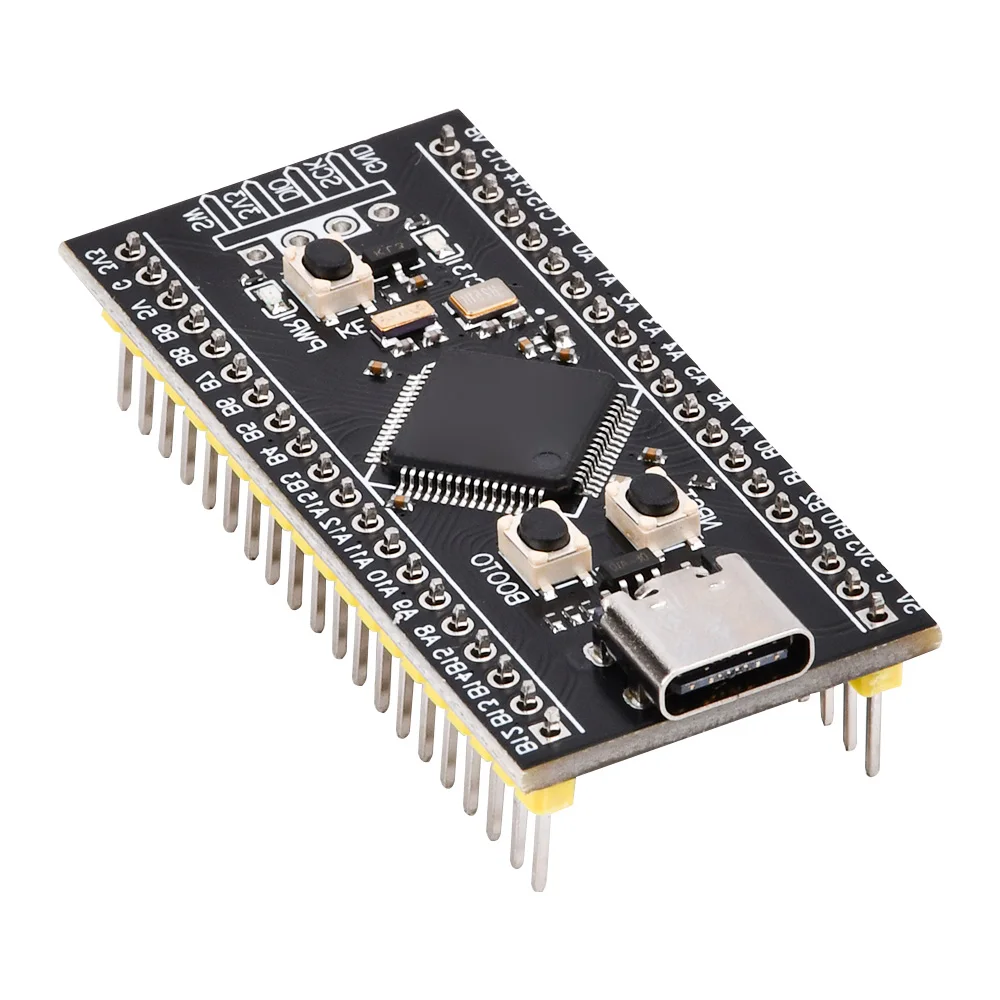
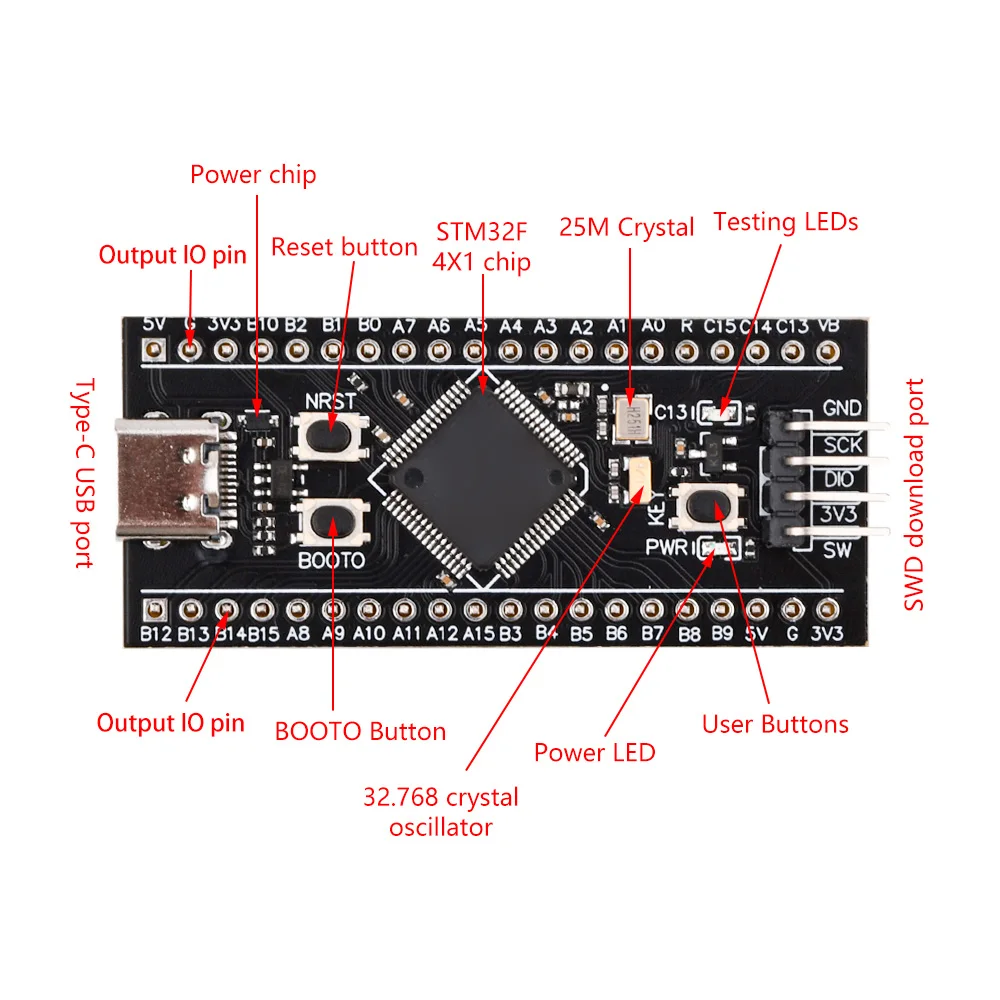
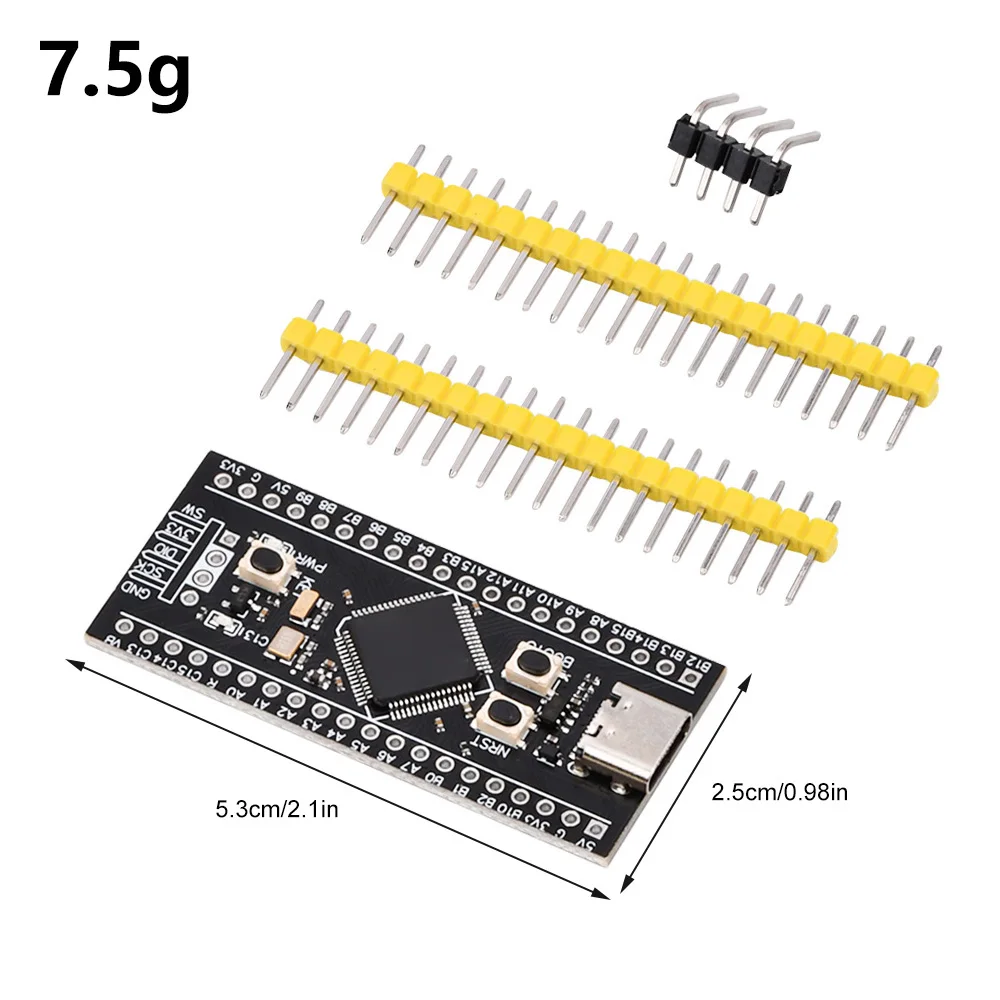
1.There are 2 bright LED lights, red power light, and blue user test light
2.25MHZ high-speed crystal oscillator&32.768Khz 6PF low-speed crystal oscillator
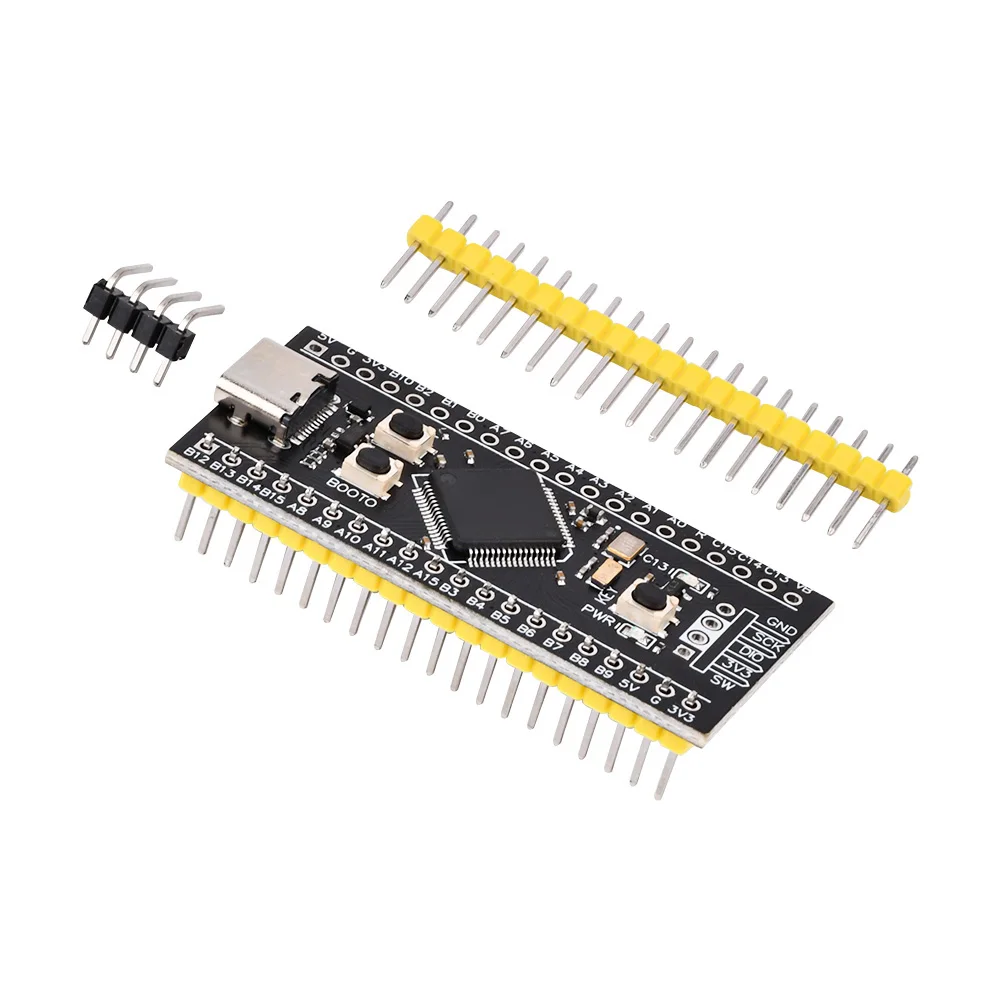
3.Using lead-free technology, providing 2 rows of pins and downloading 4PIN bent pins with SWD, making it more convenient and environmentally friendly
4.16 pin TYPE-C high-quality interface, durable and reliable.
5.There are three buttons, reset button, BOOT0 button, and user button.
Parameter:
25MHZ high-speed crystal oscillator&32.768Khz 6PF low-speed crystal oscillator
Using lead-free technology, providing 2 rows of pins and downloading 4PIN bent pins with SWD, making it more convenient and environmentally friendly
There are 2 bright LED lights, red power light, and blue user test light
There are three buttons, reset button, BOOT0 button, and user button.
16 pin TYPE-C high-quality interface, durable and reliable.
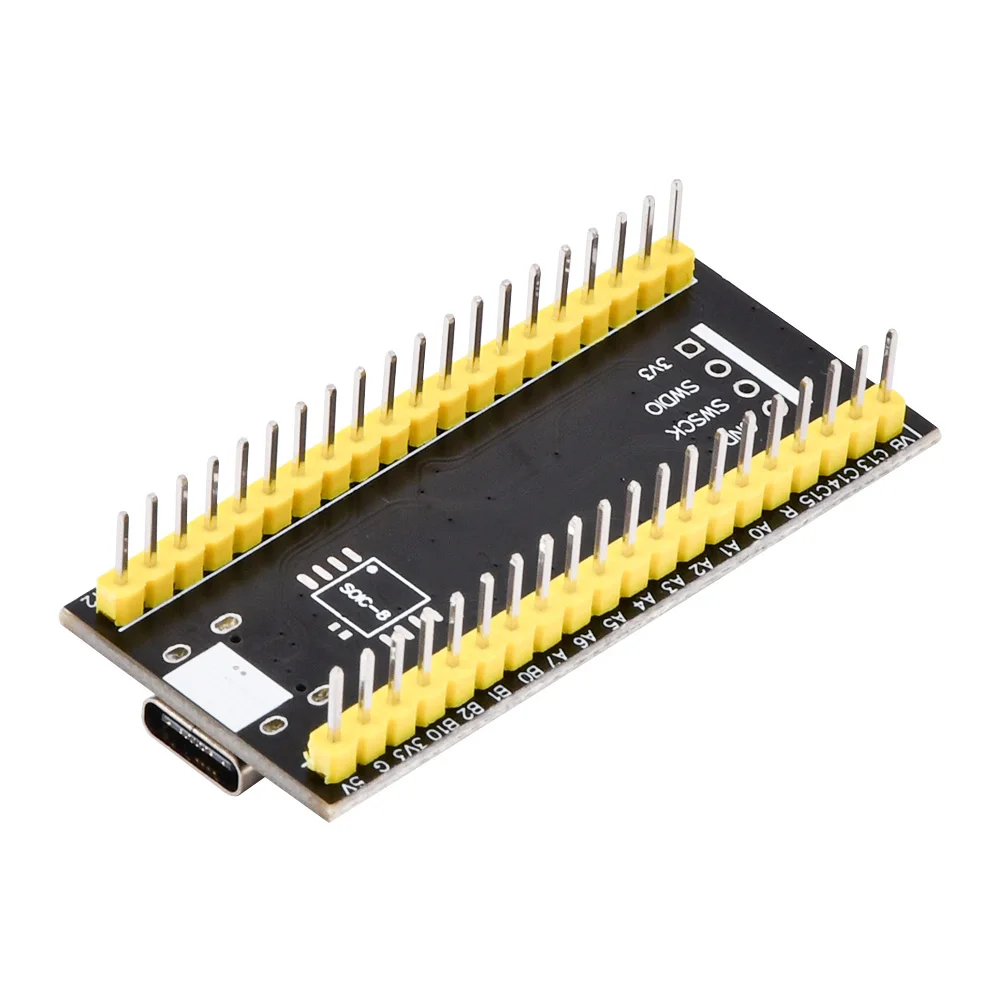
Reserved Flash pad, providing USBDisk&&FATFS routines
The respiratory program has been burned at the factory, providing source programs and hex burning programs for everyone's convenience in learning.
Support MicroPython programming, provide available MicroPython firmware, see the link for configuration files, but do not provide technical answers!
How to enter ISP mode to download:
ISP mode download
Method 1: When powered on, press and hold the BOOT0 and reset keys, then release the reset key. After 0.5 seconds, release the BOOT0 key
Method 2: In the state of power failure, press and hold the BOOT0 key, and release the BOOT0 after 0.5 seconds of power on
USB data cable connects to the TYPE-C interface of MCU, serial port connects to PA9 and PA10, recommended download software STM32CubeProg, WeAct Studio Download Tool
Serial port download
USB to serial port (ex.: CH340) TX PA10, RX PA9, and do not connect the Type-C of MCU to the computer. External power supply must be used, otherwise it will affect MCU download
Using STM32CubeProgammer for serial port download
USB download (DFU download)
STM32CubeProgrammer, select USB mode, double-click WeAct Studio Download Tool, and then follow the prompts to proceed
MCU enters ISP mode and connects to computer using USB data cable
Select firmware, other operations are consistent with serial port download
Software usage steps:
Connect the core board to the computer with a data cable, and WeAct HID device appears
Press and hold the KEY key, power on again or reset to enter the Bootloader
Software selection firmware, click Download Firmware to complete the download
The selected firmware will be updated with KEIL recompilation without the need to reselect
Enter the boot loader method:
Press and hold the KEY key , power on or reset again, and the C13 LED flashes to release
APP enters the boot loader reference stm32f401_ test_ APP 0x8004000.zip project
In the burn boot loader
Click/double-click KEY key to turn on the C13 LED
The SW debugging port is open and can be burned using a debugger without entering DFU mode
Exit Boot Loader Method
Reset MCU, click on the reset button/upper computer MCU reset
Long press the KEY key , and the C13 LED will flash to release
Matters needing attention:
The first time the boot loader is burned, the MCU will not run downwards, and the C13 LED 200MS flashes. Simply reset the MCU again
The boot loader and APP burning software source code are not open
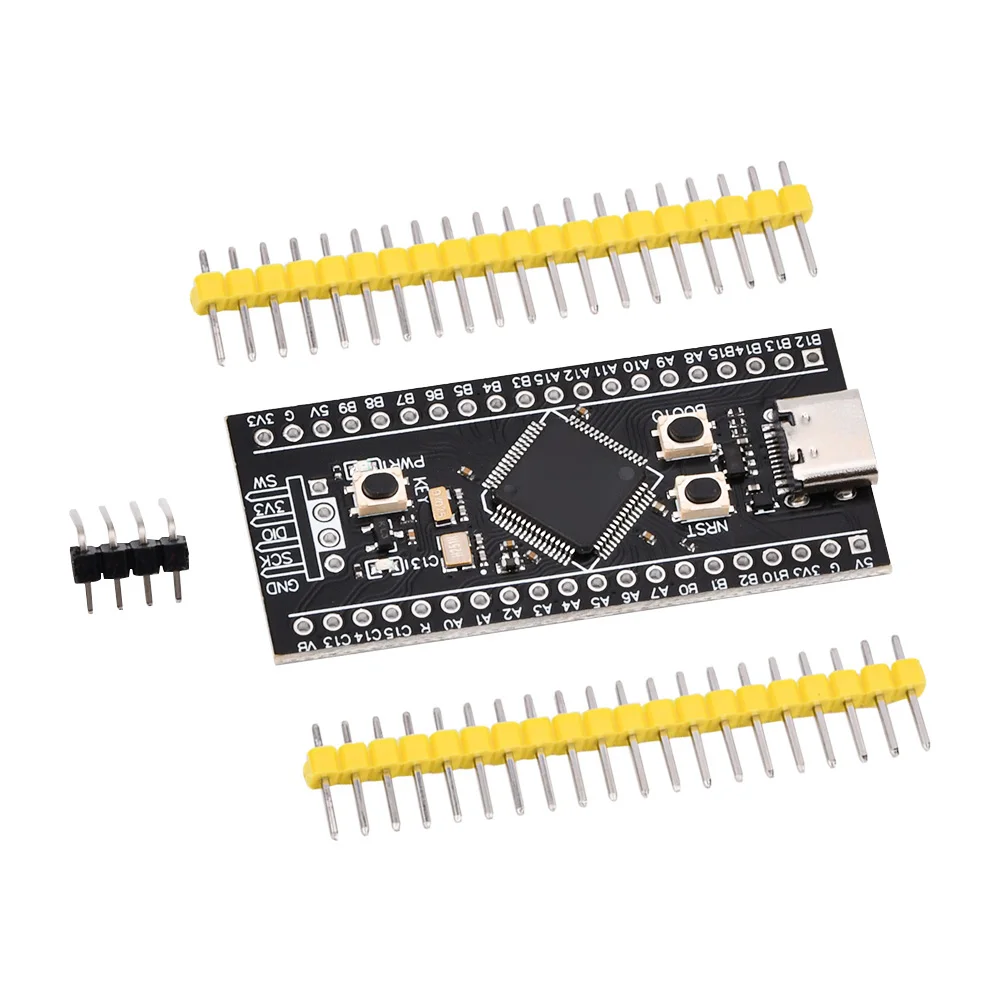
Package include:
1X development board
2X single row needle
1X curved row needle