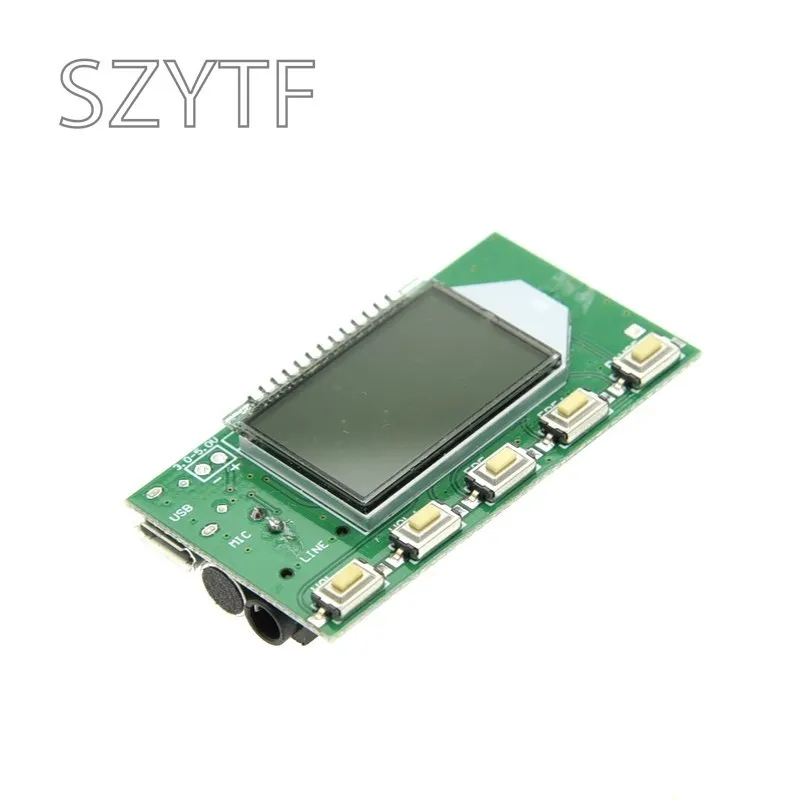
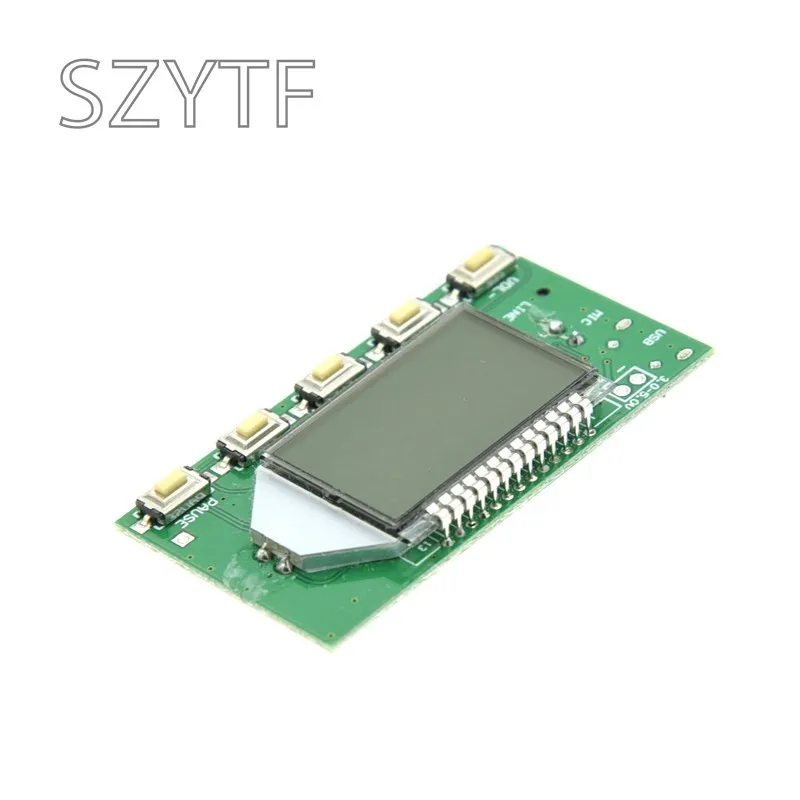
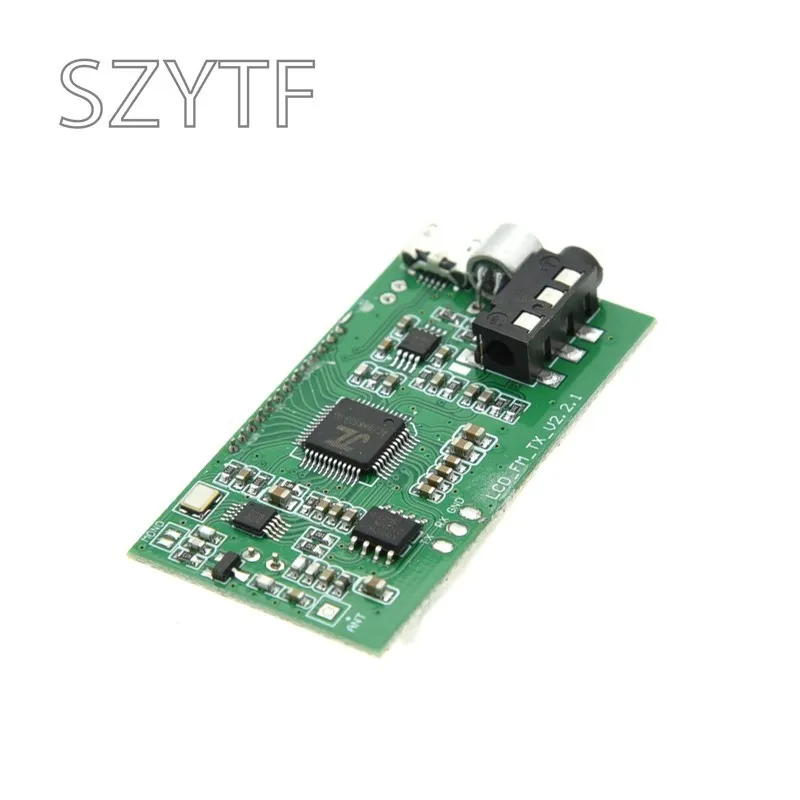

Descripción
First, the product features:
1: Use advanced digital audio signal processing (DSP) and FM phase-locked loop modulation (PLL) to make the sound more realistic, more stable performance, and no shift in long-term operating frequency.
2: LCD display is more intuitive and accurate, with very low power consumption and minimal noise interference.
3: Built-in 30-level digital volume adjustment, easy to complete by button operation.
4: Data after power failure automatic memory power failure
5: Multi-channel audio input is automatically switched
6: Using quartz crystal to stabilize the frequency, the temperature changes the transmission frequency and no longer drifts.
7: Support serial command control
Second, the product parameters:
Output power: 100mW
Audio frequency response range: 50Hz-18KHz
Transmission frequency:
Turn off campus broadcast 87.0MHz-108.0MHz, turn on campus broadcast 76.0MHz-108.0MHz
Frequency adjustment step: 0.1MHz / time (button short press), 1.0MHz / time (button long press)
Modulation mode: standard FM
Channel: LINE/USB channel (stereo), MIC channel (mono)
Equivalent noise: ≥30dB (sound quality is close to CD sound quality)
Supply voltage: DC 3.0V-5.0V
Working current: 35mA
Transmitting antenna: 75cm rod antenna
Emission distance: The FM transmitter module is connected to a 75cm standard rod antenna, and the radio uses the Desheng PL-660. The open field is covered with a radius of 100 meters. (Note: The launch distance is for reference only, due to the difference in usage environment)
Third, the use of instructions:
1 : Power supply
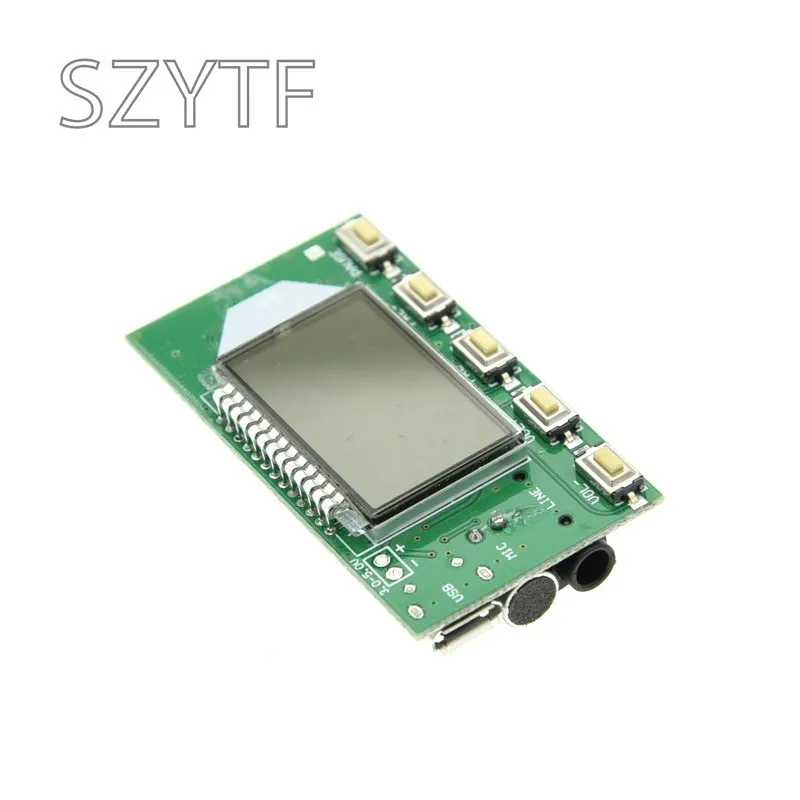
The module corresponds to the port -, + is connected to the negative and positive terminals of the power supply (battery), and the power supply is recommended to use a battery or other regulated power supply. Switching power supplies without filters (such as mobile phone chargers and other inferior switching power supplies) cannot be used, otherwise the interference generated by the power supply will affect the normal operation of this module. The normal working voltage of this module is 3.0-5.0V, and the power supply voltage should not exceed this range.
2 : button
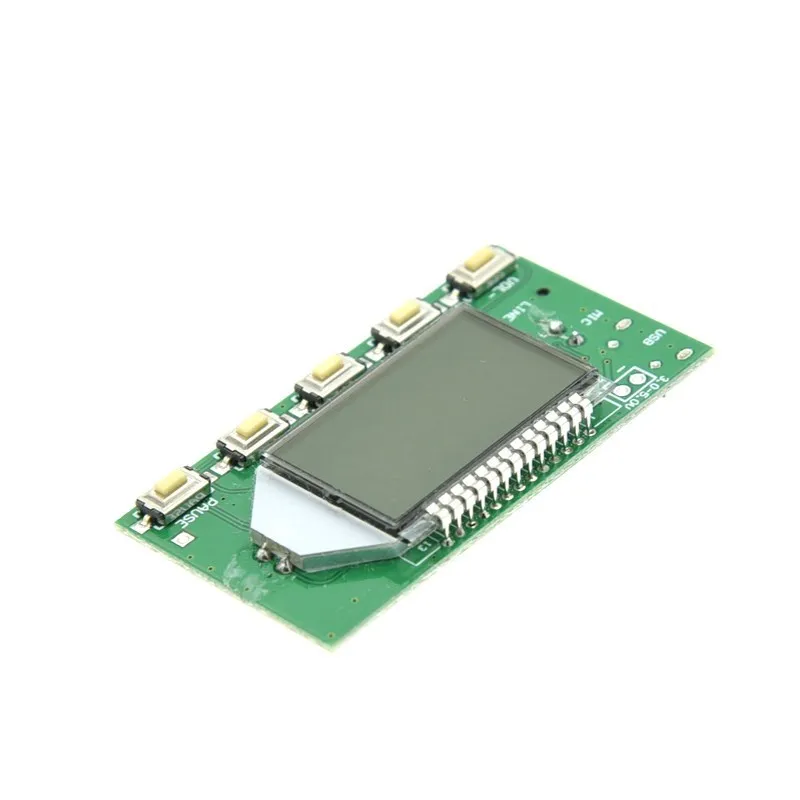
Volume +/-: Short press volume +/- 1, long press continuous +/-
Frequency +/-: short press frequency +/- 0.1MHZ, long press continuous +/- 1MHZ
Mute: short press to switch mute/unmute
3 : Antenna
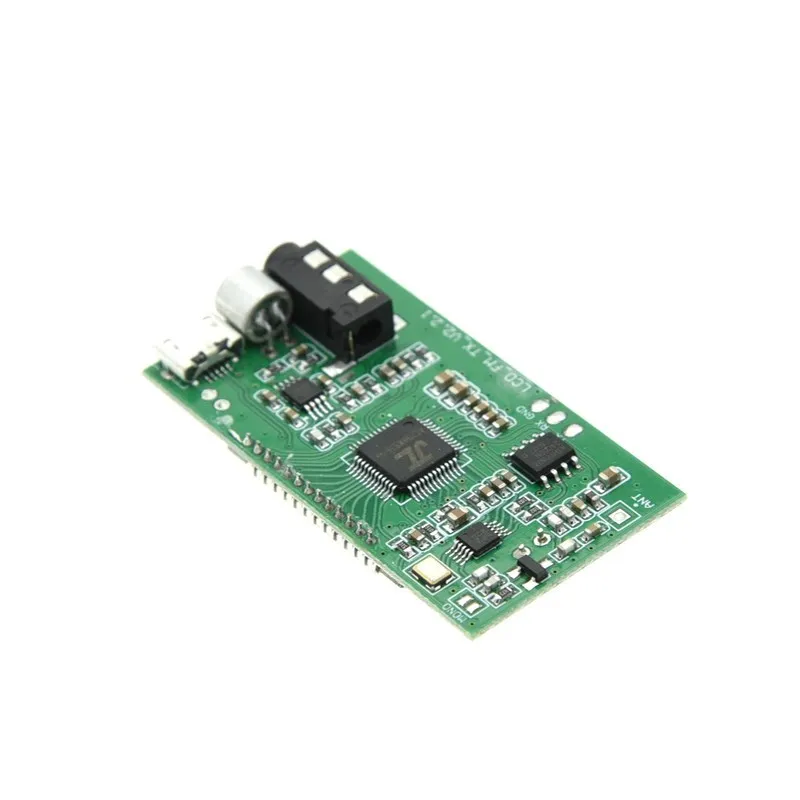
The ANT port is used to connect the FM antenna. In order to transmit the FM signal better, it is recommended to connect the rod antenna with a length of 75cm, and there is no obstacle blocking near the antenna.
4 : USB audio connection
If you need the USB audio broadcasting function of this module, you need to connect the USB cable to the computer. The USB port is compatible with regular mobile phones, so you can use the mobile phone USB cable to connect the module to the computer. Because the computer USB comes with 5V output, you can use the USB port to directly supply power to the module using the USB connection. After connecting to the computer USB, the module will automatically enter the PC audio broadcast mode, the LCD screen will display the PC, the computer will automatically install the driver, and the sound card device named "CD002" will be enabled in the computer sound settings. Enable this "CD002" audio device, the computer system audio can be transmitted by FM FM in this module. The nearby radio frequency can be adjusted to the same as the module's transmitting frequency to listen to the computer end system audio transmitted by this module.
5 : LINE audio connection
If you need the LINE (line input) channel of this module as the sound source, just plug one end of the audio cable into the 3.5mm audio jack of this module and the other end into your audio device (such as the phone headphone jack). Automatically switch to the LINE channel as the source for FM transmission. The nearby FM radio can be heard from the mobile terminal as long as it is adjusted to match the transmission frequency of this module.
6 : FM wireless microphone
If you need the MIC of this module to be used as the sound source, just unplug the LINE cable and the USB cable (that is, neither LINE nor USB are connected). The module automatically switches to the MIC channel as the FM sound source. This module comes with a high sensitivity electret. The body microphone can be applied to wireless microphones, maternal and child monitoring, etc. as needed. When using, pay attention to adjust the emission volume of this module to achieve the best pickup effect.
7 : Serial port control (no need for serial port control function)
The module reserves the TTL level serial port control interface. The TTL serial port communicates with this module. It needs to connect the module's UART_RX, UART_TX and GND. It can use the external MCU (microcontroller) or computer serial port to send the relevant functions of the command control module. Note: Because the serial port level of the computer is not TTL level, you need to connect RS323 level to TTL level replacement device or use USB to TTL level serial port module to communicate with this module when connecting to computer. Because the serial command control module requires a certain amount of computer expertise, buyers who do not understand need not toss. All the information see baby instructions, customer service does not provide technical guidance in this regard.
User-defined settings:
1: Backlight LED mode setting
In the power-off state, press and hold the upper and lower radio buttons at the same time. The display B1 indicates that the backlight is always on, and B0 indicates that the backlight is turned off for 20 seconds. After the restart, the settings take effect. (The factory default setting is backlight 20 seconds delay off).
2: Turn on/off the campus broadcast band
Press and hold VOL+ in the power-off state, power on after the VOL- button, and the LCD will display C1, indicating that the campus broadcast C0 is turned off to turn off the campus broadcast band, and the setting will take effect after the restart. (The factory default setting is to turn off the campus broadcast band).
3: Stereo/Mono Transmit Mode Settings
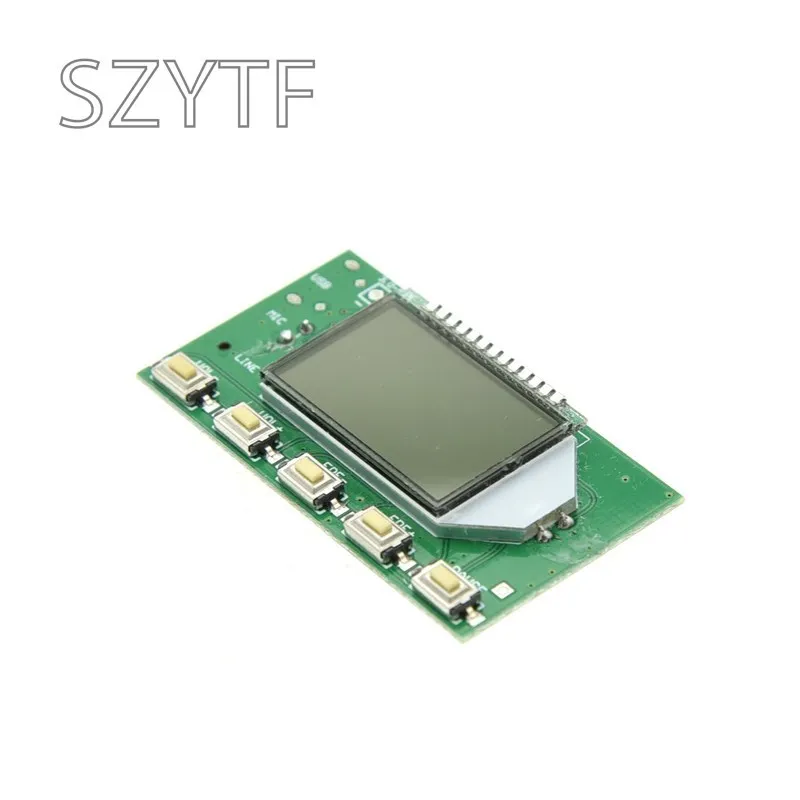
There are two solder joints M and G on the back of the module. The short-circuit between the two points is mono channel transmission, and the two points are disconnected for stereo system transmission. (The factory default is stereo system transmission). Note: In stereo mode, the input source to the module must be stereo and the radio is stereo to achieve stereo. (Don't take a single-speaker (mono) radio or the audio signal input to the module is mono, saying how there is no stereo effect!!!).
Five, note:
1: The power supply voltage must not exceed the supply voltage range of this module.
2: Do not touch the back components of the module during work, so as not to affect the normal operation of the module or cause the short circuit to burn the module.
Sixth, user settings:
This module can set the backlight status and whether to listen to the campus broadcast frequency band according to the specific usage of the user. The setting method is as follows. Press and hold VOL+ in the power-off state, power on after the VOL- button, and the LCD will display C1, indicating that the campus broadcast C0 is turned off to turn off the campus broadcast band, and the setting will take effect after the restart. When the backlight state is set, the power button is turned on and the radio button is turned on at the same time. The B1 indicates that the backlight is always on, B0 indicates that the backlight is off for 20 seconds, and the setting is effective after the restart. Repeat this step to change the setting state to switch. The factory setting is set to not open the campus broadcast frequency band, and the backlight is off for 20 seconds without operation.