
Tipo de enchufe
Descripción
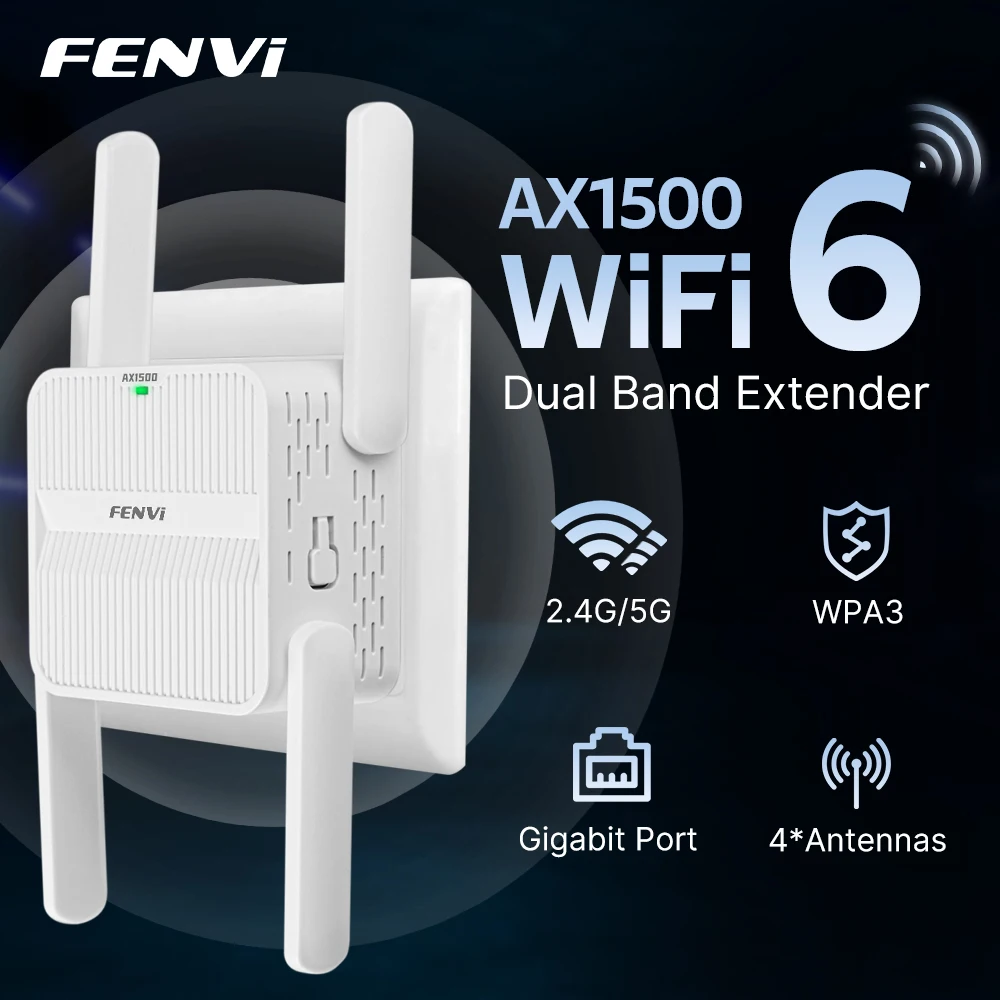
FENVI 5Ghz AX1500 WiFi 6 Repeater Extender Signal Booster Dual Band 2.4G/5GHz Wi-Fi Signal Amplifier Long Range Network AP Mode WPS Easy Setup
Feature:
1.1500M Wireless Extended Range
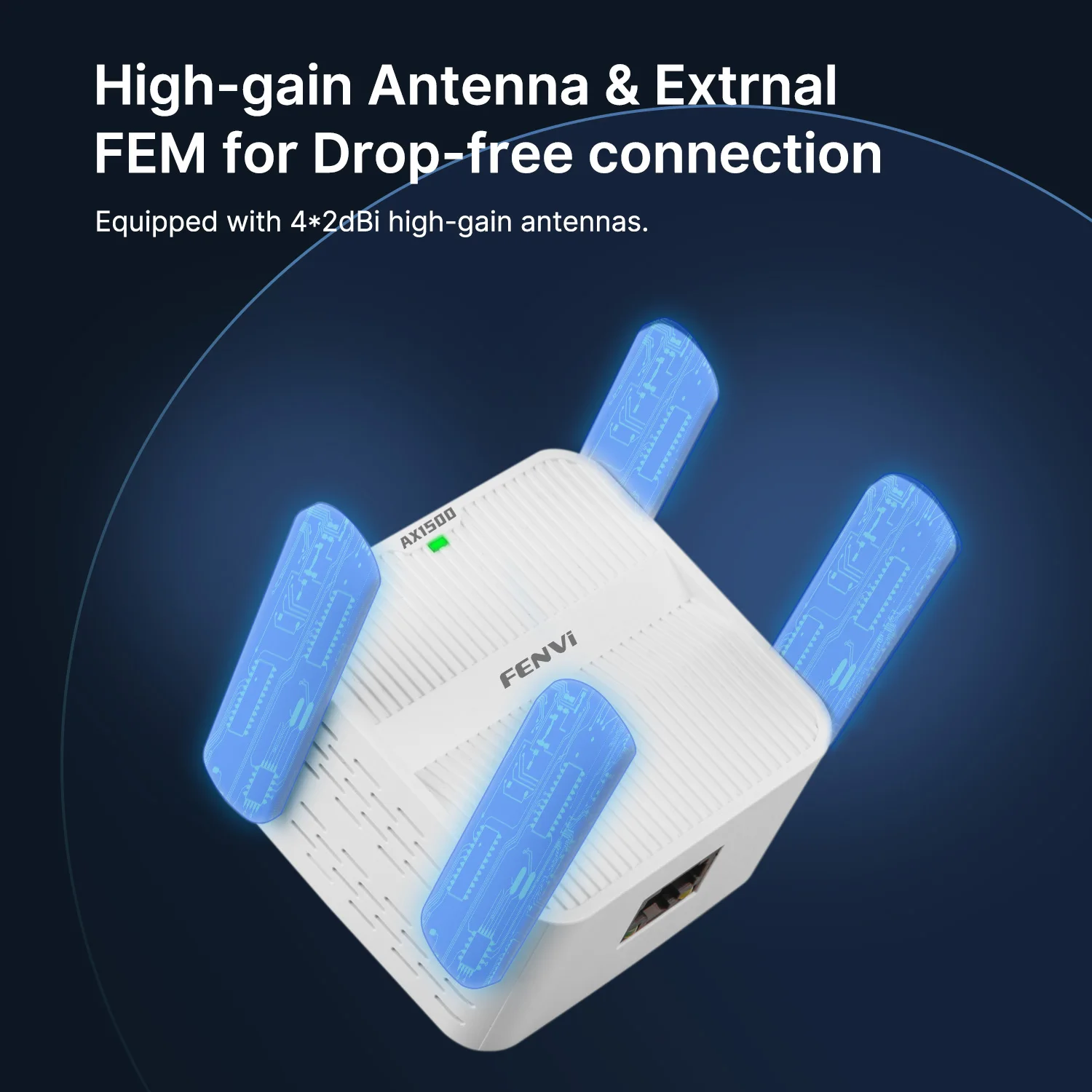
2.External Omni Directional antenna.
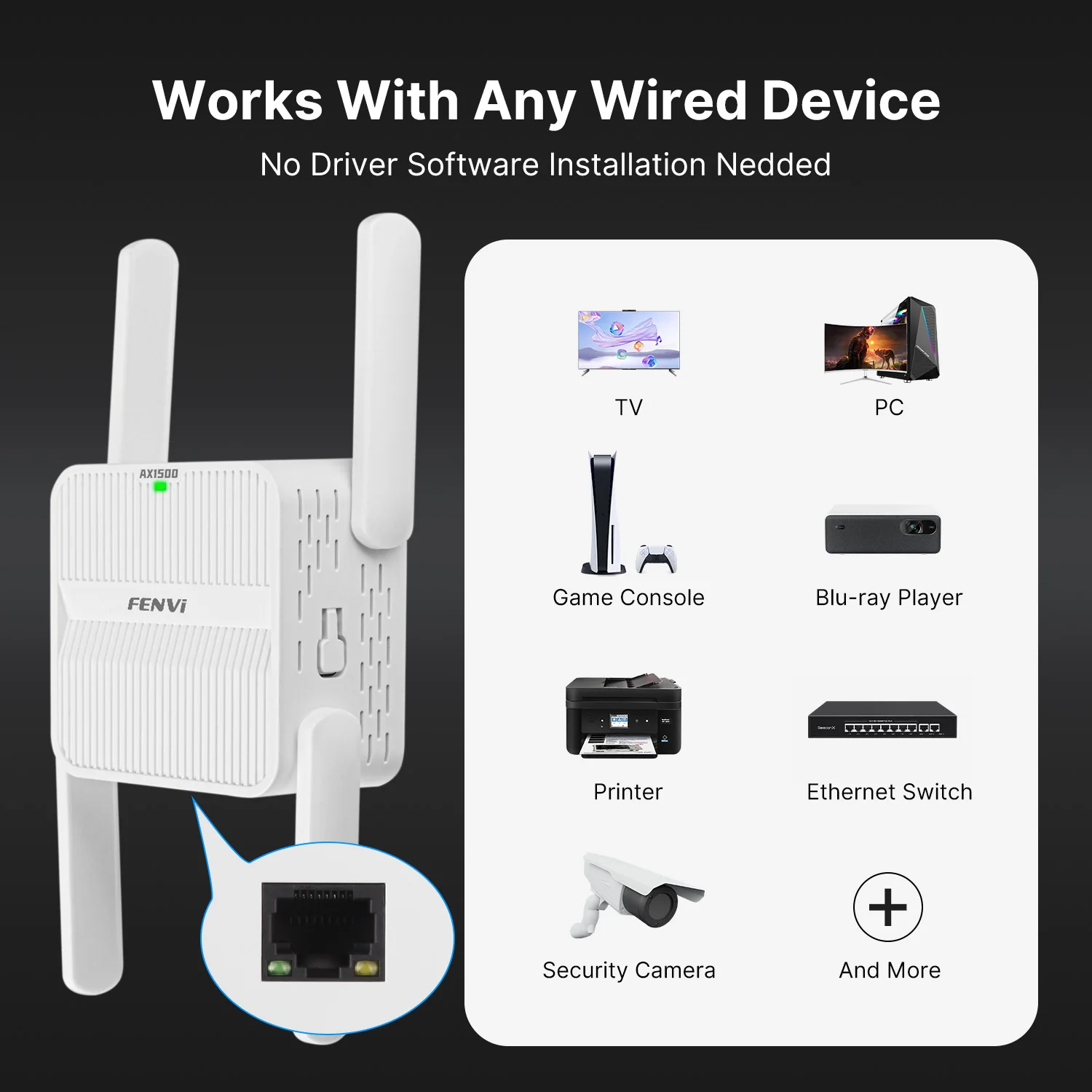
3.Provides one LAN port
4.Universally complies with IEEE 802.11ax, IEEE 802.11ac, IEEE 802.11n, IEEE 802.11g and IEEE 802.11b standards.
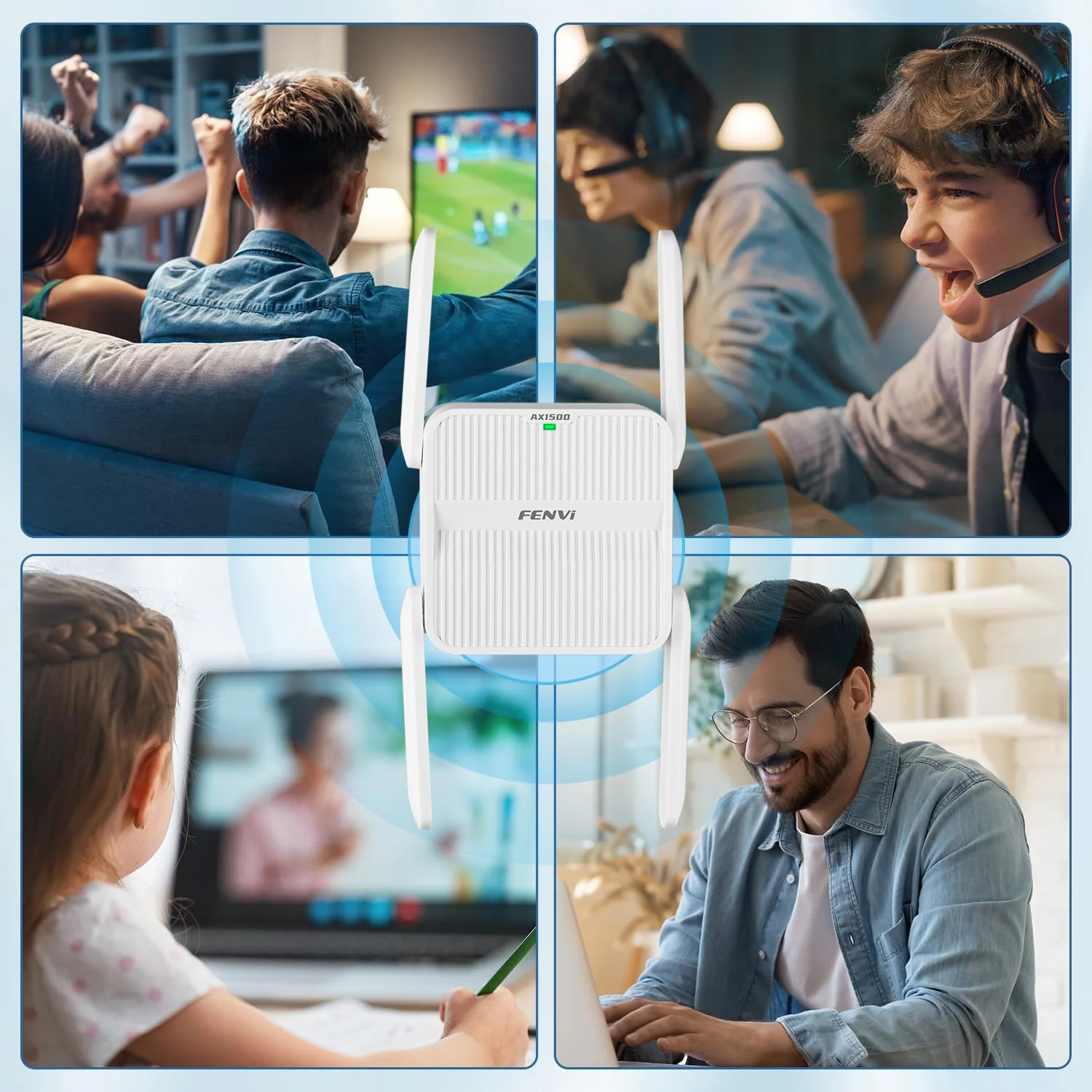
5.WLAN 802.11ax for wireless high-speed access up to 1500Mbps, ideal for video streaming, online gaming and Internet calling.
6.Easy Setup Assistant provides quick & hassle free installation.
7.User interface supports free WEB software updates.
8.Supports far-distance transmission, 200 meters indoor, 400 meters outdoor (depends on the environments around)
9.Supports remote/local Web management and web upgrade
1.【Expand Your WiFi Range】: Wi-Fi range extender works for expanding WiFi signal of main router to further rooms, completely covers network dead zones with stronger signal, optimize your home wireless coverage.
2.【Easy Setup】: Plug and play, wall-mounted design with mini size, follow the user manual to set up easily, no complex steps and tech expert required.
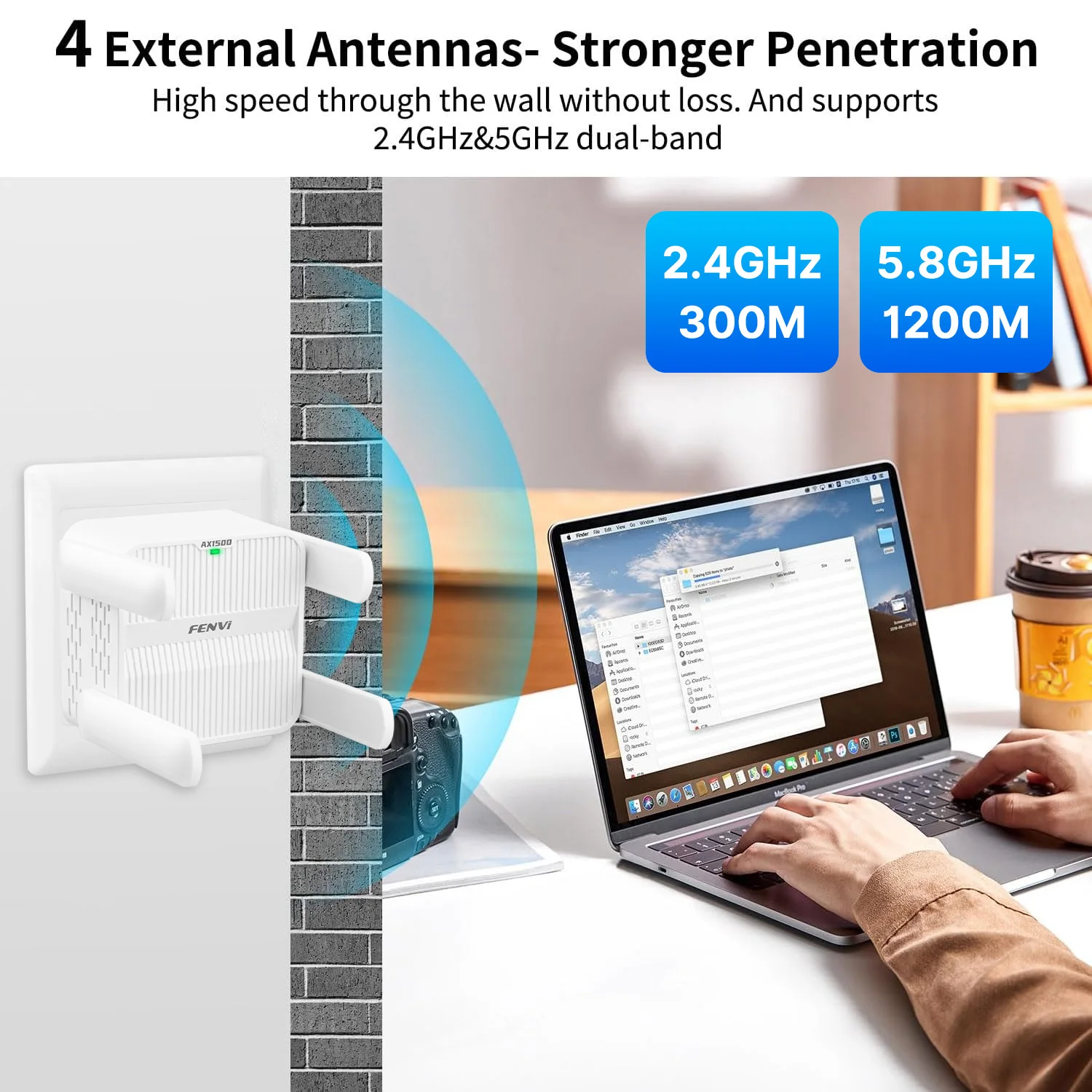
3.【High Performance】: Support wifi signal extending through the wall; the extending distance can be up to 100ft,no more dead zones in your smart home life(speaker / monitoring / TV / doorbell / thermostat).2 External antennas for better performance, reliable wireless N network speed up to 300Mbps covering your bedroom, floors, restroom, garage and garden.
4.【Wide Compatible】: Works with any wireless router or WiFi system on the market. Up to 300Mbps 2.4Ghz wireless speed rate. 1200Mbps 5.8Ghz wireless speed rate. Supports all devices including Smartphone, iPhone, iPad, Tablet, Laptop, Desktop, Smart TV, TV Box, Alexa, wireless security cameras etc.
1) The passwords of your repeater are as same as your router's.
2) Poor signal connection may cause slow speeds or dropped connection.
3) If do not see desired wireless network, you can move the range extender closer to the router and scan again as it may be out of range.
There are two Versions , 5G 1200Mbps Repeater With 4 Antennas EU Plug & US Plug. Please choose carefully
 Q&A
Q&A
Q1. Can't connect to internet after finished setting ?
A1. Please check whether you enter the same password as your router, and check is there any special characters in it, such as *&^%$#@!. If yes, please change your router password. Repeater can not identify special characters.
Q2. How to reset the repeater ?
A2. Please long press the reset button for 10 seconds under powered. ( NOT WPS button, the reset button is at the side)
Q3: What should I do if I cannot access the Repeater' s web management page?
A1: Make sure your computer is connected to the extended network.
A2: Make sure your computer is set to obtain an IP address automatically.
A3; If the Repeater has connected to the router,you should go to your router' sDHCP client list to obtain the Repeater' s current IP address.
A4; Reset the Repeater.
Q4: Why does the wireless transmission rate speed down,when the wireless signal is stronger after repeated by the Repeater?
Repeater has to process one-way communication between your root Wireless
A1: In compliance with the wireless transmission protocol,all the Repeater devices are set to work in half-duplex instead of full-duplex mode.In other words,therouter(or AP) and the terminal clients; so the transmission time will be double-increased,while the speed will be decreased.Recommends that you connect to the extender when your home network connection is poor ,or when you want a larger wireless coverage to eliminate' dead zones''
Q5: Why the devices connected to the Repeater cannot get an IP address from the Repeater and cannot access the Internet?
A1; Maybe you enabled a wireless for MAC filter ,wireless access control,or access control list(ACL) on your router. To solve this problem,please log into your router and disable the for MAC filter,wireless access control or ACL.
A2; Maybe the Repeater has not been successfully connected to your router,please reset the Repeater and Reconfiguration.
A3;Maybe the IP address of the router is occupied or the wireless device connected by the router has reached the limit. please reboot your router,then reset the Repeater and Reconfiquration.