En Stock
0,3 €
Con la garantía de 
Color
Número de modelo
10 unidades vendidas
Última actualización: 2026-03-04T01:23:54.600Z
Descripción
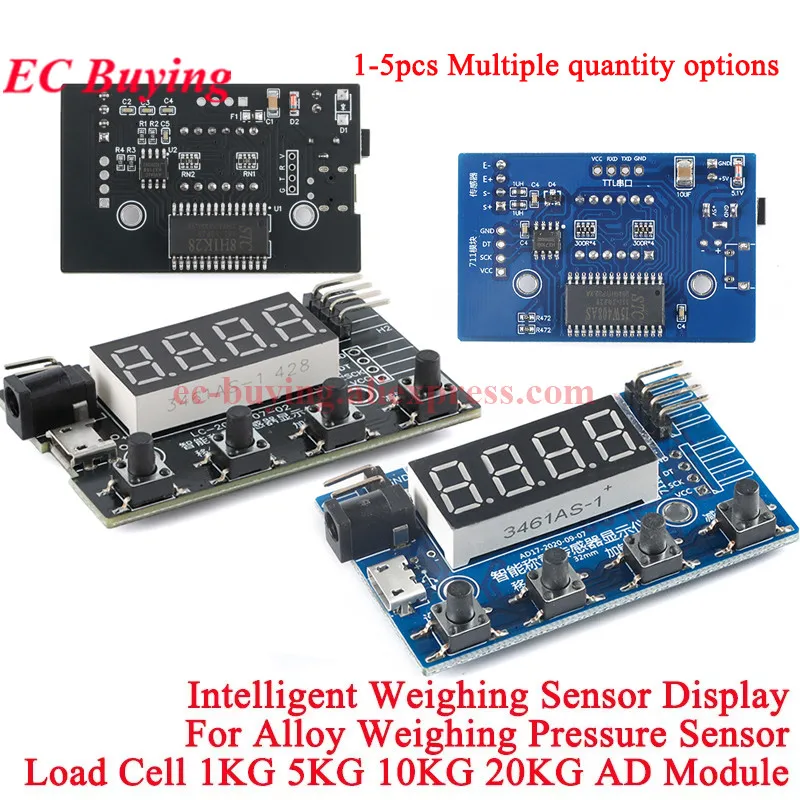
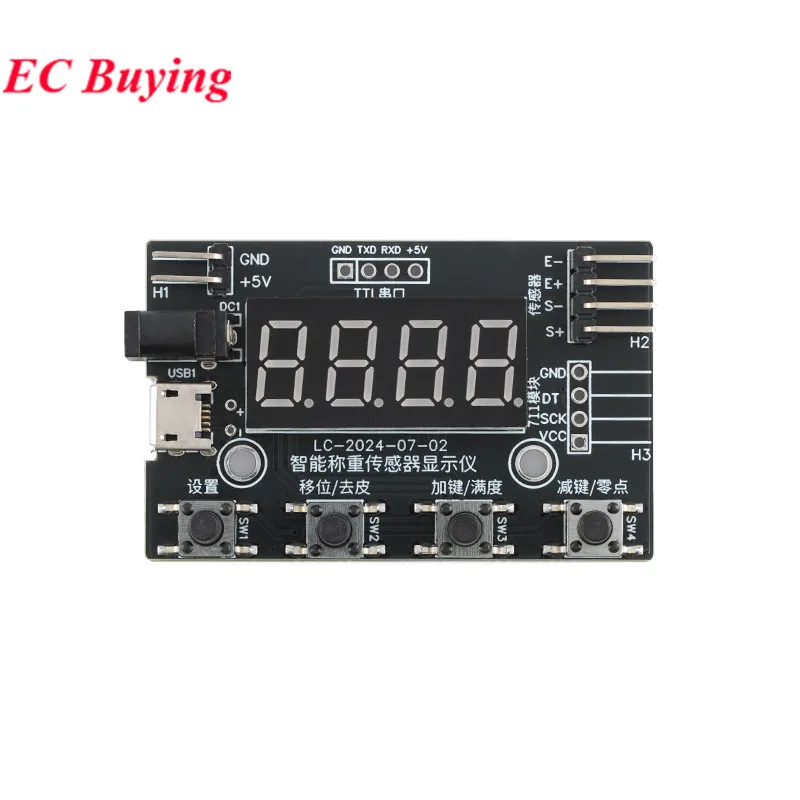
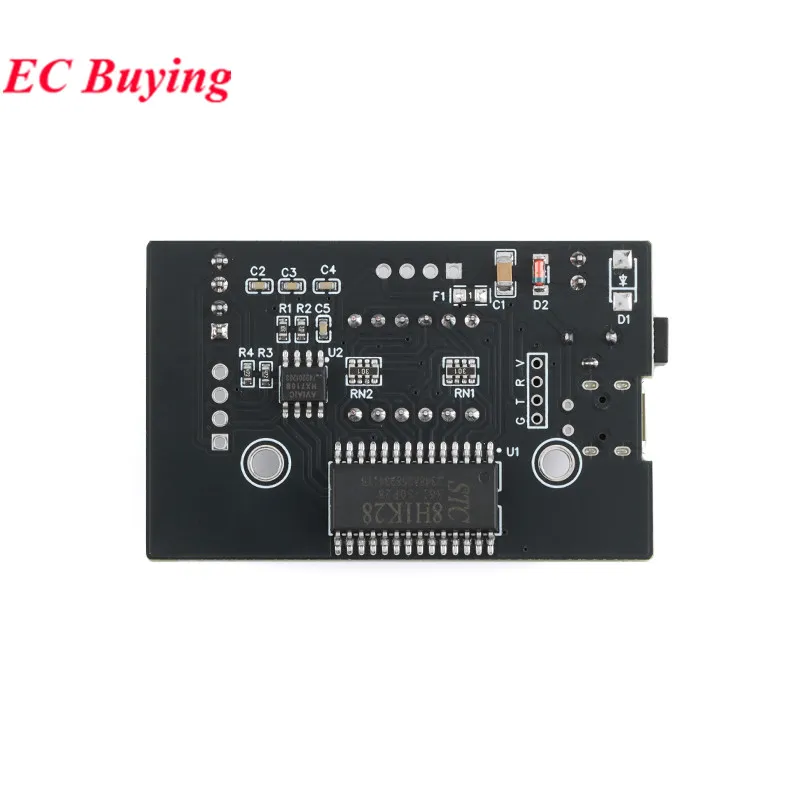
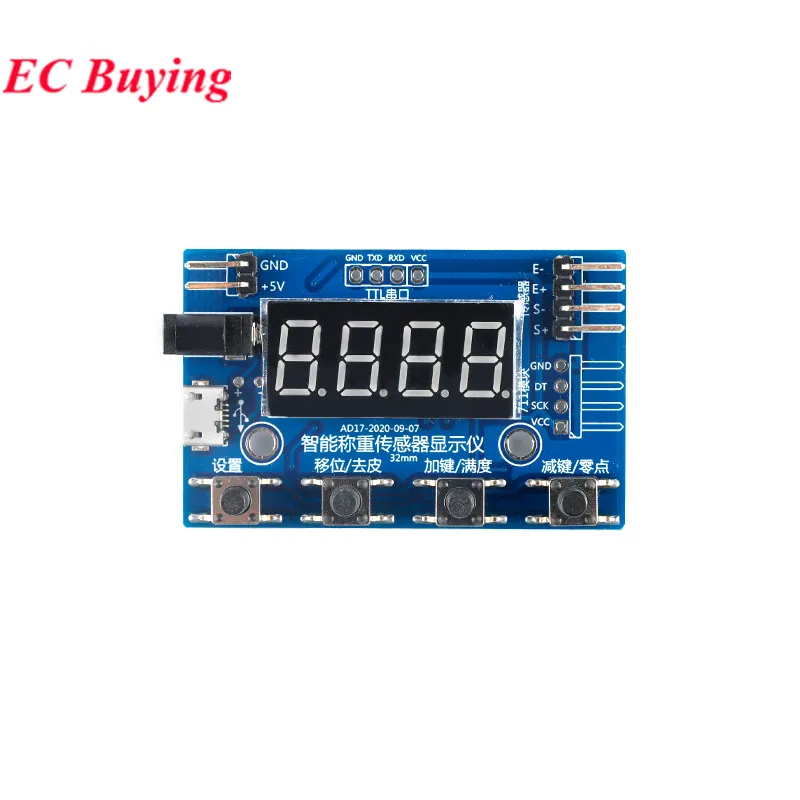
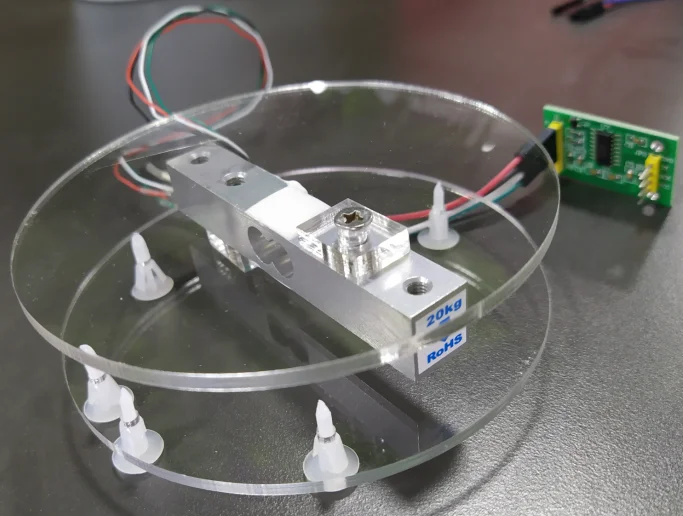
Load Cell HX711 AD Module Weight Sensor Digital Display Electronic Scale Weighing Pressure Sensors 1KG 5KG 10KG 20KG 24 Bit Instrument
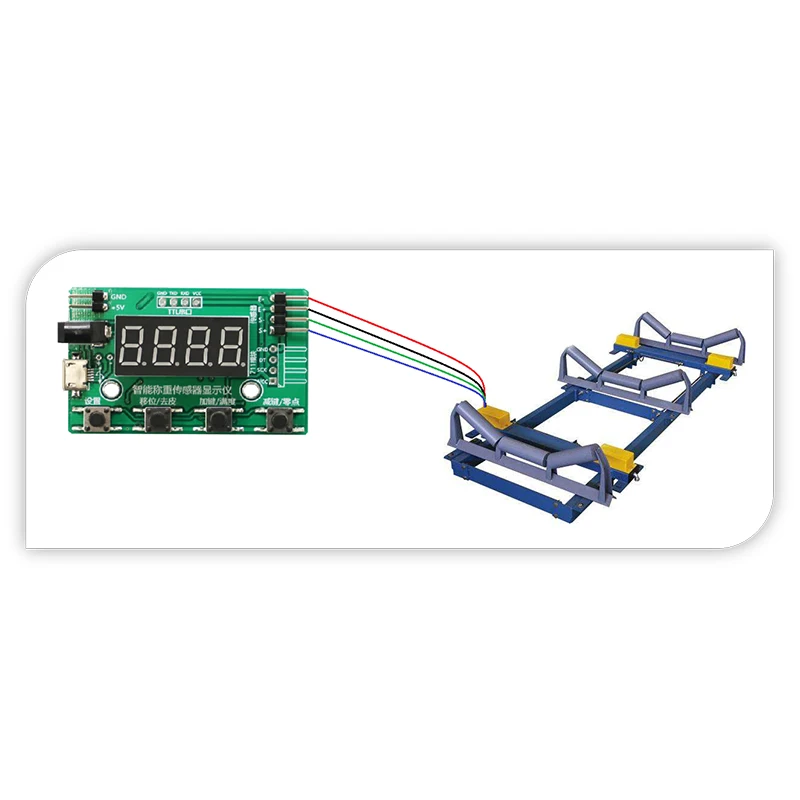 (2) Bench scale modification
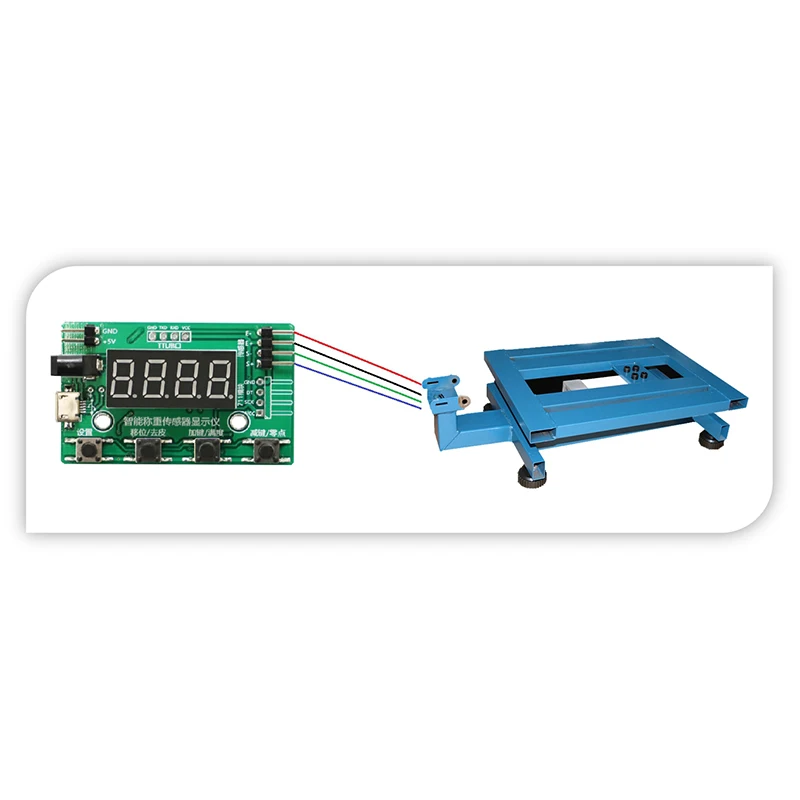 (3) Sensor test
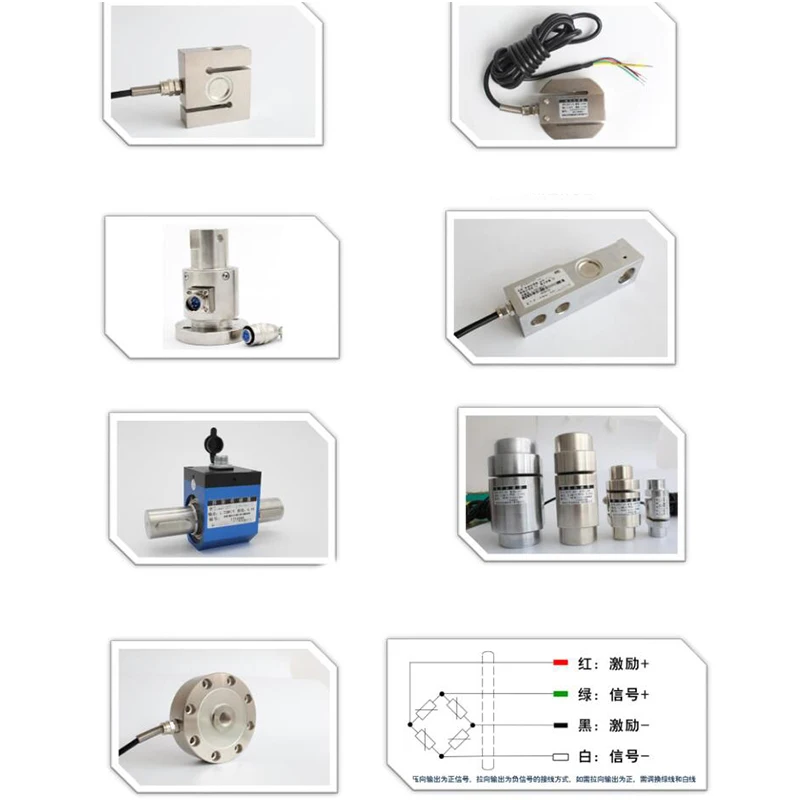
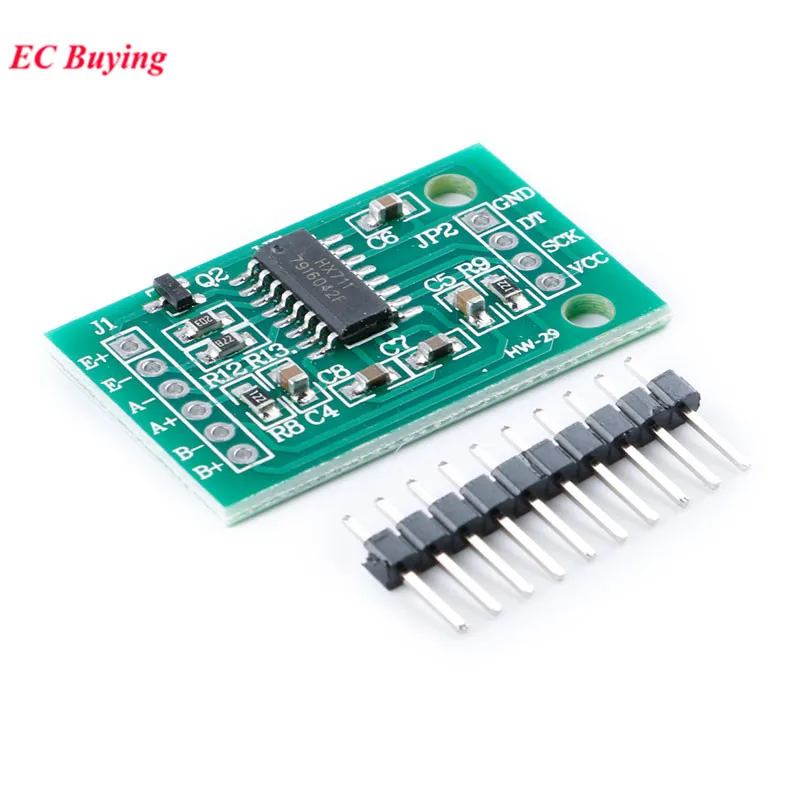
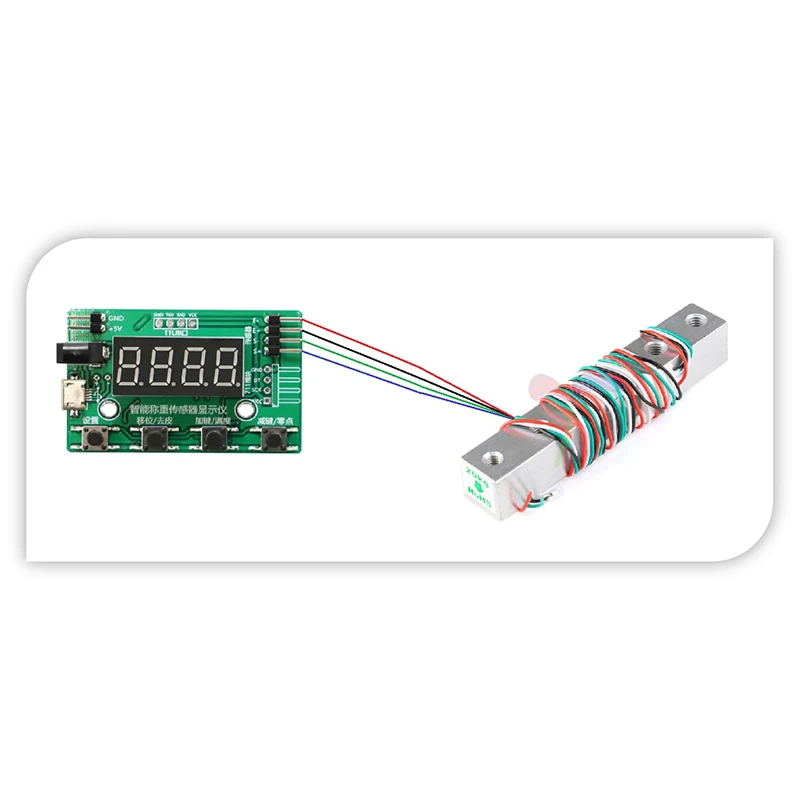 Can be used with the following sensors
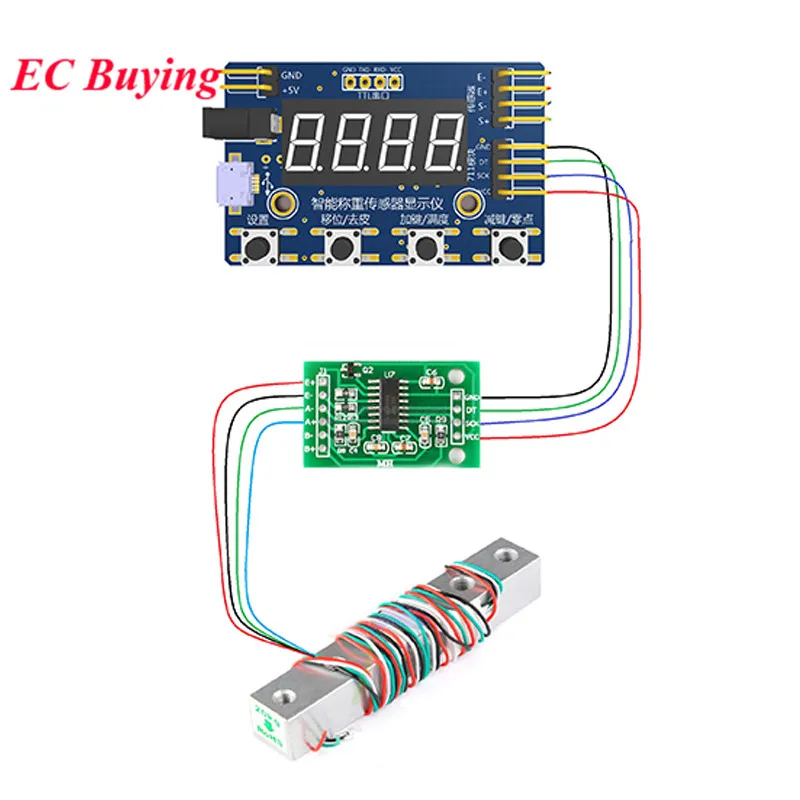
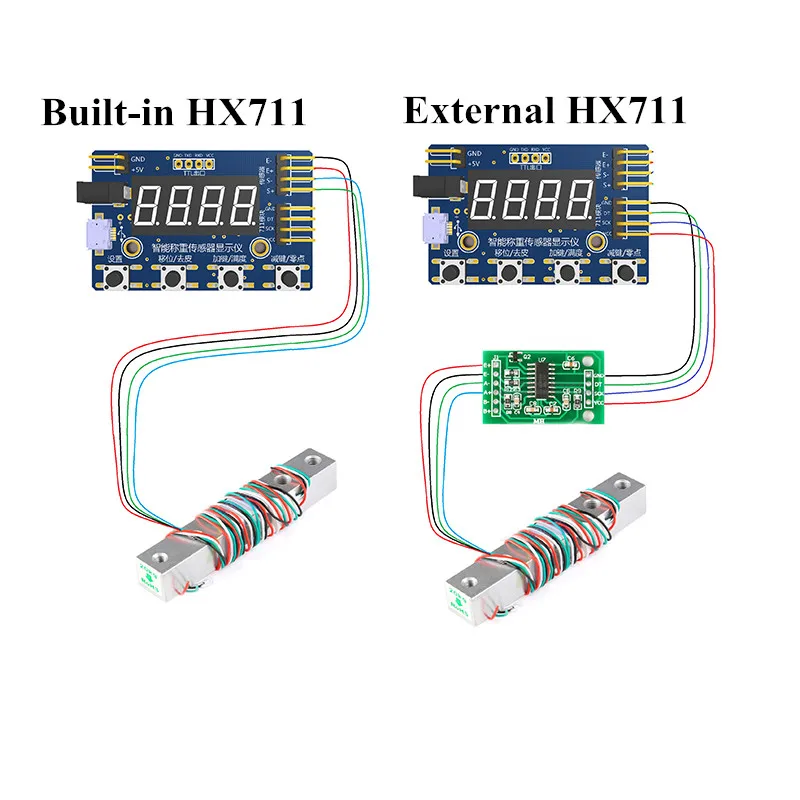
 Wiring diagram:
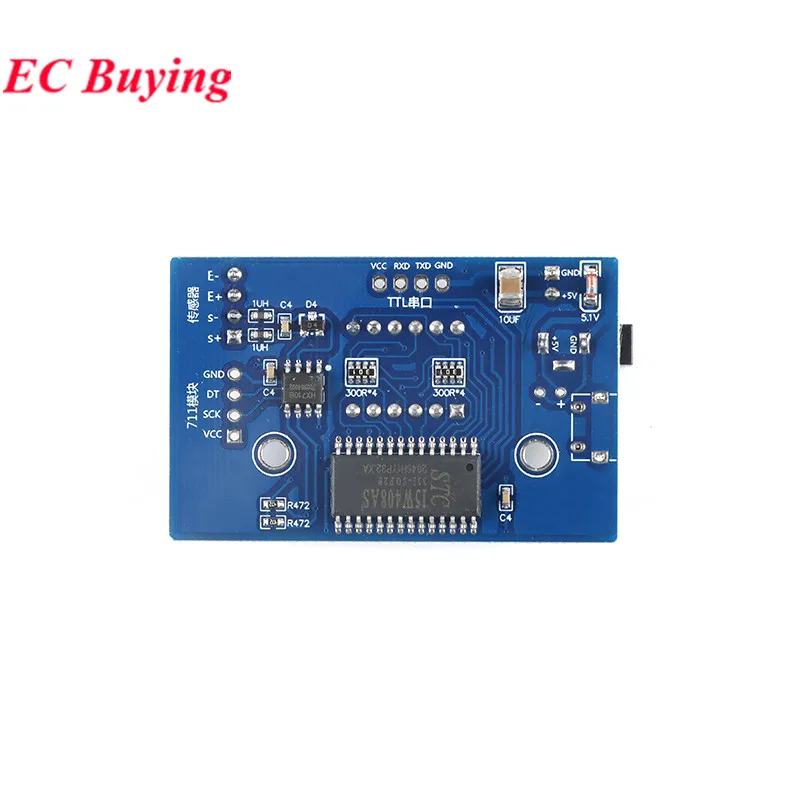
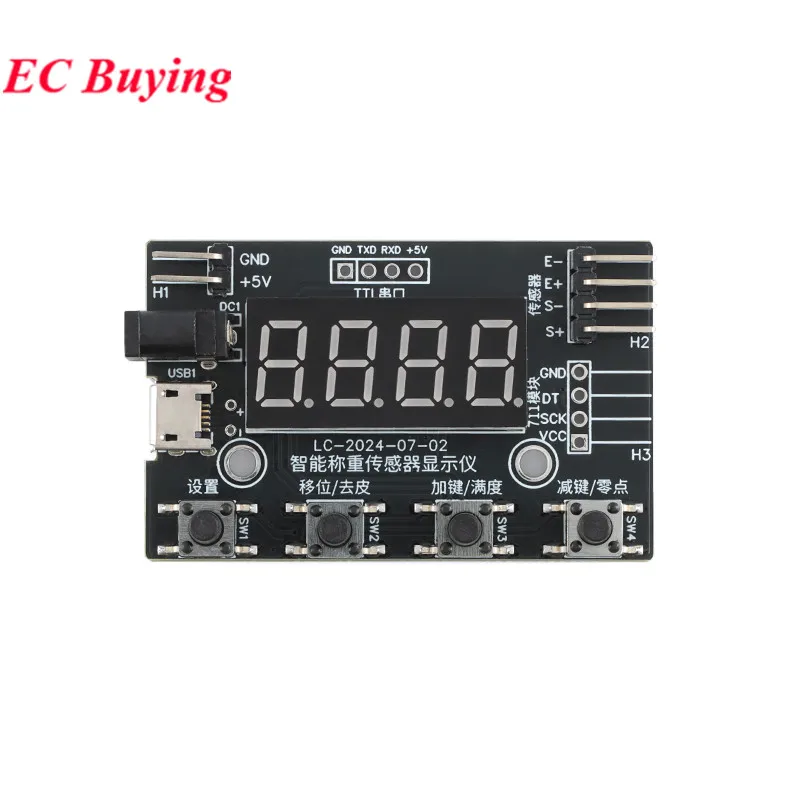
 Key Function:Setting—Parameter setting key. In the setting state, it is used to store the new setting value of the parameter and enter the next setting parameter.Shift—When in the setting state, press this key to set the corresponding value. In working state, press this key for 3 seconds to peel.Add key—The set value increase key is used to increase the value in the setting state. In working state, press and hold for 3 seconds to calibrate fullness.Decrease key—The set value decrease key is used to decrease the value in the setting state. In the working state, press and hold for 3 seconds to calibrate the zero point.Parameter setting:dot Decimal point position, the range is 0 ~ 3. For example, the sensor range is 0-20Kg, which can be set to 2. Default 1ad-h acquisition speed, range 1-100 times / second. Default 20ts Send data regularly, 0-10.0s, when set to 0, send when the weight changes, send as fast as 3 times per second. Default 0.5 secondsWhen the en-b calibration is set to ON, press 3 seconds to enter the calibration in the working state. When set to OFF, press for 10 seconds to enter the calibration in the working state. ON by defaultini Restore factory settings, default is OFF. When set to ON, the factory settings are restored. OFF by defaultCalibration instructions, peeling:For example, suppose our calibration is now 100kg sensor.Zero calibration: Press and hold the minus key for 3 seconds, the screen displays -PL-, and then release the minus key to enter the calibration state. Do not put weight on the scale. Enter 0 on the module and press OK. Display -End zero calibration is complete.Full-scale calibration: Press and hold the plus button for 3 seconds, the screen displays -PH-, and then release the minus button to enter the calibration state. It can be put on a weight of 20 ~ 100kg, how much kg is put. We enter the weight value on the module and press OK. Display -End full scale calibration is complete.Tare: Be sure to calibrate the zero point during the first calibration, not just press Tare, and let the meter display the zero point. Zero point calibration does not refer to true zero load. Zero point can be calibrated under the condition of tare weight, for example, the sensor range is 100kg, the tare weight is 3Kg (unknown tare weight can be 0Kg by default), and the standard 35Kg weight is available. When the zero point is calibrated, no 35Kg weight is added, and the calibration PL=0.0Kg or 3.0Kg; after adding a 35kg load, the calibration PH=35.0Kg or (38.0Kg) is sufficient.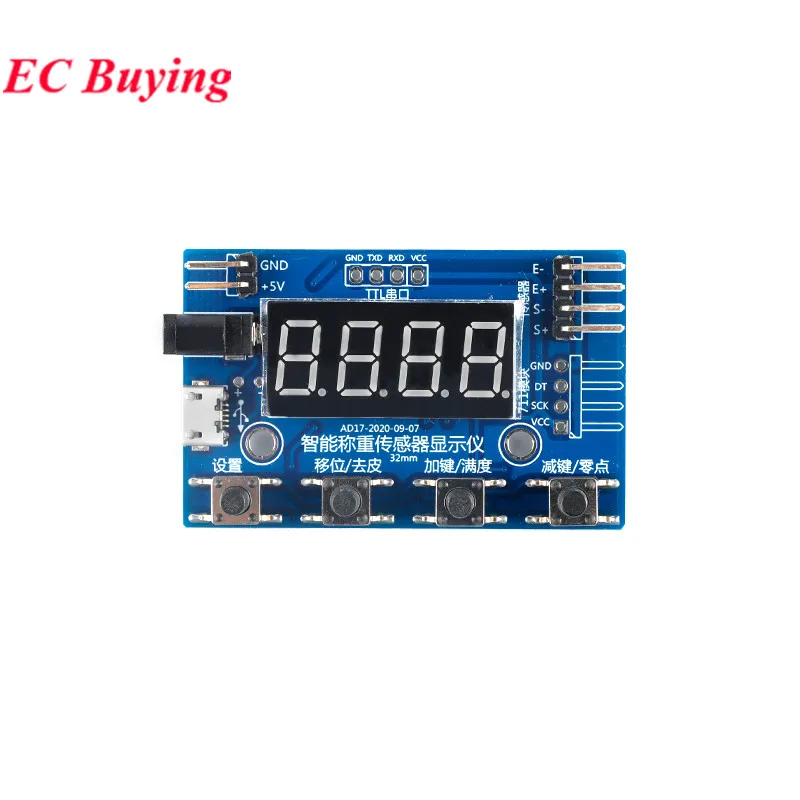
Opiniones de clientes
4 opinionesM
20 de enero de 2025
Entrega rápida feliz de volver a todo OK
Variante: Color:With HX711
S
7 de enero de 2026
Variante: Color:Con HX711 Número de modelo:1 unidad
A
4 de agosto de 2025
Variante: Color:With HX711
A
26 de febrero de 2025
Variante: Color:With HX711