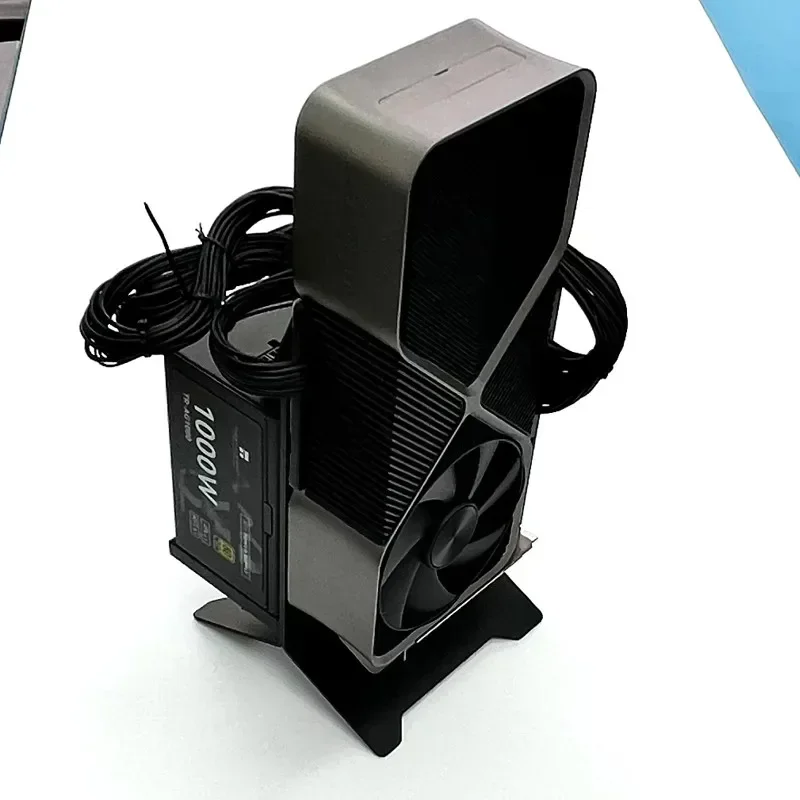
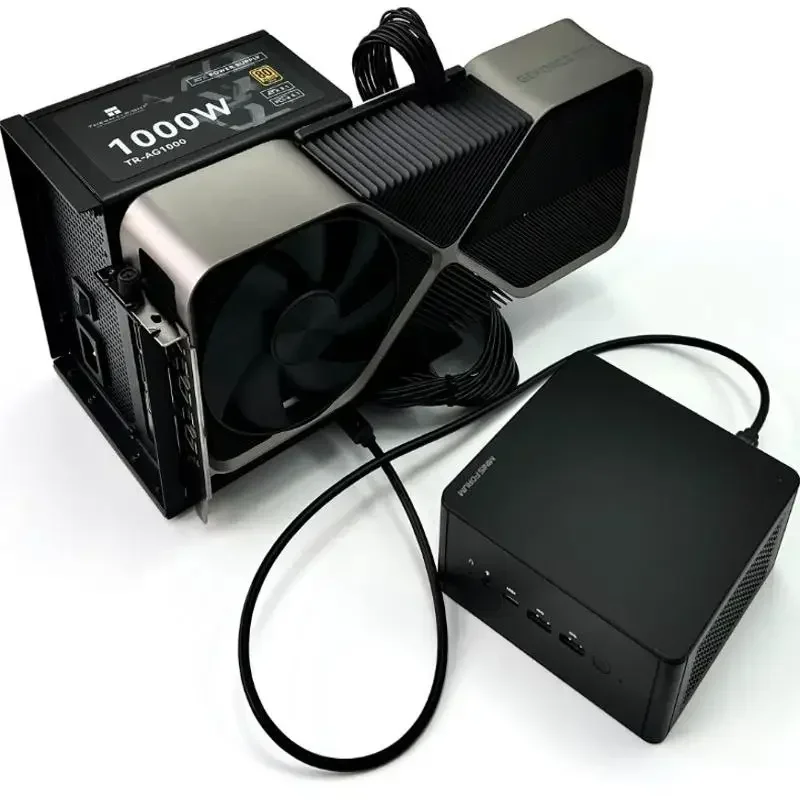

Color
Descripción
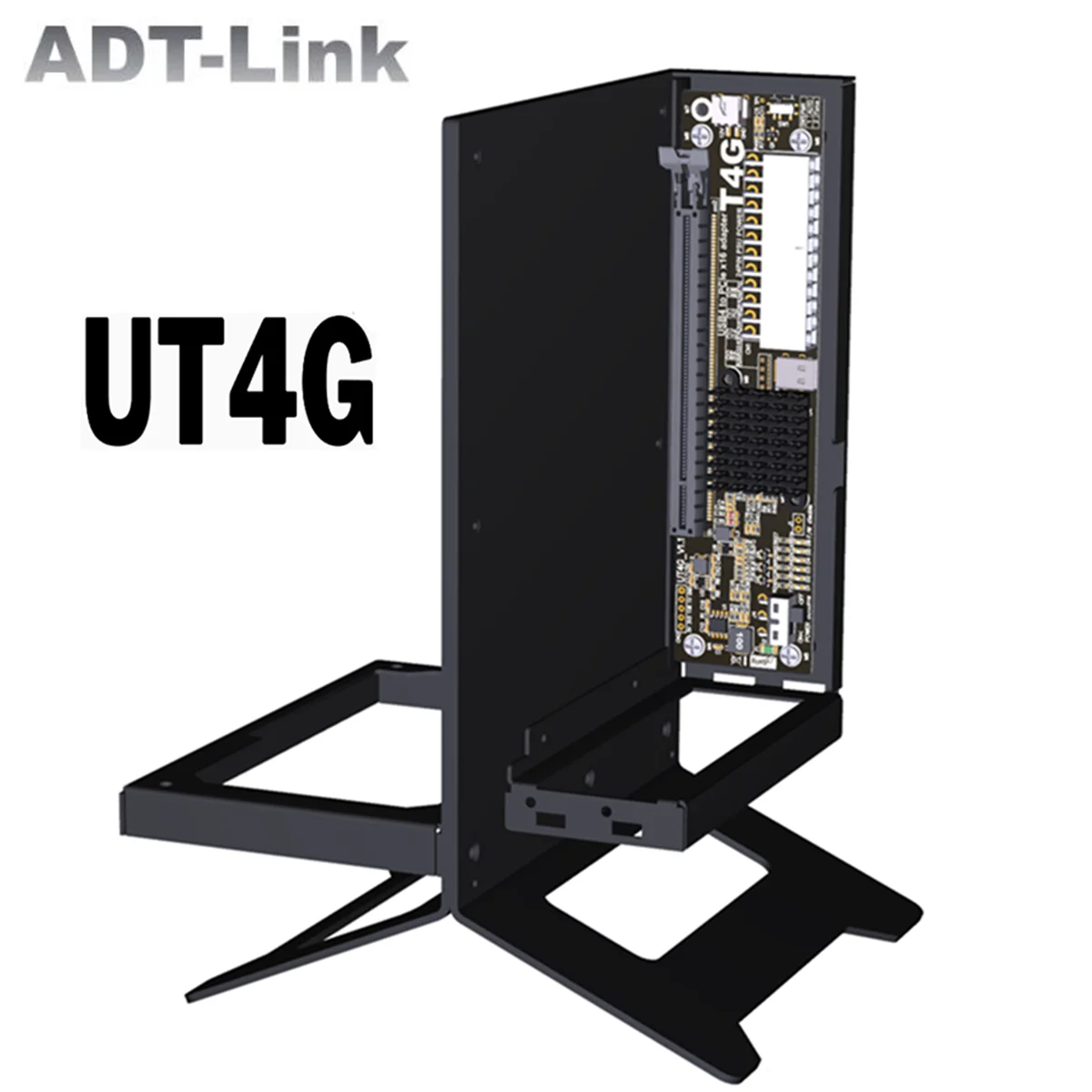
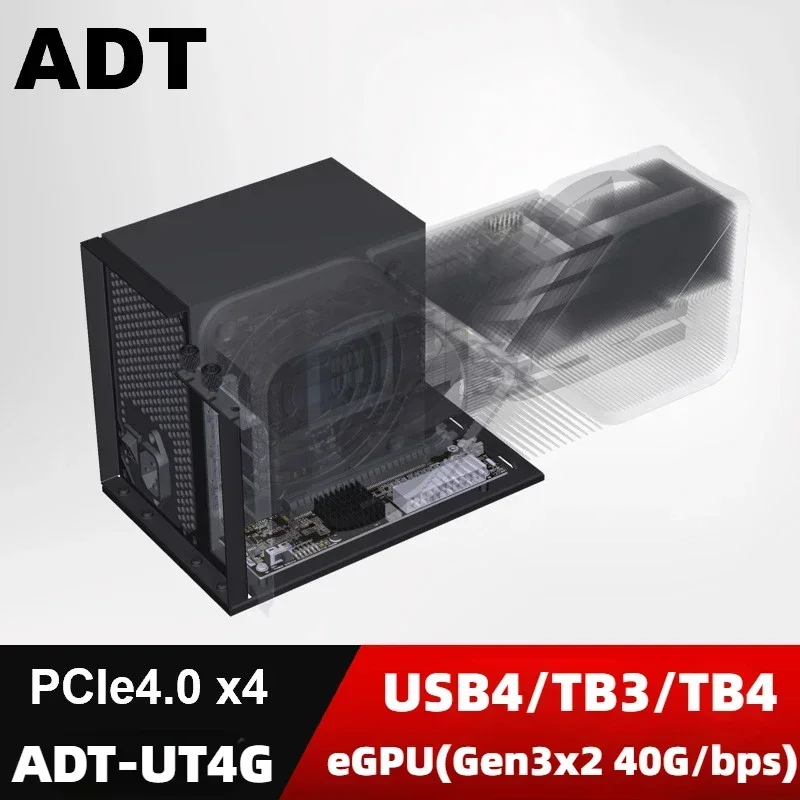
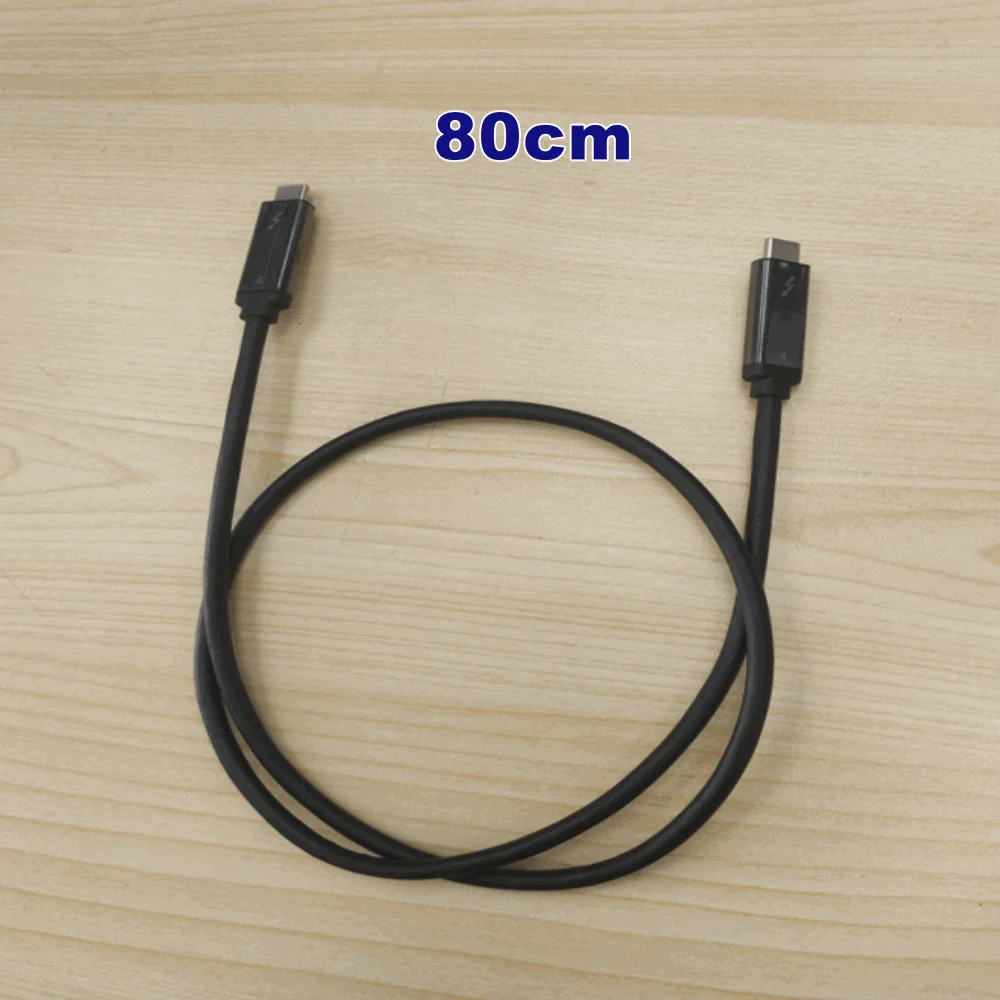
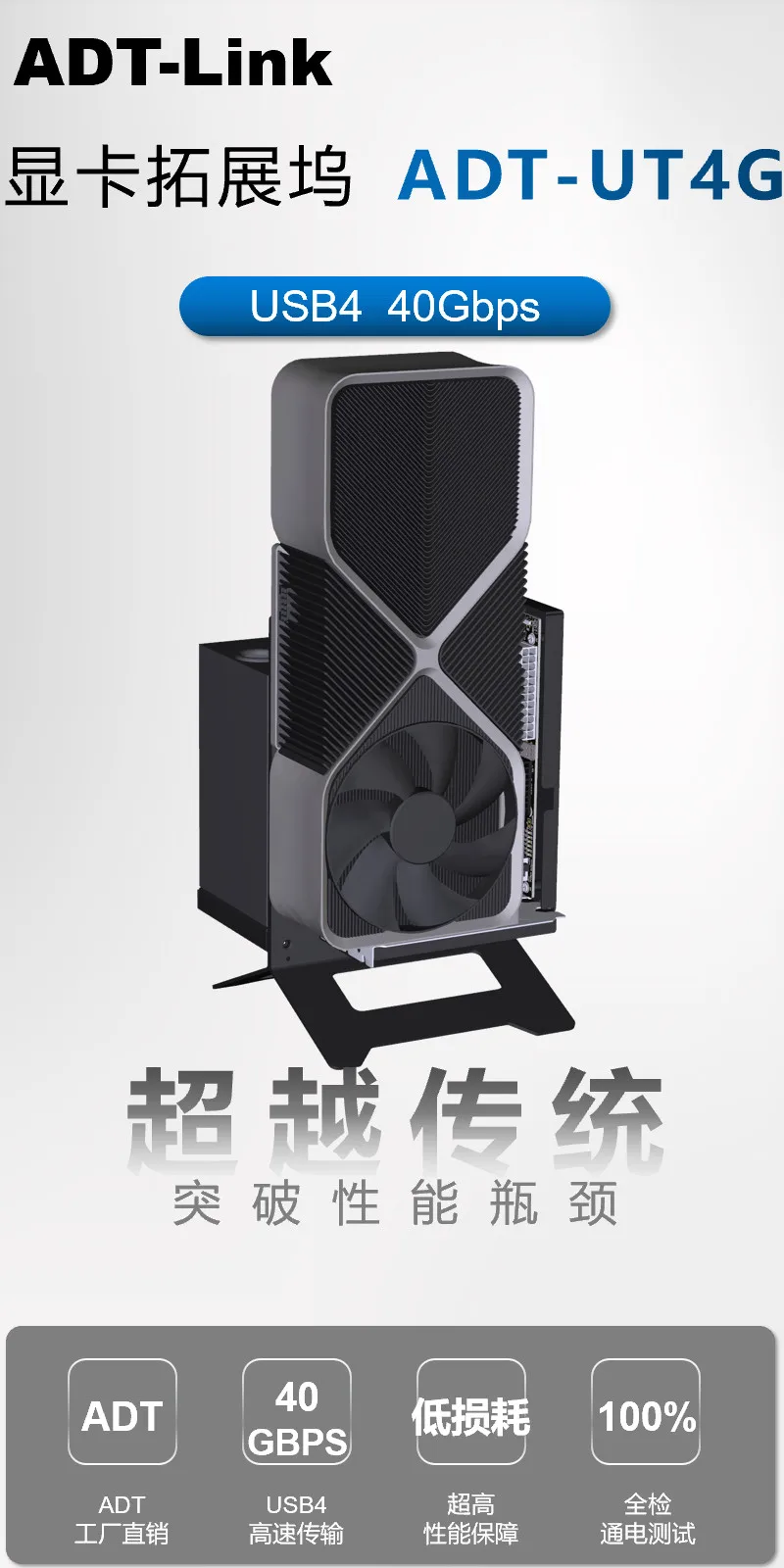
ADT-Link USB4 to Pcie x16 eGPU Adapter
Brand name: ADT-LINK
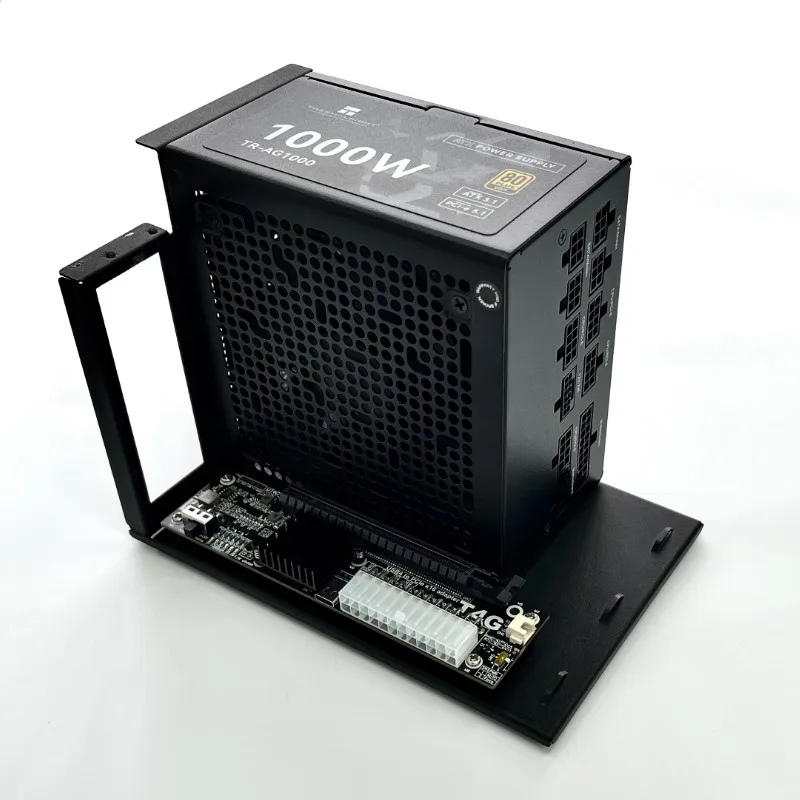
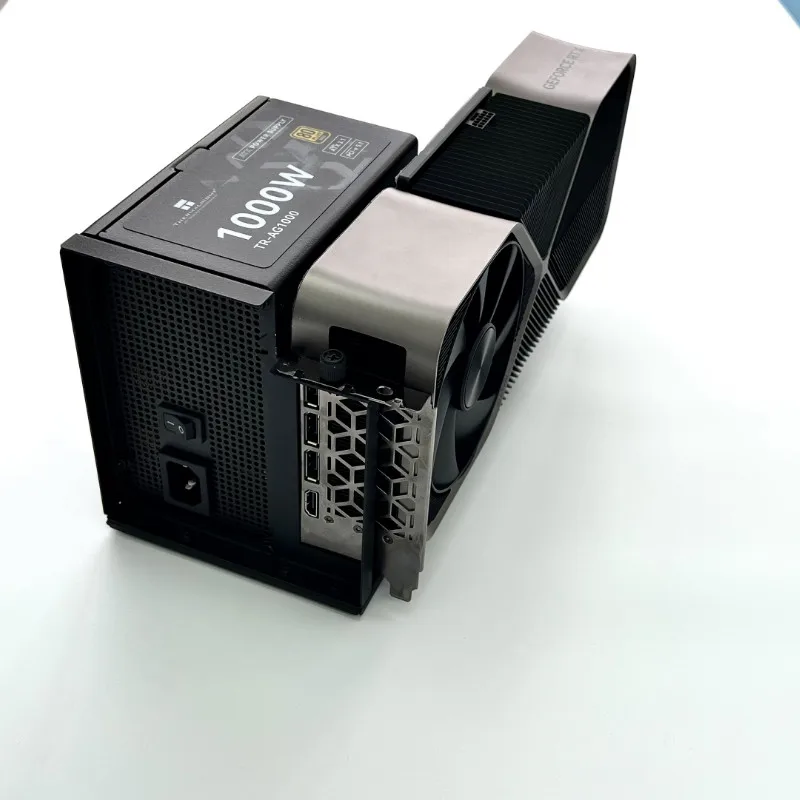
Product name: USB4 to Pcie x16 eGPU Adapter with Bracket
Product model: UT4G-BK7,UT4G-BK8
Transfer speed: Gen3 x2 , 40G/bps (Max.)
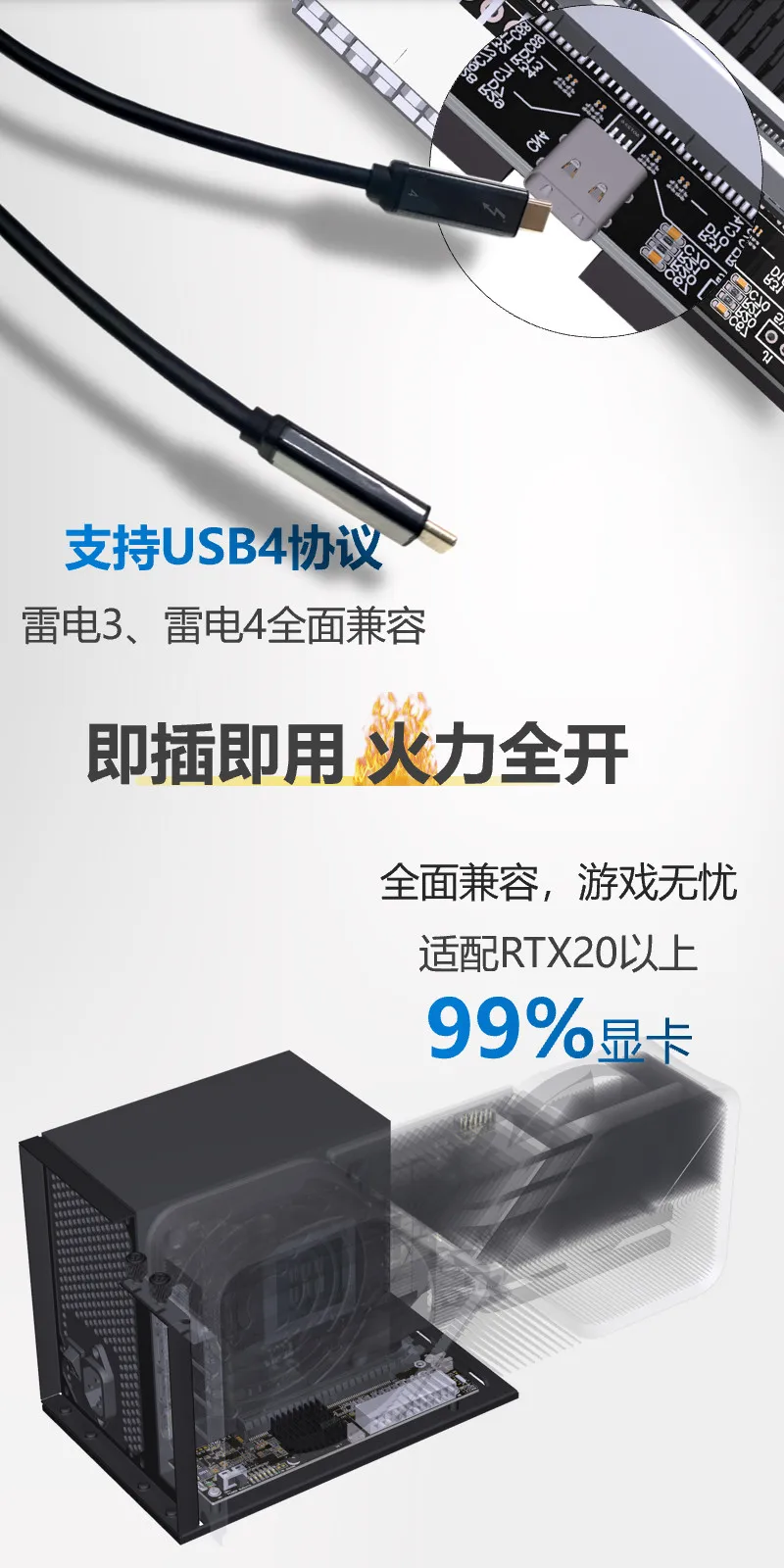
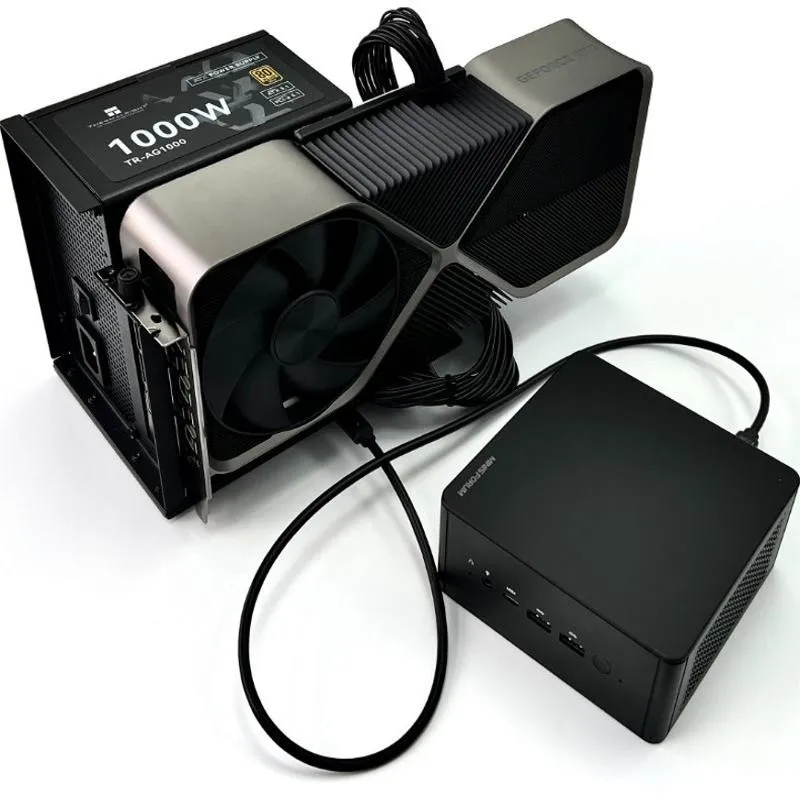
Application: eGPU for Notebook PC/Mini Host
Interface: Compatible with TB3/TB4/USB4 interface, does not support USB interface
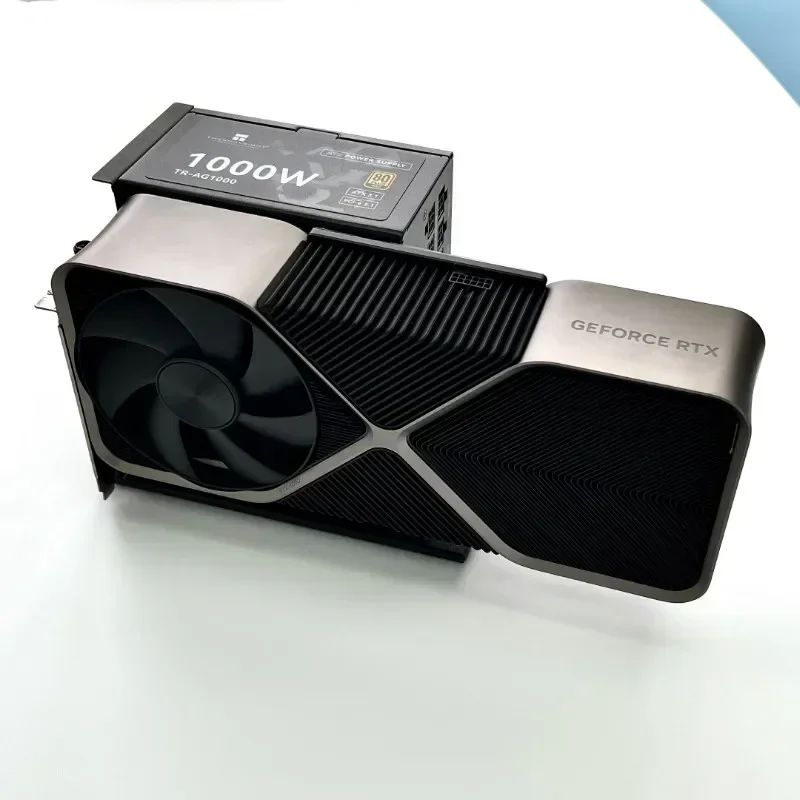
Power instructions: Please prepare the power supply according to the power of the graphics card
Product and Accessories photos:
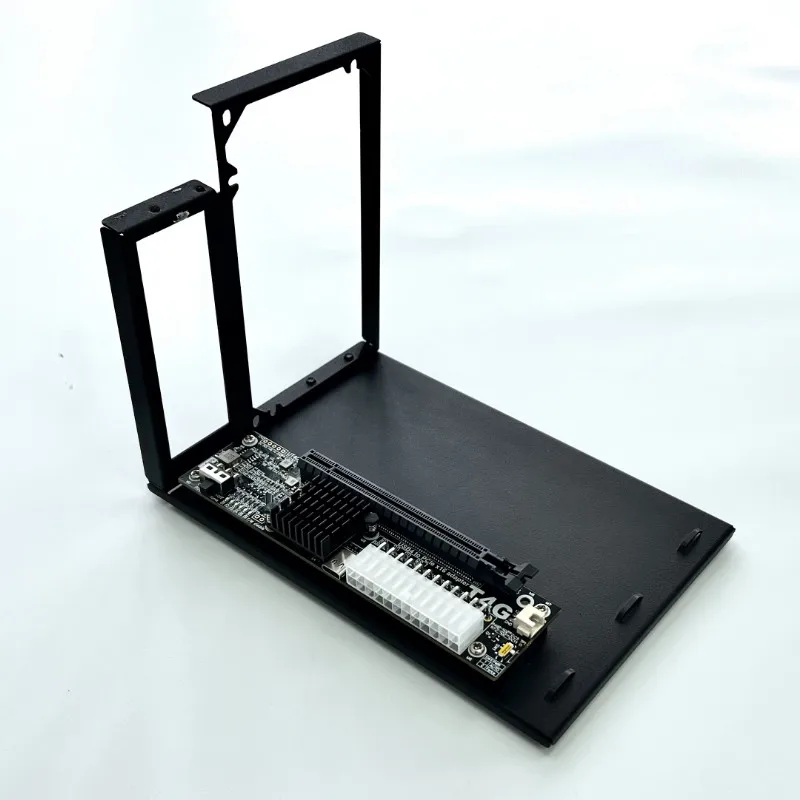
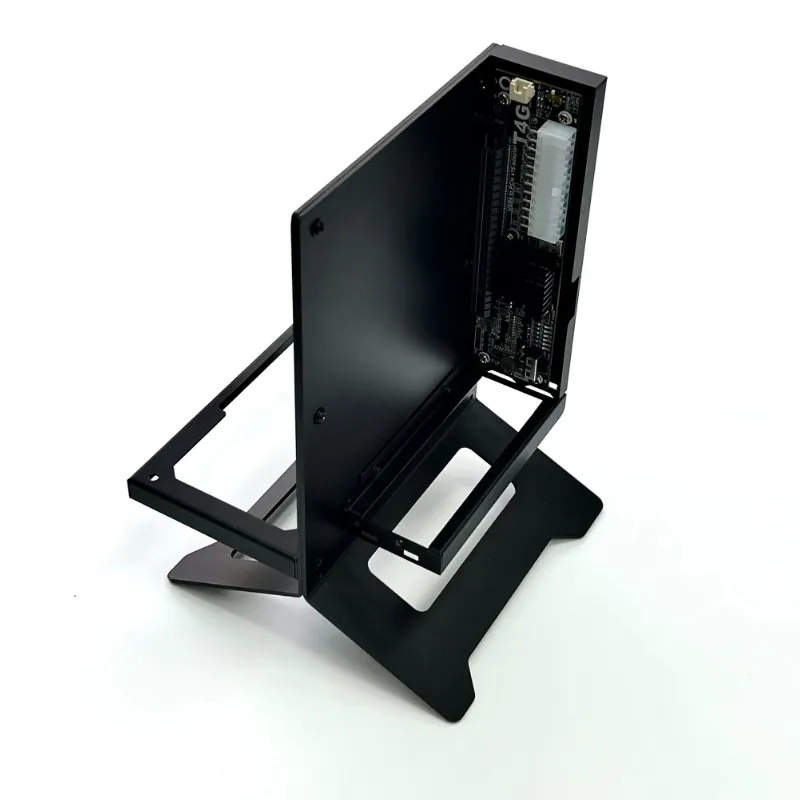
ADT eGPU series Part-Number Description:
Part-Number
Description
R23SG
PCIe x4 edge to PCIe x16 connector
R43SG
M.2 NVMe edgeto PCIe x16 connector
K43SG
M.2 NVMe edgeto PCIe x16 connector
UT3G
USB4/TB4/TB3 toPCIe x16 connector
UT4G-BK7
USB4/TB4/TB3 toPCIe x16 connector with Vertical bracket
UT4G-BK8
USB4/TB4/TB3 toPCIe x16 connector Inverted stand bracket
R43SG-TB3
M.2 NVMe edgeto PCIe x16 connector.Add TB3 to M.2 NVMe adapter
R43SG-TU
M.2 NVMe edge daughter board cable turn up to PCIe x16 connector
R53SG
M.2 WiFi key-A.E. edgeto PCIe x16 connector
R63SG
mPCIe edgeto PCIe x16 connector
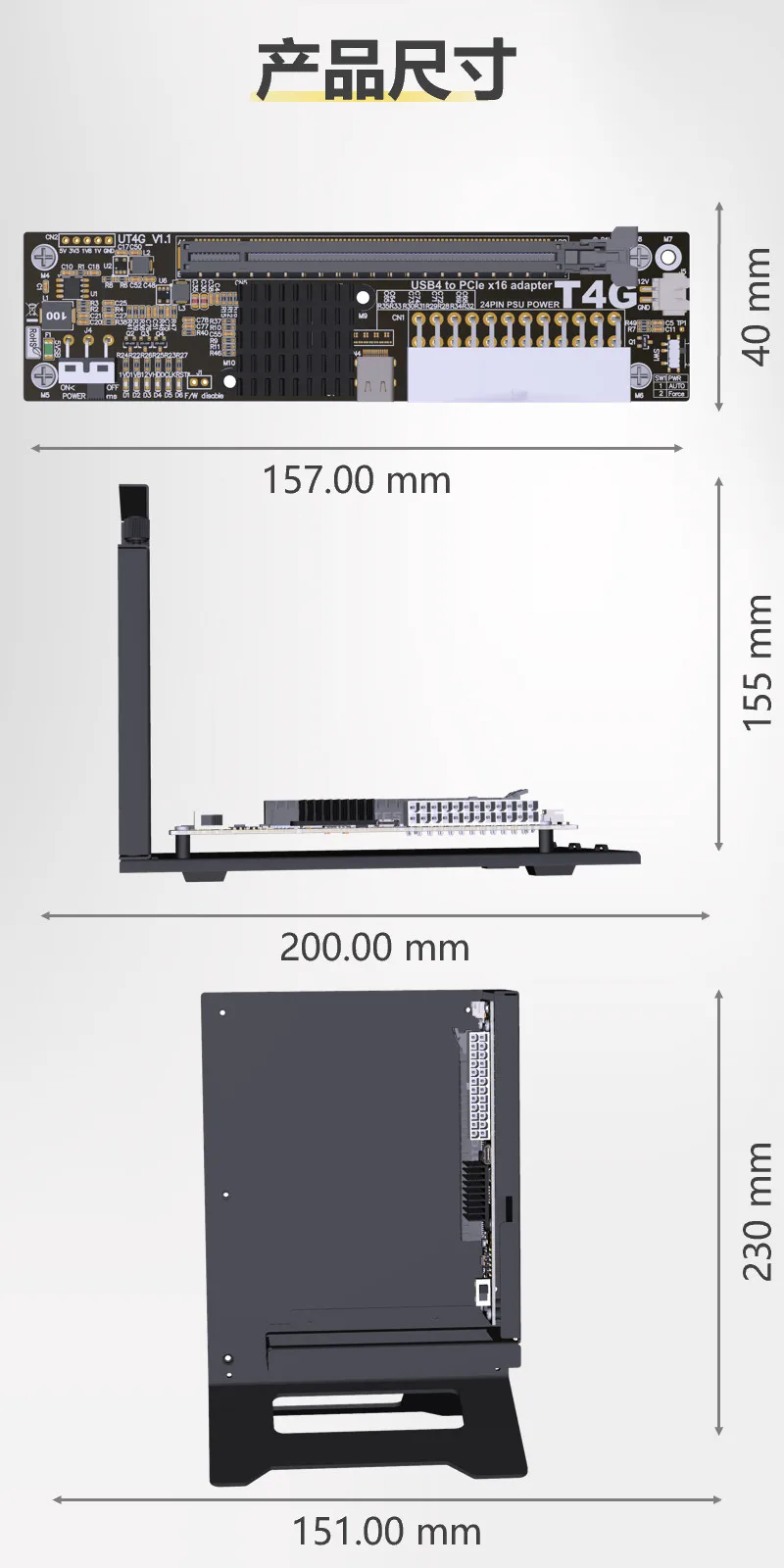
Product advantages:
The bus specifications of common notebook external docking stations and the corresponding main control chip TBT3/TBT4/USB4 speed bandwidth are as follows:
Bus specification
Thunderbolt 3
Thunderbolt 4
USB4
Master chip
Intel JHL 7440
Intel JHL 8440
ASMedia ASM2464PDX
Listing date
Q1,2018
Q2,2021
Q2,2023
Speed bandwidth(Max.)
TBT3 gen3x2(40Gb/s)
PCIe 3.0x4 (32Gb/s)
USB gen1x2 (10Gb/s)
TBT4 gen3x2(40Gb/s)
PCIe 3.0x4 (32Gb/s)
USB gen1x2 (10Gb/s)
USB4 gen3x2(40Gb/s)
PCIe 4.0x4 (64Gb/s)
USB gen2x2 (20Gb/s)
Signal compatible
TBT3
TBT4
USB4
TBT3
TBT4
USB4
TBT3
TBT4
USB4
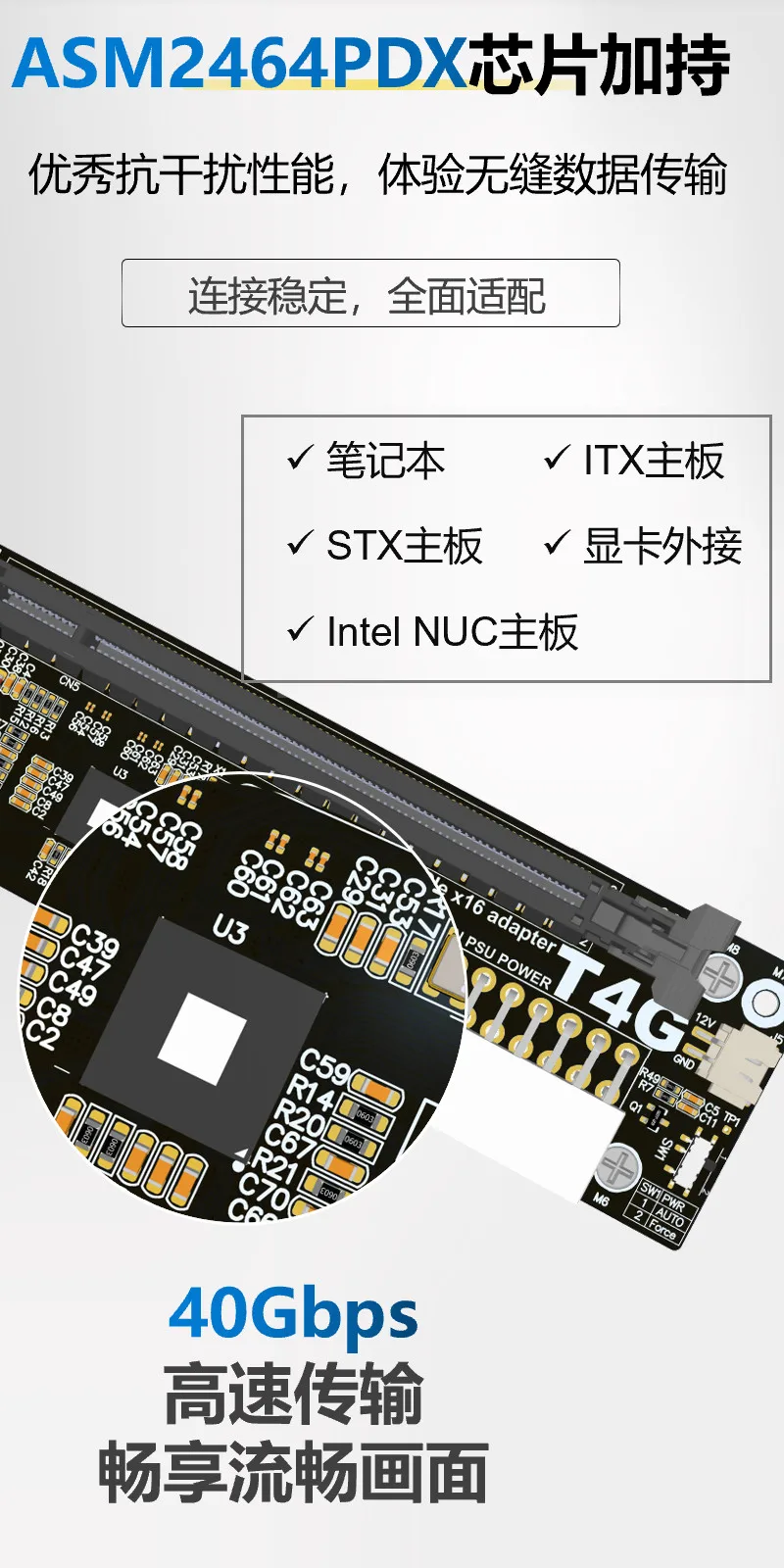
The master chipof UT4G is ASMedia ASM2464PDX
integrates USB4/Thunderbolt Gen3x2, and PCIe Gen4x4 supporting various NVMe
Compliant with USB4 Specification Rev. 1.0 (including Interoperability with Thunderbolt 3TM (TBT3) Systems)
ASMedia ASM2464PDX functions and features1. Supports a variety of devices that comply with NVMe standards2. Integrated USB4/Thunderbolt Gen3x2 and PCIe Gen4x4 interfaces3. Complies with USB4 specification version 1.0 (including interoperability with Thunderbolt 3 systems)
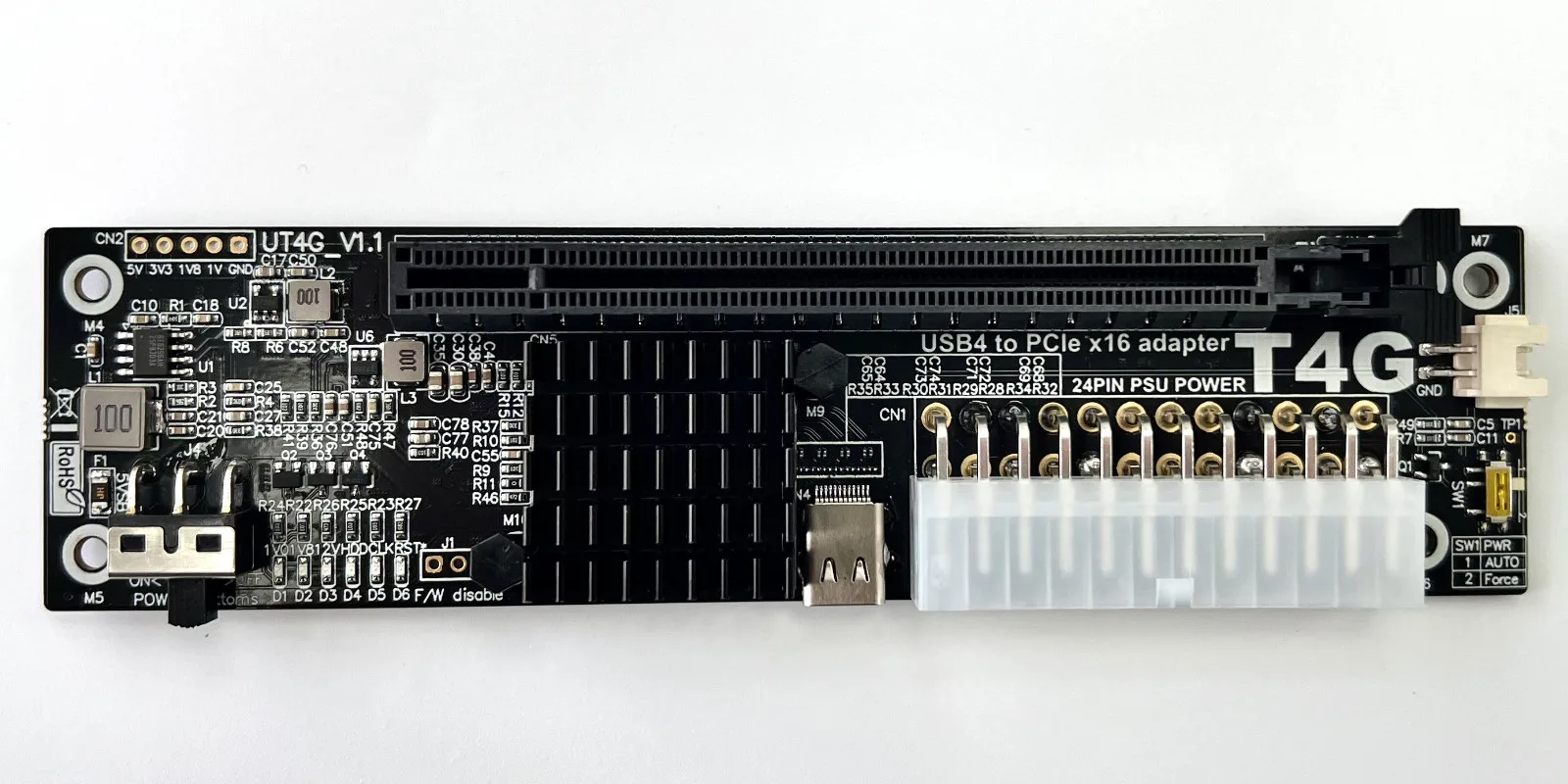
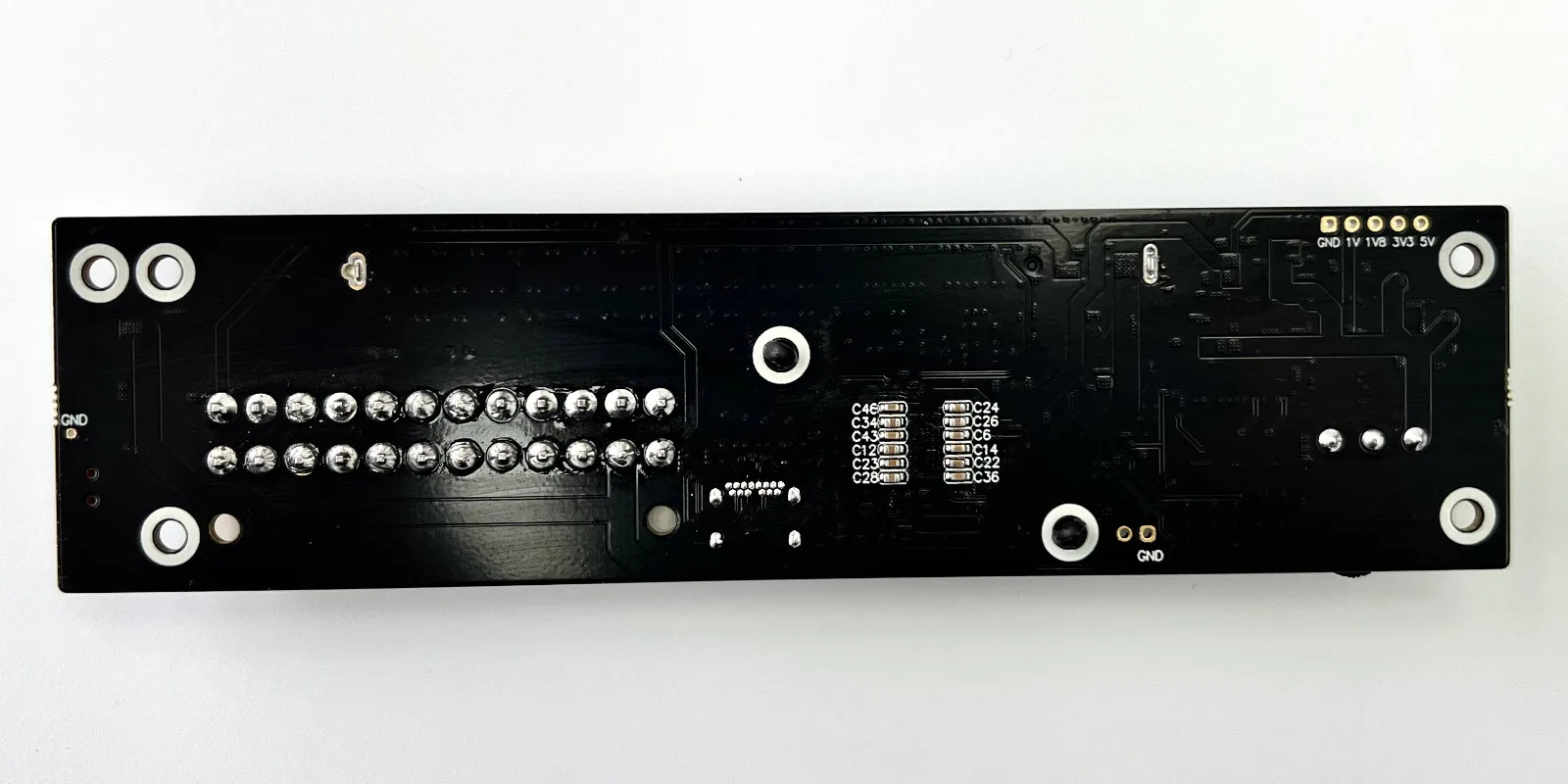
UT4G-BK7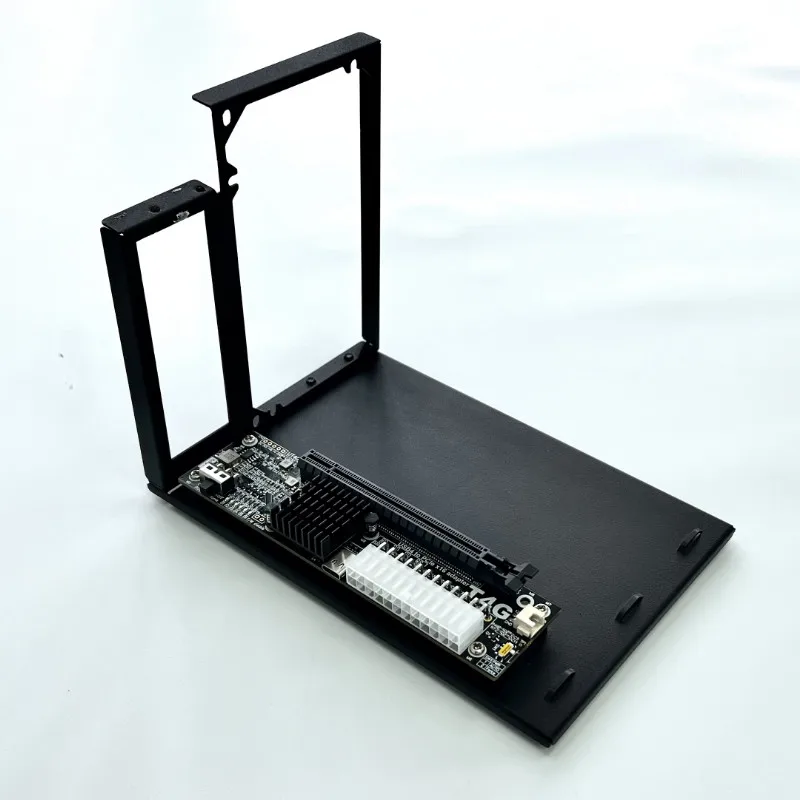

UT4G-BK8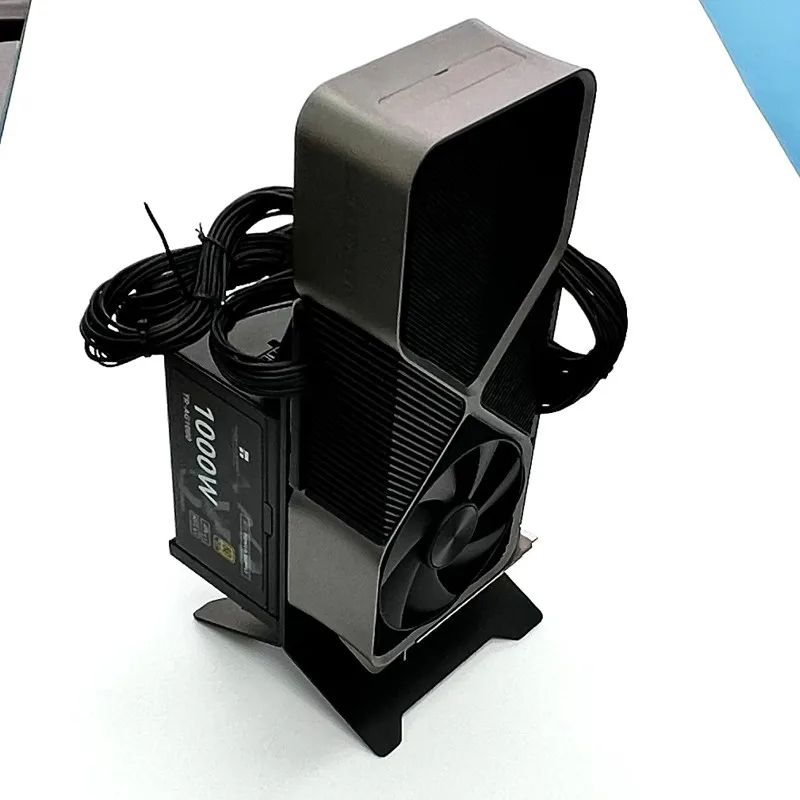

Q&A
Q1: What are the laptops supported by UT4G? What methods can be used normally?
Laptops must have a Thunderbolt 3 or Thunderbolt 4 interface or USB4interfaceto be installed and used.Does not support USB2.0 interface, USB3.0 interface, USB3.1 interface, USB3.2 interface
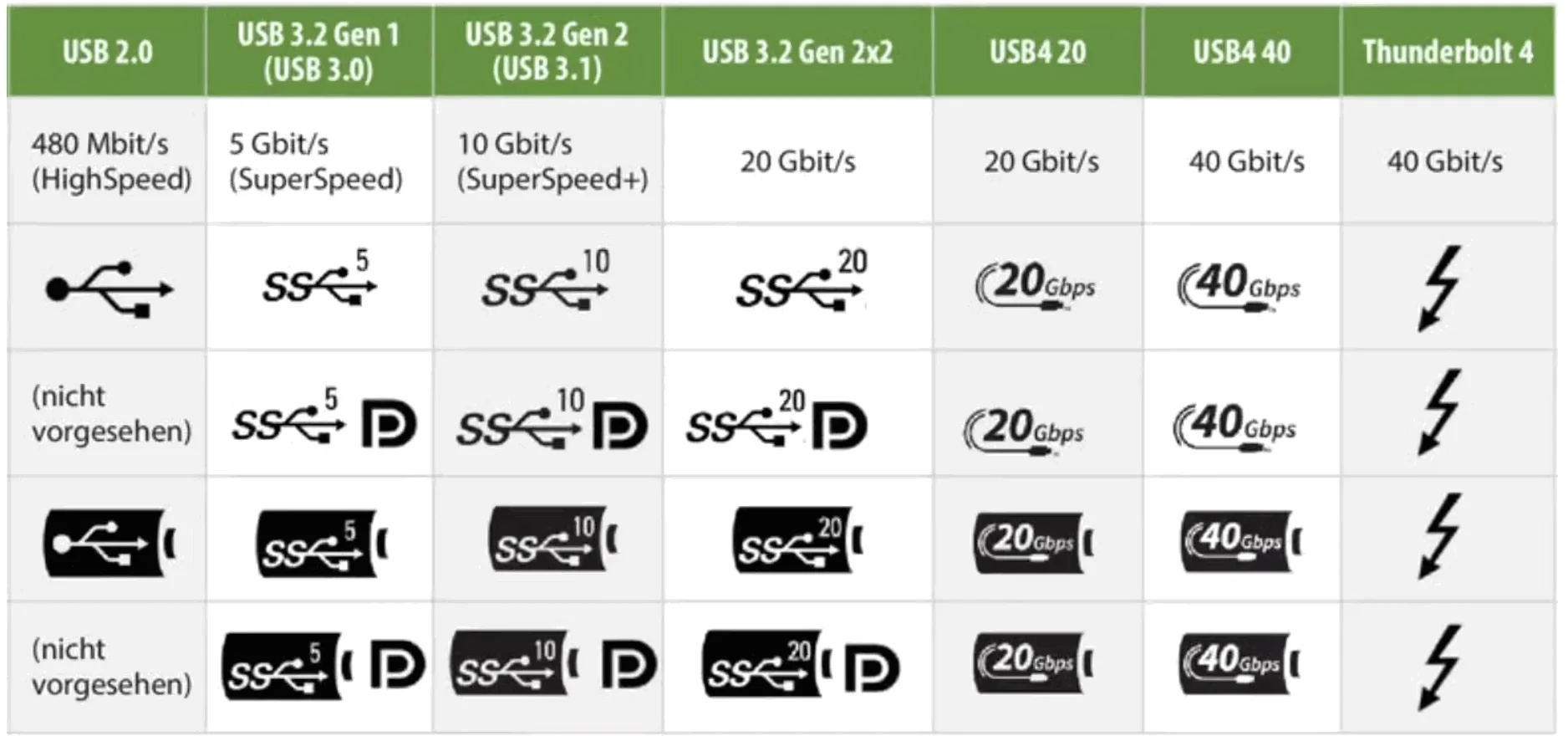
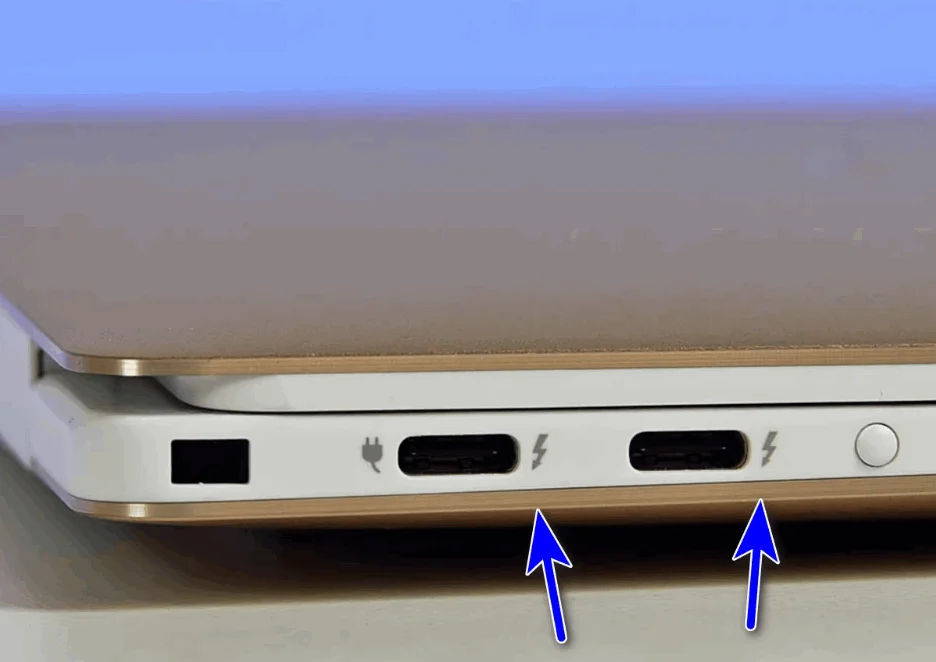
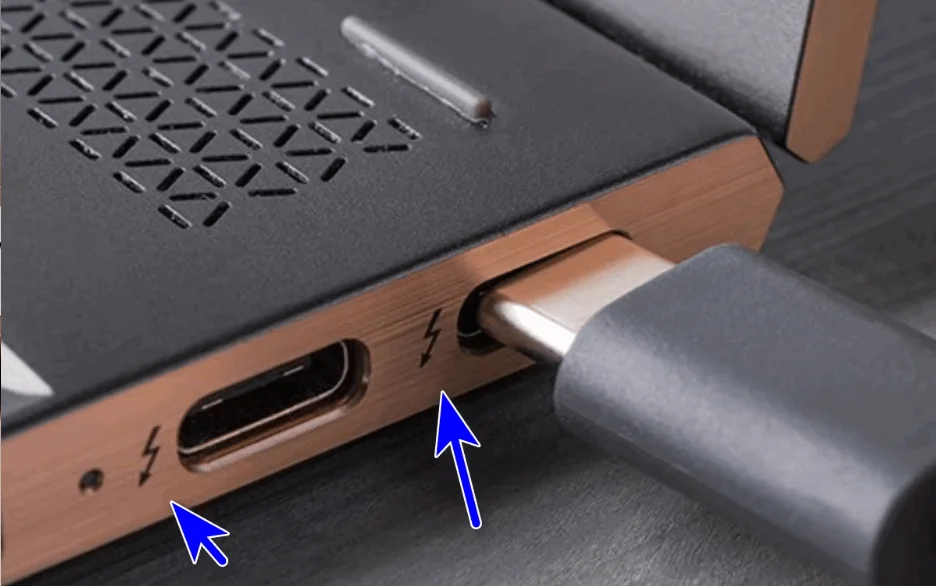
Q2:Which notebooks support ADT-UT4G? How to choose a power supply?
For power supply, please choose a brand of high-quality power supply that meets the power requirements of the graphics card.
Graphics card model
Recommended power supply
GTX1050, RTX3050 or lower
≥300W
GTX1060/70,RTX2060/70,RTX3060/70 etc.
≥450W
GTX1080/RTX2080/RTX3080/RTX4080or higher
≥600W
RX5500,RX6500orlower
≥300W
RX5600/700,RX6600/700 etc.
≥450W
RX6800/RX7900or higher
≥600W
Q3:What operating systems does ADT UT4G support?Support Windows10, Windows11, Linux and Mac OsNote: Mac OS only supports AMD series graphics cards
What graphics cards does ADT UT4G support? Which version of the graphics driver is installed? The display adapter in the device Manager has an error message such as yellow exclamation marks! How to solve it?
Support all PCIe graphics cards in the last three years, be sure to install the latest version of NVIDIA driver, if the yellow exclamation mark appears, please reinstall the driver and restart the computer.
If there is still a yellow exclamation mark (error code 43 or code 12), or the graphics card bandwidth information is PCIe 1.1x4, etc., please refer to the foreign nando God's solution, the patch is downloaded as follows:
ADT UT4G CLKREQ signal light is not on how to solve?
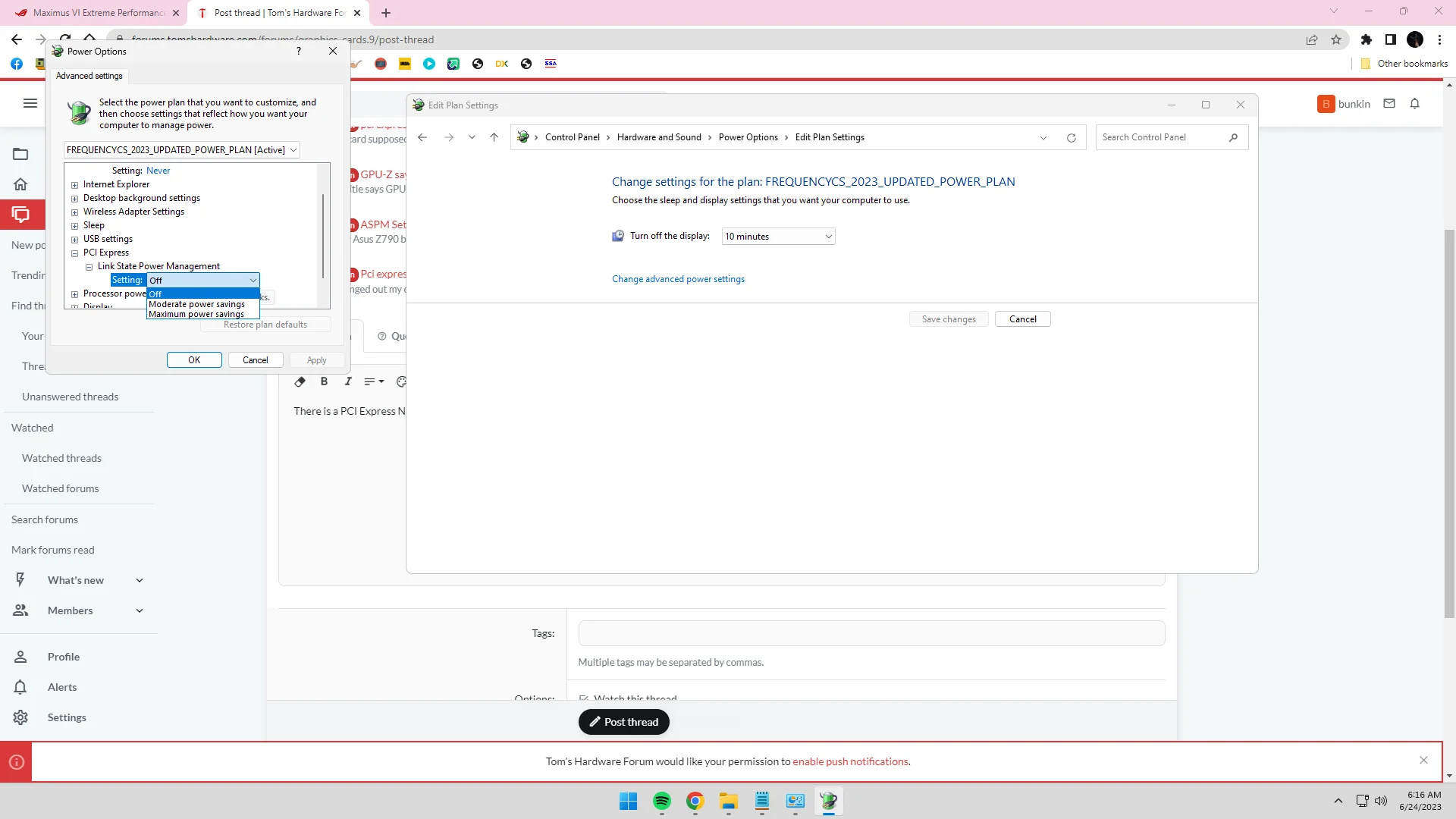
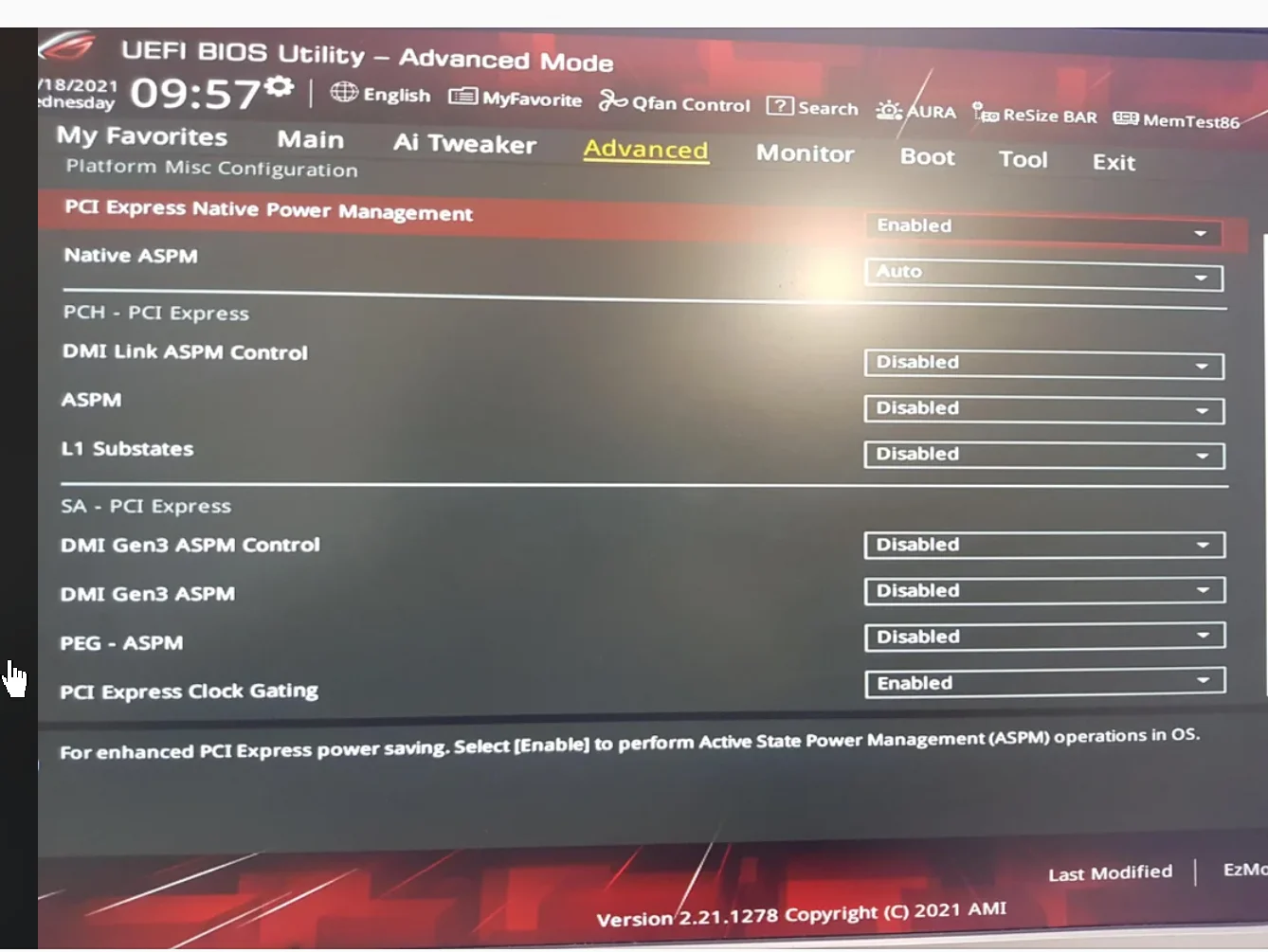
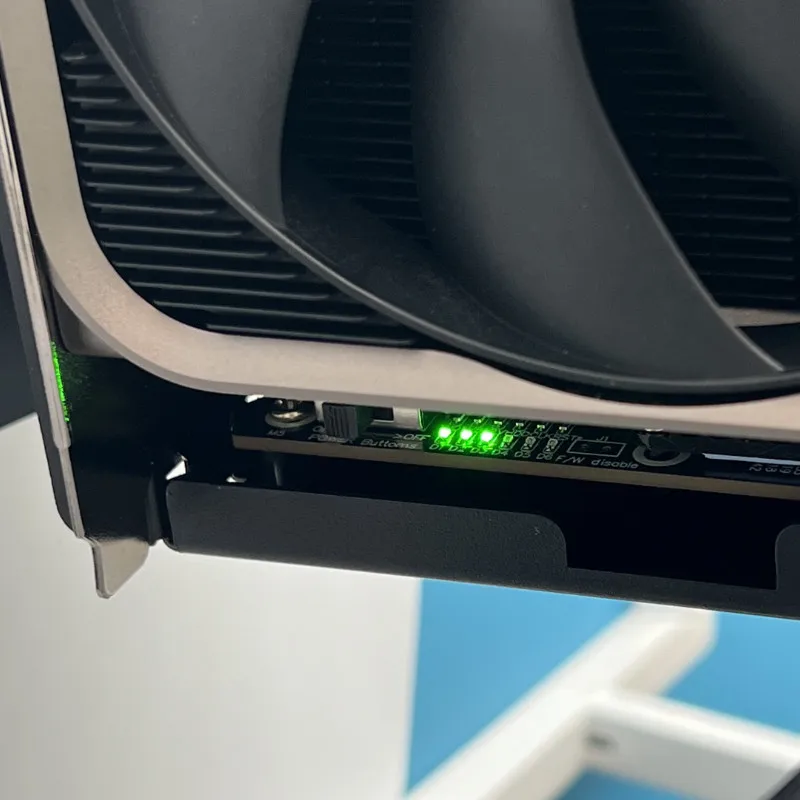
Q4:Does ADT UT4G support hot swapping?The Thunderbolt data cable supports hot swapping (do not plug or unplug the Thunderbolt data cable while a program or game is running as it may cause a crash)Note: Please do not plug or unplug when the docking station is started (3 green lights are on)
Q5:ADT UT4G system compatibility issuesWindows 10/11 Home Edition has good compatibility. If there are compatibility issues with some professional or enterprise edition systems, it is recommended to reinstall the system or update the Thunderbolt driver. Please go to the official website of your laptop to download the latest version and install it.Please install the latest version of the driver for your graphics card. Please go to the official website of your graphics card to download and install it.Some Lenovo laptops must refresh the BIOS and Thunderbolt microcode before they can be used normally. Please follow the instructions on the laptop's official website.
Q6:ADT UT4G lightning cable power supply problemOnly data transfer, cannot charge the laptop
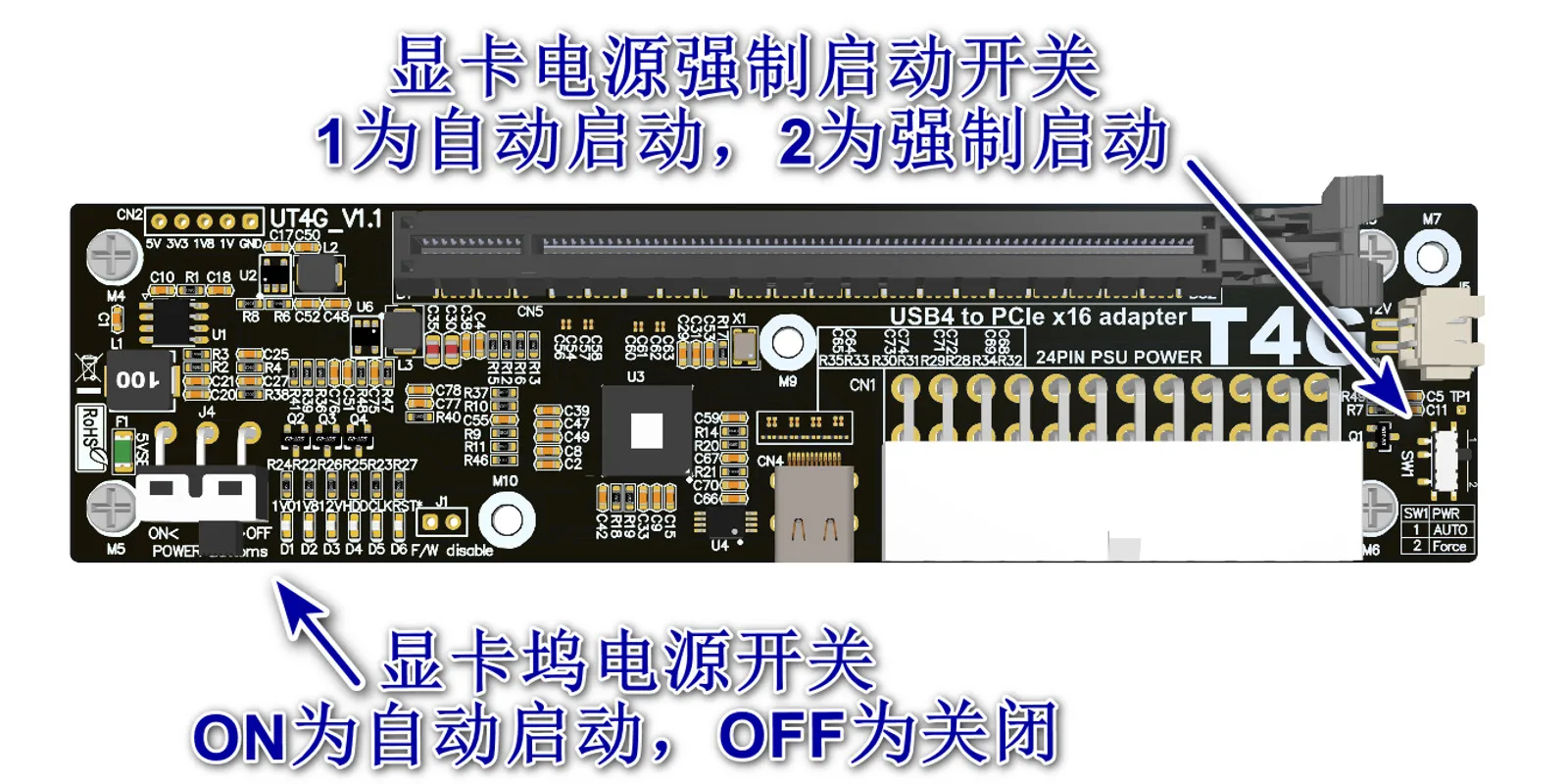
Q7: There are three switches on ADT UT4G, what are their purposes?
SW1: graphics card power forced start switch, 1 for automatic start, 2 for forced start, please switch to 1 for automatic start
SW2: USB5V power supply forced shutdown switch, 1 for automatic start, 2 for forced start, please switch to 1 for automatic start
Q8:Internal screen usage restrictions for external graphics cards
Internal screen: use the laptop's own screen; external screen: external monitor;
External graphics card performance: the performance of the internal screen is about 60%, and the performance of the external screen is about 80%;
Graphics card selection: It is recommended that NVIDIA graphics cards after 30 series, or AMD graphics cards after RX5700 have better compatibility;
Laptop selection: Laptops with built-in independent graphics have better compatibility.
ADT-UT4G installation instructions
SW1: Please switch to 1 to start automatically
POWER BUTTON: Please switch to OFF temporarily.
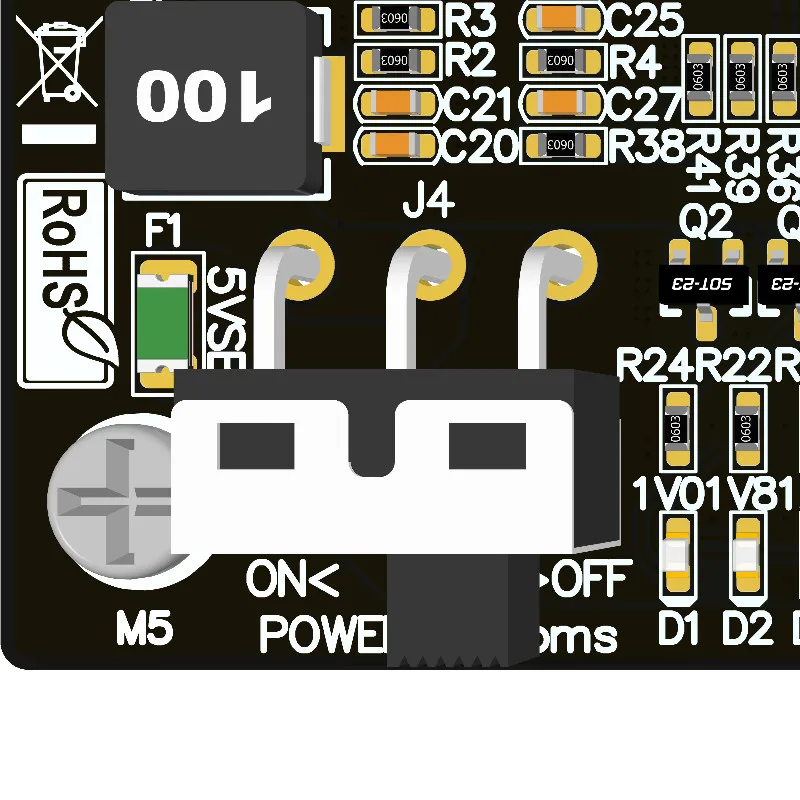
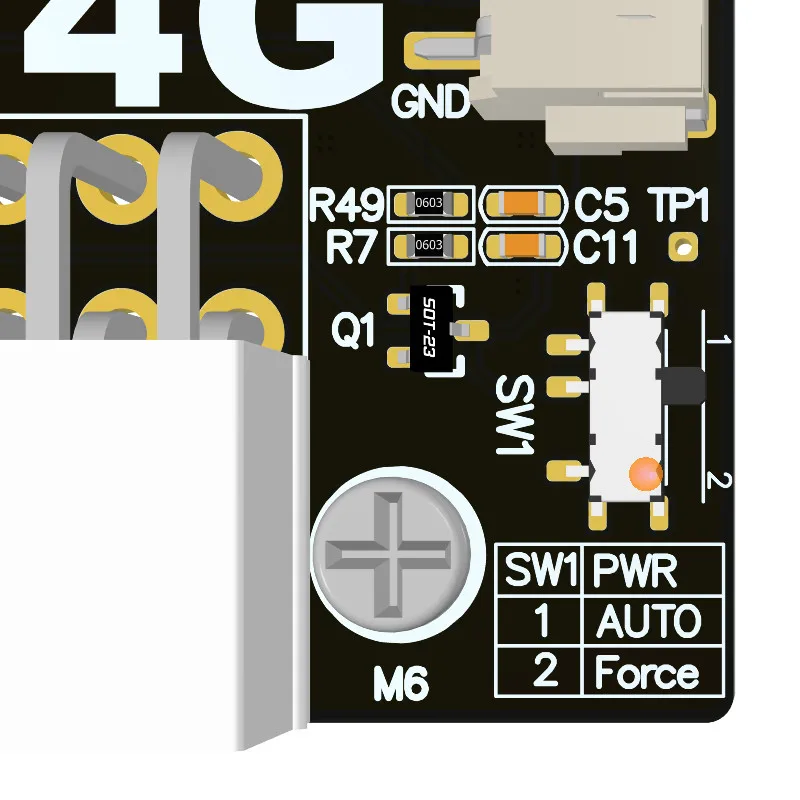 Assemble bracket and UT4G
Plug in the graphics card and power supply

24pin motherboard power and graphics card power, using lightning cable to connect the video card dock to the device
Open the Device Manager - Display Adapter and you can see that the graphics card is successfully recognized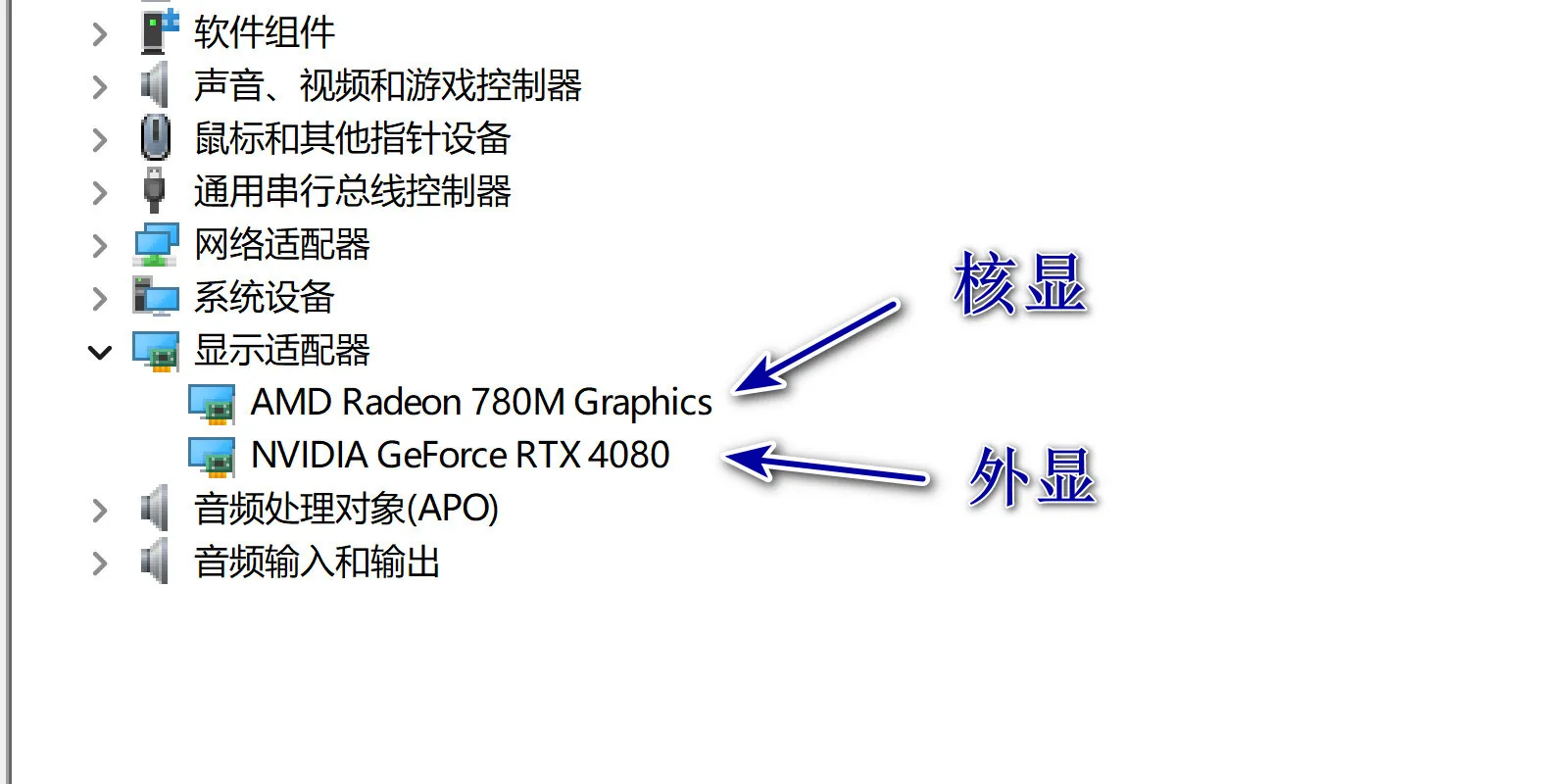
When installing an external graphics card for the first time, the system will automatically install the Thunderbolt software and graphics card driver. Please wait 2 to 5 minutes. After the driver is installed, the system may restart according to the driver's prompts.
After restarting, the system will automatically turn off the independent graphics
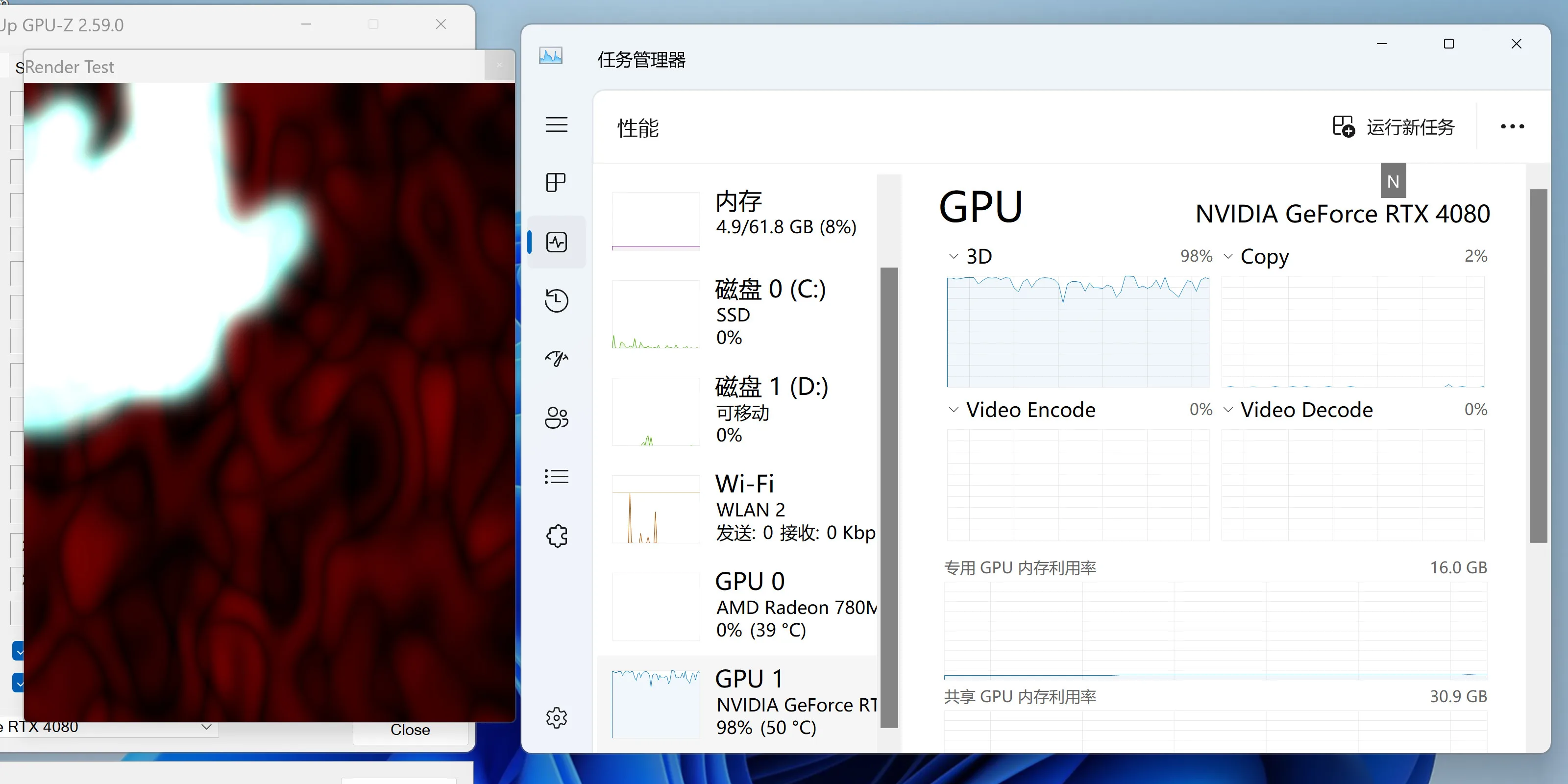
Open and run the 3D software, and you can see the load information of the GPU1 external graphics card in the task manager.
Open and run the GPU-Z software, click "?", you can see the external graphics card information and the bandwidth used is @x4 4.0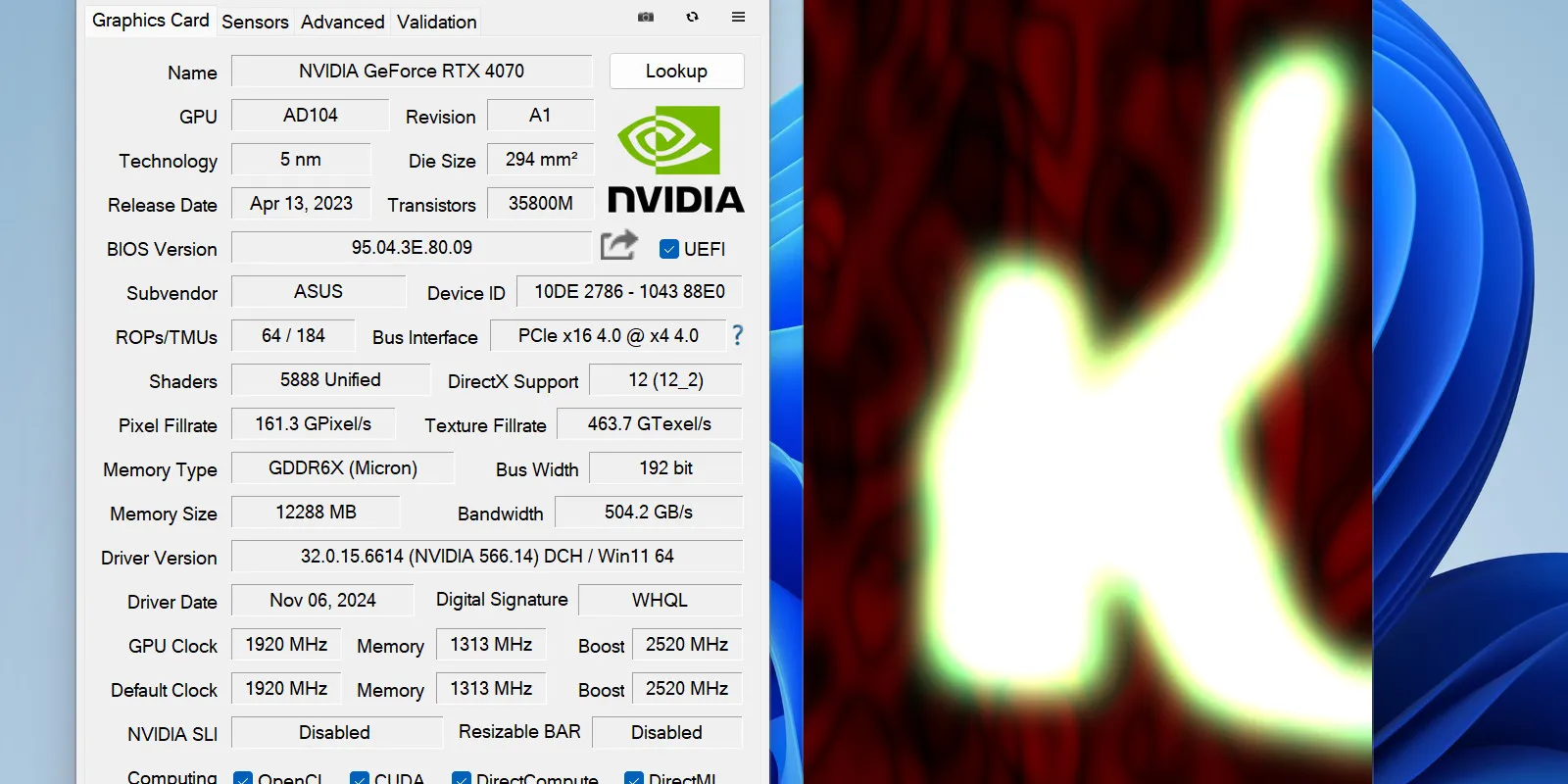
3DMARK The running test results: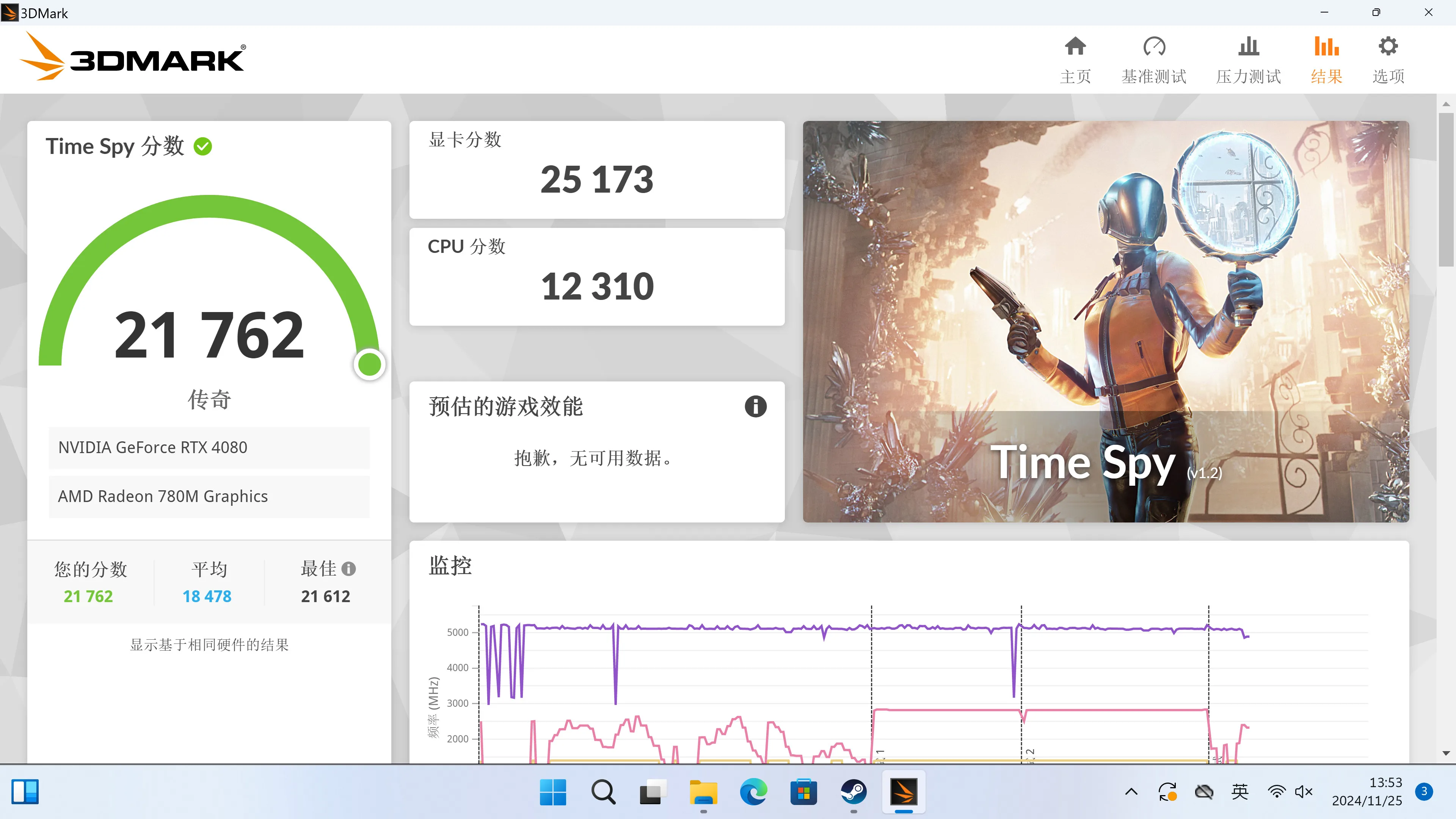
This product supports hot swapping, but if you need to remove the graphics card, please follow the safety prompts of the graphics card software. You must close 3D software and games before plugging or unplugging.
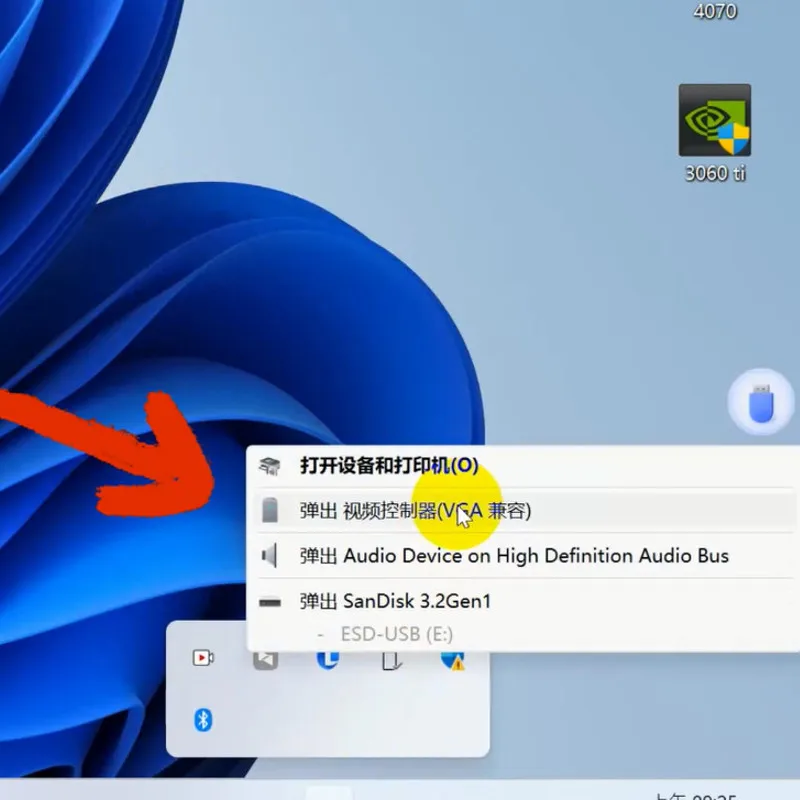
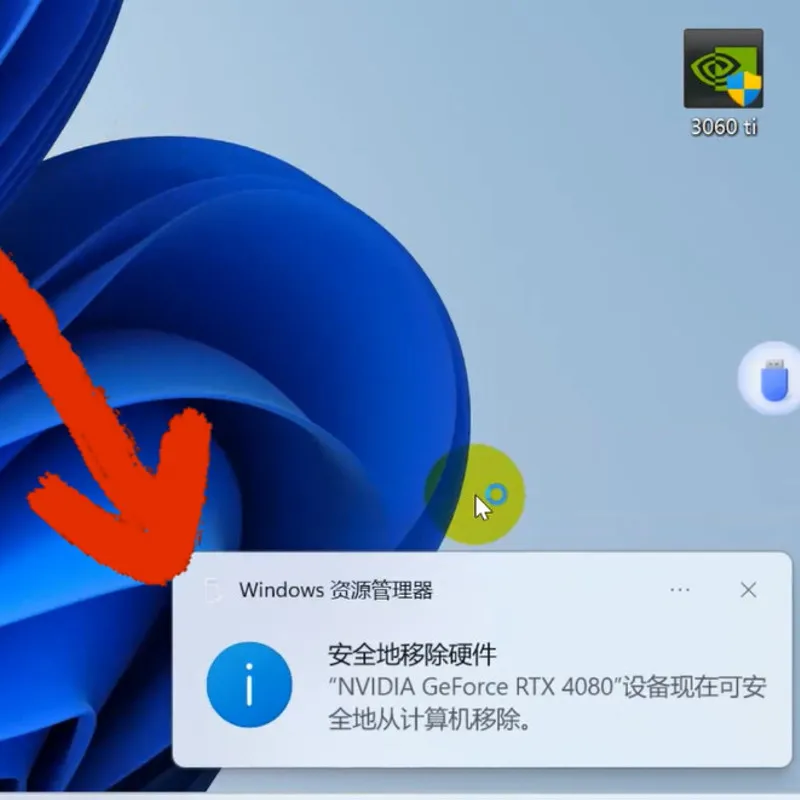
Turn the POWER BUTTON to OFF, all the indicators are off, and the device can be safely removed.
Download:
To open 3D PDF files. Please usesoftware.
FTP: Los Angeles
3D Step & 3D PDF files download
ADT_UT3G_ASM246xMPTool download
FTP: Hong Kong3D Step & 3D PDF files download
ADT_UT3G_ASM246xMPTool download