
En Stock
2733892 €
Con la garantía de 
Color
25 unidades vendidas
Última actualización: 2026-01-29T23:52:30.031Z
Descripción
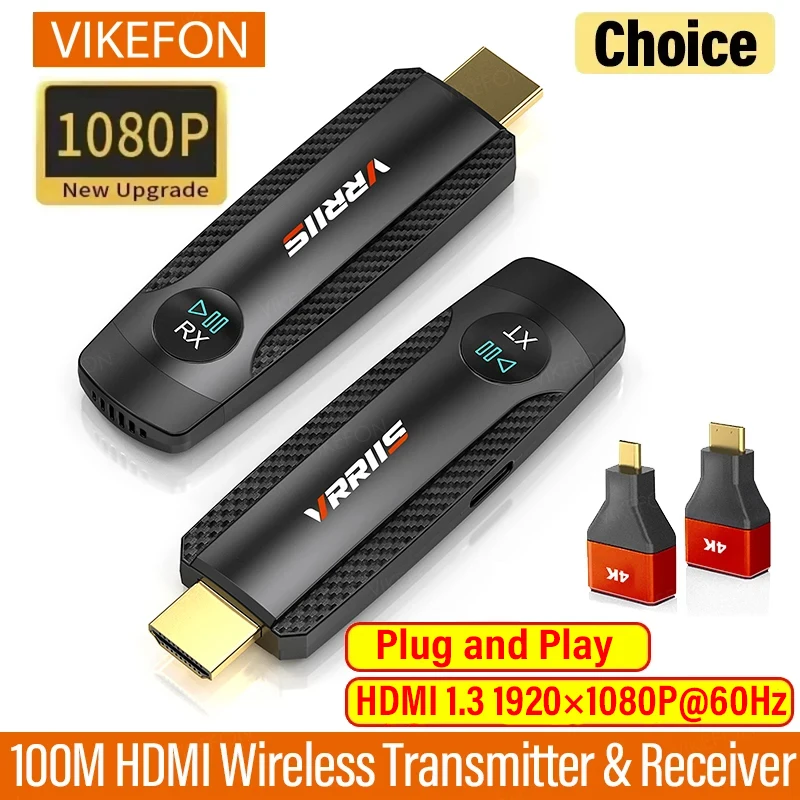
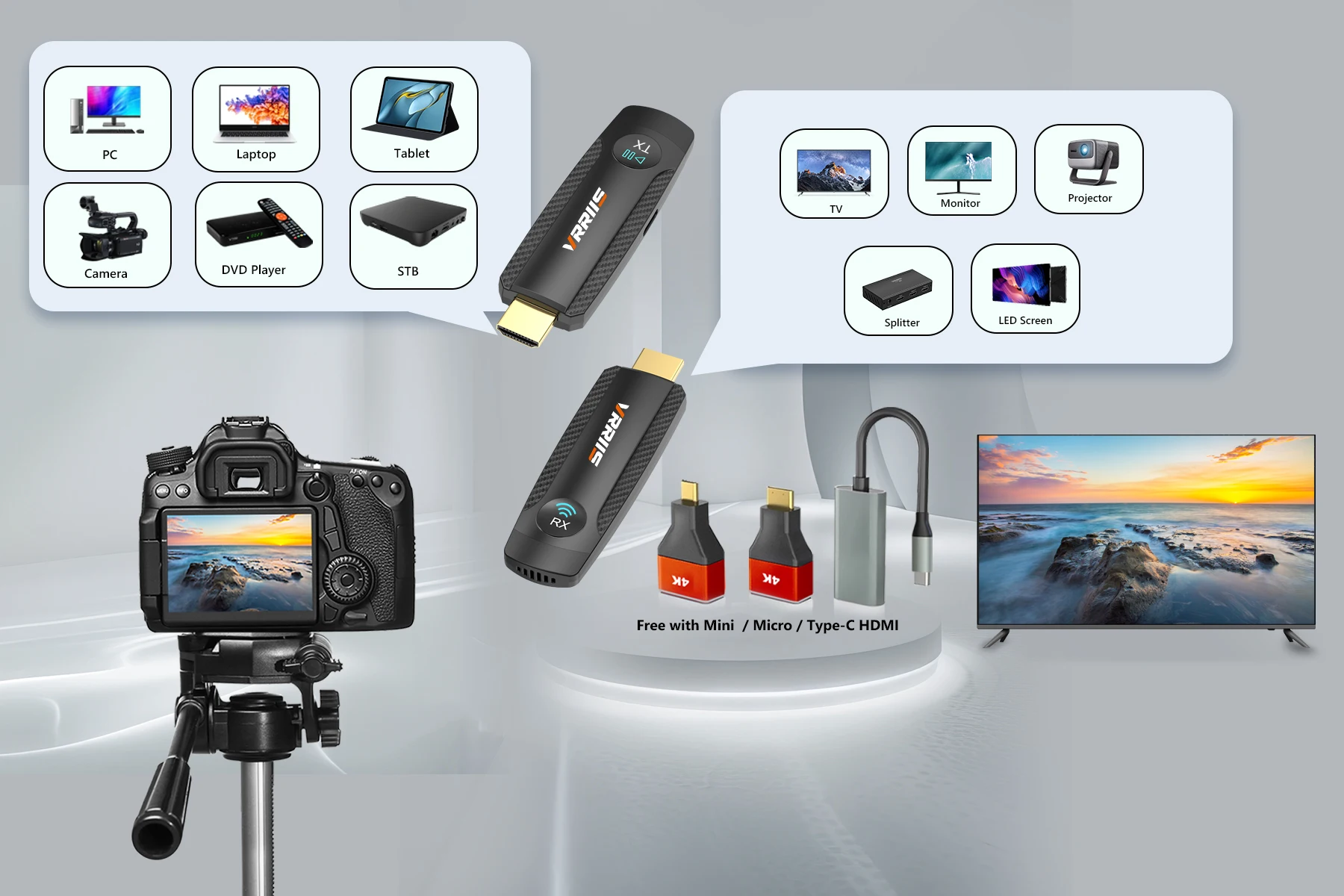
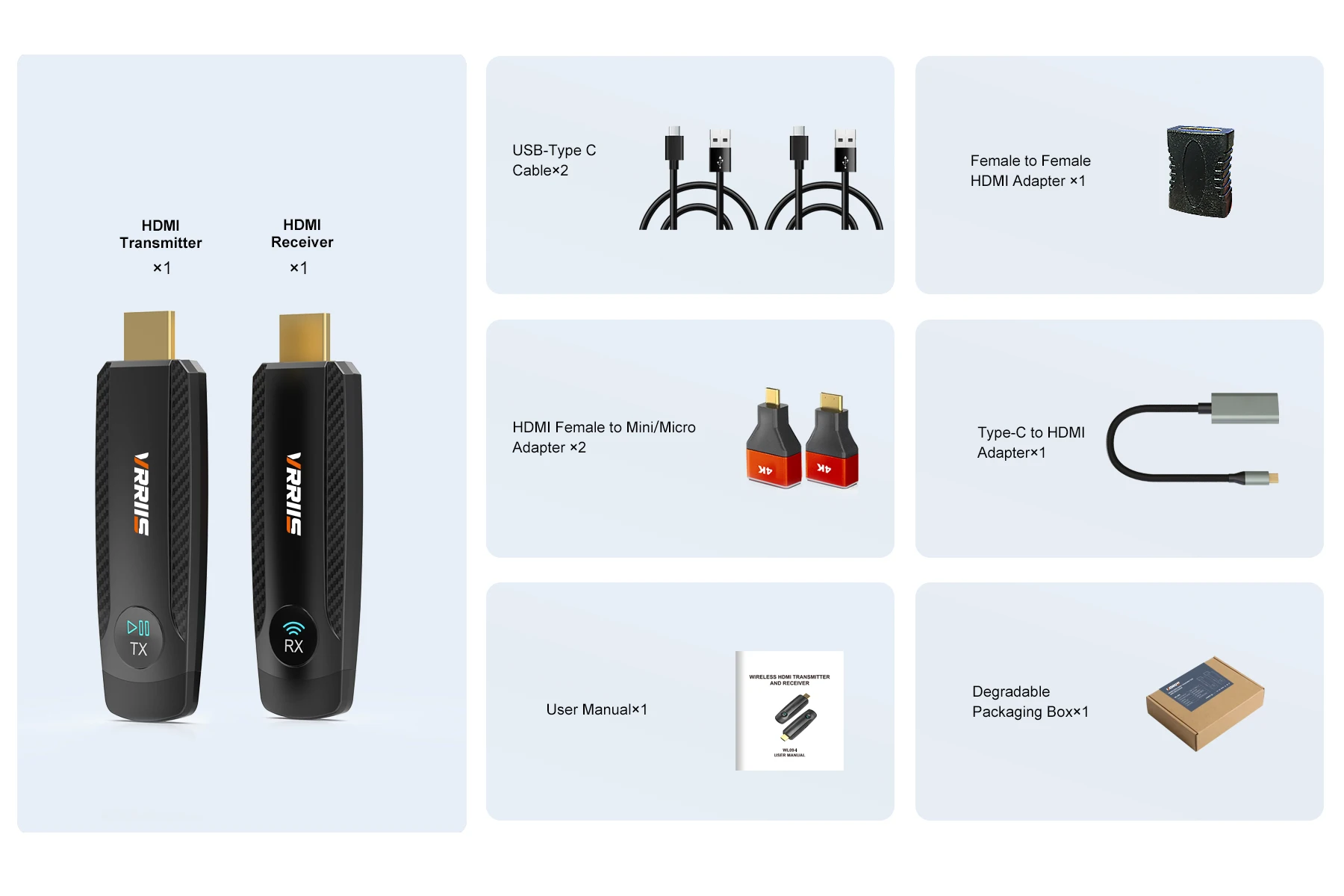
Transmitter (TX)
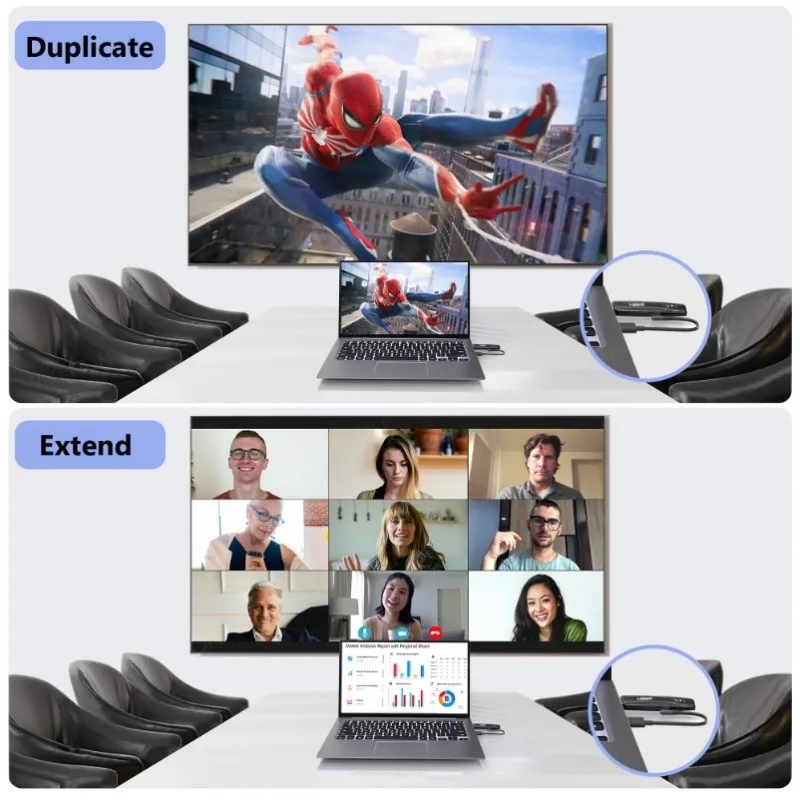
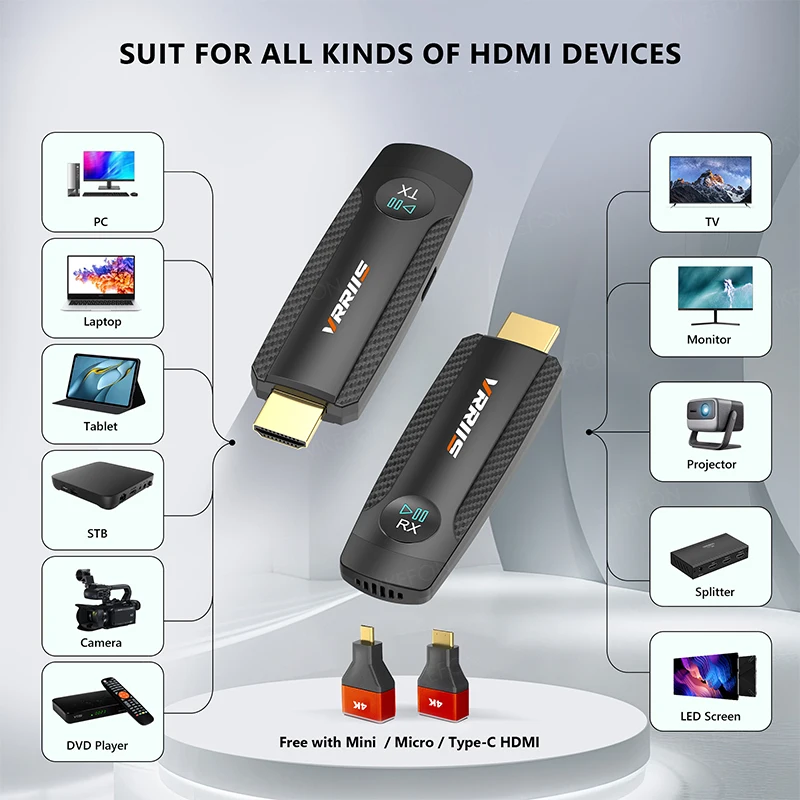
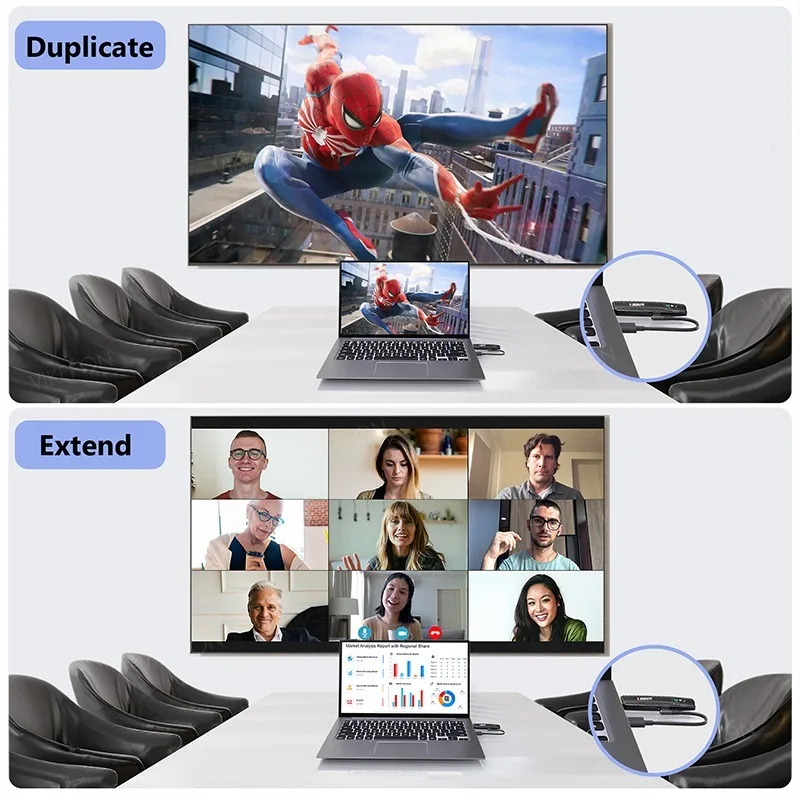
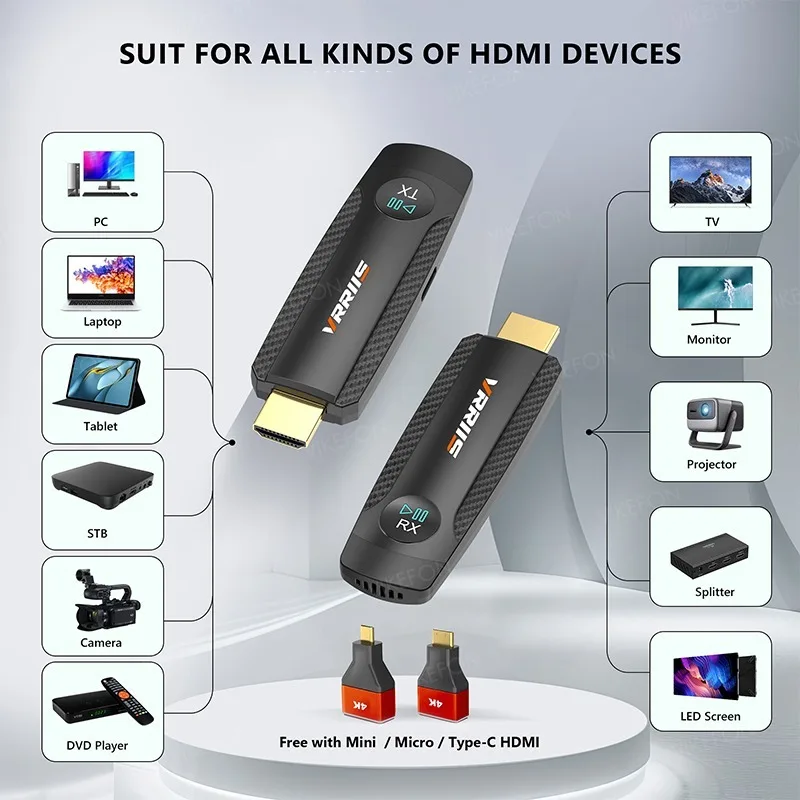
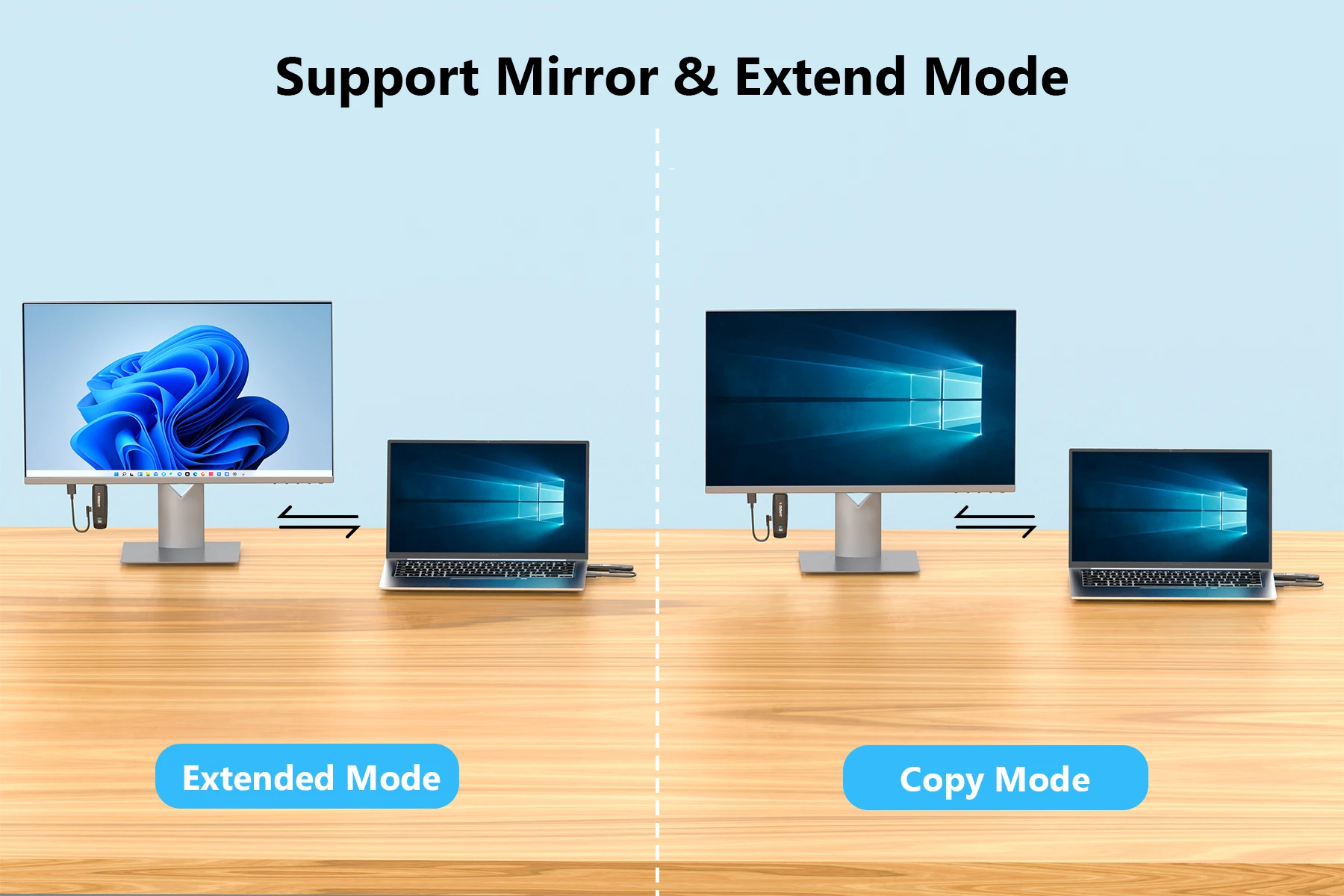
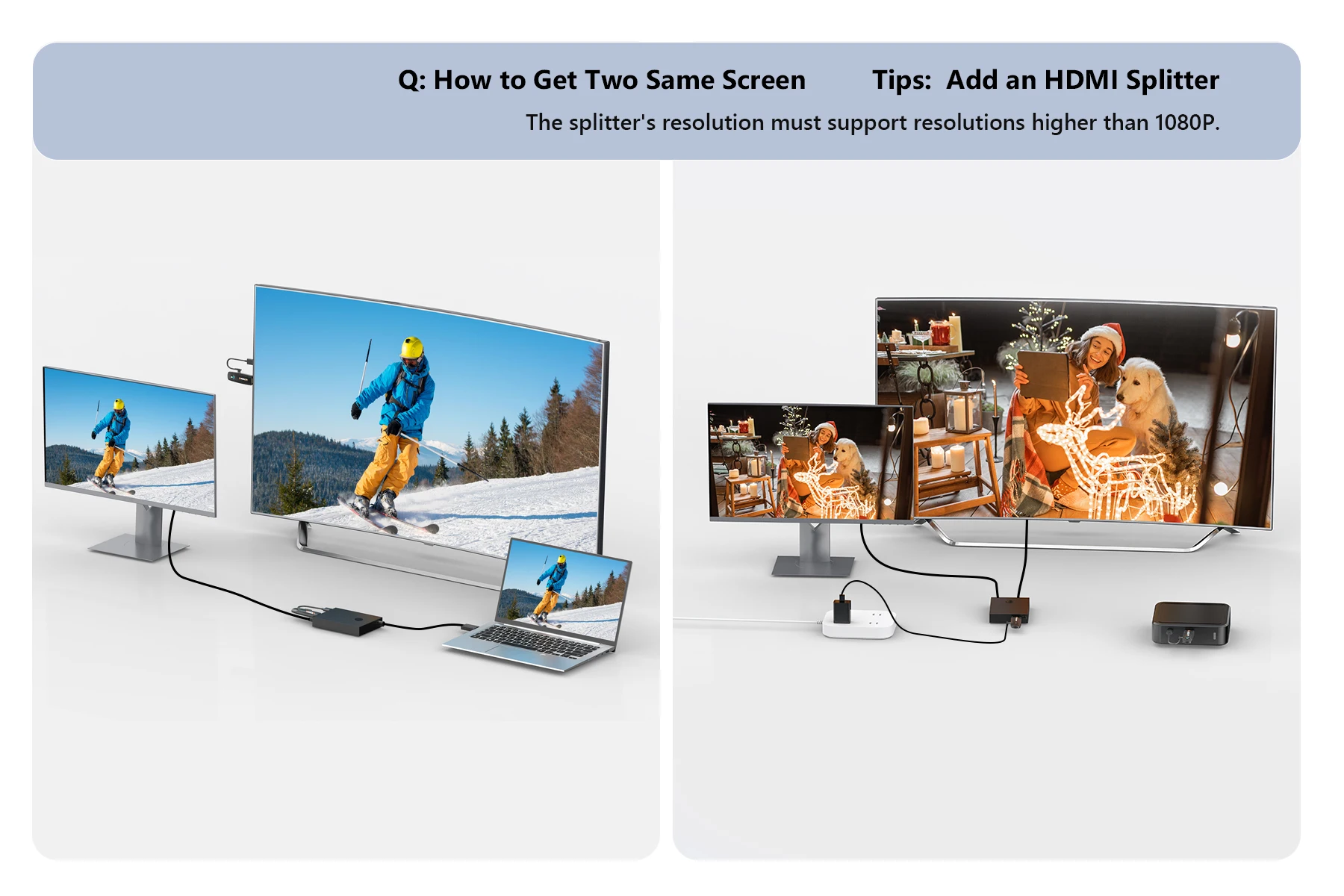
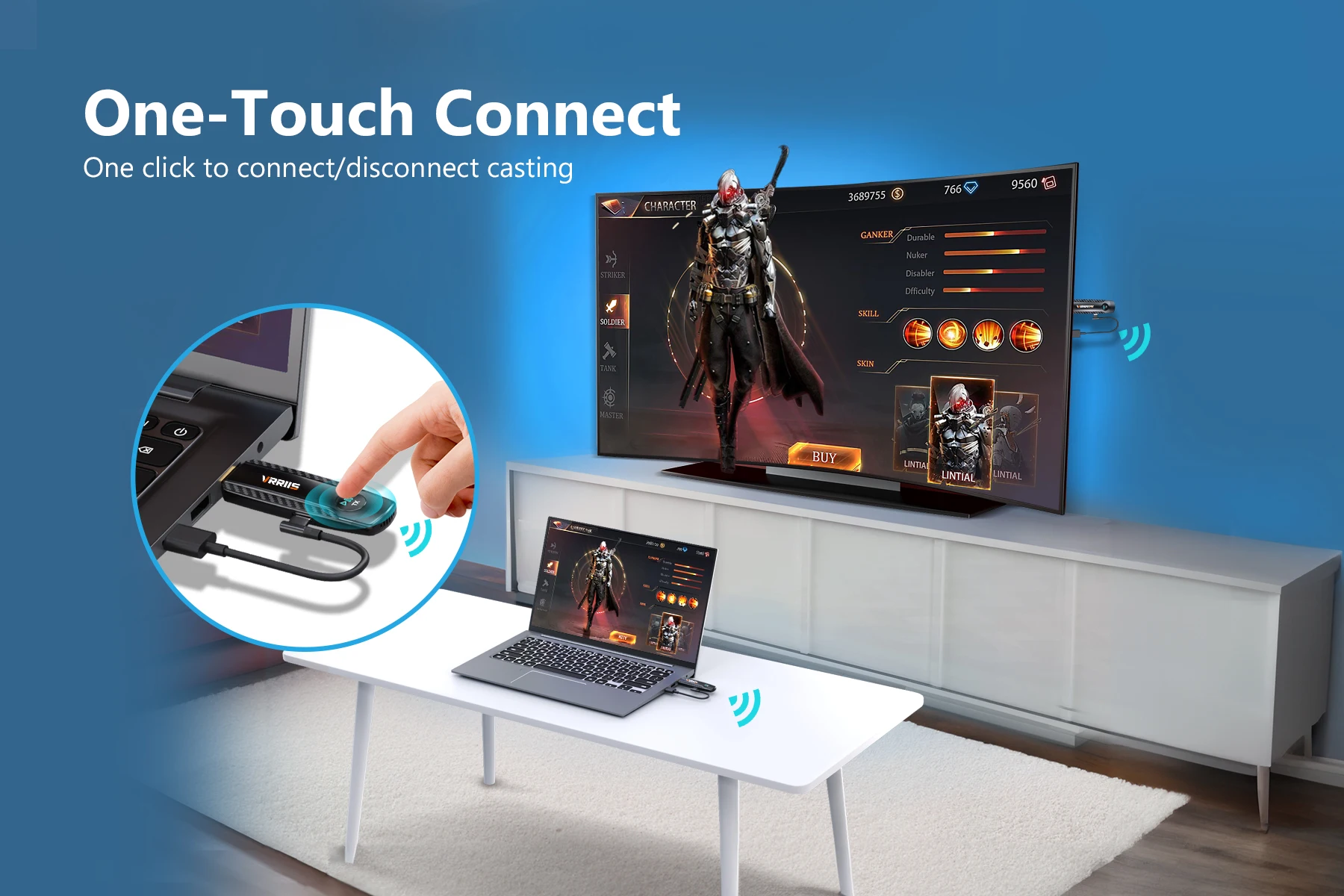
Connect a computer or other device with HDMI video output function to easily mirror the display content of the screen, suitable for watching videos, playing games, and sharing screen content.
Receiver (RX)
Connect to an HDTV or screen to display the content you transmit from the transmitter。
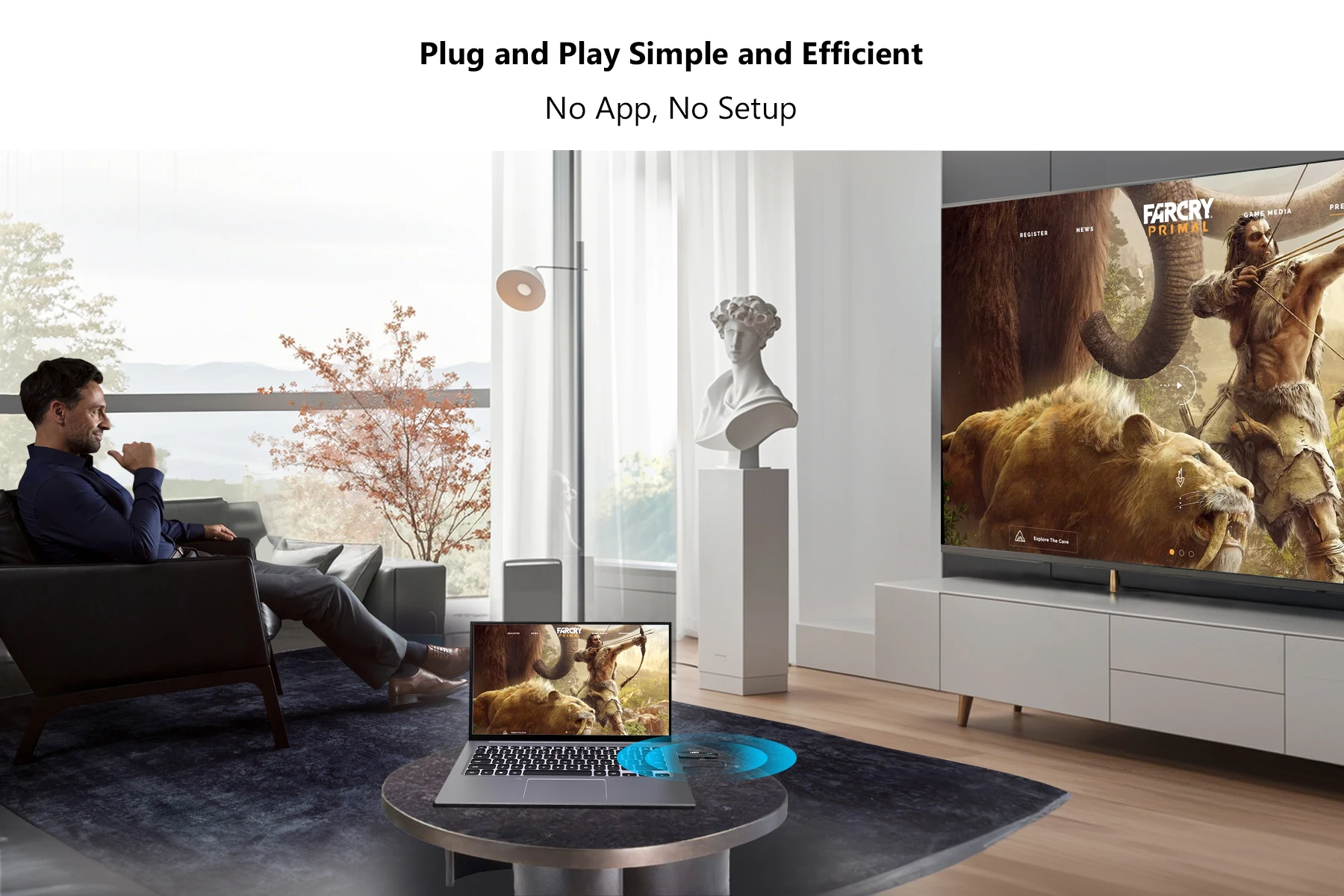
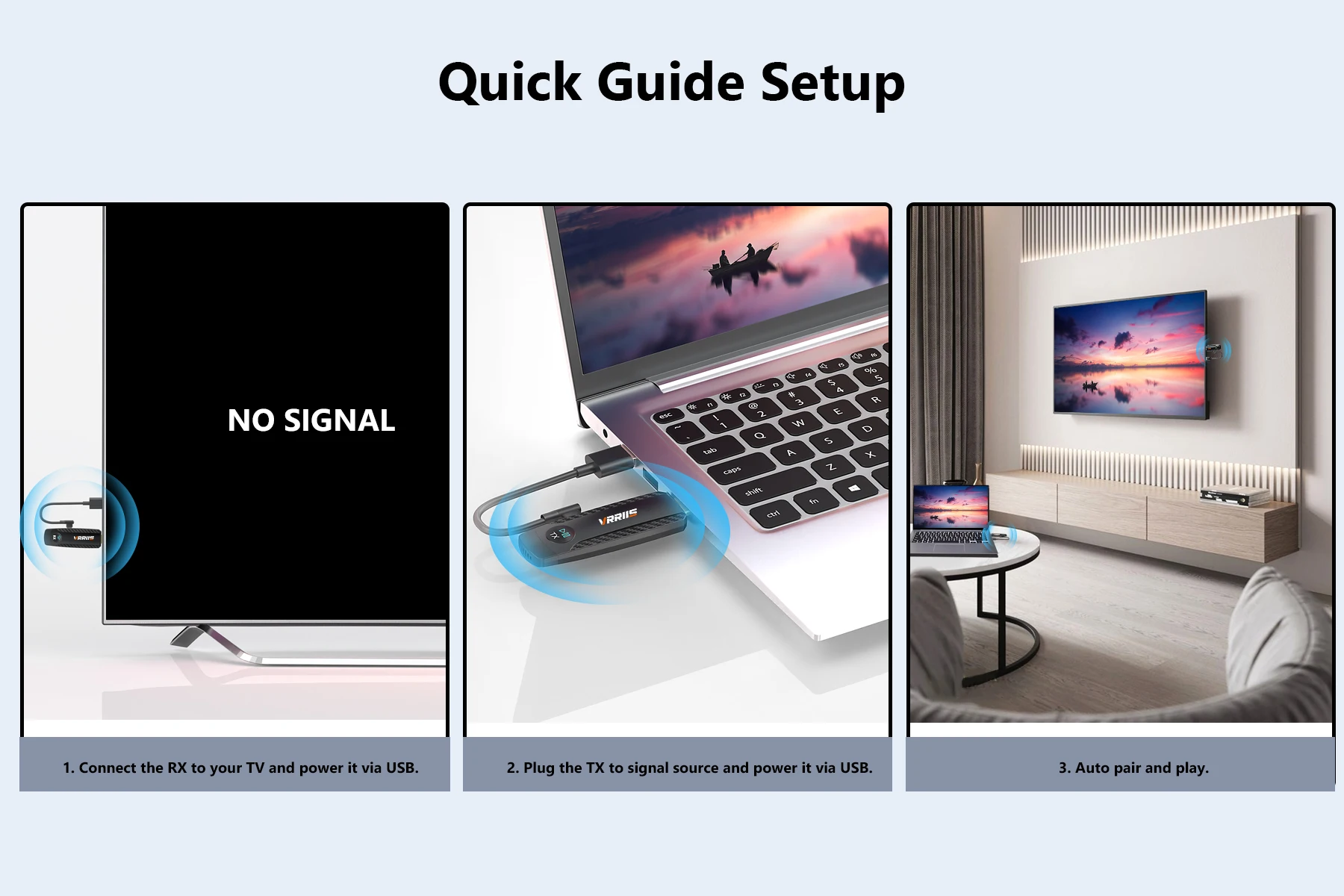
How to cast screen - plug and play
1. Connect the receiver RX
After supplying the receiver with an independent power source (5V/1A) through a Type C power cord, plug it into a TV or
HDMI input port for display devices such as monitors.
2. Connect the transmitter TX to the computer to start screen mirroring
Connect the receiver to a computer or
Other HDMI devices with video output function will start automatic screen mirroring when the indicator light flashes.
3. Pause/Resume Screen Projection
Click the function button on the transmitter.
Operation guide
1. Automatic device pairing, plug and play
2. The TX and RX must be powered on during use.
3. TX Click button: Pause/Resume screen mirroring.
Pairing Guide
be careful!
This product has been paired before leaving the factory and is plug and play. If there is a situation where it cannot be connected, please follow the steps below to pair it
1. Connect TX and RX through an HDMI converter
2. Connect TX and RX to the power supply, and the indicator light will be on;
3. Observe the status of the indicator lights: If the TX and RX indicator lights flash simultaneously, pairing is successful:
4. After pairing is complete, disconnect the power and reconnect for use.
Common problem solutions
No signal: Check if the HDMI port is securely plugged in, restart the device, and if the above issues are not resolved, re pair.
Screen delay: Ensure unobstructed communication between the transmitter and receiver to reduce interference sources (such as microwave ovens, WiFi routers)
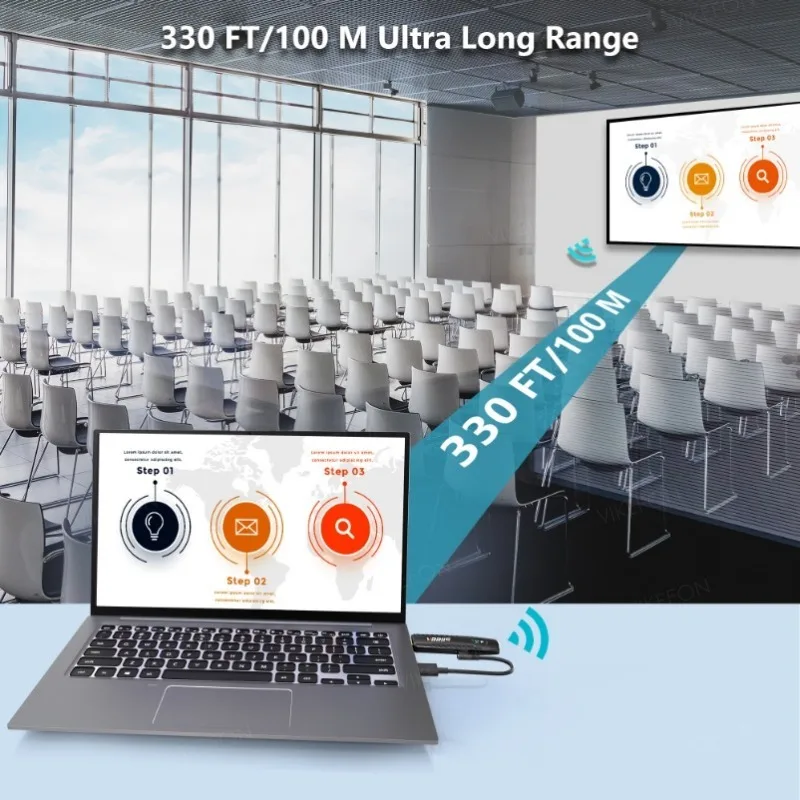
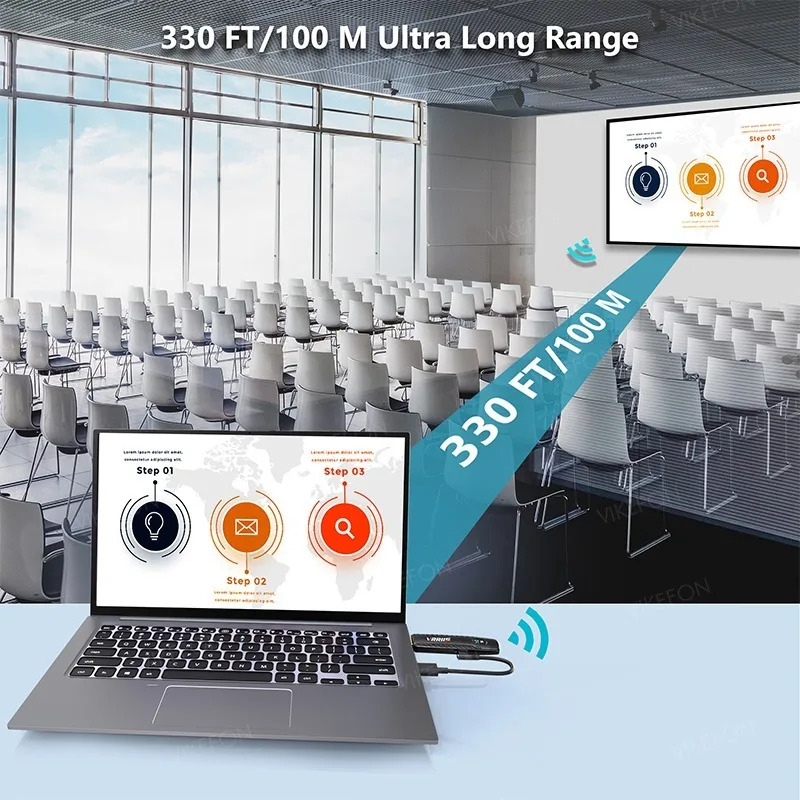
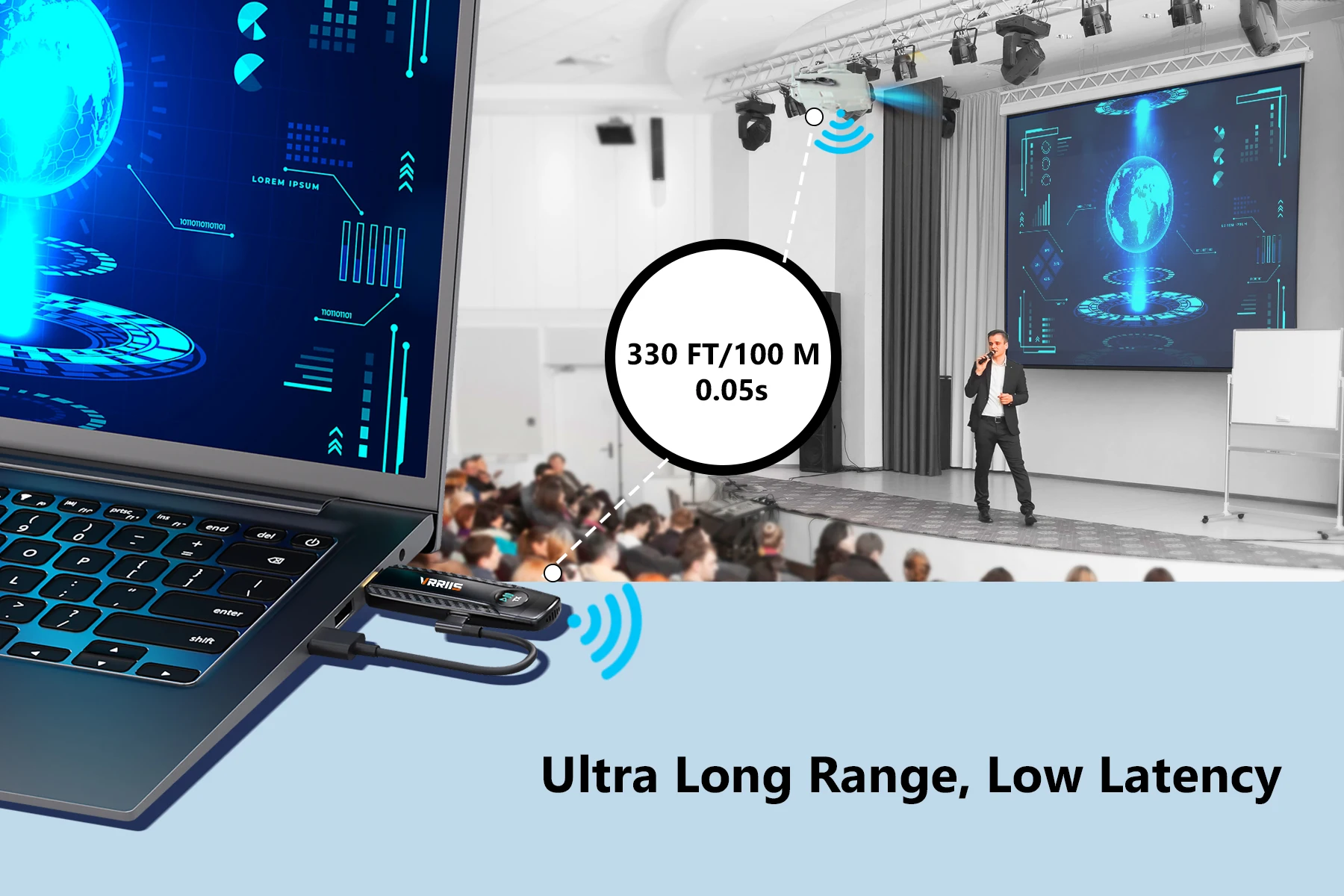
Short transmission distance: Avoid obstacles and confirm that the device is within a 100 meter effective range,
Automatic pairing failed: power off first, then perform manual pairing, and adjust the output resolution to the display device in the signal source device
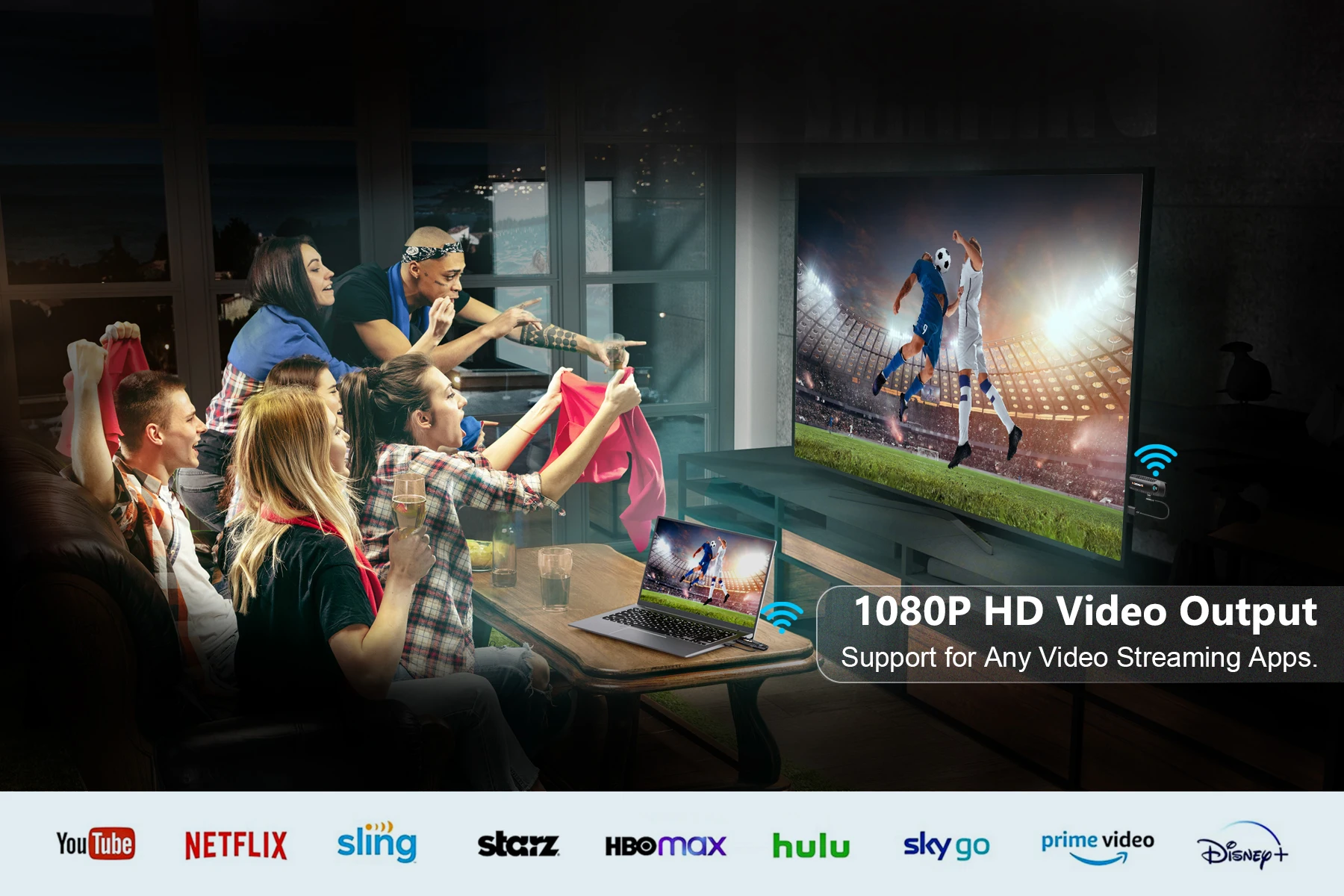
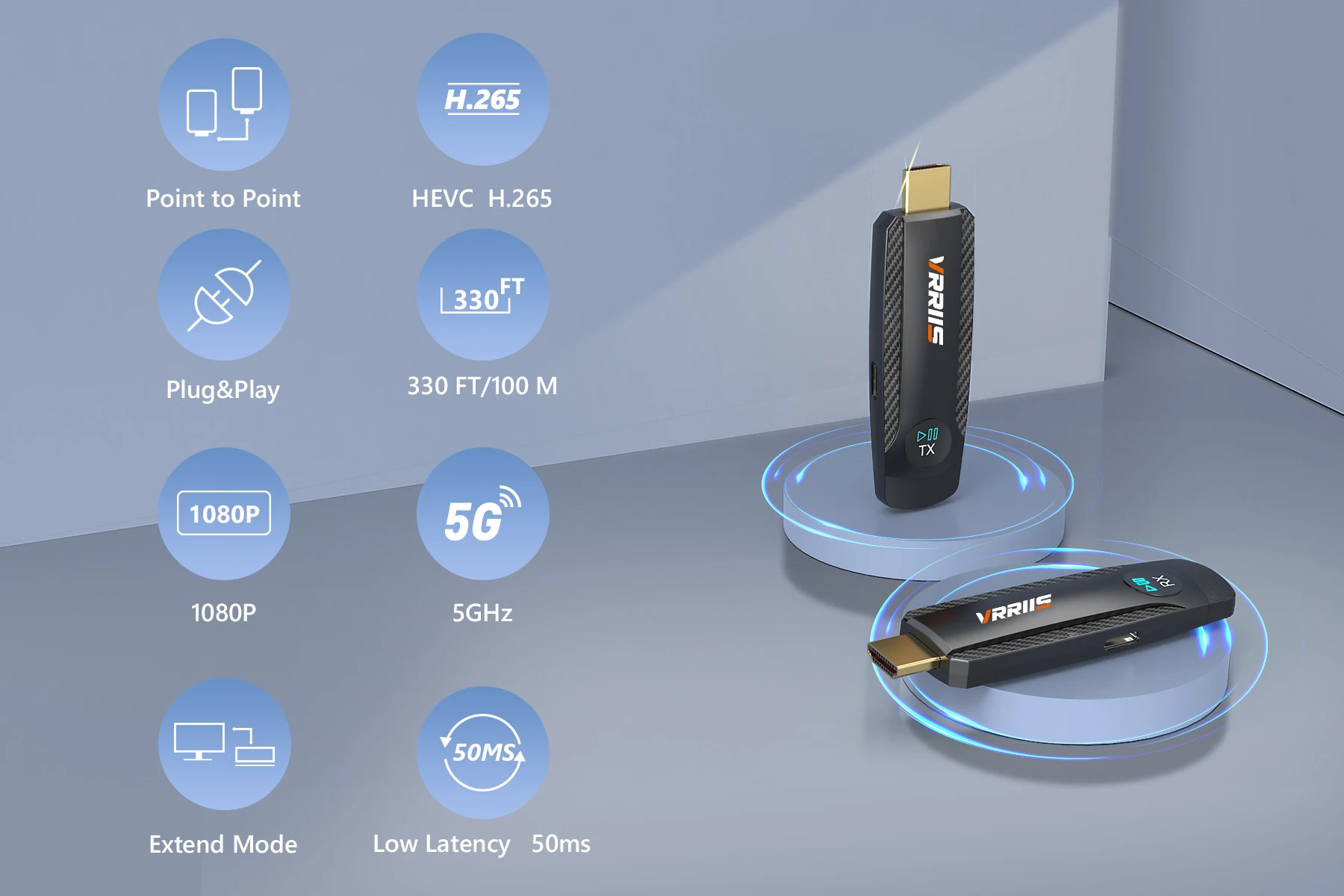
Display resolution mismatch: support range 1080P@60Hz Or below.
Parameter
model: WLO94
Support agreement: HDMI 1.3
Transmission content: audio and video
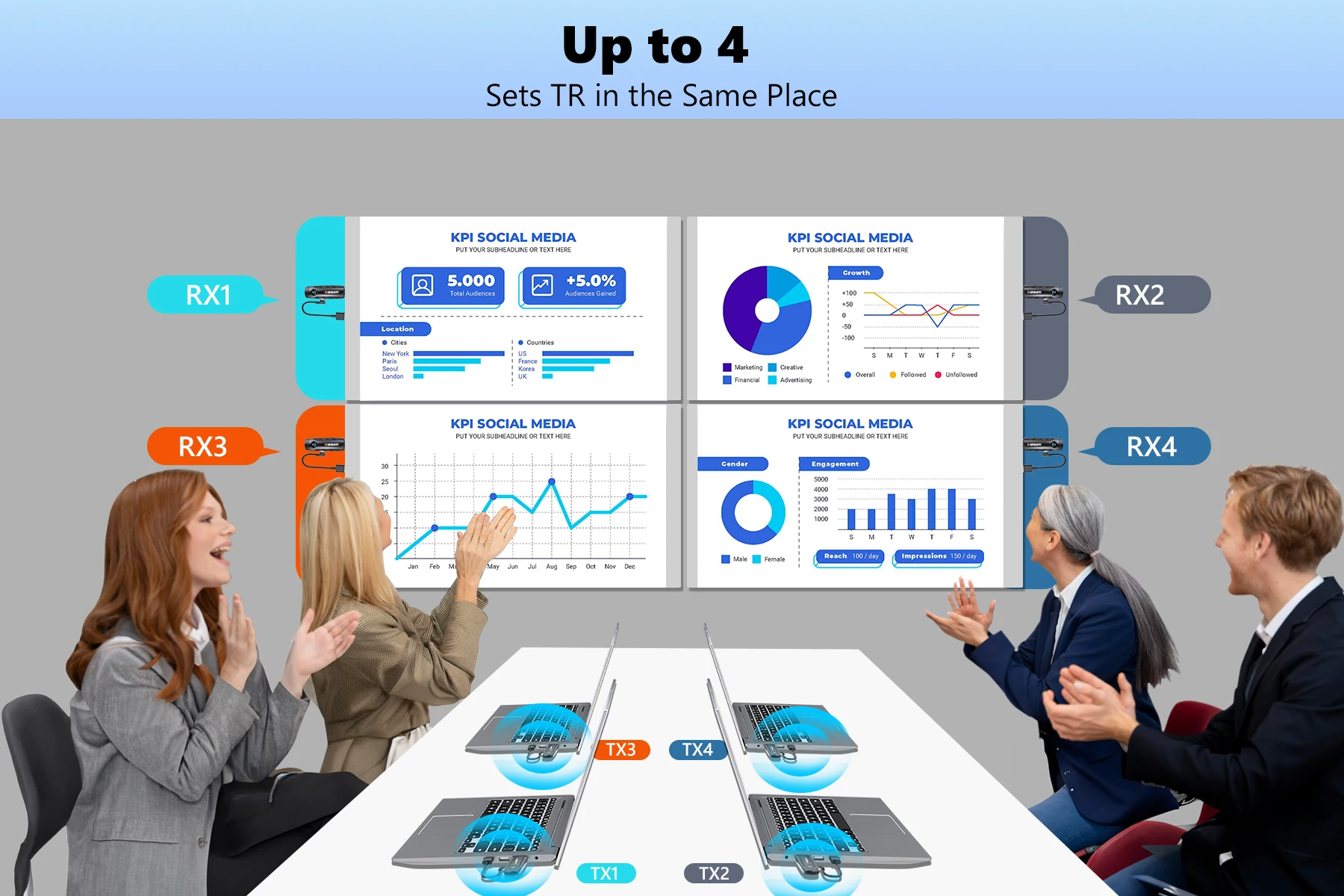
Transmission mode: 1TX to 1RX
Delay: 0.05s
HDMIIN: 1920x1080P@60Hz
HDMI OUT: 1920x1080P@60Hz
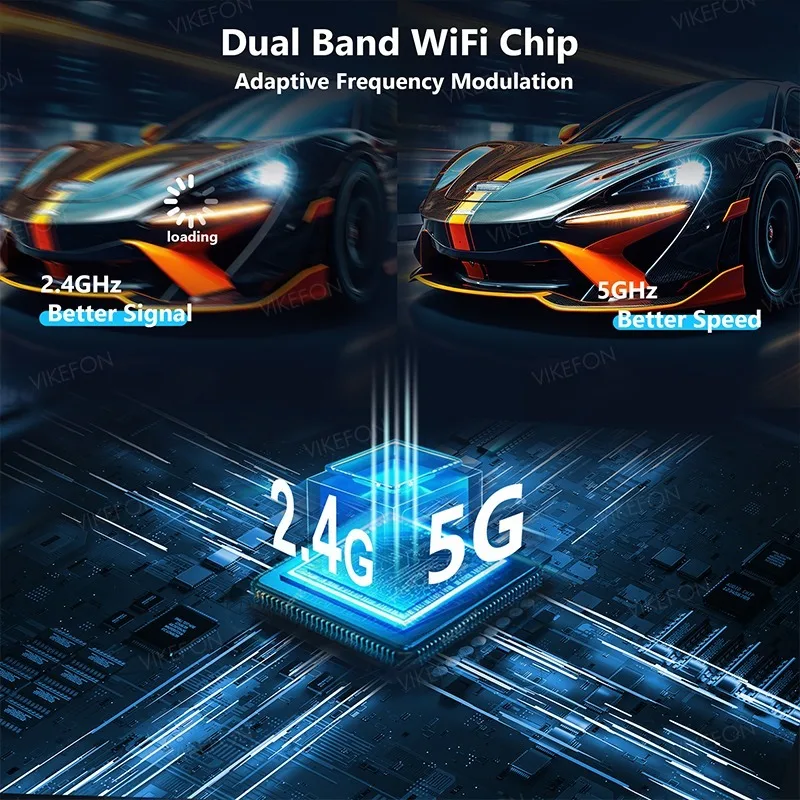
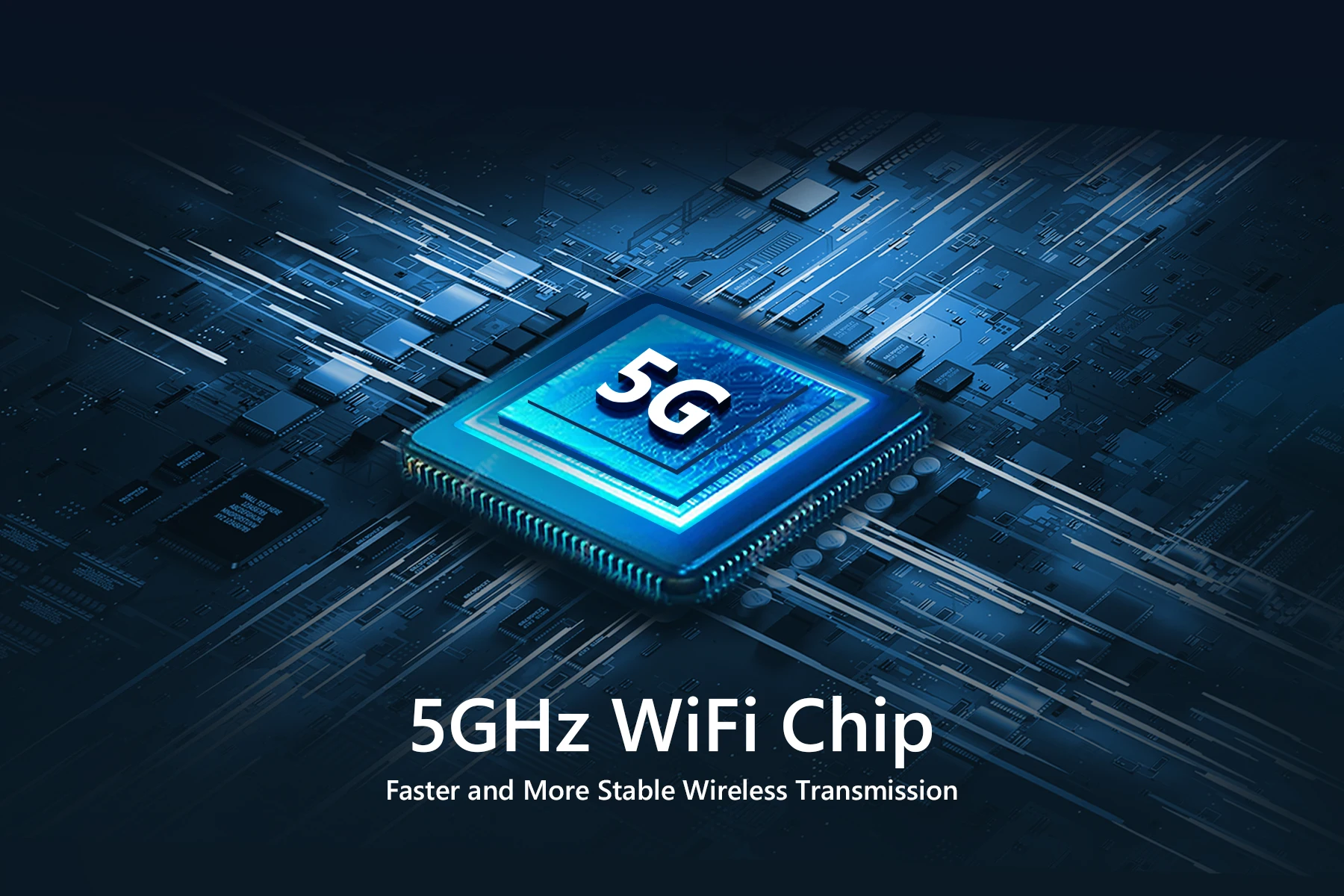
Channel: 5G12.4GHz
Maximum distance: 100 meters
Wireless standard: 802.11a/b/g/n/ac
Applicable ambient temperature:- 20℃ ~50C
Connect a computer or other device with HDMI video output function to easily mirror the display content of the screen, suitable for watching videos, playing games, and sharing screen content.
Receiver (RX)
Connect to an HDTV or screen to display the content you transmit from the transmitter。
How to cast screen - plug and play
1. Connect the receiver RX
After supplying the receiver with an independent power source (5V/1A) through a Type C power cord, plug it into a TV or
HDMI input port for display devices such as monitors.
2. Connect the transmitter TX to the computer to start screen mirroring
Connect the receiver to a computer or
Other HDMI devices with video output function will start automatic screen mirroring when the indicator light flashes.
3. Pause/Resume Screen Projection
Click the function button on the transmitter.
Operation guide
1. Automatic device pairing, plug and play
2. The TX and RX must be powered on during use.
3. TX Click button: Pause/Resume screen mirroring.
Pairing Guide
be careful!
This product has been paired before leaving the factory and is plug and play. If there is a situation where it cannot be connected, please follow the steps below to pair it
1. Connect TX and RX through an HDMI converter
2. Connect TX and RX to the power supply, and the indicator light will be on;
3. Observe the status of the indicator lights: If the TX and RX indicator lights flash simultaneously, pairing is successful:
4. After pairing is complete, disconnect the power and reconnect for use.
Common problem solutions
No signal: Check if the HDMI port is securely plugged in, restart the device, and if the above issues are not resolved, re pair.
Screen delay: Ensure unobstructed communication between the transmitter and receiver to reduce interference sources (such as microwave ovens, WiFi routers)
Short transmission distance: Avoid obstacles and confirm that the device is within a 100 meter effective range,
Automatic pairing failed: power off first, then perform manual pairing, and adjust the output resolution to the display device in the signal source device
Display resolution mismatch: support range 1080P@60Hz Or below.
Parameter
model: WLO94
Support agreement: HDMI 1.3
Transmission content: audio and video
Transmission mode: 1TX to 1RX
Delay: 0.05s
HDMIIN: 1920x1080P@60Hz
HDMI OUT: 1920x1080P@60Hz
Channel: 5G12.4GHz
Maximum distance: 100 meters
Wireless standard: 802.11a/b/g/n/ac
Applicable ambient temperature:- 20℃ ~50C


Opiniones de clientes
6 opinionesF
12 de noviembre de 2025
Los adaptadores son una buena característica, pero no incluyeron uno para mi teléfono Android. La razón principal por la que elegí este producto en particular.
Variante: Color:Other
M
17 de octubre de 2025
El conjunto tiene una latencia de imagen bastante alta, alcanzando hasta 0.2 segundos y no 0.05 segundos como se indica en la descripción.
Variante: Color:Other
Z
3 de septiembre de 2025
El dispositivo se inició sin problemas, la conectividad está bien.
Variante: Color:Other
L
2 de septiembre de 2025
Todo está bien, funciona de maravilla, vendedor recomendado, fue un placer hacer negocios con él, gracias.
Variante: Color:Other Ships From:CHINA
A
19 de octubre de 2025
Variante: Color:Other
R
26 de septiembre de 2025
Variante: Color:Other Ships From:CHINA