
Color
Descripción
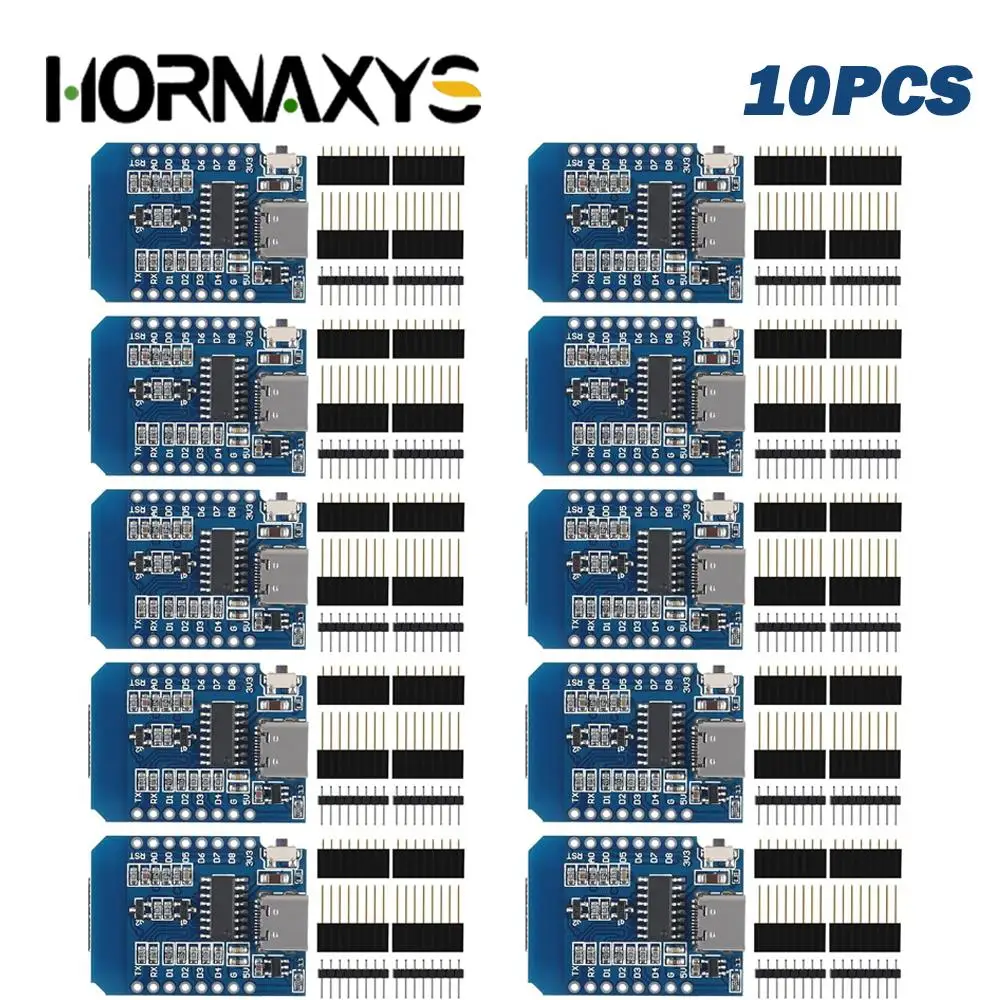
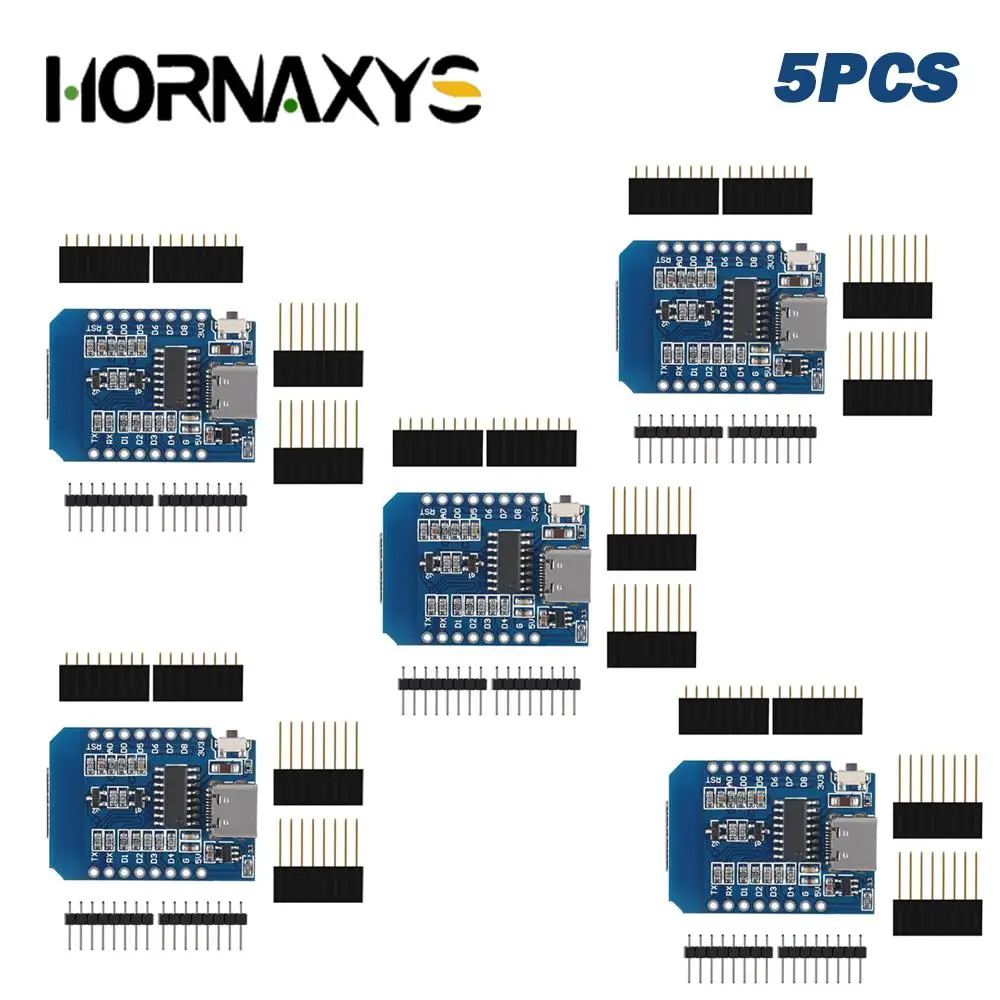
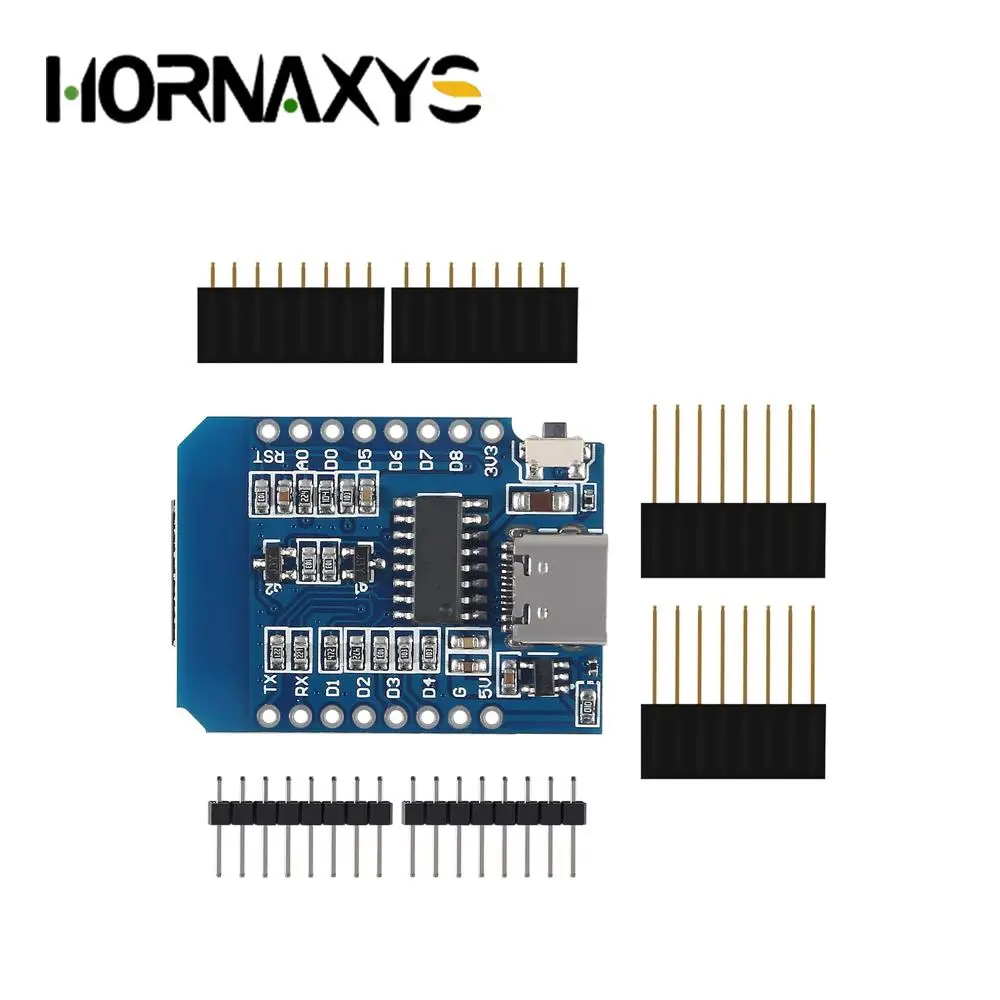
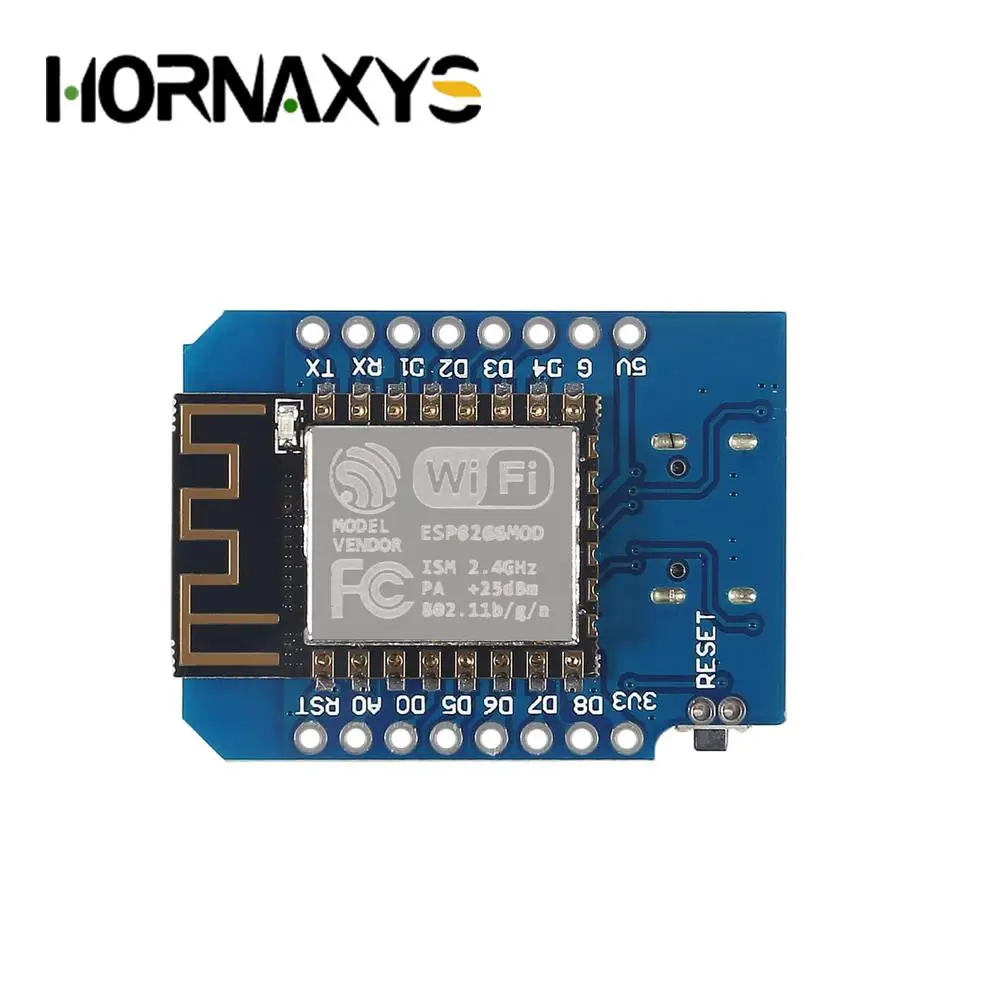
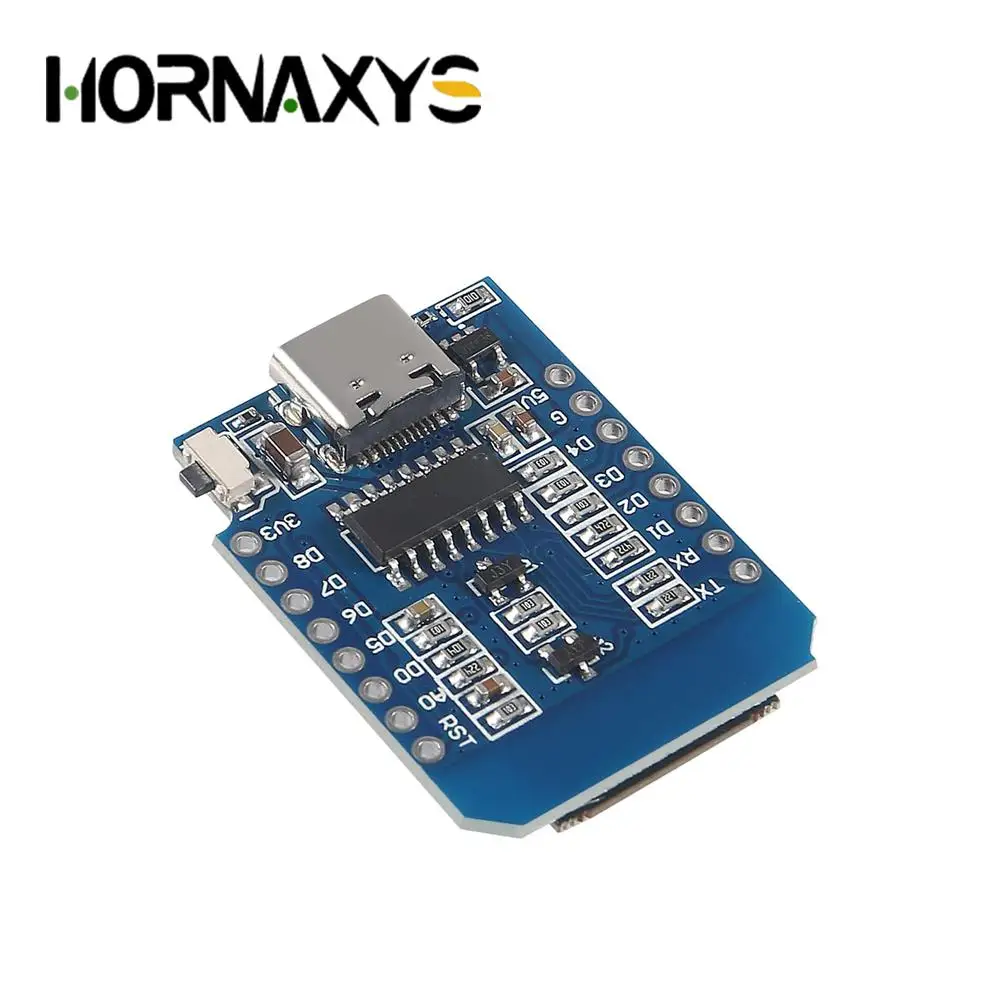
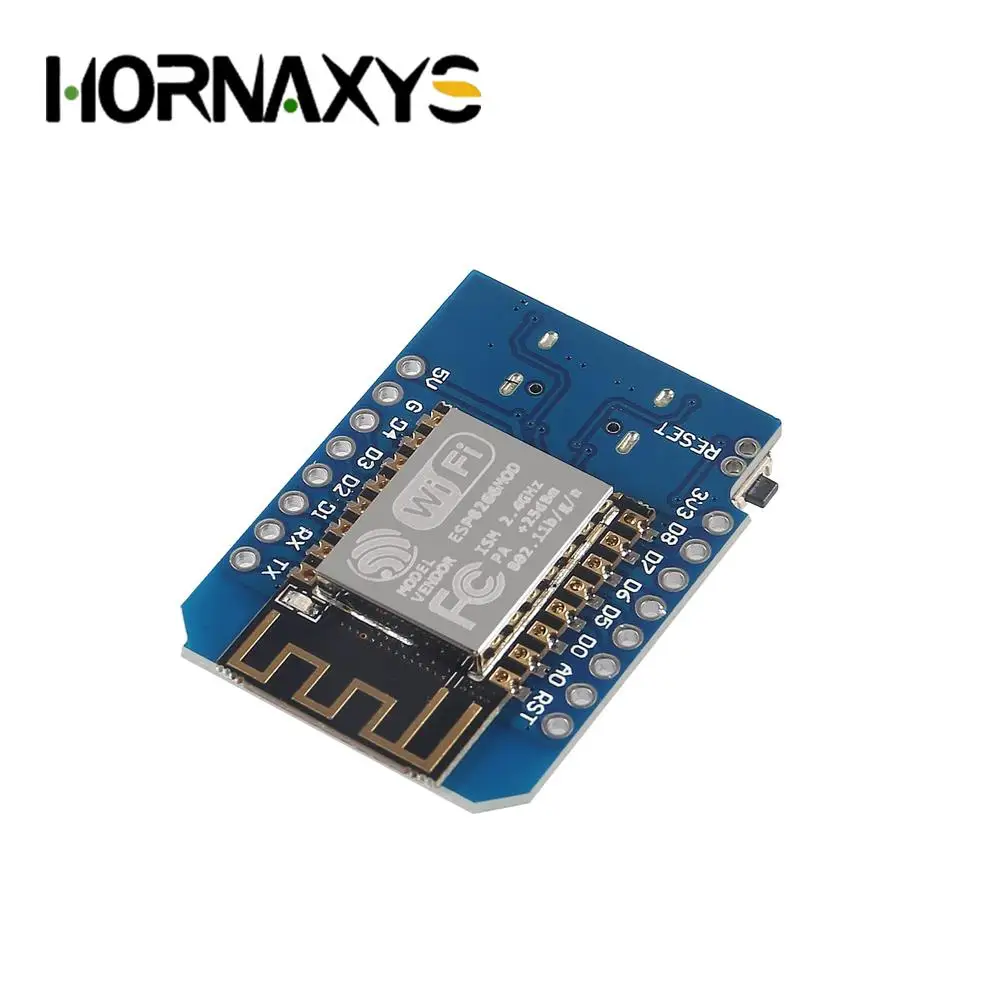
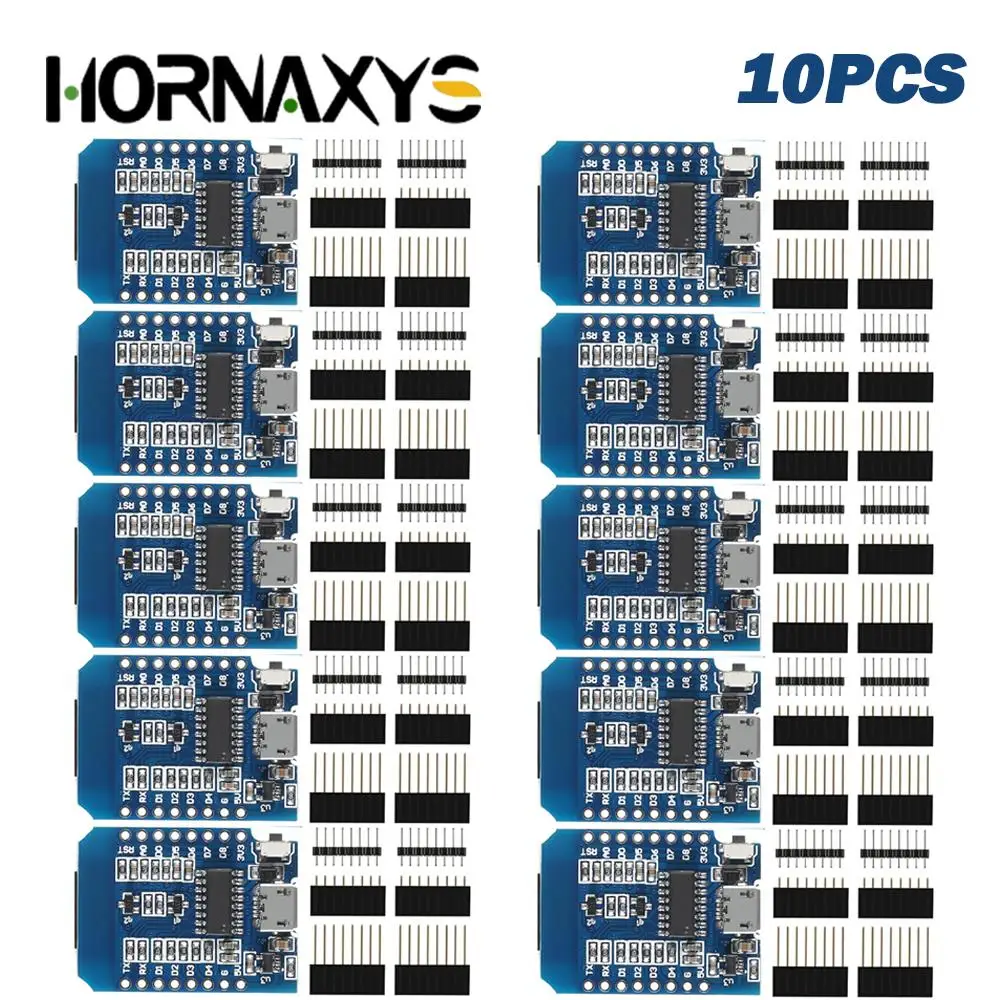
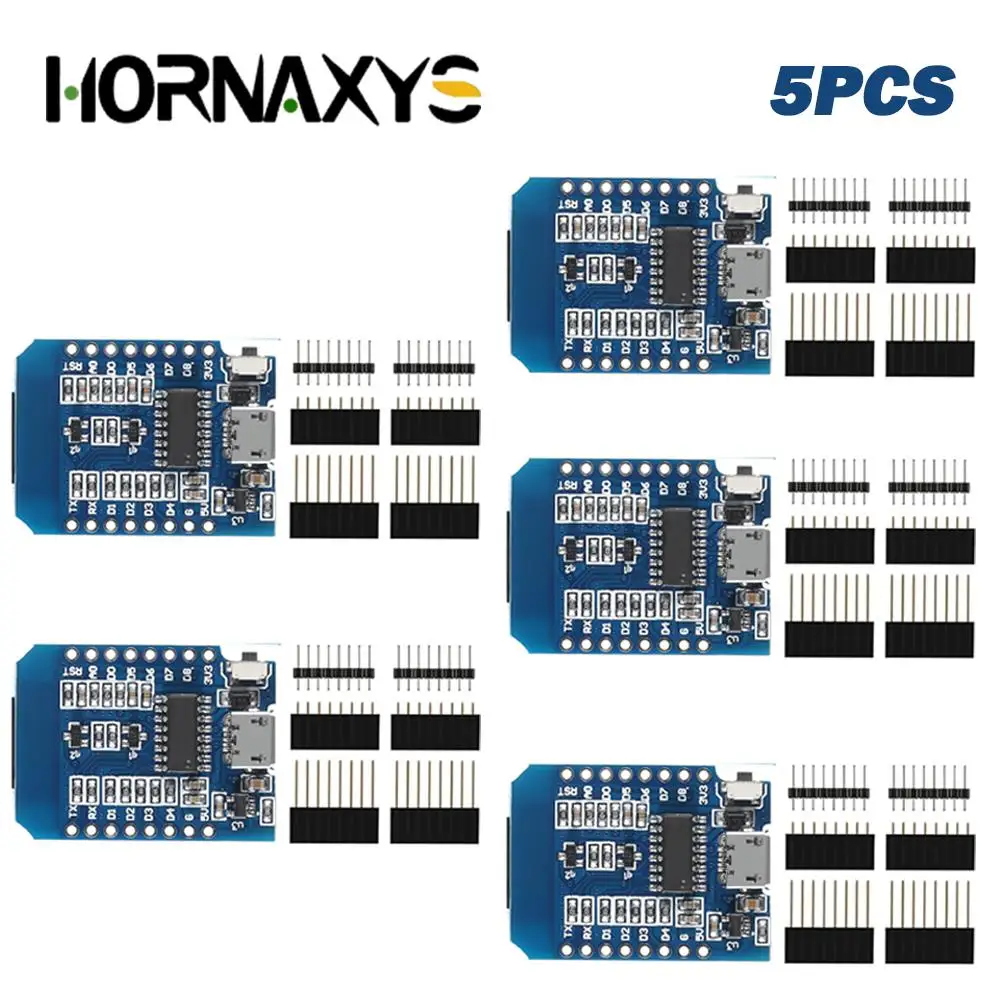
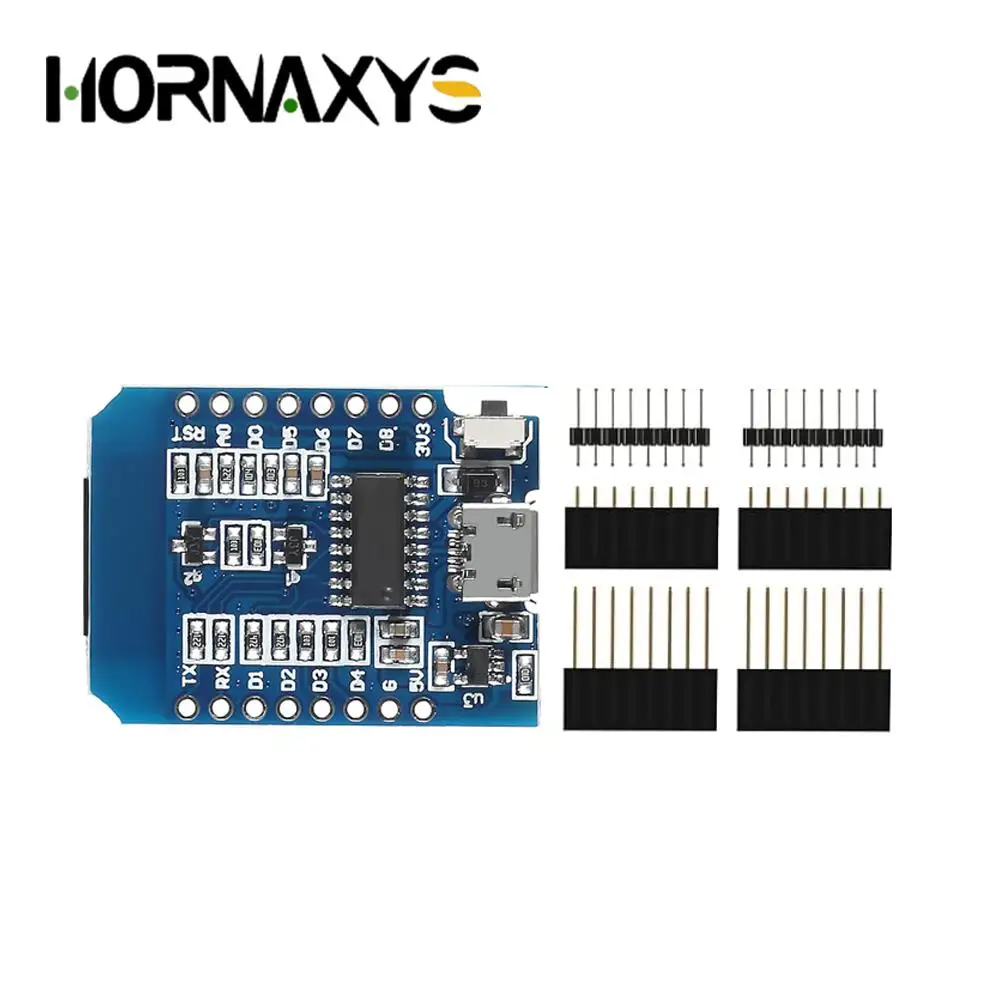
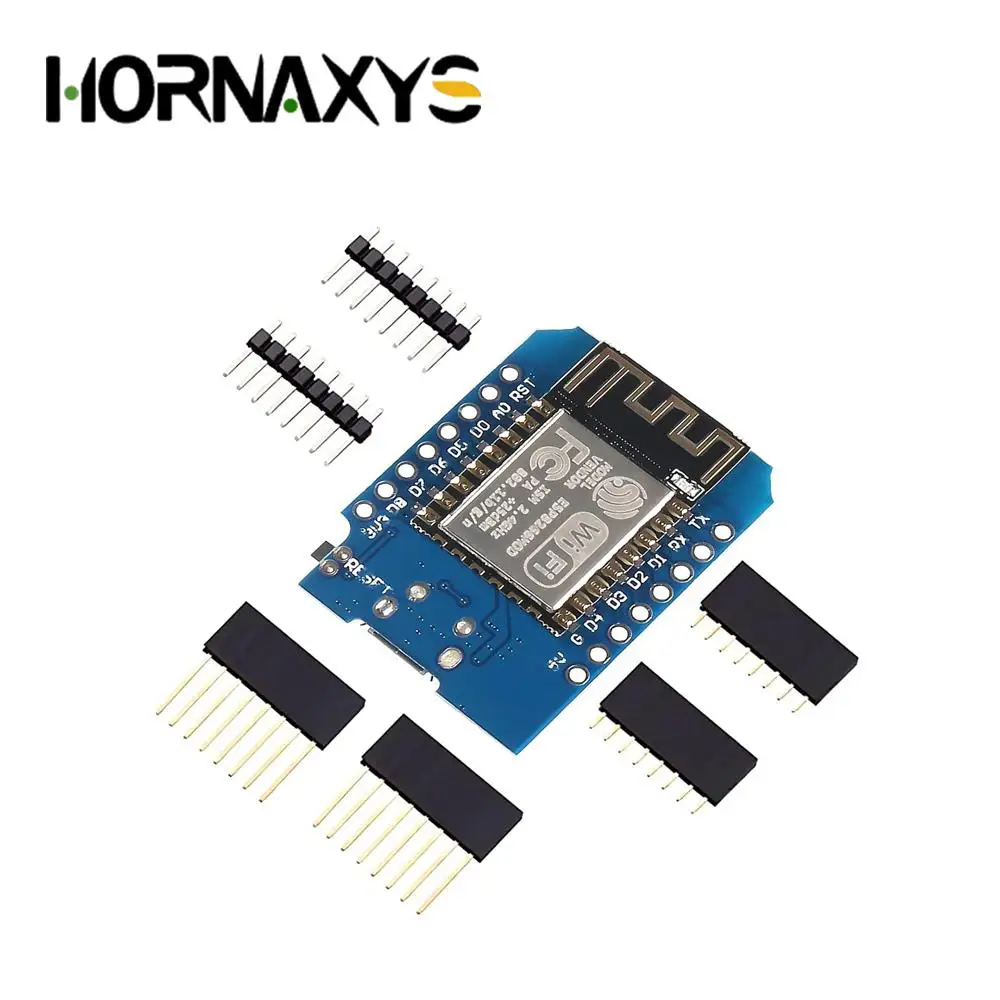
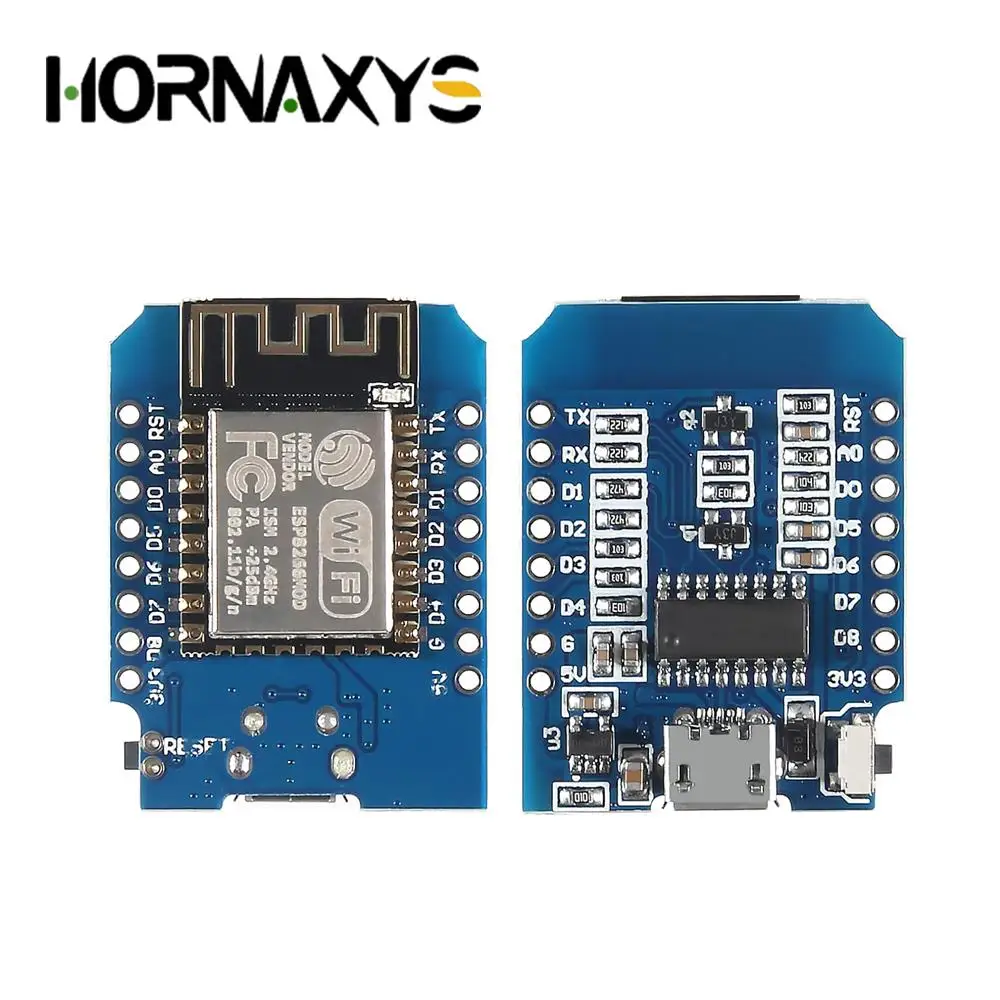
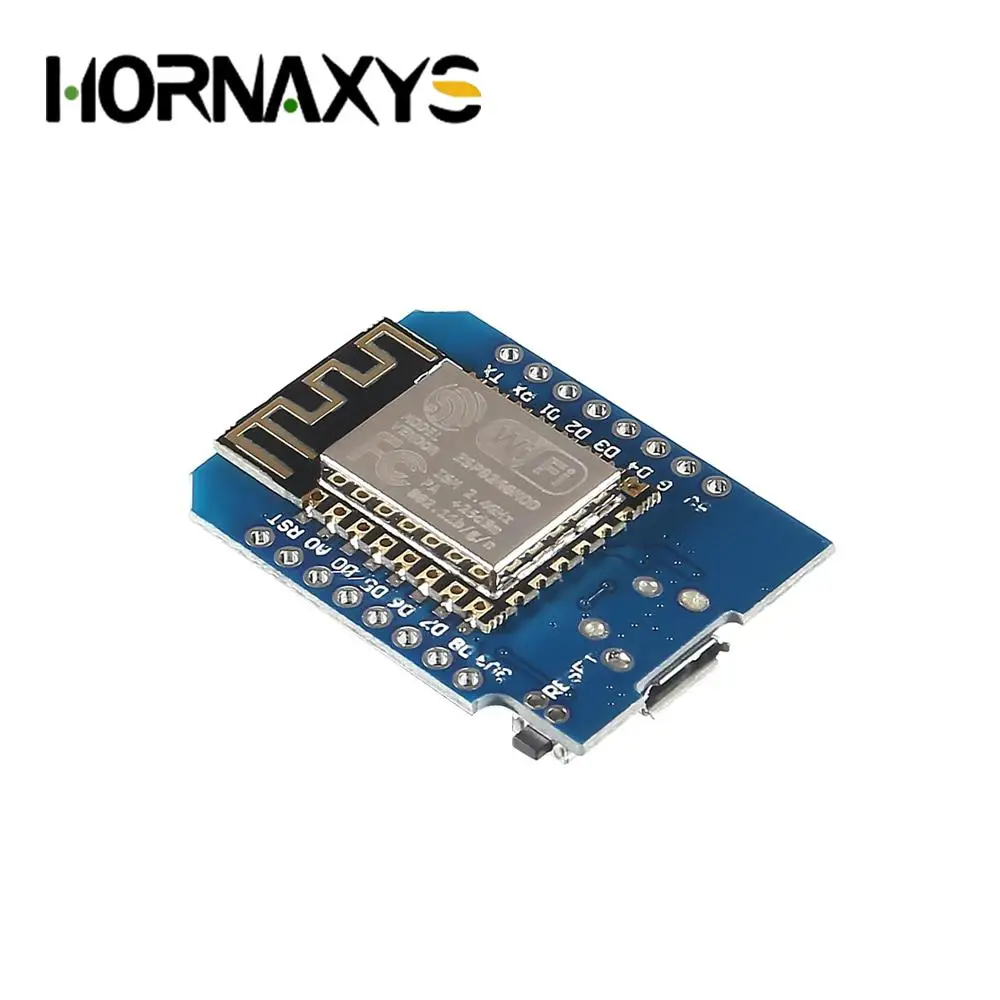
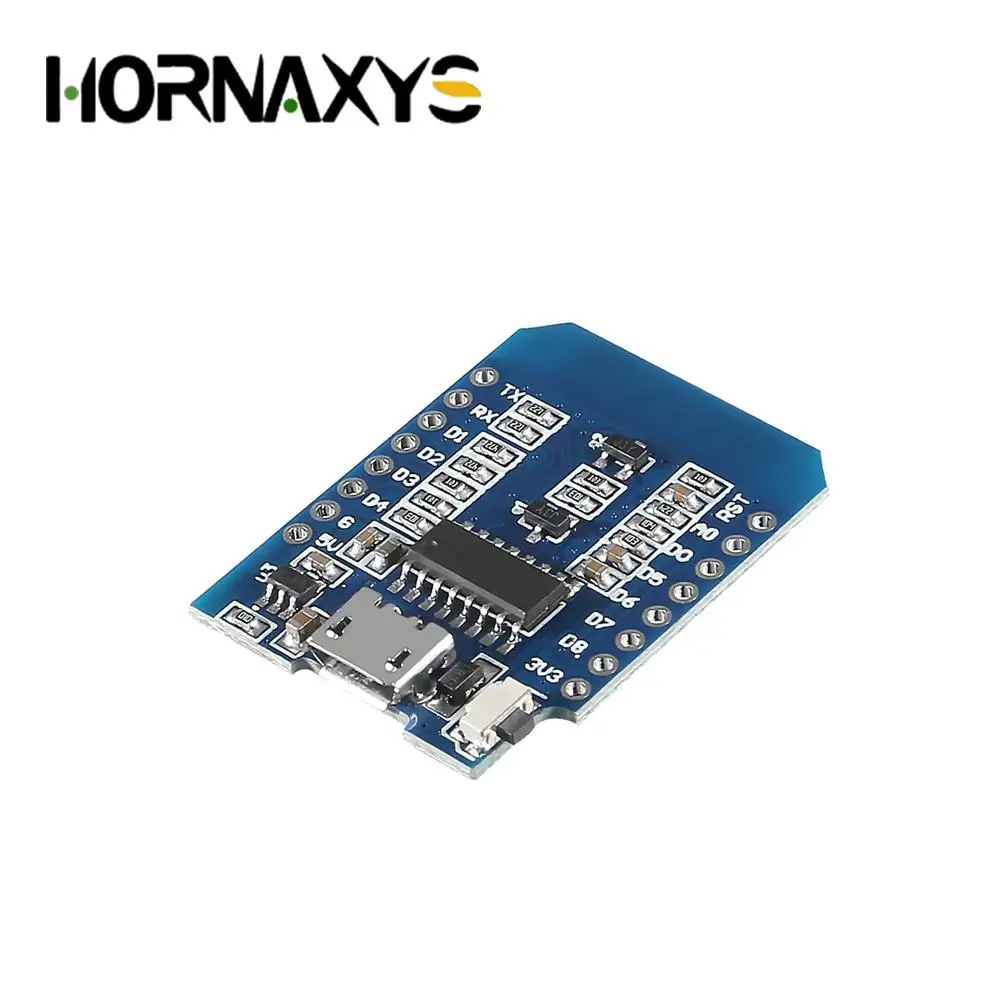
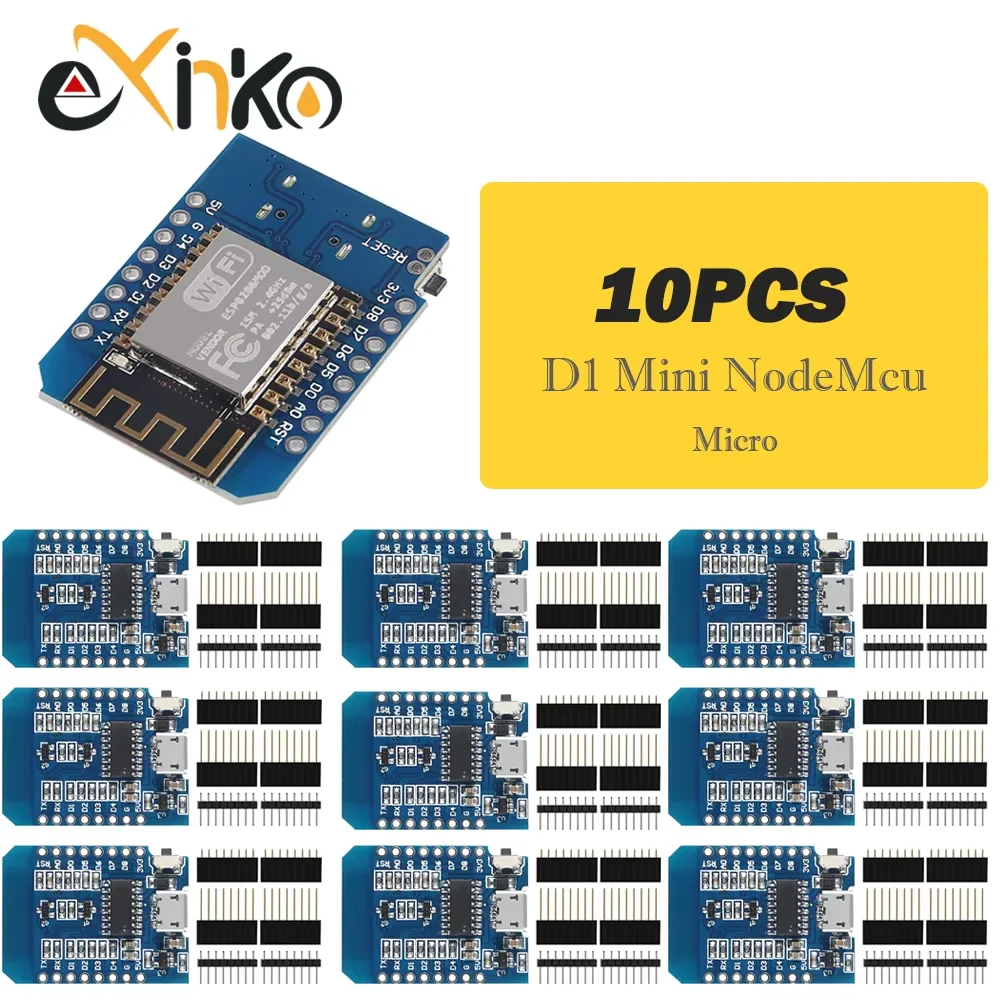
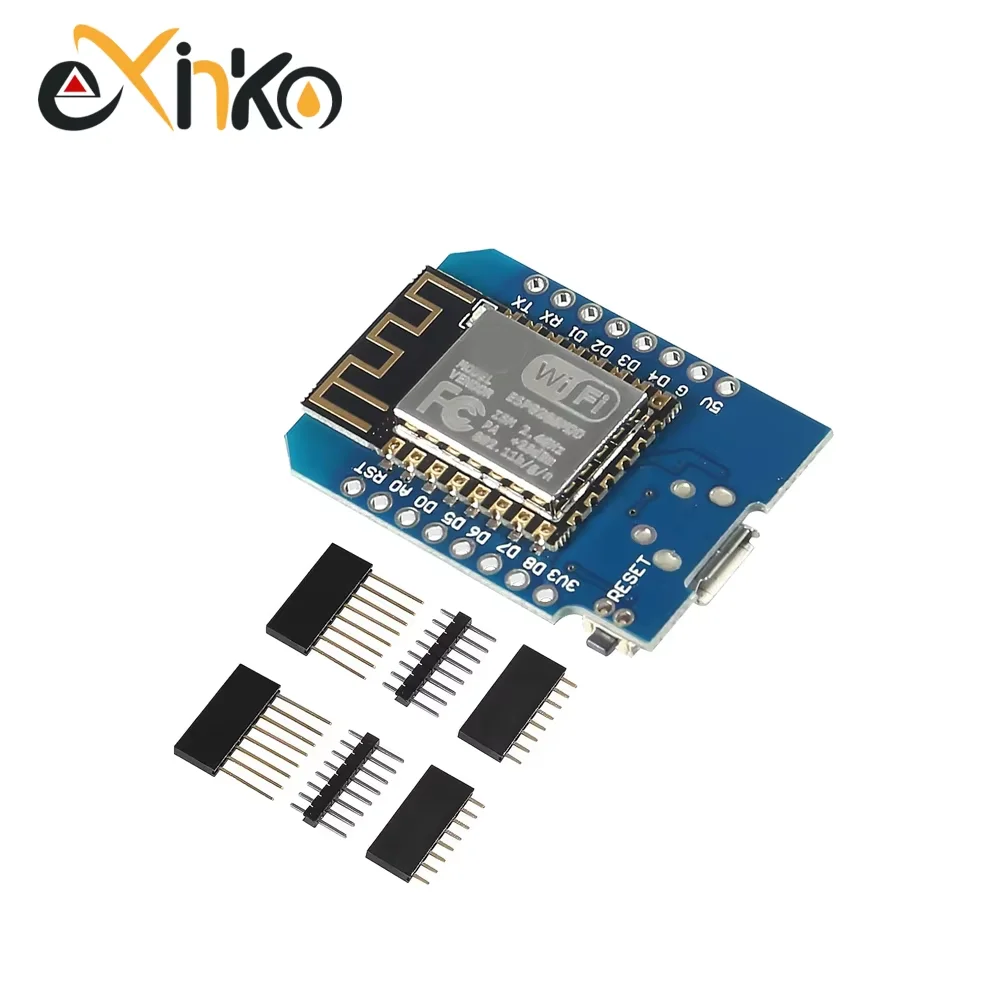
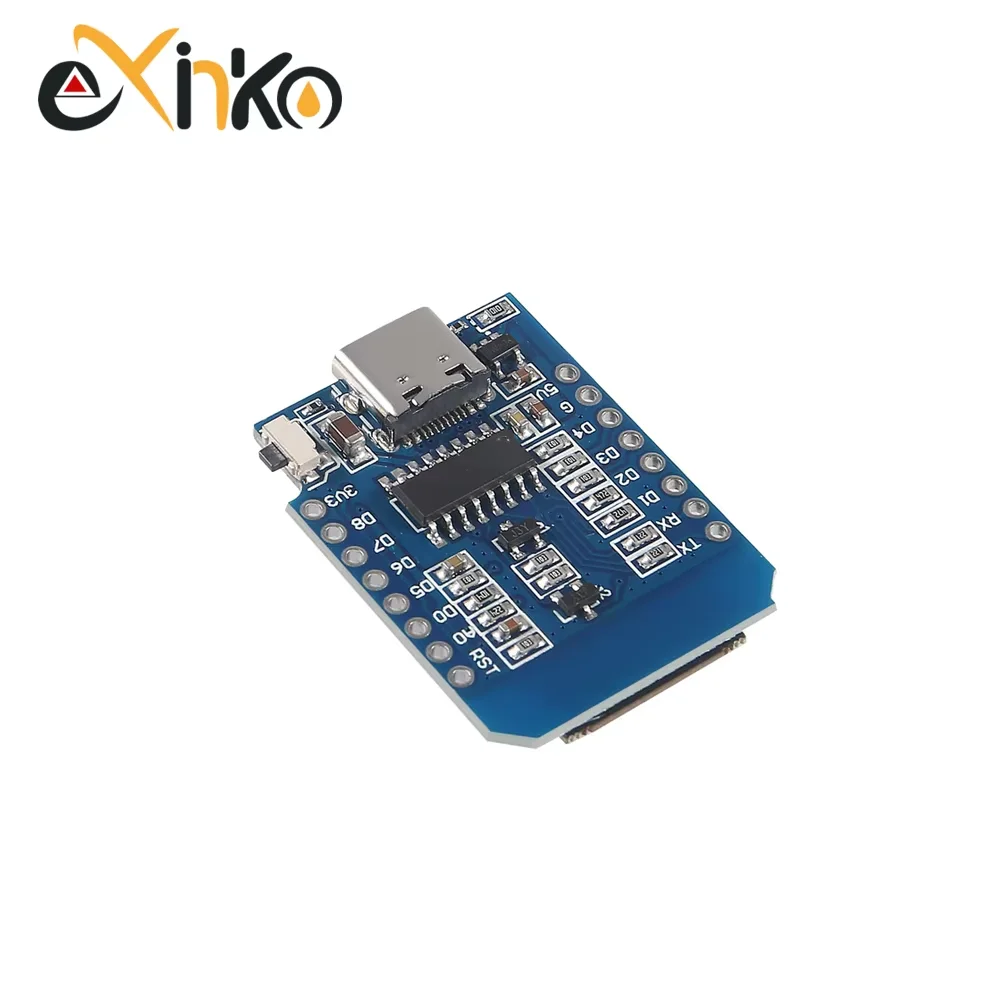
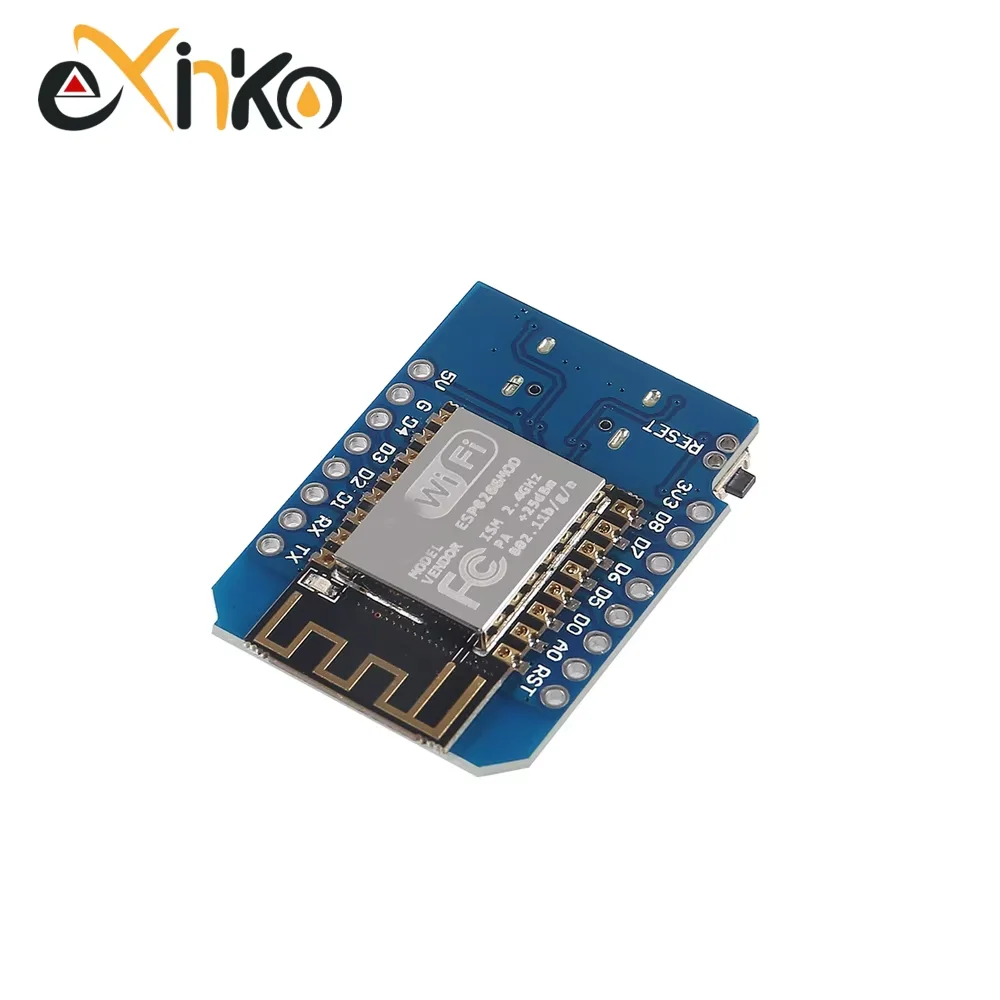
1-10PCS WeMos D1 Mini ESP8266 ESP-12F ESP12 Module WiFi Development Board TYPE-C Micro USB 3.3V Digital Pin For Arduino
Feature:
1. Introduction:The WiFi Development Board is D1 mini, which is a mini NodeMcu Lua WiFi board based on ESP-8266EX.
2. Compatible with WeMos D1 Mini:The D1 Mini NodeMcu Lua 4M byte WLAN WiFi Internet WiFi Development Board is based on the ESP8266 ESP-12F for Arduino and is compatible with WeMos D1 Mini. It can be programmed in an Arduino IDE compatible environment.
3. 11 Digital Input/Output Pins:The Expansion Board has 11 digital input/output pins, all of which have interrupts/PWM/I2C/support for 1 wire (excluding D0); 1 analog input (maximum 3.2V input). Micro USB connection; Compatible with Arduino; 1MB flash memory; 500mA resettable fuse.
4. Switching Power Supply:The Internet Development Board has a 4M byte. 5V 1A switching power supply (switching power supply) onboard.
5. 2 Options:The WiFi Development Board has Micro and Type-C
This is D1 mini, it is a mini WIFI board based on ESP-8266EX.
11 digital input/output pins, all pins have interrupt/pwm/I2C/one-wire
supported(except D0)
1 analog input(3.3V max input)
a Micro USB connection
How to get started in :
Setup driver
Before you use miniD1 boards, you need setup CH340g driver.
Python
On Windows you need install Python 2.7.10.
On Linux & MAC OSX, you don't need install it, comes preinstalled with OS.
Installing Hardware package
There is two ways to install hardware package, Boards Manager or GIT
Installing with Boards Manager
Starting with 1.6.4,for Arduino allows installation of third-party platform packages using
Boards Manager. We have packages available for Windows, Mac OS, and Linux (32 and
64 bit).
1 . Install for Arduino 1.6.7 from the for Arduino website.
2 . Start for Arduino and open Preferences window.
3
into Additional Boards Manager URLs field. You can add multiple URLs, separating them
with commas.
4 . Open Tools→Board:xxx→Boards Manager and install esp8266 by ESP8266
Community (and don't forget to select your ESP8266 board from Tools Board menu
after installation).
Installing with GIT (Recommend):
We recommend using GIT to install Hardware package,
you can always get the latest version of it.